

Low rankings in WordPress usually come from a stack of smaller issues, not one missing plugin. If you want better SEO results, focus first on crawlability, page targeting, internal links, site speed, and content quality before you spend time tweaking plugin score meters.
That is the real value of SEO for WordPress. The platform gives you a solid base, but rankings improve when the setup is clean, the pages answer specific searches, and the site makes it easy for Google and users to move through your content. If you need a second set of eyes, WordPress SEO Expert can help identify what is actually holding the site back.
Start with the right WordPress SEO priorities
The fastest wins usually come from fixing what blocks performance across the whole site. Before rewriting every page, make sure search engines can crawl your content, your titles are specific, your site structure is clear, and your templates are not slowing everything down.
| Priority | What to check first | Why it matters |
|---|---|---|
| 1 | Indexing settings, robots rules, and sitemap health | If pages cannot be crawled or indexed, content quality will not matter |
| 2 | Title tags, H1s, and page targeting | Pages need a clear topic and a clear search intent match |
| 3 | Internal links and site structure | Strong linking helps Google discover and understand important pages |
| 4 | Core Web Vitals and mobile speed | Slow templates weaken user experience and can hold back performance |
| 5 | Content depth and duplication | Thin or overlapping pages split relevance and confuse rankings |
If you are launching a new site, review this WordPress SEO checklist for new websites before you publish. It catches the defaults that often create ranking problems later.
Make sure WordPress is indexable

Many WordPress SEO problems start with settings, not content. A site can look fine on the front end while quietly telling search engines to stay out, or generating duplicate archives and low-value URLs that waste crawl attention.
Check the Search Engine Visibility setting in WordPress, confirm your preferred domain version redirects properly, and review whether your SEO plugin is generating one clean XML sitemap. Google recommends making pages discoverable through crawlable links and giving search engines access to important resources they need to understand the page, which is why blocked files, weak navigation, and broken internal links cause problems early.
If your rankings are already stuck, a structured WordPress SEO audit helps separate indexing problems from content problems so you do not fix the wrong thing first.
Write titles and descriptions for real searches
Good SEO titles in WordPress are clear, specific, and unique to the page. Google explains that title links can come from the page title, headings, and other prominent text, so vague or repetitive titles make it harder to send a strong topic signal.
Weak title: SEO Services | SEO Company | SEO Expert.
Stronger title: WordPress SEO Services for Small Businesses.
Meta descriptions do not work like a ranking lever on their own, but they still matter for click-through rate. Google may use your meta description as the search snippet when it is a helpful summary, so each important page should have a specific description that matches search intent instead of generic boilerplate repeated across the site.
Choose one clean SEO plugin setup
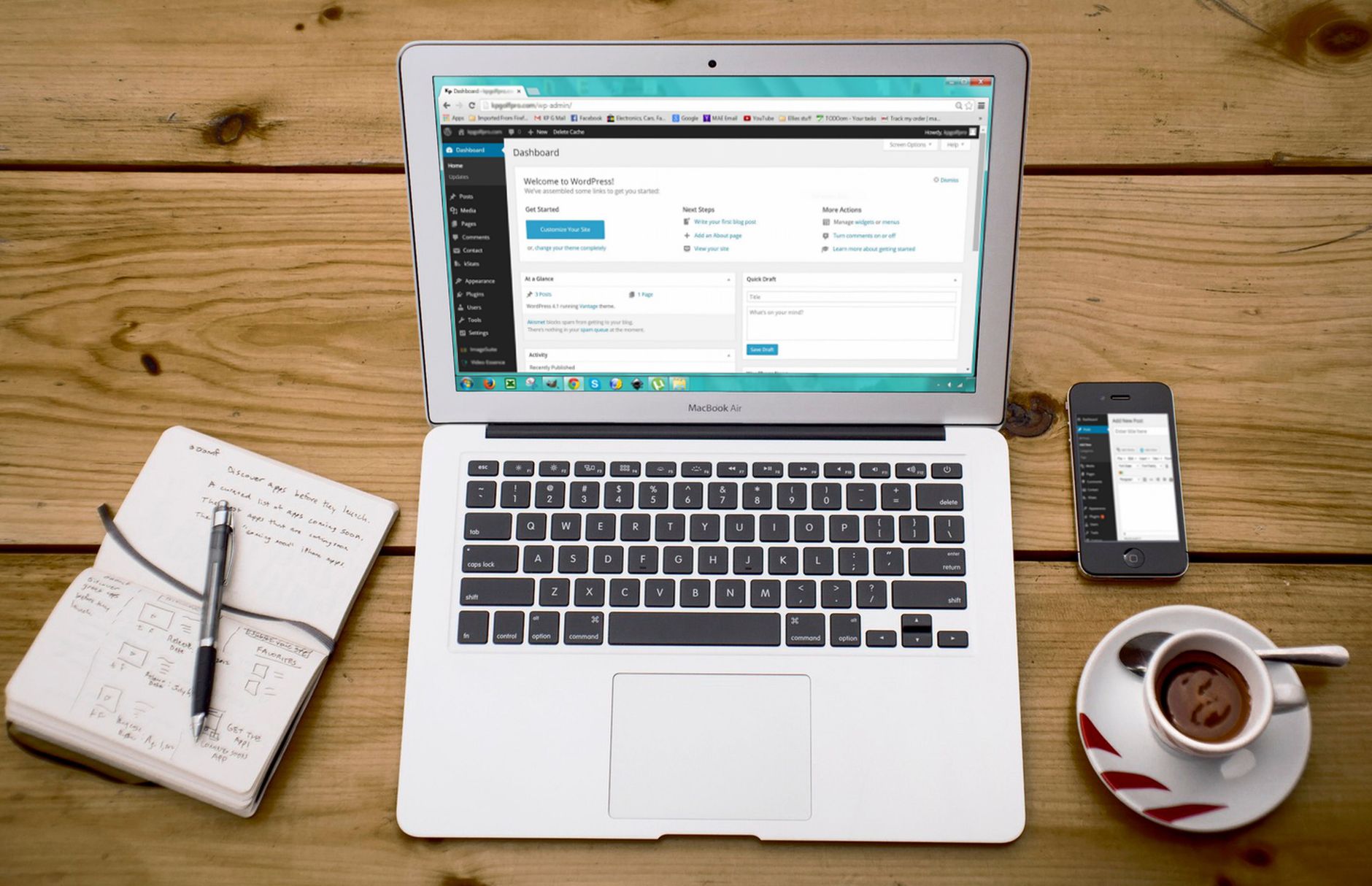
There is no single best SEO plugin for WordPress in every case, but there is usually a best simple setup for your site. The biggest mistake is stacking overlapping plugins that all touch titles, schema, redirects, sitemaps, and index settings at the same time.
Use one primary SEO plugin, keep its global settings consistent, and avoid installing extra tools unless they solve a specific problem your main plugin does not handle well. For a practical comparison, see this guide to the best SEO plugin for WordPress in 2026.
If you are experiencing plugin overlap, crawl issues, or mixed indexing signals, our team at WordPress SEO Expert can help.
Improve structure before publishing more content
Publishing more posts will not fix a weak structure. Most WordPress sites need tighter page targeting, fewer overlapping articles, stronger category relationships, and clearer links between service pages, supporting posts, and conversion pages.
Each important page should target one primary topic and closely related variations. Your internal links should connect supporting content back to the most valuable pages using natural anchor text. If every post points nowhere, Google has less context about which pages matter most.
A focused WordPress SEO strategy for small business usually outperforms a random publishing schedule because it builds topical support around the pages that actually drive leads.
Pay attention to Core Web Vitals, but do not chase perfection
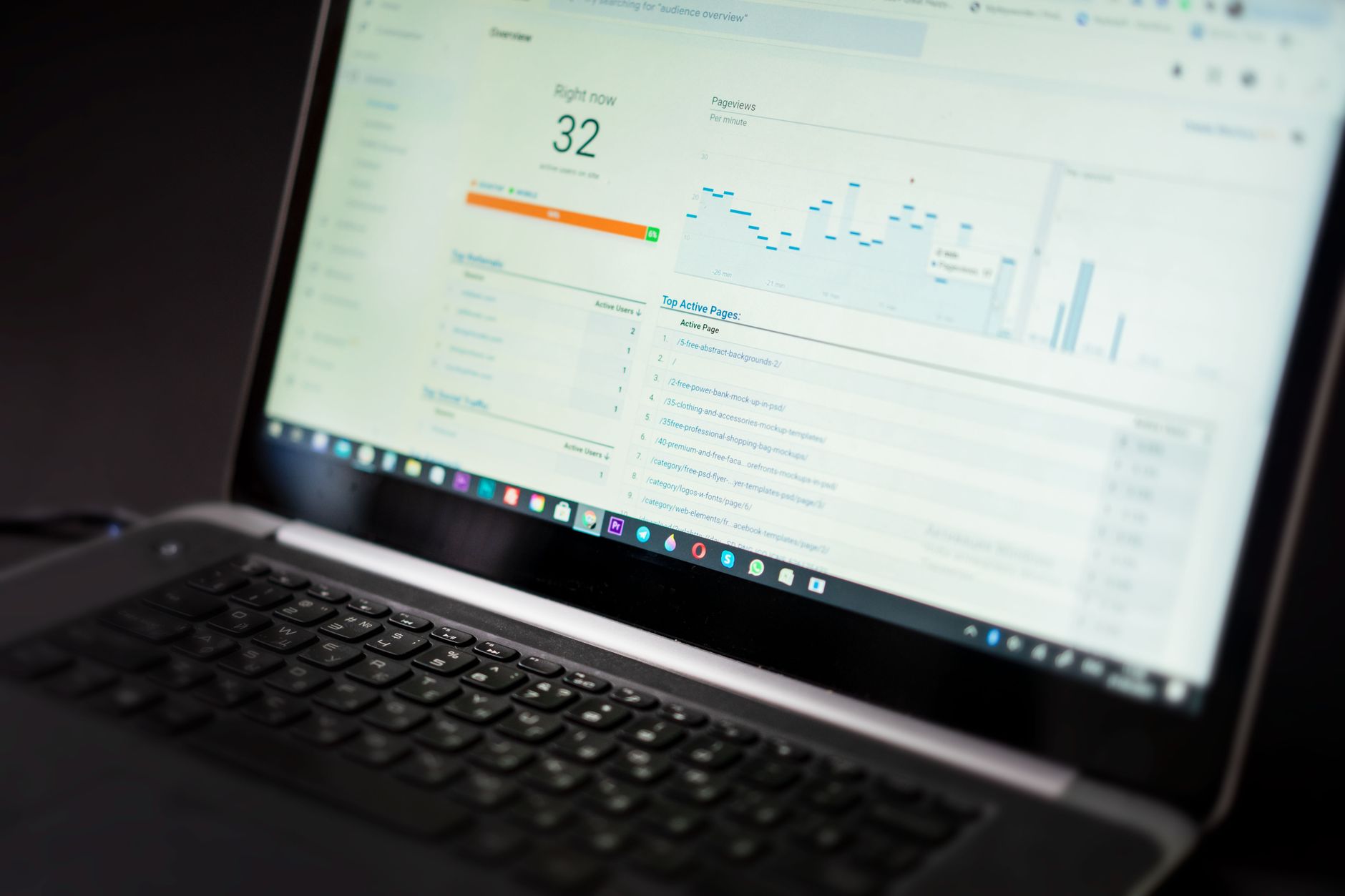
Site speed matters, but not every speed task deserves equal effort. Google says Core Web Vitals measure loading, responsiveness, and visual stability, with good targets of 2.5 seconds or less for Largest Contentful Paint, under 200 milliseconds for Interaction to Next Paint, and under 0.1 for Cumulative Layout Shift.
In WordPress, the biggest speed problems usually come from oversized images, bloated themes, too many scripts, sliders, video embeds above the fold, and low-quality hosting. Fix those before you obsess over tiny score changes in lab tools.
A practical stopping point is this: if key templates load well on mobile, the site feels fast to users, and your important URLs are passing core performance checks, you are usually better off moving on to content quality and internal linking than chasing a perfect synthetic score.
Use image SEO correctly
Image SEO is mostly about clarity and accessibility, not stuffing alt text with keywords. Google recommends descriptive filenames and useful alt text because those signals help search engines understand the image and the page it supports.
In practice, name images based on what they show, write alt text that describes the image in context, compress large uploads before or during upload, and avoid decorative stock images that add weight without helping the page. Product pages, location pages, and service pages benefit most when images support the page topic instead of acting as filler.
Know when content is the issue
Sometimes the technical setup is good enough and the real problem is that the page does not deserve to rank yet. Thin service pages, beginner articles covering the same topic as ten competitors, and posts that never answer the searcher directly usually underperform even on a technically sound WordPress site.
This is where content quality and keyword targeting need a harder look. Consolidate overlapping posts, improve weak pages instead of publishing near-duplicates, and make sure each page answers the search clearly in the opening section. If you want the broader framework, these WordPress SEO best practices for 2026 pair well with the technical fixes above.
What matters most in SEO for WordPress
The short answer is that SEO for WordPress works best when the site is crawlable, the pages are clearly targeted, the internal links support your priorities, and the user experience is fast and easy to navigate. Most sites do not need more tactics. They need fewer conflicts and a better order of operations.
If you have worked through these priorities and rankings are still flat, WordPress SEO Expert can help diagnose whether the bottleneck is technical, content-related, or competitive. Contact WordPress SEO Expert today to request a free SEO consultation.

















