

Low rankings usually come from a scattered plan, not one missing plugin. If your WordPress site is publishing regularly but traffic is flat, the issue is usually a stack of smaller problems: weak titles, thin internal linking, slow templates, and pages that do not clearly match search intent.
That is why the most useful WordPress SEO tips are the ones you can apply in order. WordPress SEO Expert recommends fixing crawl and on-page basics first, then improving structure, speed, and content depth. If you want a broader foundation before you start, review our WordPress SEO best practices and our WordPress SEO checklist for new websites.
Start With the Problems That Block Rankings
The first SEO wins usually come from fixing access and clarity problems, not from publishing more posts. If Google cannot easily understand your page, your content quality has less room to help.
Begin by checking whether your important pages are indexable, internally linked, and targeting one clear topic each. A service page that is buried in navigation, uses a vague title, and overlaps heavily with two blog posts will often underperform even if the writing is strong.
This is also where many site owners waste time. They chase plugin scores while ignoring the pages that already have impressions and are close to ranking better. Those are usually the fastest pages to improve.
7 WordPress SEO Tips Worth Fixing First
If you only have time for a short cleanup, work through these seven areas in order. This sequence keeps you focused on the fixes that usually move rankings faster.
| Priority | What to fix | Why it matters |
|---|---|---|
| 1 | Page titles and headings | They shape relevance and click-through |
| 2 | Internal linking | It helps Google discover and prioritize pages |
| 3 | Thin or overlapping content | It weakens topical clarity |
| 4 | Image size and page speed | It affects usability and page experience |
| 5 | Index bloat from archives or filters | It wastes crawl attention |
| 6 | One clean SEO plugin setup | It prevents conflicting signals |
| 7 | Category and site structure | It improves navigation and topic grouping |
1. Rewrite weak page titles before anything else
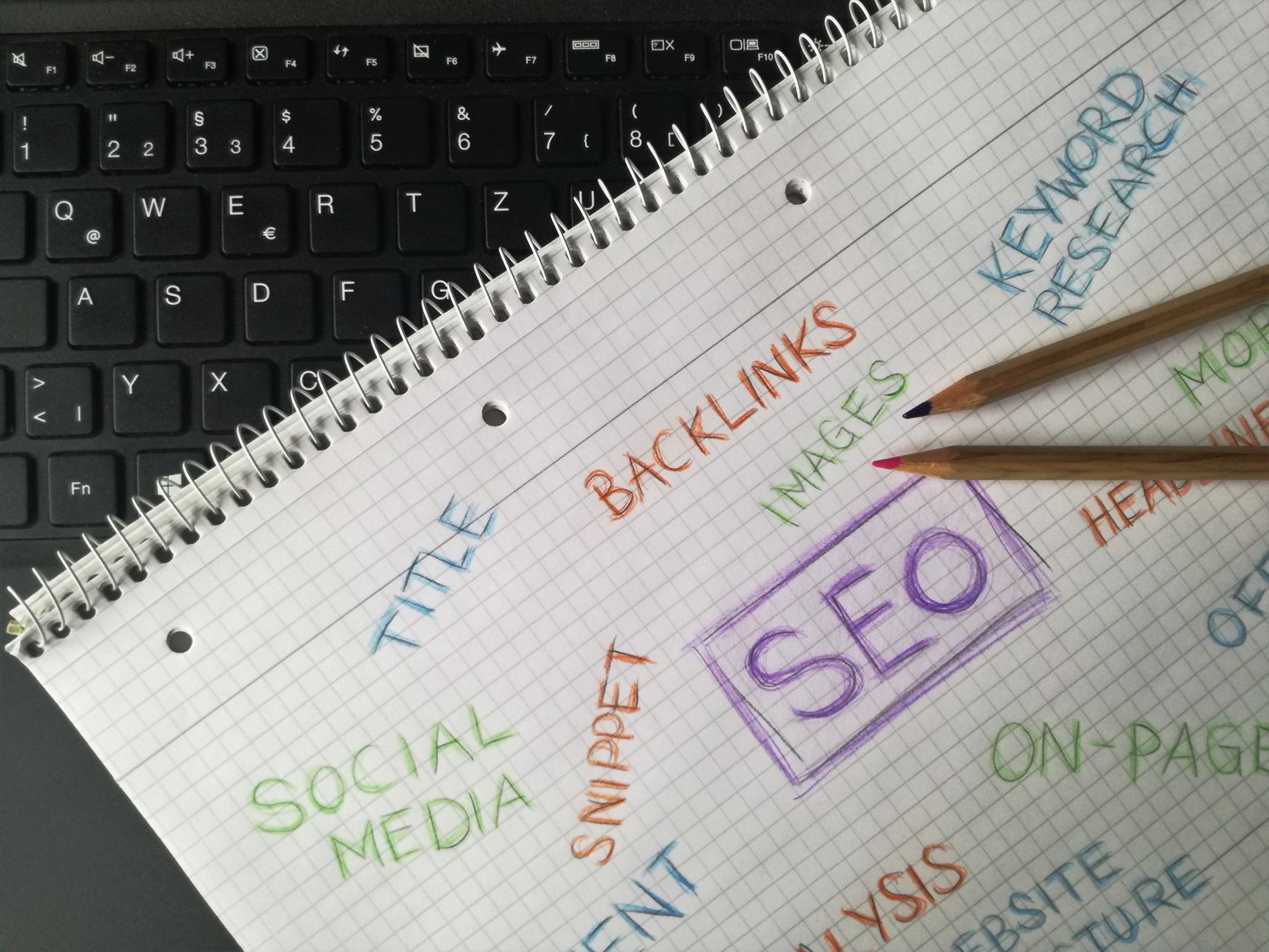
Your title tag is still one of the clearest signals you control. Google recommends descriptive, concise titles and specifically warns against keyword stuffing and repetitive boilerplate across pages.
Weak title: SEO Tips | SEO Services | SEO Expert
Stronger title: WordPress SEO Tips for Small Business Sites
Keep titles specific to the page. The homepage can include branding, but most inner pages perform better when the main topic leads and the brand sits at the end if needed. Google’s own guidance on title links is a good reference if you want the standard straight from the source.
2. Improve internal links with descriptive anchor text
Internal linking is one of the easiest ways to strengthen important pages without rewriting the whole site. Google explains that descriptive link text helps it understand the destination page and crawl your site more effectively.
Link from broad informational posts to service pages, from high-traffic pages to pages that need support, and from related articles to deeper explanations. Use natural anchor text that tells the reader what they will get. Google’s guidance on crawlable links and anchor text is clear on this point.
If you are cleaning up older content, add links to relevant support pages instead of publishing another near-duplicate article. That often produces a stronger result than adding more low-value posts.
3. Merge or expand thin content

Most sites do not have a content shortage. They have too many short pages covering the same idea from slightly different angles. That creates weak topical signals and spreads authority too thin.
Look for posts that target nearly identical keywords, answer the same question, or rank nowhere despite being indexed for months. In many cases, one stronger page will outperform three thin ones. Keep the best URL, fold useful sections into it, and redirect the weaker versions if appropriate.
4. Fix large images and heavy templates
Speed matters most when it removes obvious friction. Huge hero images, autoplay media, heavy sliders, and script-heavy page builders often create bigger problems than the server itself.
Resize images before upload, use WebP or AVIF where practical, and test key templates separately. A fast blog post does not mean your homepage or WooCommerce category pages are fast. If your site was redesigned recently, compare old and new templates to see where extra scripts were introduced.
5. Cut index bloat from low-value pages
Archive pages, tag pages, filtered URLs, attachment pages, and internal search results can quietly flood the index with weak pages. That makes it harder for Google to focus on the URLs that actually matter.
Review what should be indexable and what should not. For many small business WordPress sites, keeping core pages, useful posts, and selected categories indexable is enough. Extra archives should be evaluated carefully instead of left on by default.
6. Use one SEO plugin well
There is no single best SEO plugin for WordPress, but there is a best setup for your site. What usually fails is not the plugin choice. It is overlapping plugins, half-configured settings, and conflicting canonicals or schema output.
Pick one primary SEO plugin and configure the basics first: titles, meta descriptions, XML sitemap behavior, archive indexing rules, and social defaults. A simpler setup is easier to audit and much less likely to create technical noise later.
7. Organize content into a cleaner structure
Site structure should feel predictable. Users and search engines should be able to move from a broad topic to a specific page without dead ends, duplicate paths, or unnecessary archive layers.
For most WordPress sites, that means fewer tags, clearer categories, stronger parent pages, and better contextual links between related topics. If your blog and service pages feel disconnected, rankings often stall because the site never builds clear topical relationships.
If you want a second set of eyes before changing settings, WordPress SEO Expert can help you sort technical issues from content issues and prioritize the fixes that matter first.
Do Not Let Meta Descriptions Turn Into Filler
Meta descriptions are not where rankings are won, but they do help shape clicks when they match the searcher’s intent. Google says it may use the meta description when it gives a more accurate summary than the visible page text.
Write descriptions that summarize the page clearly and make the next step obvious. Avoid repeating the title, stuffing keywords, or using the same sentence across dozens of pages. Google’s documentation on snippets and meta descriptions is worth reviewing if your search listings look generic.
What Usually Does Not Work Anymore
Most underperforming WordPress sites are not missing one advanced tactic. They are stuck because time is going into low-return work.
That includes obsessing over plugin checklists, publishing multiple weak posts around the same keyword, adding every schema type available, and stuffing titles with repeated variations. Google’s people-first content guidance and Search Essentials both point back to clarity, usefulness, and avoiding manipulative patterns.
A Practical Way to Apply These Tips This Week
The fastest way to make these tips useful is to apply them to pages that already matter. Do not start with your entire site. Start with five pages that already get impressions, inquiries, or product views.
For each page, check the title, main heading, internal links pointing in, content overlap, image weight, and whether the page clearly answers one search intent. That small review usually reveals why rankings are stuck more quickly than a broad, unfocused site audit.
If you have worked through these fixes and your rankings are still flat, WordPress SEO Expert can help identify whether the bottleneck is technical, structural, or competitive. Book a free SEO consultation and we will help you build a shorter, clearer action plan.

















