
SEO tips only matter if they change the numbers that actually move your site forward. The right way to measure WordPress SEO performance is to track search visibility, clicks, click-through rate, rankings in context, page-level engagement, and conversions in one simple review process instead of chasing plugin scores.
Most site owners do not have one catastrophic SEO problem. They have a stack of smaller issues, then no measurement system to tell them which fix helped. That is why pages get rewritten, plugins get changed, and rankings still feel stuck. A clearer process starts with Google Search Console, then uses page speed and analytics data to explain what is really happening.
Start with the metrics that matter
The fastest way to get lost is to measure everything equally. Start with four core search metrics in Google Search Console: clicks, impressions, average CTR, and average position. Google’s own documentation uses those as the primary performance signals in the Search results Performance report, which makes them the best baseline for most WordPress sites.
Clicks show how many visits you earned from Google Search. Impressions show how often your pages appeared. CTR shows how often searchers chose your result. Average position helps you spot trends, but it should never be read in isolation because it changes by query, device, and page type. For a broader planning framework, see our WordPress SEO strategy for small business guide.
| Metric | What it tells you | What to do if it is weak |
|---|---|---|
| Clicks | Whether Google Search is sending actual traffic | Improve rankings, snippets, or intent match |
| Impressions | Whether Google is showing your pages at all | Expand keyword coverage or improve indexing |
| CTR | Whether searchers choose your listing | Rewrite title tags and meta descriptions |
| Average position | Where your strongest result tends to appear | Strengthen page quality, links, and topical fit |
Use Search Console before you trust plugin scores

SEO plugin checkmarks are not performance metrics. Google Search Console is. Google explains that the Performance report shows clicks, impressions, CTR, and average position for your property over a selected time period, and that is far more useful than a green light from a plugin field.
Review your data at both the query and page level. Query data helps you see what people searched for. Page data shows which URLs are winning or slipping. Be careful with averages: Google also notes that property-level and page-level numbers are aggregated differently, so totals can look different depending on the view you use.
A simple monthly review process
A monthly review is enough for many small business sites. Check your top pages, rising queries, falling queries, pages with high impressions and low CTR, and pages that gained impressions without gaining clicks. That pattern usually means Google understands the topic, but your snippet or search intent match is weak.
If you want a second set of eyes before changing titles, templates, or plugin settings, WordPress SEO Expert can help you sort signal from noise and prioritize the fixes that deserve attention first.
Measure SEO tips by page, not by the whole site
Sitewide averages hide what actually changed. The cleanest way to measure a WordPress SEO tip is to apply one change to one important page or page group, then compare the before and after numbers over a consistent date range. That gives you a much better read than watching the homepage alone.
For example, if you rewrite title tags on three service pages, compare impressions, clicks, and CTR for those exact URLs before and after the update. If clicks rise while impressions stay similar, the title rewrite likely helped. If impressions rise but CTR falls, the page may be appearing for broader but less relevant queries.
What to compare after each SEO change
Each change should have an expected outcome. Internal linking should improve discovery and help key pages gain impressions or position. Title tag rewrites should affect CTR first. Content updates may improve impressions, clicks, and ranking spread over time. Technical fixes often improve crawl efficiency, indexing, or usability before they change rankings.
This is also why isolated testing matters. If you change your copy, switch plugins, compress images, and redesign the layout in the same week, you will not know what produced the result. Our post on how to improve WordPress site speed for SEO shows the same principle: measure one fix at a time so the signal stays clear.
Track organic traffic and conversions in analytics
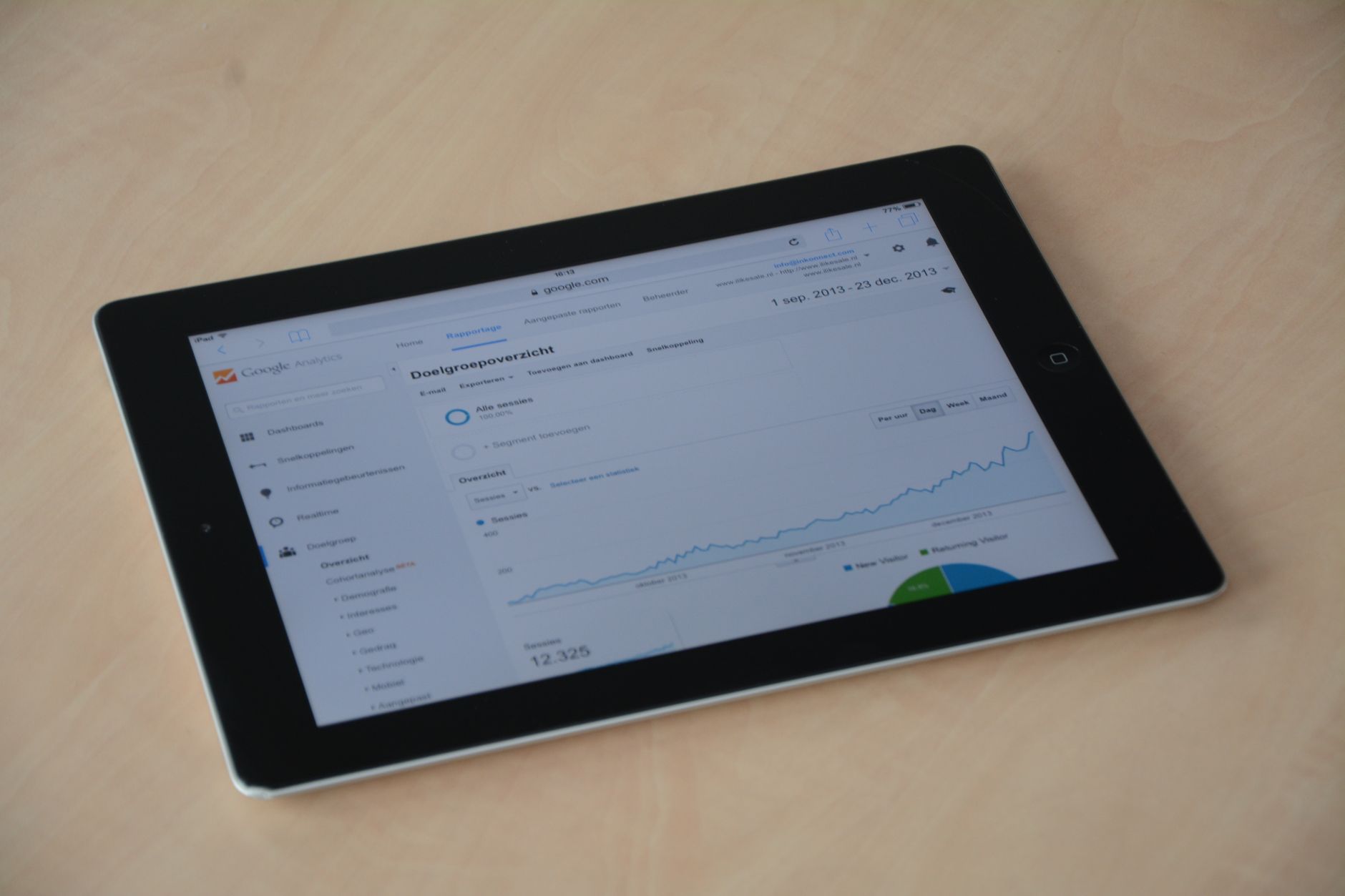
Search Console shows how you perform in Google Search, but it does not show the full business outcome on your site. Pair it with analytics so you can measure organic sessions, engaged visits, form submissions, calls, purchases, or other conversions that matter to your business.
In Google Analytics 4, organic search traffic appears in acquisition reporting, where source and medium dimensions help you separate organic traffic from paid, referral, or direct visits. That matters because better rankings are only useful if the traffic is qualified enough to take action.
| SEO tip | Primary metric to watch | Secondary metric to confirm impact |
|---|---|---|
| Title tag rewrite | CTR | Clicks |
| Content refresh | Impressions | Clicks and conversions |
| Internal linking update | Impressions for linked pages | Average position |
| Speed optimization | Core Web Vitals | Engagement and conversion rate |
| Technical cleanup | Indexing and page visibility | Organic landing page growth |
Check Core Web Vitals, but keep them in context
Speed and usability should be measured, but they are not a substitute for relevance. Google’s documentation for PageSpeed Insights explains that it uses both lab data and real-world Chrome UX Report data, while Core Web Vitals focus on LCP, CLS, and INP. Those metrics help you understand user experience, not just scores in a testing tool.
If a page loads slowly, measure whether the issue is visible in PageSpeed Insights, Core Web Vitals reports, and user behavior on the page. A performance improvement that reduces friction can support SEO, but it will not rescue a page that targets the wrong query or fails to answer the searcher’s question.
Use a before-and-after measurement template
The easiest way to stay consistent is to log each SEO change before you make the next one. Record the page, the exact change, the date, the baseline metrics, and the review date. This keeps your process practical and prevents the common mistake of declaring a win or loss too early.
| Page | Change made | Baseline metrics | Review after |
|---|---|---|---|
| Service page | Rewrote title and meta description | Clicks, impressions, CTR, position | 28 days |
| Blog post | Expanded content and added internal links | Impressions, clicks, conversions | 30 to 45 days |
| Homepage | Improved speed and image compression | Core Web Vitals, engagement | 14 to 30 days |
Common mistakes when measuring WordPress SEO
Most measurement mistakes come from reading the wrong signal. The most common ones are checking rankings without clicks, checking traffic without conversions, reacting to one-week fluctuations, and measuring sitewide averages when only one page changed. Those habits make SEO feel random even when the pattern is visible.
Another mistake is expecting every SEO tip to work on the same timeline. A title update may show movement quickly. A content refresh can take longer. A technical fix may need recrawling and reprocessing before you see the benefit. Good measurement is patient, page-specific, and tied to a clear hypothesis.
What good SEO performance usually looks like
Good performance is not one universal number. It looks like steady improvement in the pages that matter most: more qualified clicks, better visibility for the right queries, stronger CTR on high-impression pages, and more leads or sales from organic traffic. Those are the signals that prove your SEO tips are helping.
If you are seeing more impressions but no clicks, or more traffic but no leads, the problem is usually not “SEO” in the abstract. It is usually a mismatch between the page, the snippet, and the searcher’s intent. That is the point where WordPress SEO Expert can help you diagnose what is actually holding performance back.
Final takeaway
The best way to measure WordPress SEO performance is to keep the system simple. Use Search Console for clicks, impressions, CTR, and position. Use analytics for organic traffic and conversions. Use Core Web Vitals to monitor experience. Then compare changes at the page level so you can tell which SEO tips are worth repeating.
Contact WordPress SEO Expert today to schedule a consultation if you want help building a practical SEO measurement process around your WordPress site. We can help you identify which pages, fixes, and reports deserve your attention first.

















