
Low rankings usually come from a scattered plan, not one missing plugin. WordPress SEO for beginners works best when you fix the basics first: indexing, titles, content structure, internal links, images, and speed. If you try to do everything at once, you usually end up chasing plugin scores instead of improving pages that can actually rank.
WordPress gives you a solid starting point, but it does not make every SEO decision for you. Google recommends clear, descriptive titles and useful content, while WordPress includes search-friendly features like clean permalinks and a built-in XML sitemap on many installations. The real job is choosing the right settings and avoiding common beginner mistakes.
If you want a broader setup walkthrough first, see our WordPress SEO for Beginners guide. If you are launching a new site and want to avoid basic indexing mistakes, review our WordPress SEO checklist for new websites before you publish anything important.
Start with indexing before anything else

The first SEO check is simple: make sure search engines are allowed to index your site. A well-written page cannot rank if WordPress or another setting is blocking crawlers.
In WordPress, go to Settings, then Reading, and confirm the search engine visibility option is not discouraging indexing. This is one of the most common beginner problems, especially after redesigns, staging-site migrations, or rushed launches. If the wrong box is checked, everything else on your SEO checklist becomes secondary.
Use clean permalinks and leave them alone
Readable URLs help users and search engines understand page topics quickly. For most beginners, the Post name permalink setting is the simplest and safest option.
Short URLs are easier to maintain, easier to share, and less likely to create confusion later. Keep slugs focused on the page topic, remove filler words where possible, and avoid changing URLs repeatedly once pages are live. If you do change a URL, add a proper redirect so you do not create broken links or lose page equity.
Write titles for humans, not plugin scores
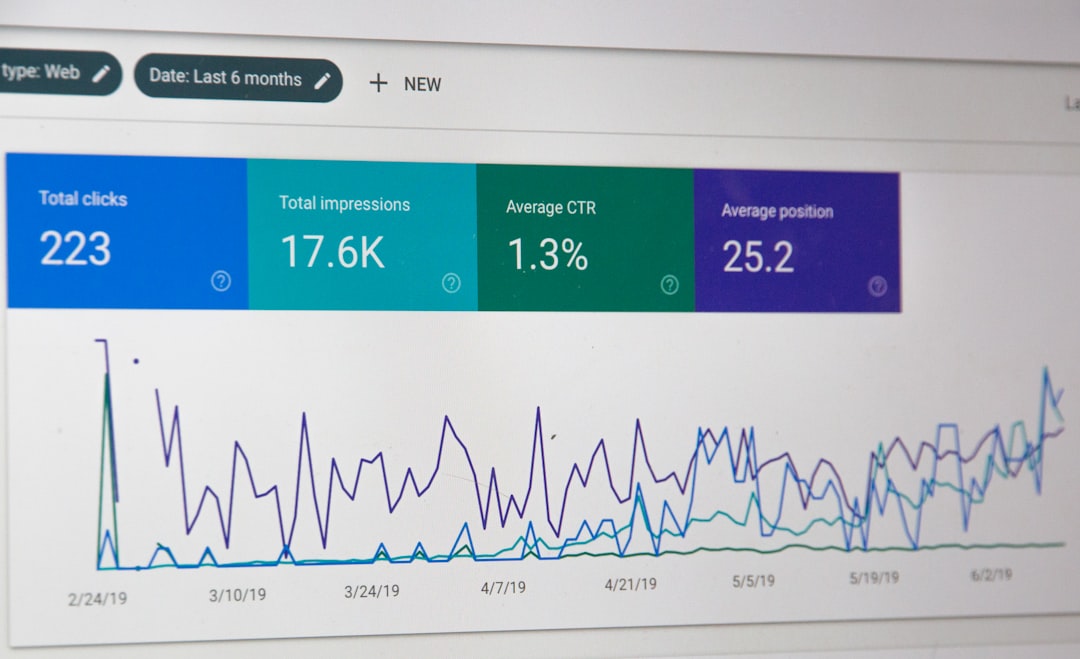
Your page title is one of the clearest signals you control. Google advises site owners to write descriptive, concise titles and avoid keyword stuffing or repetitive boilerplate across pages.
A weak title usually sounds generic or stuffed. A stronger title tells the searcher exactly what the page covers. For example, a vague title like SEO Tips | SEO Help | SEO Basics gives very little clarity. A more useful title like WordPress SEO Tips for Beginners explains the topic immediately. Each important page should have its own title that matches its actual content.
Meta descriptions do not act like a direct ranking boost, but they can improve click-through when they summarize the page clearly. Write them like short ad copy: say what the page answers, keep the wording natural, and avoid reusing the same description on every page.
Focus each page on one main search intent
Beginners often weaken pages by trying to cover too many goals at once. One page should usually answer one main question or solve one main problem well.
If a page is about beginner WordPress SEO, keep it centered on setup priorities, common mistakes, and first-step fixes. Do not turn the same page into a deep technical audit, a WooCommerce troubleshooting guide, and a plugin comparison all at once. Clear focus makes the page easier to structure, easier to read, and easier for search engines to understand.
Build internal links on purpose
Internal links help search engines discover related pages and understand how your topics connect. They also help visitors move from basic guides to more specific tutorials or services.
Do not treat internal linking as an afterthought. Add links where they genuinely help the reader take the next step. For example, if someone is learning the basics and then needs a deeper setup explanation, linking to a relevant tutorial makes sense. If a launch checklist matters to the topic, link to it where the reader is likely to need it. This is far more useful than dumping random links into a footer or sidebar.
If you are working through a redesign, migration, or cleanup, WordPress SEO Expert can help. We often find that pages are not failing because of one major issue, but because several small issues are compounding at the same time.
Keep image SEO simple and consistent
Image optimization for beginners is mostly about clarity and page speed. Google recommends descriptive filenames and alt text, and it uses alt text together with page context to better understand images.
That means your alt text should describe the image naturally instead of stuffing keywords into every upload. A descriptive phrase is enough. Rename files before uploading when practical, compress oversized images, and avoid loading massive visuals where smaller versions would do the job just as well. These habits improve both usability and technical performance.
Use one SEO plugin, not several
Most beginners should use one SEO plugin because it makes titles, meta descriptions, canonicals, and sitemap settings easier to manage. The key word is one.
Installing multiple SEO plugins usually creates overlap, conflicting tags, and unnecessary confusion. Pick one plugin, configure the essentials, and then spend your time improving content and site structure. There is no single best SEO plugin for WordPress in every case, but there is almost never a good reason to stack several of them together.
Speed matters, but perfection is not the goal
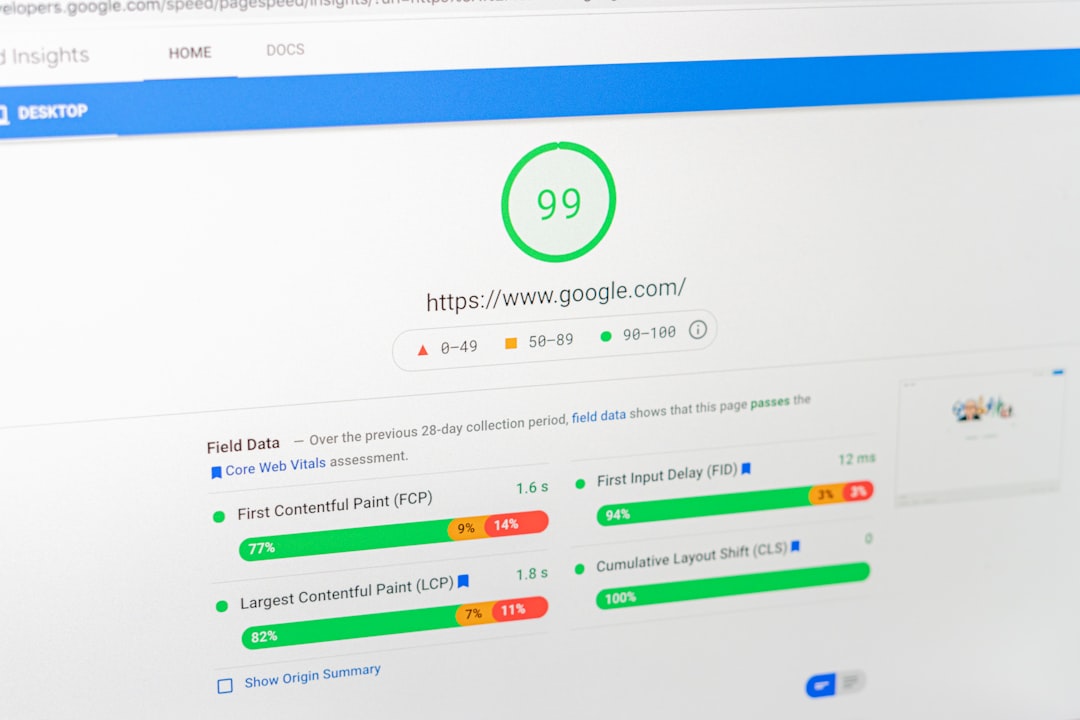
Fast pages support better user experience and stronger technical foundations. Google treats Core Web Vitals as part of page experience, but good scores alone do not guarantee top rankings.
This is where many beginners waste time. You do want lighter images, fewer unnecessary plugins, stable mobile layouts, and solid caching. You do not need to obsess over hitting a perfect test score before publishing a useful page. In most cases, reducing obvious bloat and improving major loading issues will take you much further than endless micro-tuning.
A beginner checklist you can actually follow
If you only have an hour to improve your site, work through the basics in order. This keeps you from spending time on advanced features before the core setup is stable.
| Area | What to check first | Why it matters |
|---|---|---|
| Indexing | Make sure search engines are not blocked | A blocked site cannot rank |
| Permalinks | Use short, readable URLs | Clear URLs are easier to understand and maintain |
| Titles | Write one unique title per page | Helps searchers and Google understand the topic |
| Content | Match one page to one main intent | Improves relevance and clarity |
| Internal links | Link related pages naturally in the body | Helps discovery and topic flow |
| Images | Compress files and add descriptive alt text | Supports speed and accessibility |
| Speed | Remove obvious bloat and heavy assets | Improves usability and page experience |
Common beginner mistakes to avoid
Most beginner SEO problems are not advanced problems. They usually come from scattered priorities, weak page focus, or settings that were never reviewed properly.
Watch for these mistakes: leaving indexing blocked after launch, copying the same title format onto every page, publishing thin pages with little purpose, ignoring internal links, stuffing keywords into headings, and treating plugin recommendations like a final scorecard. None of these issues looks dramatic on its own, but together they can keep a WordPress site stuck.
Final takeaway
WordPress SEO tips for beginners do not need to be complicated. Start with the fixes that remove friction first: indexing, URLs, titles, content structure, internal links, images, and speed. Once those basics are in place, every new page has a better chance to perform.
If you want a second set of eyes before changing settings or rewriting pages, WordPress SEO Expert can help you figure out what is actually holding the site back. Request a free WordPress SEO audit or book a free SEO consultation with WordPress SEO Expert and we will help you prioritize the highest-impact fixes first.

















