
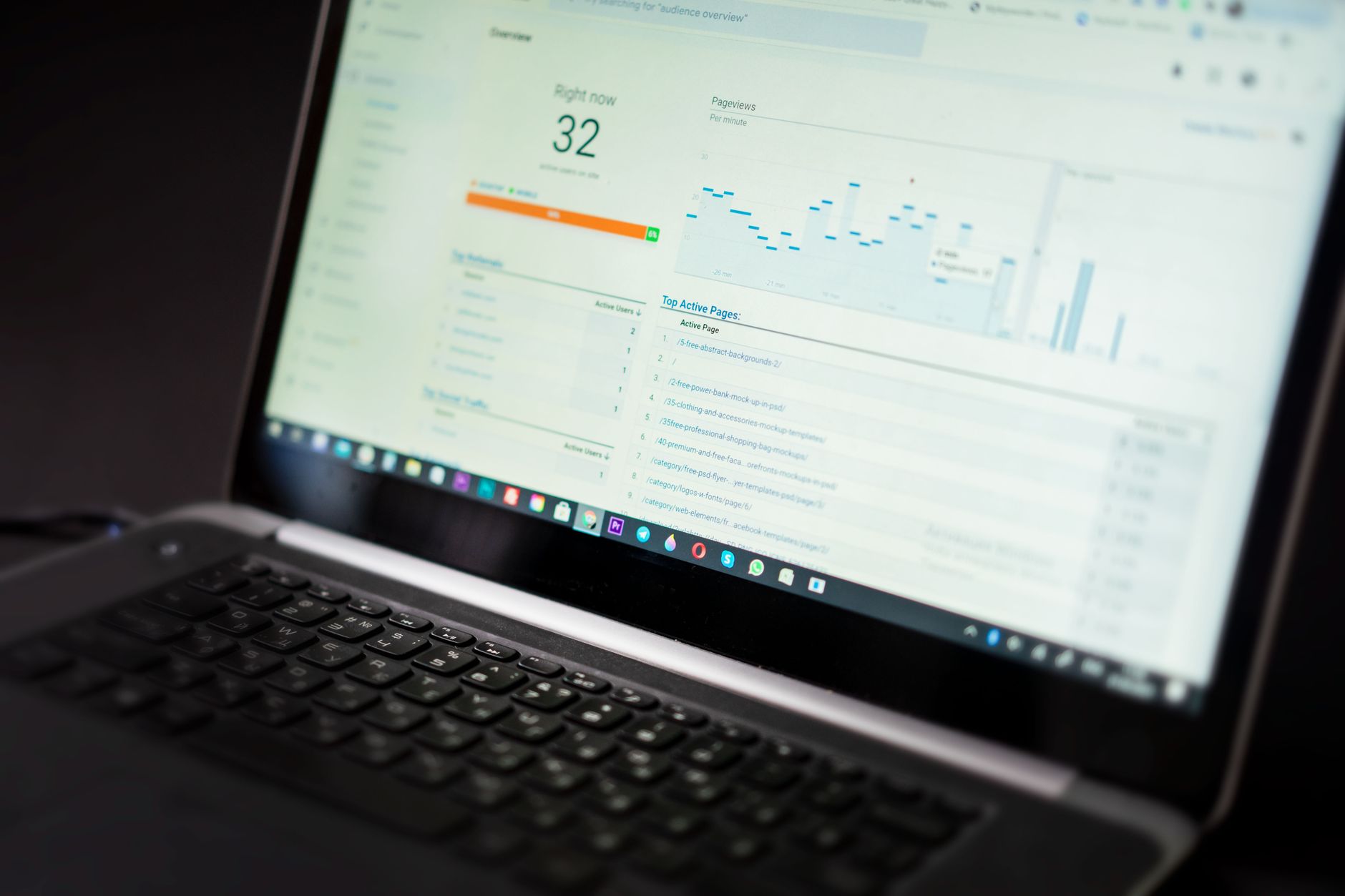
Existing WordPress sites usually do not need a full rebuild. They need a structured cleanup. If rankings are flat, the cause is usually a stack of smaller issues: weak page targeting, thin internal links, conflicting plugin settings, index bloat, and slow templates. This WordPress SEO guide for existing websites shows what to check first, what to ignore for now, and how to build momentum without starting over.
Most site owners have already published pages, installed an SEO plugin, and tried a few fixes. The problem is not effort. The problem is that the work happened in the wrong order. Before you chase new content or backlinks, review the basics that decide whether search engines can crawl, understand, and trust the pages you already have.
Start with diagnosis, not more publishing
The fastest SEO gains on an existing site usually come from fixing what is already underperforming. Publishing more posts on top of crawl issues, title problems, or weak internal links usually creates more clutter instead of better rankings.
Begin by reviewing your top service pages, category pages, and blog posts that should already be bringing traffic. If important pages are not ranking, work backward: can Google crawl them, are they clearly targeted, and do other pages on the site support them with relevant internal links? If you need a fuller process, our guide on how to audit WordPress SEO walks through the same diagnostic sequence in more detail.
The priority order for existing WordPress SEO
Work in sequence. Technical access comes first, then page targeting, then internal linking, then speed and authority. This order matters because improving content on a page that is poorly indexed or weakly linked usually produces little movement.
| Area | What to check first | Why it matters |
|---|---|---|
| Indexing | Noindex tags, robots settings, sitemap conflicts | Pages cannot rank if search engines cannot index them |
| Page targeting | Title tags, H1s, keyword focus, search intent match | Google needs a clear topic signal for each page |
| Internal linking | Links from relevant pages to priority pages | Internal links help search engines understand page importance |
| Content quality | Thin sections, overlap, outdated copy | Weak or duplicated pages compete with each other |
| Performance | Heavy images, script bloat, poor mobile experience | Slow templates drag down usability and crawl efficiency |
Check indexing problems before anything else

Indexing problems are the highest-priority issue because they block every other SEO improvement. A page with perfect copy and strong links still will not rank if it is noindexed, canonicalized incorrectly, or excluded from the main crawl path.
Open a few important pages and inspect the page source. Look for a noindex directive, a canonical tag pointing somewhere unexpected, and duplicate meta output from multiple SEO plugins. Existing WordPress sites often carry technical leftovers from redesigns, plugin switches, or developer handoffs. This is especially common on sites that have grown gradually instead of being rebuilt cleanly.
If the site recently launched or migrated, compare your setup against a pre-launch style checklist as well. Our post on WordPress SEO checklist for new websites covers many of the same indexing and sitemap checks that still cause trouble on older sites.
What to verify on priority pages
Review the homepage, primary service pages, key category pages, and your best blog posts first. You do not need to audit every URL before taking action. Start where rankings and revenue should already be happening.
Check whether each page is indexable, whether it has a self-referencing canonical tag, whether the URL is included in your active XML sitemap, and whether the page is linked from other relevant pages. On many existing sites, the issue is not one dramatic failure. It is a quiet pileup of mixed signals.
Give each important page one clear job
Existing sites often underperform because multiple pages target the same phrase, or one page tries to rank for five different intents at once. The fix is not more keywords. The fix is cleaner targeting.
Assign one primary topic to each important URL. A service page should target a service. A location page should target that service in that place. A blog post should answer one specific question. When pages blur together, Google has to guess which one matters, and rankings tend to stall across all of them.
This is where many websites benefit from simplifying their strategy. If you want the broader planning framework, see our WordPress SEO strategy for small business for a practical way to map pages to business goals.
Weak vs stronger page targeting
Weak targeting usually sounds broad, repetitive, or generic. Stronger targeting names the actual service, audience, or problem being solved.
Weak title: SEO Services | SEO Company | SEO Expert
Stronger title: WordPress SEO Services for Small Businesses
Weak blog topic: SEO Tips
Stronger blog topic: How to Fix WordPress SEO Problems After a Redesign
Fix internal linking before writing more articles

Internal linking is one of the most overlooked fixes on existing websites because it feels too simple. In practice, it is often the difference between isolated pages and a site that clearly shows Google which URLs matter most.
Look for pages that mention your core services, locations, or common problems but never link to the page that should rank for that topic. Then add descriptive anchor text naturally inside the body copy. A scattered blog can become much more useful when older posts actively support core pages instead of sitting alone in the archive.
If you are not sure where to begin, start with pages that already have some authority or traffic. Add links from those pages to commercial URLs you want to strengthen. You can also review examples in our post on how to optimize WordPress SEO, which covers the basics of improving structure without overcomplicating the setup.
Clean up content overlap and thin pages
Many older WordPress sites have too many similar posts, tag archives, thin service pages, or outdated drafts that still shape crawl behavior. The goal is not to make the site smaller at any cost. The goal is to remove confusion.
Merge overlapping posts when two or three URLs target the same topic with only slight wording differences. Expand thin pages that should rank but do not yet answer the search clearly. Noindex low-value archives if they add no standalone value. Existing sites tend to collect SEO clutter slowly, which is why rankings can flatten even when publishing continues.
Do not let speed issues pile onto SEO problems

Speed is rarely the only reason rankings are stuck, but it often compounds other weaknesses. A slow, heavy page with weak targeting and poor internal links gives you three problems instead of one.
Check your most important templates first, especially the homepage, top service pages, and major blog layouts. Common issues on existing WordPress sites include oversized images, page builders loading unnecessary scripts, and too many plugins trying to solve the same problem. If performance is a known issue, our guide on how to improve WordPress site speed for SEO breaks down specific fixes in a practical order.
What usually deserves attention first
Start with large images, caching, unused plugins, and mobile layout issues. Those fixes usually produce more value than endlessly adjusting plugin settings or chasing perfect test scores. Most businesses do not need a perfect speed score. They need a site that loads cleanly, feels stable on mobile, and does not bury key pages under technical friction.
A practical workflow for existing websites
The best SEO workflow for an existing site is short, focused, and repeatable. You are not trying to fix everything in one weekend. You are trying to remove the biggest blockers first, then measure what changes.
| Step | Action | Outcome |
|---|---|---|
| 1 | Audit top pages for indexing and canonical issues | Search engines can access the right URLs |
| 2 | Map one primary target to each key page | Pages stop competing with each other |
| 3 | Add internal links from relevant existing pages | Priority pages gain stronger site support |
| 4 | Consolidate thin or overlapping content | Crawl waste and topic confusion decrease |
| 5 | Improve template speed and mobile usability | User experience and technical quality improve |
If you are working through these steps and still cannot tell what is actually holding the site back, WordPress SEO Expert can help. A focused review usually reveals whether the problem is technical, structural, content-related, or competitive before you spend more time on the wrong fix.
When an existing site needs expert help
Some SEO issues are straightforward. Others involve migrations, WooCommerce duplication, major traffic drops, or years of layered plugin changes. In those cases, guessing can create more damage than progress.
If your site lost traffic after a redesign, if important pages refuse to index, or if rankings have stayed flat despite regular publishing, bring in a second set of eyes. WordPress SEO Expert can review the current setup, prioritize the highest-impact fixes, and help you avoid another round of random changes that do not move rankings.
Request a free WordPress SEO audit if you want to know exactly what to fix first. Contact WordPress SEO Expert today to schedule a consultation and get a practical plan for your existing website.

















