

Low rankings usually come from a scattered setup, not one missing plugin. If you want better Google visibility from a WordPress site, start with the basics Google actually uses to understand pages: crawlable links, descriptive titles, useful content, internal links, and a clean technical foundation. That is the core of a practical WordPress SEO plan.
There is no single switch that makes WordPress rank. Most sites that stay stuck have a stack of smaller issues: overlapping pages, weak title tags, thin service content, slow templates, poor internal linking, or settings that accidentally block indexing. If you want a second set of eyes before changing anything, review our WordPress SEO strategy for small business guide and our WordPress site speed fixes for SEO article.
What matters most for WordPress SEO in Google
The short answer is this: Google needs to crawl your pages, understand what each page is about, and see that the page helps the searcher better than competing results. WordPress can support that well, but only if your setup is simple, focused, and consistent.
Google’s own documentation emphasizes helpful, reliable, people-first content, along with descriptive page titles, headings, alt text, and crawlable links. That means plugin scores are not the goal. Clear page purpose is the goal. Each important page should target one main topic, answer the next logical questions, and make the next action obvious.
Start with this priority order
If your WordPress SEO feels messy, do not try to fix everything at once. Work from indexing and structure first, then move to on-page improvements, then performance and refinement. That order prevents you from polishing pages Google cannot properly crawl or understand.
| Priority | What to check | Why it matters |
|---|---|---|
| 1 | Indexing settings, robots rules, sitemap | Blocked or hidden pages cannot rank |
| 2 | Site structure and internal links | Helps Google find and understand important pages |
| 3 | Titles, H1s, meta descriptions, page copy | Improves relevance and click potential |
| 4 | Content quality and search intent match | Prevents thin pages that never compete |
| 5 | Speed, mobile usability, plugin cleanup | Supports user experience and technical health |
1. Make sure Google can crawl and index the site

Before changing titles or writing more blog posts, confirm that your important pages are actually available to Google. This sounds basic, but it is one of the most common WordPress SEO problems after redesigns, migrations, and plugin changes.
Check that your site is not set to discourage search engines under Settings and Reading. Review your robots rules, make sure your important pages are linked from other findable pages, and confirm your XML sitemap is active through your SEO plugin or another clean sitemap setup. Google recommends crawlable anchor links and says a sitemap can help Googlebot crawl your site more intelligently. If a page is orphaned or blocked, no amount of keyword work will save it.
What to fix first
Focus on your homepage, service pages, category pages, and key blog posts first. Those are usually the pages with the clearest business value. Make sure each one is linked from navigation, the homepage, or relevant supporting pages. If important URLs are buried four or five clicks deep, bring them closer to the main structure.
2. Clean up site structure before publishing more content
Most underperforming WordPress sites do not need more pages right away. They need a clearer hierarchy. A simple structure helps both visitors and Google understand which pages are most important and how topics relate to each other.
Your homepage should point to core services or product categories. Those pages should link to relevant subpages, case studies, FAQs, or supporting blog content. Descriptive anchor text helps Google understand the destination page, so avoid vague navigation and generic links where a clearer phrase would do the job better.
This is also where duplication becomes a problem. If you have three thin pages targeting nearly the same phrase, consolidate them into one stronger page. One useful page usually outperforms several weak variations competing with each other.
3. Fix titles, headings, and snippets on core pages
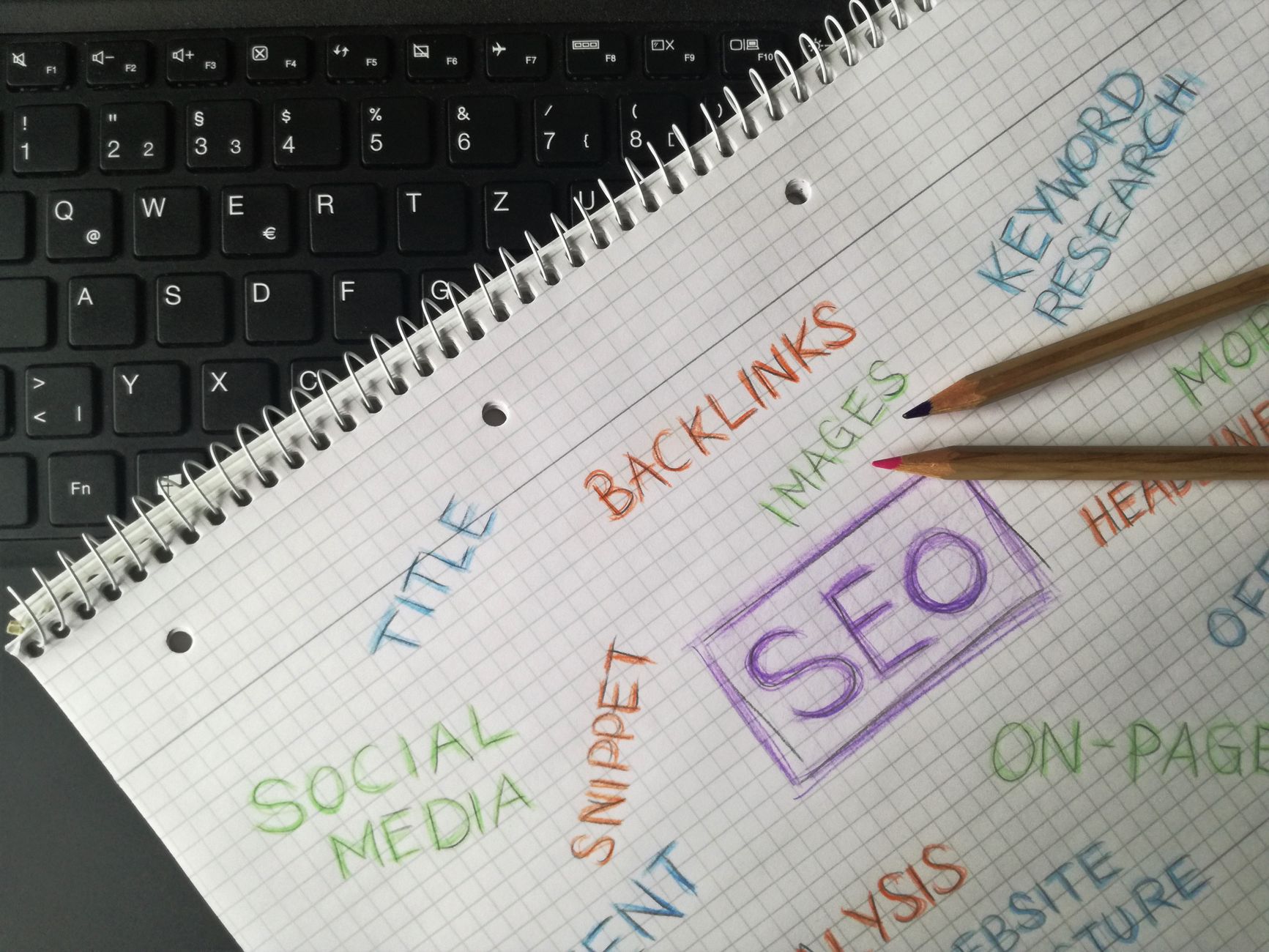
Titles and headings still matter because they help Google and searchers understand the page immediately. The goal is not to cram in variations. The goal is to write clear, descriptive titles that match what the page actually delivers.
Google advises using descriptive title text and says unique titles and meta descriptions help show how pages are relevant to users. In practice, that means every key page should have one focused title, one clear H1, and a meta description that accurately previews the page instead of repeating boilerplate across the site.
Weak vs stronger examples
Weak title: SEO Services | SEO Company | SEO Expert
Stronger title: WordPress SEO Services for Small Businesses
Weak H1: Welcome
Stronger H1: WordPress SEO Services That Fix Ranking Bottlenecks
Keep titles concise, relevant, and aligned with intent. If the page is about one service, the title should sound like that service, not a bundle of keywords pasted together.
4. Match each page to one real search intent
Pages rank better when their purpose is obvious. A service page should sell and explain the service. A blog post should answer a specific question. A category page should help users compare options and move toward a purchase. Confused pages usually produce confused rankings.
Start by assigning one primary topic to each important page. Then ask whether the page fully satisfies the likely visitor. Does it explain what you do, who it is for, what happens next, and why someone should trust you? Google’s people-first content guidance pushes in exactly this direction: content should help the user, not just exist to capture traffic.
If your page gets impressions but few clicks, the issue may be the title or snippet. If it gets clicks but no conversions, the issue is often the page experience or message clarity. If it barely gets impressions at all, the issue is often structure, targeting, or competition.
5. Strengthen on-page SEO without chasing plugin scores
On-page SEO works best when it supports a genuinely useful page. Do the basics well, then stop. You do not need to hit a perfect plugin score for a page to perform.
For each core page, check the URL slug, title tag, H1, subheadings, opening paragraph, internal links, image alt text, and call to action. Google specifically notes that words people use to search should appear in prominent locations such as the title, main heading, alt text, and link text. That is a relevance signal, not a density formula.
Add supporting details that make the page more complete: process, timeline, pricing approach, industries served, examples, and common objections. Most site owners do not have one catastrophic issue. They have pages that feel unfinished.
6. Keep the technical setup clean
Technical SEO on WordPress does not need to be complicated, but it does need to be tidy. Too many plugins, conflicting SEO settings, weak redirects, and bloated templates can quietly limit results even when the content is solid.
Use one primary SEO plugin, not several overlapping tools. Review canonicals, redirects, sitemap output, archive behavior, and noindex settings. Make sure category, tag, author, and attachment pages are handled intentionally rather than left to create thin or duplicate indexable pages.
Speed also matters, but it is not the first thing to check if your structure and targeting are broken. Once the fundamentals are in place, work through image compression, caching, script cleanup, and mobile performance. For a practical breakdown, see our guide to improving WordPress site speed for SEO.
7. Use internal links to support the pages that matter
Internal linking is one of the simplest SEO improvements because it is fully under your control. It helps Google discover pages, understand relationships between topics, and identify which pages on your site carry more weight.
Link from blog posts to service pages, from service pages to relevant supporting resources, and from high-traffic pages to pages that need more visibility. The anchor text should describe the destination naturally. If you are building a plan from scratch, our small business WordPress SEO strategy article shows how to map supporting content to key revenue pages.
If you are experiencing these issues, our team at WordPress SEO Expert can help. We focus on practical WordPress SEO fixes, not vague checklists or plugin theater.
8. Measure what is improving and what is still stuck
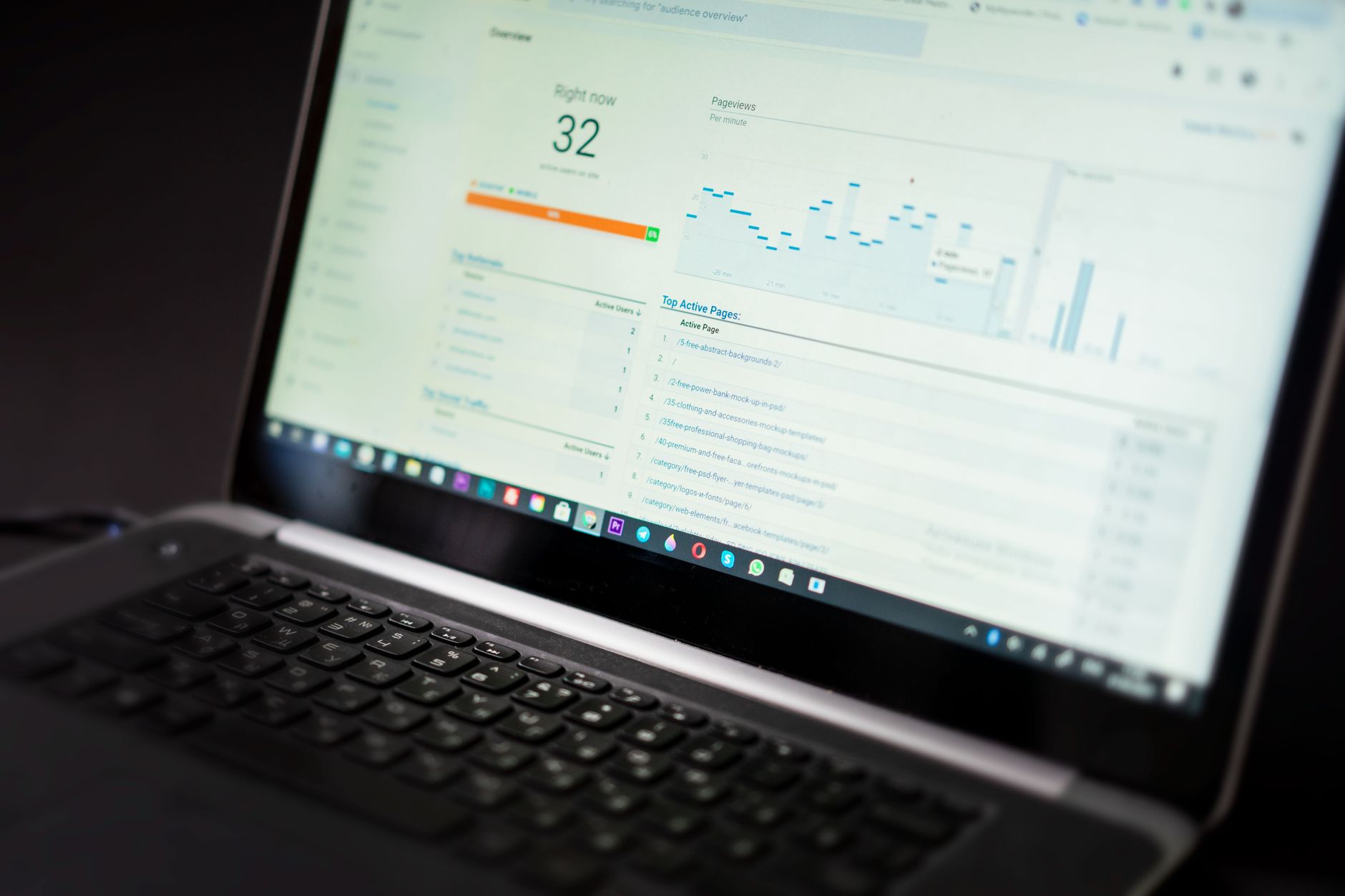
SEO gets easier when you stop guessing. Google Search Console gives you the clearest view of how Google already sees your site, which pages earn impressions, and where click-through rates may be weak.
Review impressions, clicks, average position, and the queries attached to your most important pages. Rising impressions with flat clicks usually point to snippet or intent issues. Strong rankings on the wrong query usually point to a page that is not tightly focused. Use that data to decide what to update first instead of rewriting everything.
A practical WordPress SEO checklist for Google
If you only have time for one pass through the site, use this checklist in order. It covers the fixes most likely to improve a WordPress site that has decent content but weak visibility.
| Area | What to check | Fix first? |
|---|---|---|
| Indexing | Search engine visibility setting, robots rules, sitemap | Yes |
| Architecture | Main pages reachable within a few clicks | Yes |
| On-page | Unique title, H1, useful intro, clear CTA | Yes |
| Content | Matches one search intent and answers real questions | Yes |
| Internal links | Links between related pages using descriptive anchors | Yes |
| Speed | Images, caching, script bloat, mobile layout | After fundamentals |
| Plugins | Remove overlapping SEO or performance tools | After fundamentals |
Final takeaway
WordPress SEO for Google does not need to be complicated, but it does need to be prioritized. Start with crawlability, structure, page targeting, and on-page clarity. Then improve internal linking and technical performance. That sequence solves the issues that hold most sites back.
If you want a realistic action plan instead of generic advice, WordPress SEO Expert can review your site and show you what to fix first. Contact WordPress SEO Expert today to schedule a consultation.

















