

WordPress SEO questions usually pile up when rankings stall and every plugin says something different. The fastest way to make progress is to answer the right questions in the right order: what affects crawling, what affects indexing, what affects rankings, and what is mostly noise.
This page answers the WordPress SEO questions we hear most often from site owners, developers, and WooCommerce teams. The focus is practical: what matters, what to ignore, and what to fix first if your site is underperforming.
What matters most for WordPress SEO?
The biggest WordPress SEO gains usually come from basics that were never fully configured, not from one magic plugin or a hidden trick. Most underperforming sites have a stack of smaller issues: weak internal linking, poor title tags, slow templates, index bloat, and thin page targeting.
If you are not sure where the real bottleneck is, start with a structured WordPress SEO checklist for new websites covering launch-level settings, then review crawl, speed, and page targeting. If the site is already live and slow, our guide on how to improve WordPress site speed for SEO covers the highest-impact fixes first.
Do I need an SEO plugin on WordPress?
Yes, most WordPress sites should use one SEO plugin because WordPress does not handle titles, meta descriptions, schema controls, sitemap management, and indexing rules deeply enough on its own. The important word is one.
Running multiple SEO plugins at the same time creates conflicts in canonicals, schema, and XML sitemaps. A clean setup with one plugin is usually better than a feature-heavy setup with overlapping tools. The plugin helps manage SEO output, but it does not replace keyword targeting, internal links, or technical cleanup.
Which WordPress SEO plugin is best?
There is no single best WordPress SEO plugin for every site. The better question is which plugin fits your workflow without adding clutter or conflicts. A simple service site, a publisher, and a WooCommerce store do not always need the same setup.
Choose one plugin you can maintain consistently, then configure titles, schema defaults, sitemaps, archive indexing, and social sharing correctly. If you keep switching plugins, importing and re-importing settings, you create avoidable SEO noise instead of improving rankings.
Does WordPress rank well by default?
WordPress gives you a strong foundation, but it does not rank well by default just because it is WordPress. The platform is flexible, but the actual SEO outcome depends on your theme, plugin stack, page structure, content quality, and technical settings.
This is why two WordPress sites in the same industry can perform very differently. One may have clean templates, focused service pages, and solid internal links. The other may have duplicate archives, bloated builders, weak titles, and no clear topical structure.
What technical settings should I check first?

Check indexing, canonicals, redirects, sitemap setup, and permalink structure before touching anything else. If search engines cannot crawl or understand the preferred version of your pages, content improvements will take longer to show results.
Start with this order: search engine visibility setting, robots directives, preferred domain redirect, XML sitemap health, canonical tags, and archive indexing rules. Most site owners do not have one catastrophic problem. They have several configuration issues compounding each other over time.
| Area | What to check first | Why it matters |
|---|---|---|
| Indexing | Search engine visibility, noindex tags, robots rules | Blocked pages cannot rank |
| Site version | HTTP to HTTPS and www/non-www redirects | Prevents duplicate URL versions |
| Sitemaps | One active sitemap, not overlapping outputs | Helps search engines find the right URLs |
| Canonicals | Self-referencing canonical tags on key pages | Clarifies the preferred URL |
| Archives | Tag, date, and author archive indexing rules | Reduces thin or duplicate pages |
Are title tags and meta descriptions still important?
Yes. Title tags still help search engines understand page focus, and they heavily influence whether searchers click your result. Meta descriptions are not a direct ranking factor, but they can improve click-through when they match search intent well.
Weak title: SEO Services | SEO Company | SEO Expert. Stronger title: WordPress SEO Services for Small Businesses. The stronger version is clearer, less repetitive, and easier for both users and search engines to interpret.
Should I noindex categories, tags, or author archives?
Usually, low-value archives should be reviewed before they are left open to indexing. The goal is not to noindex everything. The goal is to keep only pages that provide distinct value in search results.
Tag archives often create thin duplication. Date archives are rarely useful for business sites. Single-author author archives are commonly redundant. Category archives can be useful if they are curated, descriptive, and genuinely helpful. If every archive page looks like a low-value list with no unique purpose, it should not compete with your main pages.
How important is site speed for WordPress SEO?

Site speed matters, but usually as a compounding issue rather than the only ranking problem. A slow site hurts user experience, conversion rates, and crawl efficiency, and it can hold back pages that are already competing closely with similar content.
The mistake is treating speed as the whole strategy. If your page targets the wrong keyword or fails to answer the query, making it faster will not fix the mismatch. But if your content is solid and your site is bloated, speed improvements can help unlock performance that was being suppressed by poor delivery.
If your pages feel heavy on mobile, WordPress SEO Expert can help. We usually start by isolating what is actually slow before recommending plugin changes, image compression, caching, or theme cleanup.
Does WooCommerce need different SEO handling?
Yes. WooCommerce adds URL and duplication problems that standard blog SEO advice does not fully address. Product variations, filter URLs, category pagination, and thin product copy can all create crawl waste and diluted relevance if they are not handled carefully.
Store owners often publish more products when the real issue is taxonomy structure, duplicate paths, or category pages that do not explain what the collection is for. On e-commerce sites, technical cleanup and category intent work often produce better returns than blindly adding more SKUs.
How many keywords should one page target?
Most pages should target one primary topic and a small set of closely related variations. Trying to rank one page for several unrelated intents usually leads to vague copy, weak titles, and poor alignment with what searchers actually want.
A service page can naturally include related phrases, but it still needs one clear primary purpose. If a page is trying to rank for local SEO, technical SEO, WooCommerce SEO, and link building all at once, it usually needs to be split into separate pages.
Do internal links really help WordPress SEO?
Yes. Internal links help search engines understand site structure, page importance, and topical relationships. They also help users discover the next relevant page instead of stopping after one visit.
The best internal links are descriptive and useful in context. Link from a speed discussion to a detailed speed guide. Link from a launch checklist discussion to a technical checklist. This is more effective than dropping generic footer links everywhere or stuffing the same anchor text repeatedly.
Why are my rankings stuck even though I publish content?
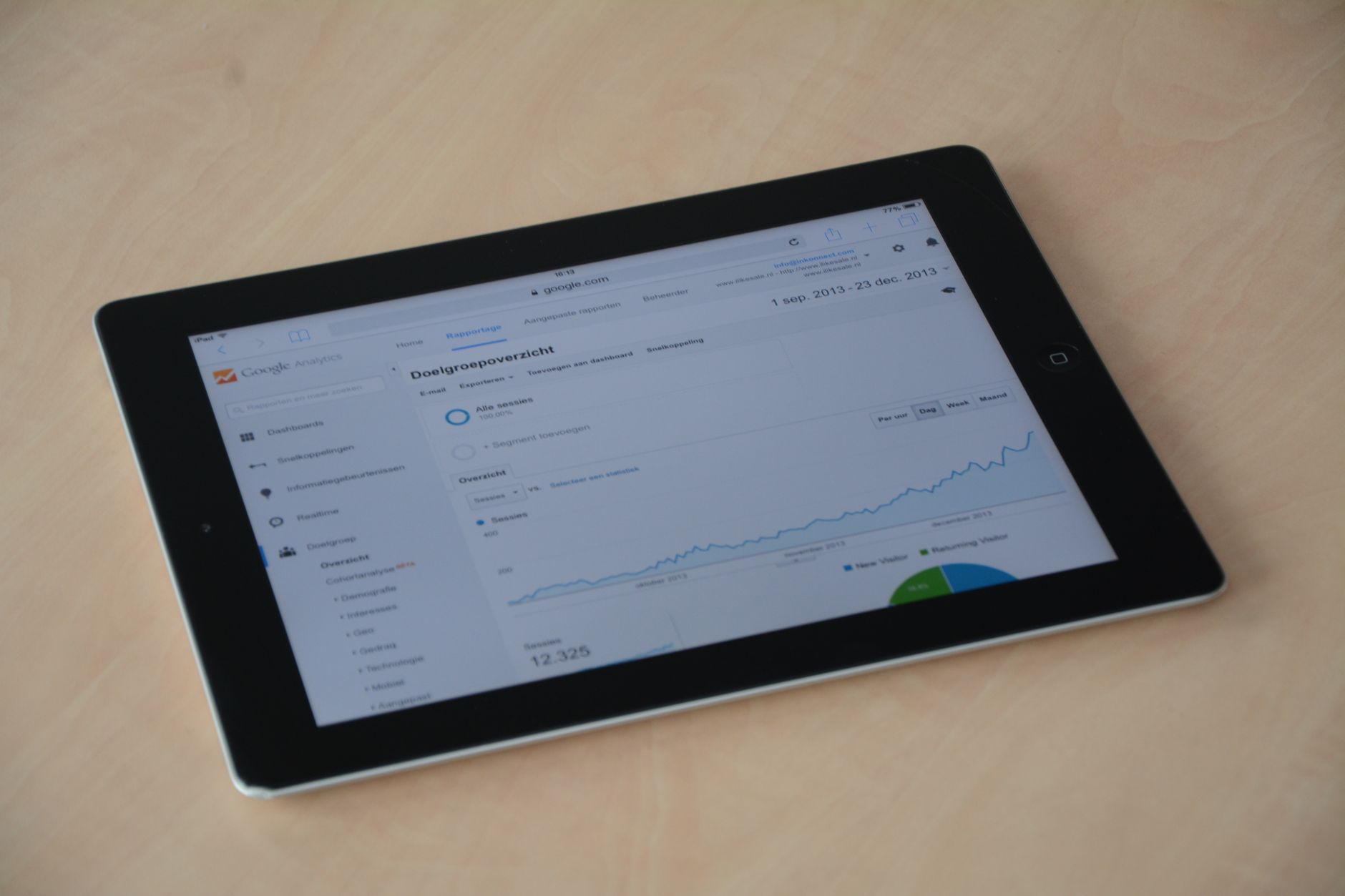
Low rankings usually come from a scattered plan, not a lack of effort. Publishing more posts does not help much if the site structure is messy, the keyword targeting is unclear, or the important pages are not the ones being strengthened.
Common causes include content targeting keywords with the wrong intent, service pages that are too thin, weak title tags, poor internal linking, technical duplication, and pages that are harder to use on mobile than competing results. More content only works when the foundation and targeting are already sound.
Should I chase plugin SEO scores?
No. Plugin scores can be useful prompts, but they are not the goal. A green light does not mean a page deserves to rank, and a yellow light does not automatically mean the page is weak.
It is common to see well-performing pages with imperfect plugin scores and poor-performing pages with perfect ones. Search intent, clarity, page usefulness, crawlability, and competition matter more than forcing a tool to give you a higher grade.
What should I fix first on a struggling WordPress site?
Fix the issues that block or dilute performance before you rewrite everything. Start with indexation, duplicate control, primary page targeting, and speed bottlenecks on key templates. That sequence usually creates faster gains than editing every paragraph sitewide.
A practical order looks like this: confirm pages can be indexed, clean up archive bloat, improve titles and internal links on high-value pages, then address speed and template-level UX issues. After that, expand or consolidate content based on what the site is actually trying to rank for.
When should you get a professional WordPress SEO audit?
You should get an audit when the site has been stuck for months, traffic dropped after a redesign or migration, or you are not sure whether the main problem is technical, content-related, or competitive. A good audit should narrow the issue, not bury you in a 70-point checklist.
If you want a second set of eyes before changing settings or rewriting core pages, WordPress SEO Expert can help identify what is actually holding the site back. Request a free WordPress SEO audit and we will help you prioritize the fixes that matter most first.
Final answer: what is the smartest next step?
The smartest next step is to stop treating WordPress SEO like a plugin problem and start treating it like a diagnosis problem. Rankings improve faster when you know whether the blocker is indexing, speed, page targeting, duplicate content, or internal structure.
If your site has traffic that will not grow, pages that will not rank, or a redesign that caused confusion, WordPress SEO Expert can review the setup with you. Contact WordPress SEO Expert to schedule a consultation and get a practical plan instead of another generic checklist.

















