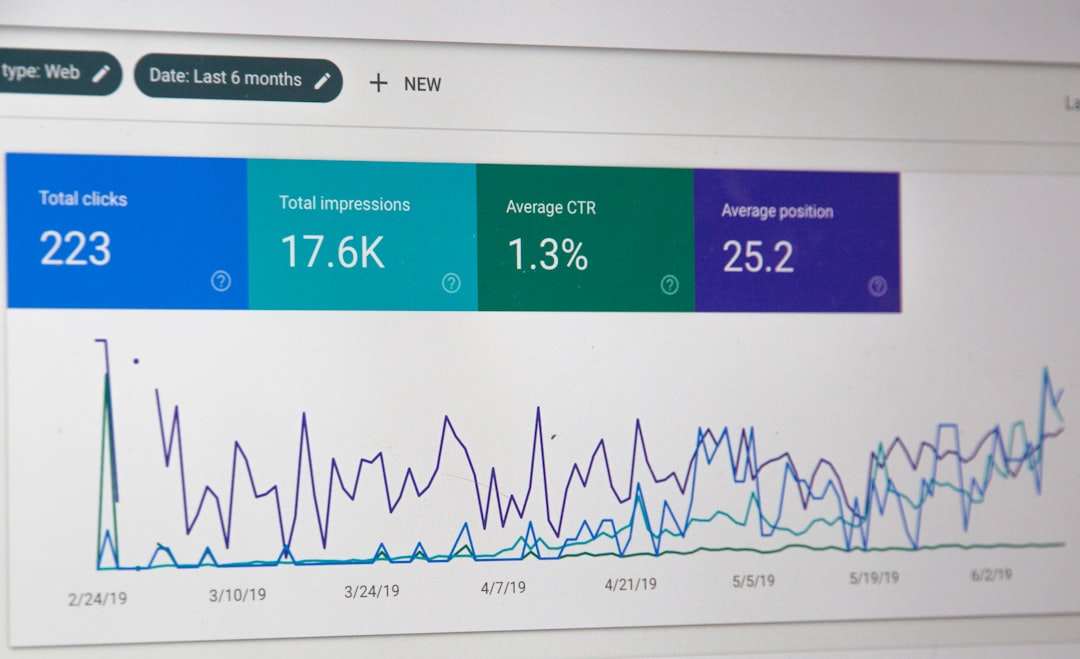
WordPress SEO in 2026 is less about secret tactics and more about getting the basics consistently right. If your site is hard to crawl, slow on mobile, filled with duplicate URLs, or missing clear internal links, better content alone usually will not fix the problem. This checklist shows what still matters, what changed, and where to focus first.
Google still relies on clear titles, useful snippets, crawlable pages, canonical signals, internal linking, and a technically accessible site. WordPress gives you a solid base, but themes, plugins, archive settings, and WooCommerce add enough complexity that small configuration mistakes can quietly limit performance. If you want a stronger technical foundation, review our technical SEO services and on-page SEO services.
What changed for WordPress SEO in 2026?
The main shift is not a brand-new ranking trick. It is that Google continues to reward sites that are easy to understand, technically clean, and genuinely helpful. For performance, Interaction to Next Paint now matters as a Core Web Vital, so sluggish menus, heavy scripts, and bloated builders deserve closer attention than they used to.
That means WordPress owners should spend less time chasing plugin scores and more time checking whether important pages are indexable, whether duplicate URLs are consolidated properly, and whether users can move naturally from one relevant page to another. For most sites, that work drives more value than toggling every optional SEO feature in a plugin.
Start with indexability before anything else
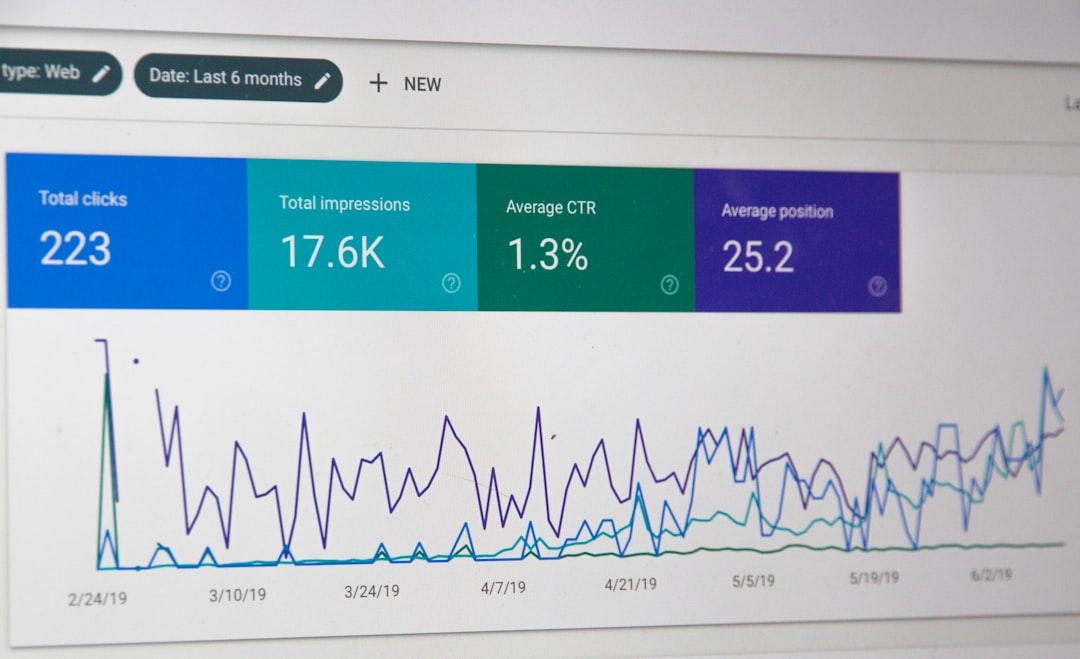
If Google cannot crawl or index the right pages, your content work will underperform. The first job is confirming that your posts, pages, categories, and key product or service URLs are accessible, included in XML sitemaps, and not blocked by noindex tags or accidental settings.
In WordPress, check the reading setting that discourages search engines, review plugin-level noindex rules, and make sure staging URLs are not being confused with live pages. Archive pages, filtered URLs, attachment pages, and search results can also create index bloat if they are left unmanaged.
Quick indexability checks
Confirm that your most important pages return a normal 200 status, have self-referencing canonicals when appropriate, are linked from somewhere crawlable, and appear in your sitemap if they should be indexed. Then use Google Search Console to inspect live URLs instead of relying only on plugin previews.
Use one SEO plugin well, not three poorly
Most WordPress sites need one primary SEO plugin, not overlapping plugins that all try to control titles, schema, sitemaps, redirects, and robots settings. Running multiple tools with the same responsibilities can create conflicting canonicals, duplicate schema, and unpredictable metadata.
Choose the plugin that matches your workflow, then configure the essentials first: title templates, meta descriptions, XML sitemaps, social defaults, archive indexing rules, and schema basics. Leave advanced settings alone unless you understand the trade-off. A simpler setup is easier to audit and less likely to break during theme or plugin updates.
Titles and meta descriptions still matter
Your title tag is still one of the strongest on-page signals you directly control, and it strongly influences what users click. Write unique titles for important pages, keep them aligned with the page topic, and avoid stuffing cities, categories, and brand names into every variation.
Meta descriptions do not work like a direct ranking boost, but they can help Google understand a concise page summary and can improve click-through when they match the searcher’s intent. Good titles and descriptions are specific, readable, and written for humans first.
Better title examples
| Weak title | Stronger title |
|---|---|
| SEO Services | SEO Company | SEO Expert | WordPress SEO Services for Small Businesses |
| Blue Widgets, Best Blue Widgets, Buy Blue Widgets | Blue Widgets for Commercial Kitchens |
| Blog | WordPress SEO Tips for Service Businesses |
Fix duplicate URLs with canonical discipline
Canonical mistakes are still one of the most common WordPress SEO problems. Tag archives, pagination, URL parameters, HTTP versus HTTPS variants, trailing slash inconsistencies, and filtered ecommerce URLs can all create duplicate or near-duplicate pages that dilute signals.
Every important page should have a clear preferred URL. That does not mean forcing canonicals everywhere without thinking. It means deciding which version should rank, linking to that version internally, redirecting obsolete variants where needed, and avoiding plugin conflicts that output mixed signals.
Internal linking is still a major leverage point
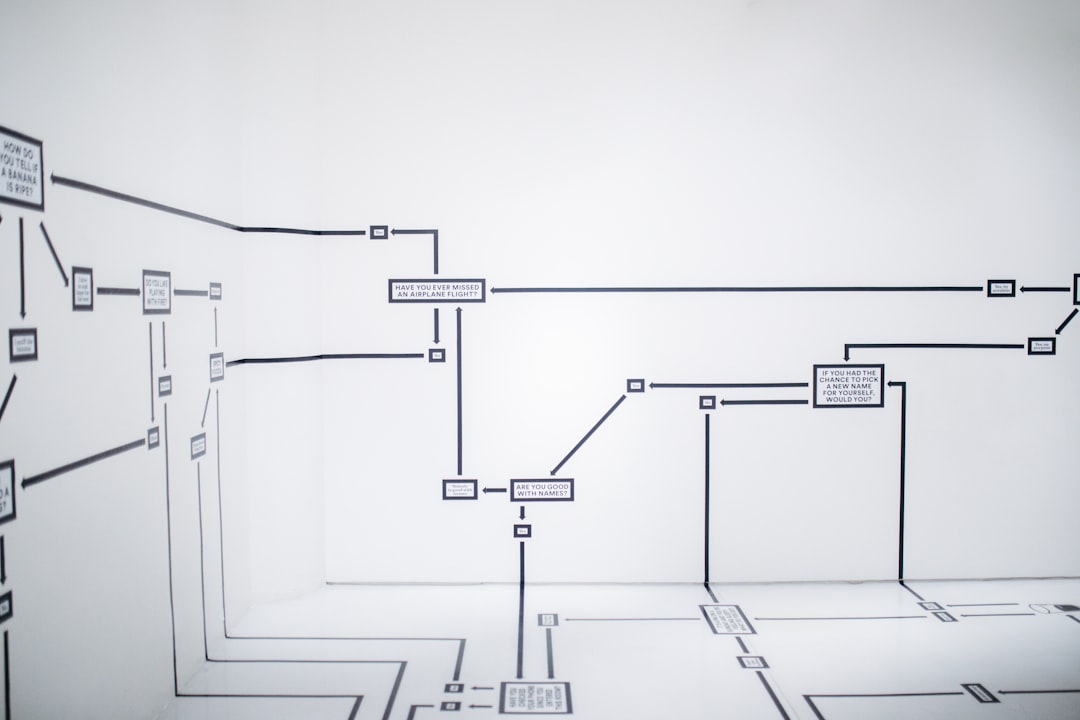
Internal links help Google discover pages, understand topic relationships, and judge relative importance across your site. They also help users find the next relevant page, which is often the difference between a dead-end visit and a meaningful session.
Link from high-authority pages to commercial pages, from broad guides to specific services, and from related posts to supporting explanations. Anchor text should describe the destination naturally. If you have orphan pages that are only in the sitemap, fix those before publishing more content.
If your existing pages are not connected well, WordPress SEO Expert can help map stronger internal links and clean up weak site architecture before you invest more in publishing.
Site structure should be boring and predictable
A simple structure usually beats a clever one. Visitors and crawlers should be able to move from home to category or service hub to detail page without unnecessary detours. If a page matters, it should not be buried six clicks deep behind faceted navigation and thin archives.
For blogs, group content into meaningful categories instead of dozens of overlapping tags. For service sites, build clear parent-child relationships only when they help users. For WooCommerce, keep category paths logical and avoid creating endless crawl paths through filters and sort parameters.
Core Web Vitals still matter, but not in the way most plugin ads imply
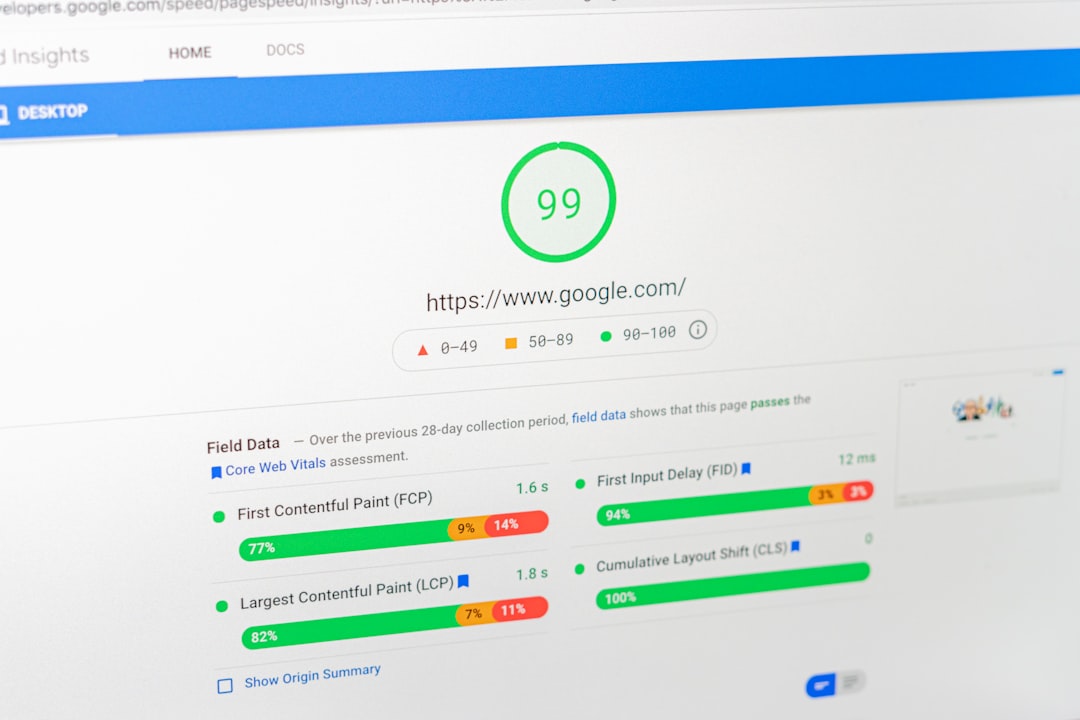
Performance matters because slow, unstable, or laggy pages frustrate users and make your site harder to use. In 2026, WordPress owners should pay special attention to interaction delays, layout shifts, oversized images, render-blocking assets, and heavy third-party scripts.
Do not treat site speed as a single score to chase. Look at what actually slows real pages down. Common problems include autoplay media, multiple tracking scripts, oversized page builders, font overload, uncached dynamic pages, and WooCommerce features loaded on pages that do not need them.
Common speed fixes that usually matter
Use modern image formats where practical, resize images before upload, limit unnecessary plugins, enable caching, defer or remove non-critical scripts, and test key templates such as the homepage, service pages, blog posts, category pages, and product pages separately. One fast template does not mean the whole site is fast.
Schema helps, but it is not a shortcut
Structured data can help search engines understand entities and page types more clearly, but it does not replace good content or strong technical SEO. Use schema that accurately matches the page, and avoid plugins that dump every available schema type onto every URL.
For many WordPress sites, the practical starting point is making sure organization, article, product, breadcrumb, and FAQ schema are implemented cleanly where relevant. The safest rule is simple: if the visible page content does not support the markup, do not add it.
WordPress content formatting affects SEO more than people think
Search-friendly content is easier to scan, easier to understand, and easier to match with intent. That means one clear H1, useful H2 and H3 sections, short paragraphs, descriptive image alt text where it genuinely helps, and enough depth to answer the query without padding the page.
Do not publish three thin posts when one stronger page would serve the topic better. Do not split tightly related subjects into multiple weak URLs just to target slight keyword variations. A cleaner content map usually outperforms scattered publishing.
WooCommerce SEO needs extra control
WooCommerce can rank well, but it creates more crawl and duplication risks than a simple brochure site. Product variations, filter URLs, on-site search pages, duplicate category paths, faceted navigation, and thin tag archives all need deliberate handling.
Focus on making category pages genuinely useful, writing unique product copy where it matters, consolidating duplicate paths, and keeping low-value parameter URLs out of the index when appropriate. Product SEO usually improves most when category structure, internal linking, and technical cleanup happen together.
Your 2026 WordPress SEO checklist
If you want a practical plan, work through these items in order. The sequence matters because technical access and page quality usually create more impact than cosmetic plugin settings.
| Priority | What to check | Why it matters |
|---|---|---|
| 1 | Indexing and noindex rules | Pages cannot rank if they are blocked or excluded incorrectly |
| 2 | Canonical and redirect setup | Prevents duplicate URL confusion and wasted signals |
| 3 | Title tags and page intent | Improves relevance and click-through potential |
| 4 | Internal linking | Helps discovery, hierarchy, and topical relationships |
| 5 | Site speed and interaction issues | Improves usability and page experience |
| 6 | Content depth and structure | Helps satisfy search intent more completely |
| 7 | Schema and sitemap hygiene | Supports clearer technical signals |
What to stop doing in 2026
Stop obsessing over plugin score badges, keyword density formulas, mass tag creation, and auto-generated location pages with barely changed text. Those habits create busywork, not durable SEO gains. The same goes for installing multiple optimization plugins that overlap and fight each other.
Also stop assuming WordPress is SEO-friendly by default once you add a plugin. WordPress can support excellent SEO, but the final result depends on your theme, hosting, content model, plugin stack, template quality, and how carefully you manage indexing rules.
The best next step for most site owners
The best next step is a focused audit of your highest-value pages, not a sitewide panic rewrite. Check your service pages, top blog posts, main category pages, and any URLs already getting impressions in Search Console. That is where small technical and on-page fixes often produce the clearest gains.
If you are not sure whether your issue is content, technical SEO, or weak architecture, WordPress SEO Expert can review the site with you and help prioritize the fixes that actually matter. Book a free SEO consultation and we will help you separate high-impact work from plugin noise.