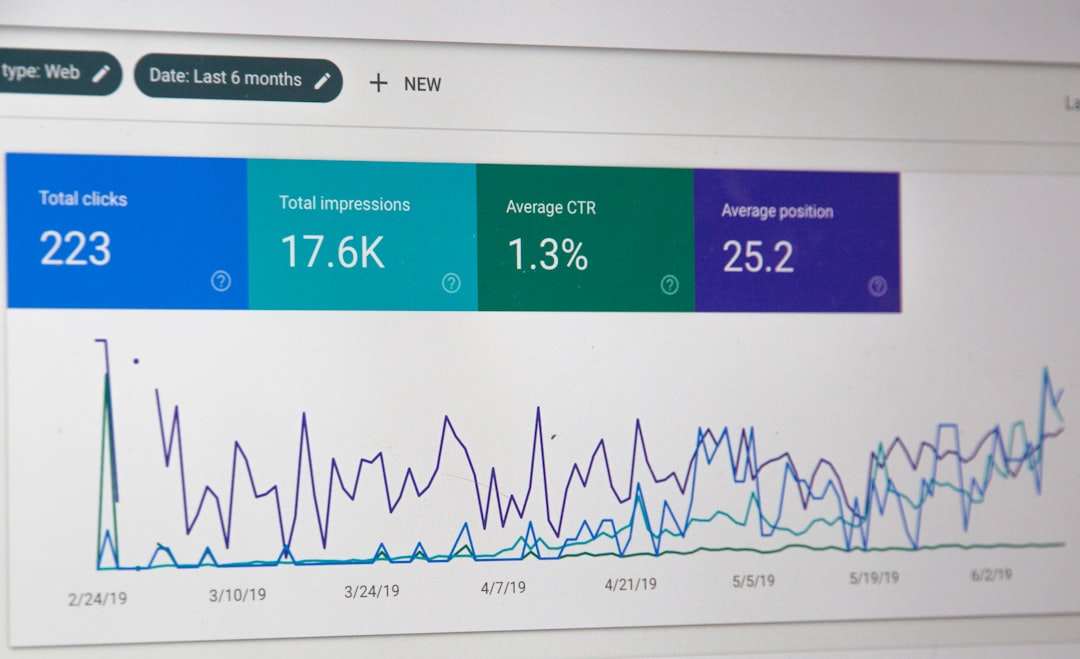
Low rankings usually come from a short list of fixable problems: pages Google cannot crawl, weak internal linking, duplicate SEO settings, thin content, and slow templates. A good WordPress SEO audit finds those issues in order, so you can fix what matters first instead of chasing plugin scores.
This walkthrough shows how we audit a WordPress site step by step. It covers technical checks, on-page reviews, content gaps, and WordPress-specific settings that often get missed. If you want help applying the findings, WordPress SEO Expert can help.
Start with crawl and index checks
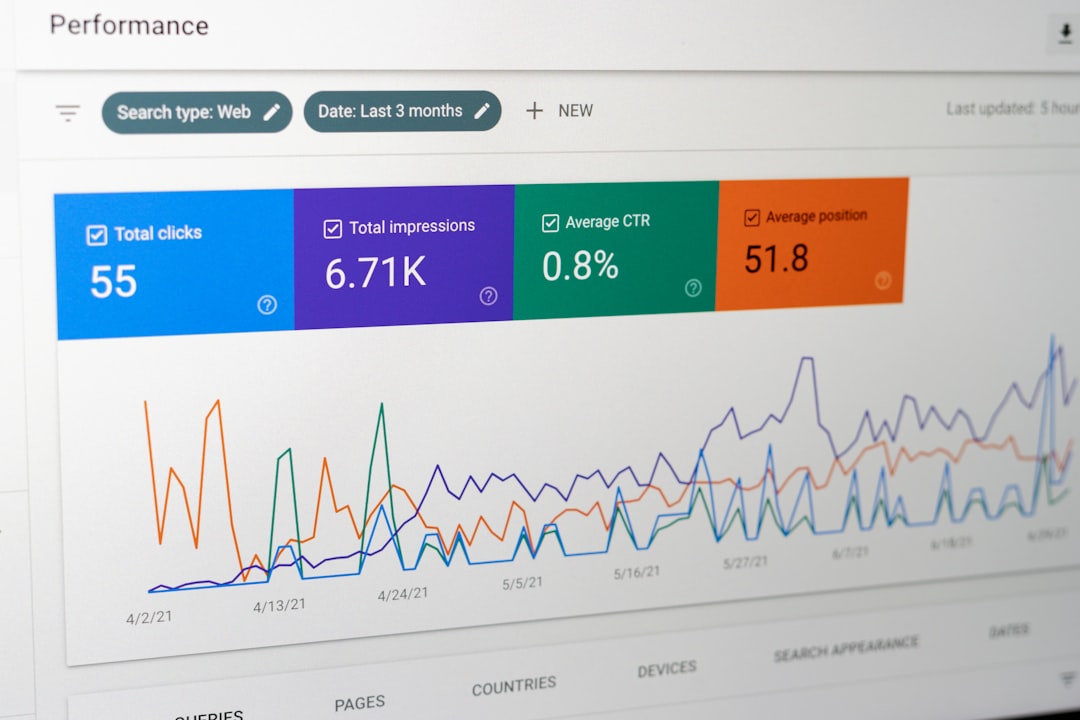
The first question is simple: can search engines crawl and index the pages that should rank? If the answer is no, every other SEO improvement will have limited impact.
Begin in WordPress under Settings, then Reading. One of the most common mistakes is leaving the Search Engine Visibility option enabled after a launch or migration. WordPress.org documents that this setting asks search engines not to index the site and, in modern versions, outputs a noindex directive in the page head. That single checkbox can block an otherwise healthy site.
Then review the basics that support crawlability. Check your XML sitemap, robots.txt behavior, canonicals, redirect rules, and whether key pages are linked from navigation or other live pages. This is the same foundation we discuss on our technical SEO service page because technical access problems are often the root cause of stalled growth.
What to check first
Review your homepage, top service pages, category pages, and blog posts for indexability. Confirm they do not carry noindex tags, accidental canonical targets, redirect chains, or blocked resources. If a page matters to revenue, it should be easy for both users and crawlers to reach.
Audit WordPress settings that affect SEO
WordPress SEO audits should always include native settings and plugin overlap. Many sites do not have one major issue; they have several small conflicts created by themes, page builders, SEO plugins, and caching tools.
Check your permalink structure, category and tag behavior, media attachment URLs, pagination handling, and whether multiple plugins are trying to control titles, meta tags, schema, or sitemaps. If Yoast, Rank Math, AIOSEO, or another SEO plugin is active, make sure only one system is generating core SEO outputs. Conflicts here can create duplicate metadata, broken canonicals, or inconsistent indexing instructions.
It also helps to compare plugin settings with your actual page output. A plugin dashboard may say a page is indexable, but the rendered source code is what Google sees. That is why audits need both admin-side checks and front-end verification.
Review titles, headings, and search intent
Once indexing is confirmed, audit whether each important page is actually targeting the right search. Many WordPress sites are crawlable but still underperform because titles, headings, and copy do not match intent.
Check whether each core page has a unique title tag, a clear H1, a logical H2 structure, and copy that answers the query directly. Look for pages targeting the same keyword, titles that are too vague, and blog posts that never progress beyond a broad introduction. We cover these page-level issues in more detail on our on-page SEO service page because weak targeting can quietly hold back pages that already have enough authority to rank.
A useful audit question is this: if someone searched the target phrase, would this page be the best fit, or merely a related one? If it is only loosely related, the page likely needs a stronger angle, clearer subtopics, or a different keyword target.
Check internal linking and site structure
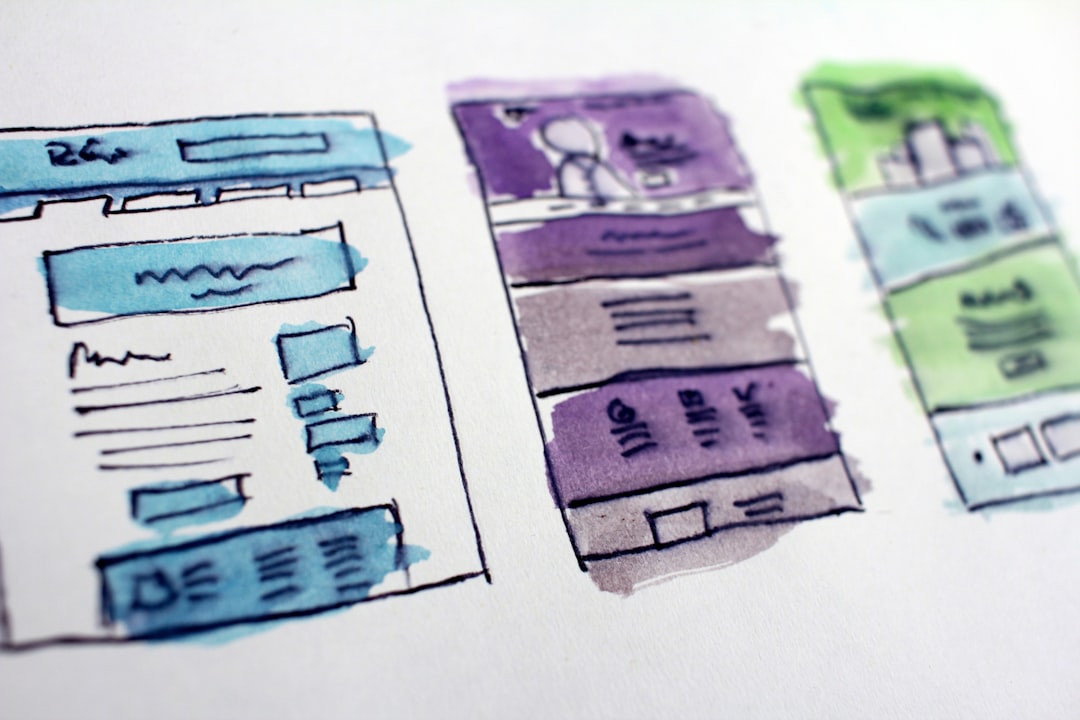
Internal linking is one of the fastest SEO wins on WordPress because it improves discovery, context, and authority flow without needing new backlinks. A proper audit should show you which important pages are buried, isolated, or linked with weak anchor text.
Look for orphan pages, key pages sitting too many clicks from the homepage, and posts that mention a topic but never link to the relevant service or category page. Strong internal links use descriptive anchor text and connect related content naturally. They also help Google understand which pages matter most within a topic cluster.
For WooCommerce and larger blogs, pay extra attention to category pages, filters, tags, and pagination. These often create bloated URL paths or thin archive pages that absorb crawl budget without adding much search value.
Measure page experience and performance
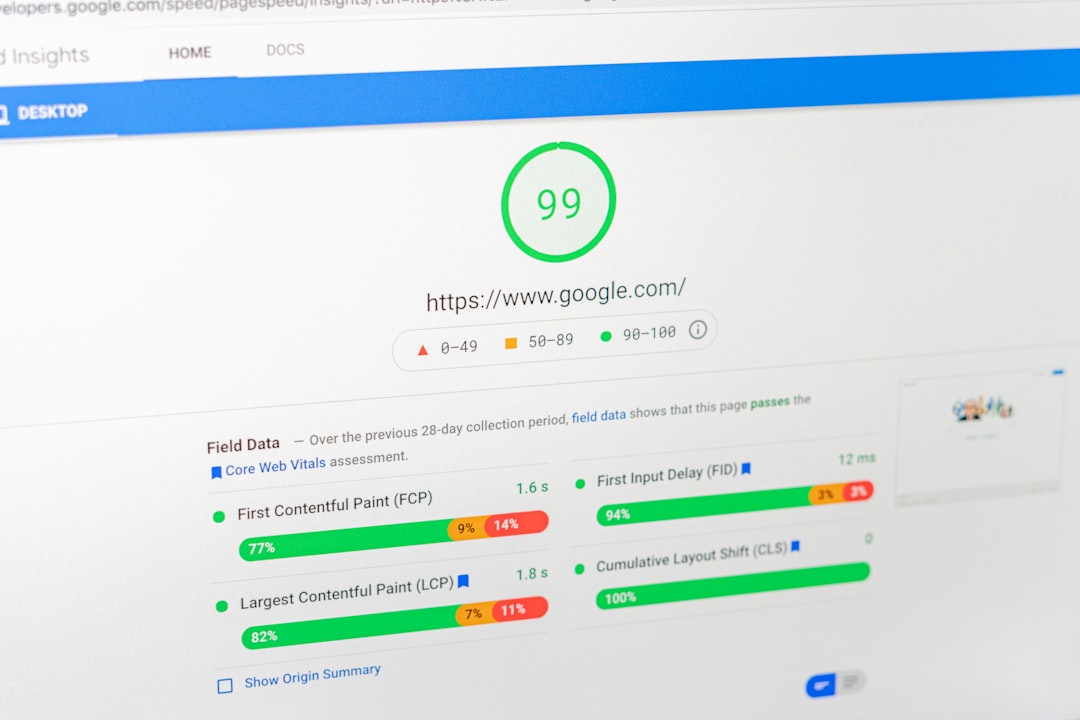
Performance matters because slow templates, unstable layouts, and heavy scripts can hurt usability and make optimization harder. In an audit, the goal is not to chase perfect scores. It is to find the real bottlenecks affecting important pages.
Review template-level speed issues first: oversized images, render-blocking assets, unused plugins, bloated page builders, weak hosting, missing caching, and third-party scripts. Google’s page experience documentation focuses on loading, responsiveness, and visual stability through Core Web Vitals, so those are useful reference points during a technical review.
If you’re seeing traffic losses after redesigns or theme changes, our team at WordPress SEO Expert can help. Performance issues in WordPress often come from the stack around the content, not the content itself.
Audit content quality and content gaps
Content audits should answer two questions: which pages deserve improvement, and which pages should be merged, redirected, or left alone. More content is not automatically better if the site already has overlap or thin posts.
Review your pages by purpose. Service pages should explain the offer clearly and show supporting details. Blog posts should answer a specific question thoroughly. Category pages should help users browse, not exist as empty shells. During the audit, flag content that is outdated, duplicated, too short to satisfy intent, or competing with another page on the same topic.
This is also where you find consolidation opportunities. Three weak posts targeting similar terms usually perform worse than one strong page with better structure, clearer intent match, and stronger internal links.
A simple WordPress SEO audit checklist
Audit findings become useful when they are prioritized. Start with issues that block crawling or indexing, move to pages closest to revenue, then improve structure and content depth.
| Audit area | What to review |
|---|---|
| Indexing | Noindex tags, canonical tags, XML sitemaps, robots directives, Search Engine Visibility setting |
| Technical setup | Redirects, broken links, HTTPS, crawl errors, duplicate URL paths |
| On-page SEO | Title tags, meta descriptions, H1s, heading structure, keyword targeting, search intent |
| Internal linking | Orphan pages, anchor text, click depth, links to priority pages |
| Performance | Template speed, image weight, scripts, caching, layout shifts |
| Content quality | Thin pages, overlap, outdated posts, missing subtopics, consolidation opportunities |
How to prioritize your fixes
The best audit is not the longest spreadsheet. It is the one that tells you what to fix first. Prioritize by impact, effort, and page importance.
Fix sitewide blockers first, such as noindex directives, broken canonicals, or redirect problems. Next, improve the pages tied to leads, sales, or high-intent searches. After that, clean up internal links, archive behavior, and lower-priority content. This order keeps the audit practical and prevents teams from spending hours on low-impact plugin tweaks.
When to get a second set of eyes
If your site has gone through a migration, uses WooCommerce, relies on a page builder, or has hundreds of URLs, an outside review can save time. Complex WordPress setups often hide issues that basic plugin checklists miss.
A careful audit should leave you with a clear action plan, not just a list of warnings. If you want us to review your site, WordPress SEO Expert can audit the technical setup, page structure, internal linking, and content priorities. Contact WordPress SEO Expert today to schedule a consultation.