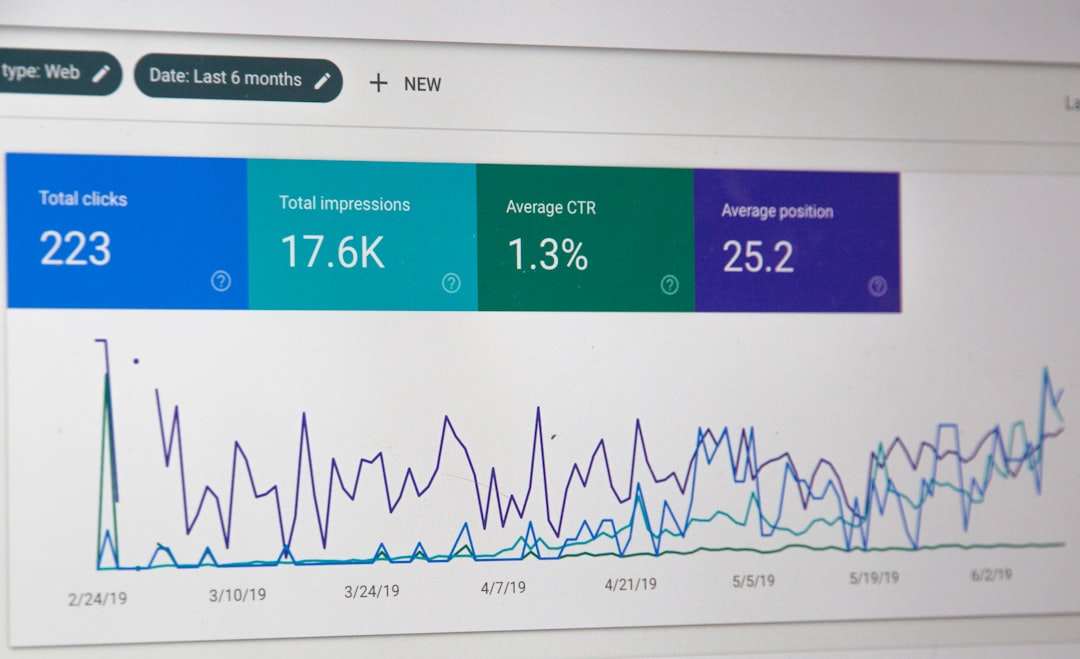
Low rankings usually come from a handful of fixable issues, not one giant SEO failure. This WordPress SEO checklist gives you a practical order of operations so you can improve crawlability, clarify page topics, and remove technical problems that hold pages back.
WordPress SEO Expert uses this kind of checklist to separate high-impact fixes from busywork. If you want a second set of eyes before changing settings, review our technical SEO services or see how we handle on-page SEO.
Start with the basics that affect every page
The first wins usually come from settings that influence your entire site. Before you touch plugins, content rewrites, or schema, make sure search engines can crawl the site, important pages can be indexed, and your permalink structure is clean.
Check that your site is not blocking search engines in WordPress Settings, that you are using readable URLs, and that only one version of each page is meant to rank. These basics create the foundation for everything else in the checklist.
Checklist
1. Confirm search engine visibility is enabled in WordPress.
2. Use a simple permalink structure with descriptive slugs.
3. Make sure HTTPS is enforced consistently.
4. Check that www and non-www versions do not compete.
5. Set one preferred version for trailing slashes and URL capitalization.
Fix title tags and meta descriptions next
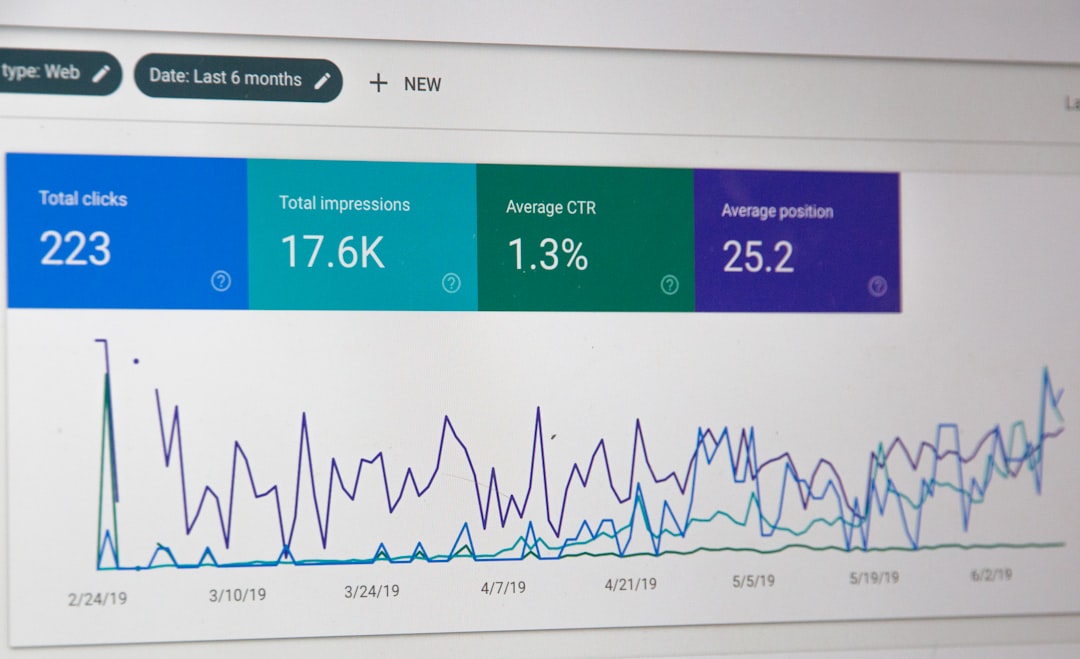
Titles and descriptions are often the fastest on-page improvements because they affect both relevance and click-through behavior. Google recommends unique, descriptive, concise title text and warns against boilerplate and keyword stuffing.
Write a distinct title for every important page. Keep the main topic clear, avoid repeating the same phrase, and make the visible page heading support the same theme. For snippets, useful meta descriptions help users understand what they will get before clicking.
For title and snippet guidance, review Google’s title link documentation and Google’s search appearance FAQ.
Checklist
1. Give each indexable page a unique title tag.
2. Lead titles with the primary topic, then add branding if needed.
3. Remove duplicated or boilerplate-heavy titles.
4. Write meta descriptions that summarize the page clearly.
5. Align the H1 with the page’s main search intent.
Make your content easier to understand

Better rankings usually follow clearer topical signals. Each page should answer one main intent well, use a logical heading structure, and cover the supporting questions a searcher expects before they need to bounce back to results.
This is where many WordPress sites go wrong. They publish multiple short posts targeting the same phrase, or they add keywords without improving the page itself. A stronger approach is to improve the best existing page first, then support it with related internal links.
Checklist
1. Assign one primary keyword theme to each important page.
2. Use one clear H1 and logical H2s and H3s.
3. Expand thin pages with useful examples, steps, or definitions.
4. Merge overlapping posts that compete for the same intent.
5. Remove filler written only to add keywords.
If your service pages feel unfocused, WordPress SEO Expert can help with on-page SEO planning and optimization.
Strengthen internal linking before creating more content
Internal links help search engines discover pages and understand relationships between topics. They also help you push authority toward service pages, category pages, and other URLs that matter most for leads or sales.
Google recommends crawlable HTML links with descriptive anchor text. In practice, that means linking naturally within body content, avoiding vague anchors, and making sure important pages are not buried without contextual links.
Google covers this in its link best practices documentation. If orphan pages or weak architecture are an issue, our technical SEO process can help clean that up.
Checklist
1. Link from related blog posts to key service or money pages.
2. Use descriptive anchor text that matches the destination topic.
3. Find and fix orphan pages.
4. Add links to deeper pages, not only top navigation URLs.
5. Update older posts with links to newer priority pages.
Check indexing, canonicals, and duplicate URLs
Many ranking problems are indexing problems in disguise. If Google is crawling tag archives, filtered URLs, attachment pages, or duplicate versions of the same content, your important pages can get less attention and weaker signals.
Review which URLs should be indexable and which should stay out of search. Then confirm your canonical tags, redirects, sitemap entries, and internal links all support the same preferred page version.
Checklist
1. Identify duplicate URLs caused by categories, tags, parameters, or archives.
2. Use canonicals consistently on pages with similar versions.
3. Noindex low-value pages only when that fits your strategy.
4. Remove broken redirects and redirect chains.
5. Make sure your XML sitemap includes important indexable URLs.
Improve speed and page experience where it matters
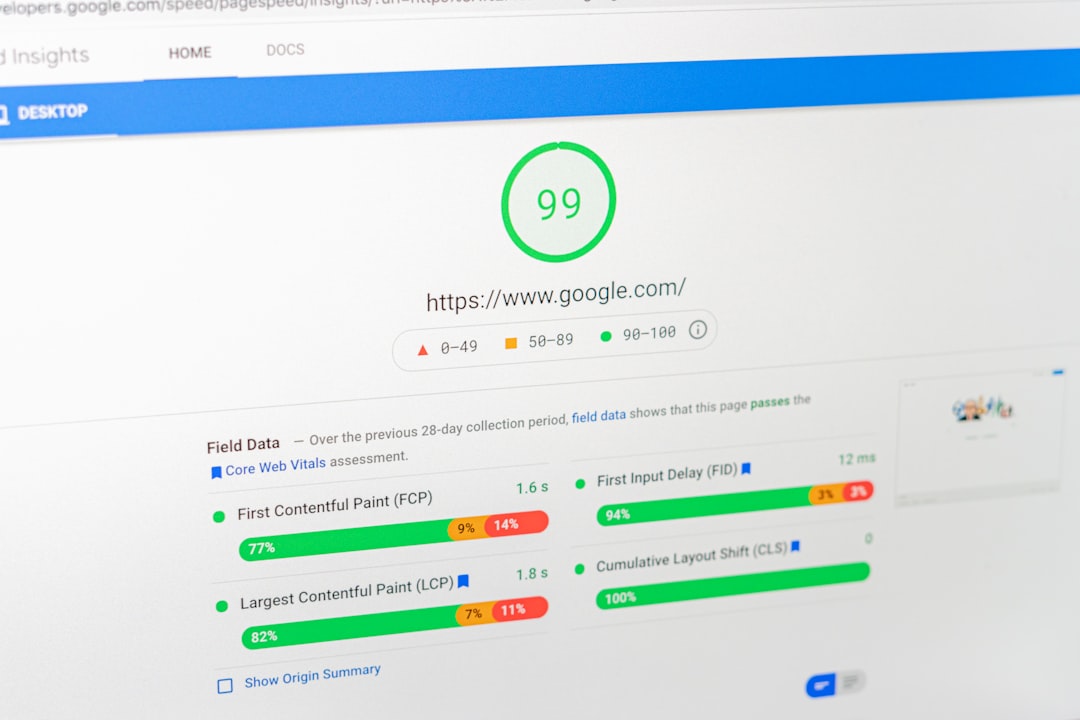
Speed fixes matter most when they remove obvious friction. Bloated themes, oversized images, too many scripts, and poor hosting can slow WordPress sites enough to hurt usability and make optimization harder across the board.
Do not chase perfect scores for their own sake. Focus on image compression, caching, script cleanup, layout stability, and mobile usability on your highest-value templates first. That usually produces more practical gains than sitewide tinkering without priorities.
Checklist
1. Compress and properly size images before upload.
2. Enable page caching and browser caching where available.
3. Reduce unnecessary plugins and script-heavy features.
4. Test mobile templates for layout shifts and slow interactions.
5. Review your highest-traffic pages before optimizing low-value URLs.
Do not ignore image SEO
Image SEO is simple, but many WordPress sites still skip it. Google recommends descriptive filenames and useful alt text because it helps search engines understand images and improves accessibility for users who rely on screen readers.
Use alt text to describe the image in context, not to stuff keywords. Place images near relevant copy, and rename generic file names before upload when it is practical. Google explains this in its image SEO best practices.
Checklist
1. Rename generic image files with descriptive words.
2. Add useful alt text to informative images.
3. Keep decorative images from distracting the page.
4. Place images close to the text they support.
5. Use modern formats and compressed file sizes when possible.
Use this quick audit table to prioritize fixes
If you feel overwhelmed, sort tasks by impact and effort. Fix the issues that affect many pages first, then move into page-level improvements. This prevents you from spending hours polishing copy on pages that still have technical barriers.
| Area | What to check first |
|---|---|
| Site settings | Search visibility, permalinks, HTTPS, preferred URL version |
| On-page SEO | Title tags, meta descriptions, H1s, thin content, search intent |
| Internal linking | Orphan pages, anchor text, links to priority pages |
| Technical SEO | Canonicals, redirects, sitemap quality, duplicate URLs |
| Performance | Images, caching, heavy plugins, mobile issues |
| Images | Alt text, filenames, placement, compression |
When to get help instead of patching things alone
If your site has traffic declines, major indexing issues, WooCommerce complexity, or years of accumulated plugin and theme debt, a checklist may identify the problem without fully solving it. That is usually the point where expert review saves time.
WordPress SEO Expert can help you audit settings, fix technical conflicts, and prioritize the changes most likely to improve visibility. If you want a practical plan instead of generic advice, request a free WordPress SEO audit.
Final takeaway
A good WordPress SEO checklist is not a list of every possible tactic. It is a decision framework. Start with crawlability and indexability, clean up titles and content structure, improve internal links, then work through technical and performance issues in order of business impact.
If you want help applying this checklist to your own site, contact WordPress SEO Expert today to book a free SEO consultation.