
WordPress SEO problems usually come from a messy setup, not one missing trick. If your rankings are flat, the fastest path forward is to check indexing, plugin conflicts, page targeting, and internal links in that order instead of chasing scores inside a plugin.
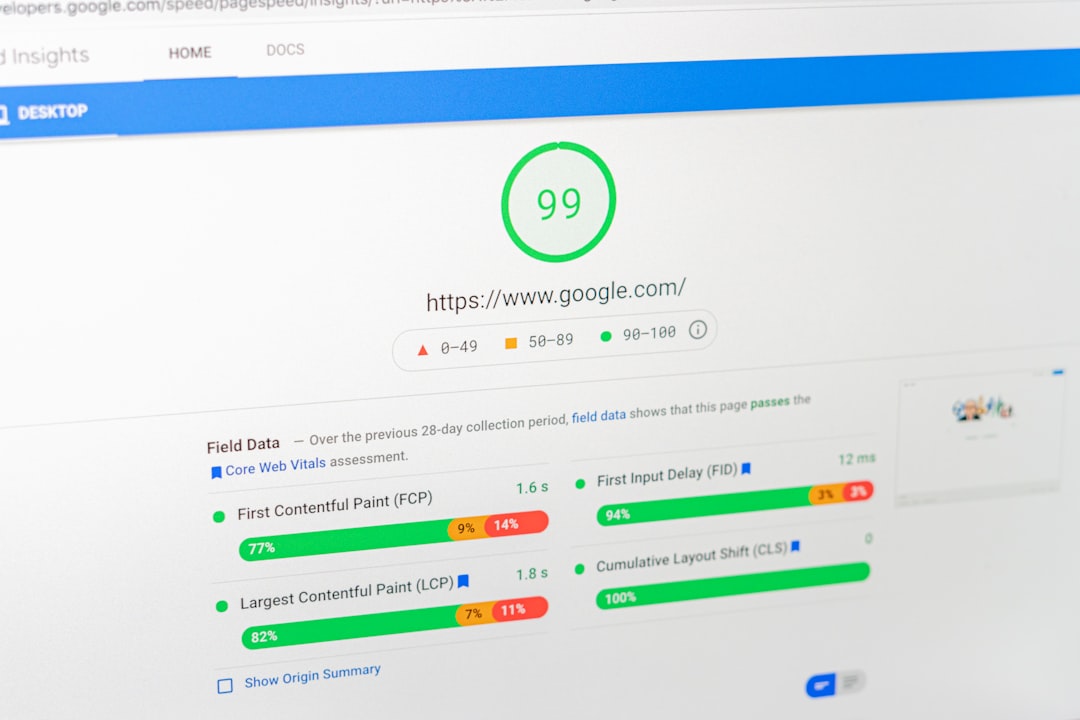
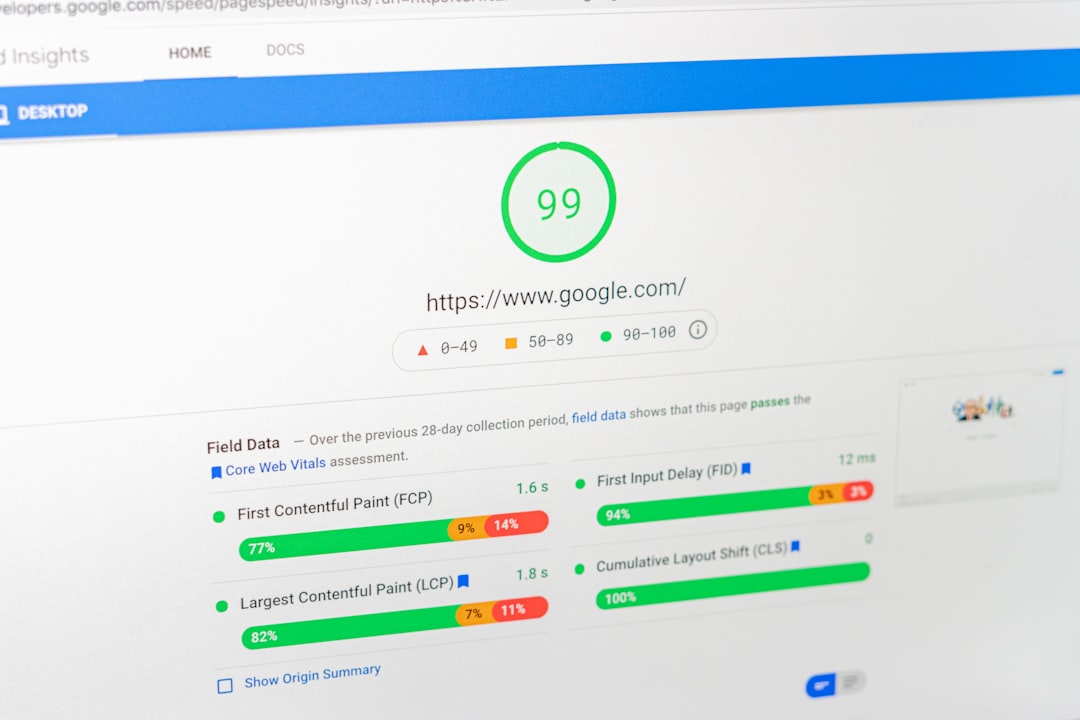
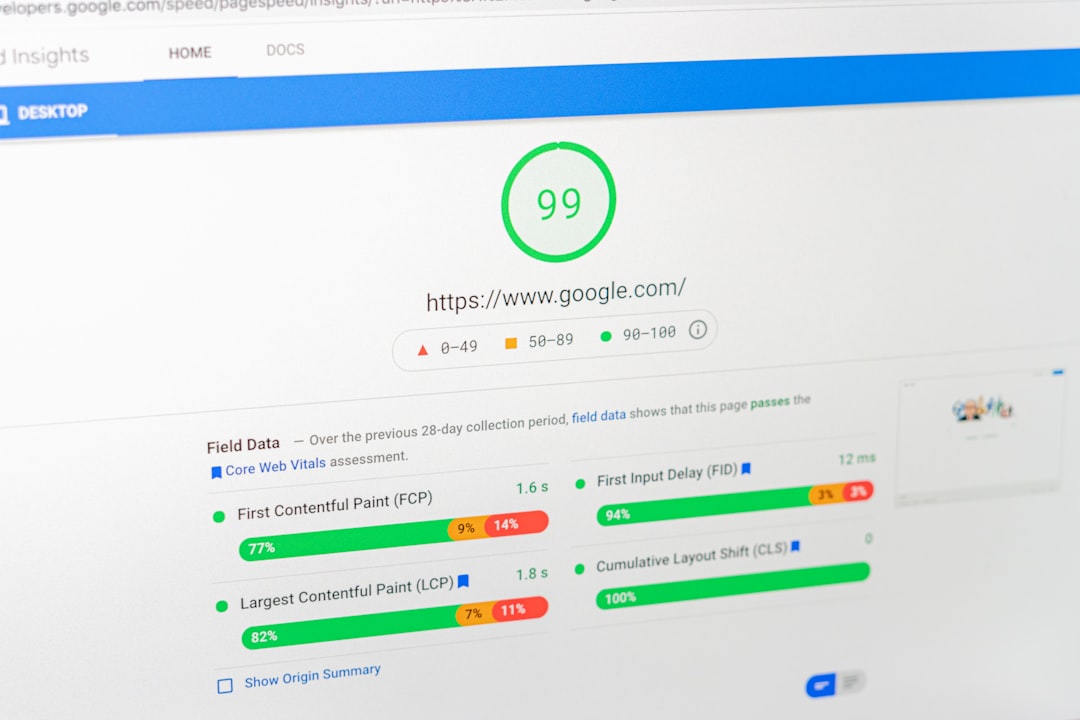
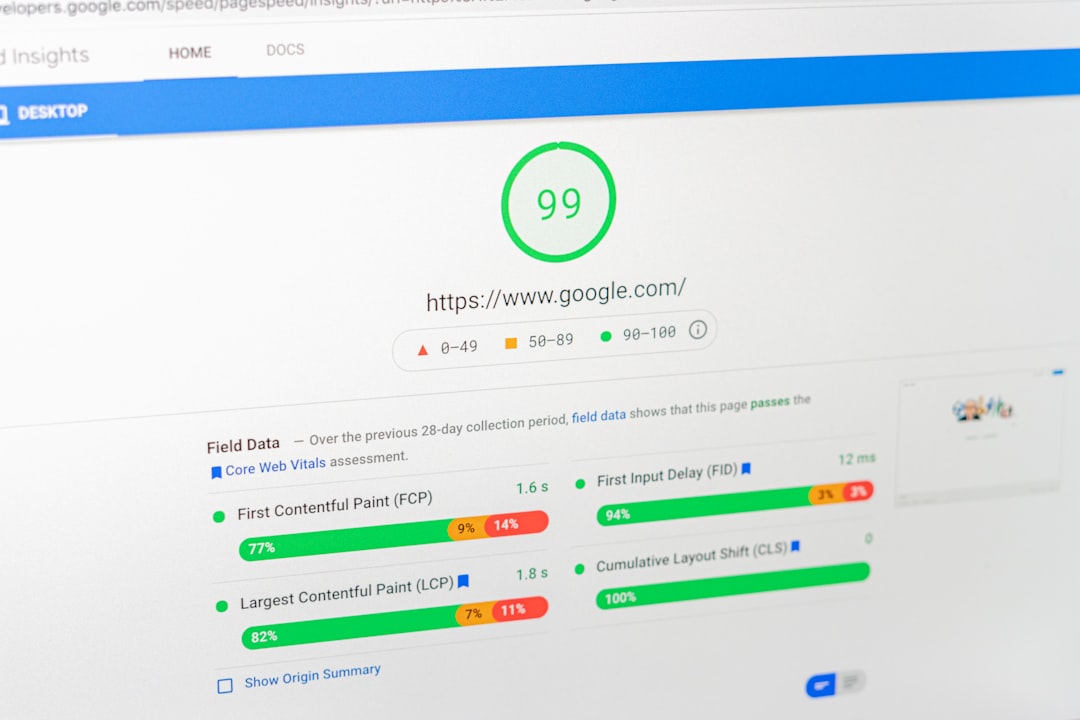
A green light in an SEO plugin does not mean the page deserves to rank. What matters is whether search engines can crawl the right pages, understand what each page is about, and follow clear internal paths to your most important content.
Start With the Problems That Block Visibility
The first question is simple: can Google crawl and index the pages you actually want to rank. Google’s own guidance emphasizes crawlable links, descriptive titles, and clear page signals, which is why technical access comes before copy polishing.
Check your site visibility settings in WordPress, review your XML sitemap, and inspect key URLs in Google Search Console. If important pages are excluded, noindexed, duplicated, or buried too deep, fixing those issues will usually help more than rewriting paragraphs.
If you want a broader baseline before changing settings, review our practical guide for DIY WordPress SEO. It pairs well with this troubleshooting process because it shows how the full system fits together.
Use One SEO Plugin, Not Several

One well-configured SEO plugin is enough. If your site runs overlapping SEO, schema, sitemap, or social preview plugins, conflicts can create duplicate metadata, competing canonicals, and confusing signals that make troubleshooting harder.
Review your active plugins and simplify the stack. Keep one primary SEO plugin, then remove overlapping tools that output titles, meta descriptions, schema, canonicals, or XML sitemaps. Most site owners do not need more features. They need fewer conflicts.
If your setup already feels cluttered, our post on how to fix WordPress SEO setup problems goes deeper into the cleanup process.
Check Titles Before You Rewrite Content

Title problems are common, visible, and usually quick to fix. Google recommends descriptive, concise title text and advises against keyword stuffing and repetitive boilerplate, so weak title patterns should be corrected before you assume the content itself is the problem.
| Weak title | Stronger title |
|---|---|
| SEO Services | SEO Company | SEO Expert | WordPress SEO Services for Small Businesses |
| Blog | How to Troubleshoot WordPress SEO Problems |
| Home | WordPress SEO Consultant for Growing Sites |
Focus first on your homepage, service pages, category pages, and posts that already get impressions. A better title will not solve every ranking issue, but it can immediately improve topical clarity and make the page easier for both users and search engines to understand.
Review Meta Descriptions and Headings
Meta descriptions support clicks, while headings support structure. Google may use your meta description in search snippets when it helps summarize the page, so each important page should have a clear description and one logical heading hierarchy.
Look for duplicate meta descriptions, missing H1s, repeated H1s, and heading levels used only for styling. Your page should have one clear H1, useful H2s for major sections, and content that matches the promise of the title. Troubleshooting gets easier when each page has one job.
Inspect Internal Links and Site Structure
Internal links are one of the most overlooked WordPress SEO levers. Google recommends crawlable HTML links with descriptive anchor text, which means strong internal linking helps both discovery and context without requiring a new plugin or redesign.
Make sure your key service pages and core blog posts are linked from other relevant pages in the body content, not only from the menu. Orphan pages, vague anchors, and thin archive structures often leave good content under-supported instead of under-optimized.
If you are experiencing these symptoms, our team at WordPress SEO Expert can help. A focused review often shows whether your real problem is indexing, duplication, weak targeting, or internal link gaps.
Common WordPress SEO Issues to Troubleshoot
Most WordPress sites with flat rankings have a stack of smaller issues. The goal is to isolate the few problems that suppress visibility sitewide before spending time on lower-impact refinements.
| Issue | What to check |
|---|---|
| Indexing problems | Visibility settings, noindex directives, sitemap coverage, excluded pages |
| Plugin conflicts | Multiple SEO or schema tools outputting overlapping tags |
| Duplicate URLs | Attachment pages, tag archives, parameter URLs, inconsistent canonicals |
| Weak page targeting | Generic titles, vague headings, pages trying to target too many intents |
| Internal link gaps | Important pages with few contextual links from related content |
| Archive clutter | Thin author, tag, or date archives that add duplication without value |
A Simple Troubleshooting Order
Fix the issues that block visibility before the issues that polish visibility. This order helps you avoid wasting time tuning copy or schema while bigger technical issues are still holding the site back.
| Priority | What to fix first |
|---|---|
| 1 | Indexing and crawl access |
| 2 | SEO plugin conflicts |
| 3 | Canonicals and duplicate URLs |
| 4 | Title tags and page targeting |
| 5 | Meta descriptions and headings |
| 6 | Internal links and content support |
| 7 | Schema and secondary enhancements |
When DIY Troubleshooting Stops Being Efficient
If you have already installed the right basics but rankings are still stuck, the issue is often prioritization rather than effort. A second set of eyes can usually tell whether the bottleneck is technical SEO, weak content targeting, plugin clutter, or a migration problem that never got fully resolved.
Book a free SEO consultation with WordPress SEO Expert. No pitch, no pressure. Just an honest look at what your site actually needs and whether your current setup is part of the solution or part of the problem.
Contact WordPress SEO Expert today to schedule a consultation if you want a practical plan for troubleshooting WordPress SEO without adding more confusion to the stack.