Most ranking drops on WordPress do not come from one dramatic error. They usually come from a stack of small SEO mistakes that send mixed signals about what should be crawled, indexed, and ranked. A green light in an SEO plugin does not mean the page deserves to rank.
If your traffic is flat, the goal is not to tweak everything at once. The better approach is to fix the mistakes that block visibility first, then clean up the issues that weaken relevance and internal structure. That is the difference between busy SEO work and useful SEO work.
The WordPress SEO mistakes that matter most
The most damaging WordPress SEO mistakes are the ones that prevent search engines from understanding your site clearly. That includes crawl blocks, duplicate signals, weak page targeting, and plugin conflicts. Cosmetic SEO tasks matter less when those core problems are still in place.
Many site owners work hard and still stay stuck because the work is scattered. If that sounds familiar, start with the same kind of cleanup covered in this WordPress SEO audit process and compare it with common WordPress SEO setup problems before changing titles, schema, or plugin features.
Mistake 1: Running multiple SEO plugins
Using more than one SEO plugin is one of the fastest ways to create conflicting signals. In most cases, one well-configured plugin is enough. Running overlapping plugins can produce duplicate metadata, conflicting canonicals, and competing sitemap outputs.
This problem often shows up after redesigns, migrations, or theme changes. A site may keep old SEO settings active while a new plugin adds its own output. The result is not more optimization. It is confusion for search engines and more troubleshooting for you.
Mistake 2: Blocking pages you want to rank
Some WordPress sites accidentally tell search engines not to index important pages. That can happen through noindex settings, staging leftovers, plugin defaults, or page-level controls. If a page is blocked, no amount of on-page optimization will make it rank.
Google explains that a noindex rule prevents content from appearing in Google Search, which is why indexing checks come before copy edits or schema tweaks. If key pages are missing from search, confirm technical visibility first instead of assuming the content is the problem.
Mistake 3: Writing vague or repetitive title tags
Weak title tags make it harder for search engines and users to understand the page. Titles should be specific, concise, and distinct from one page to the next. Repetitive boilerplate and keyword stuffing usually make titles worse, not stronger.
Google recommends descriptive, concise title text and specifically warns against keyword stuffing and repeated boilerplate in title elements. That means titles should describe the actual page, not repeat the same broad phrase across every service or blog URL.
| Weak title | Stronger title |
|---|---|
| SEO Services | SEO Company | SEO Expert | WordPress SEO Services for Small Businesses |
| Blog | Company Name | WordPress SEO Mistakes That Hurt Rankings |
| Product Category | Women’s Running Shoes for Flat Feet |
Mistake 4: Treating plugin scores like ranking signals
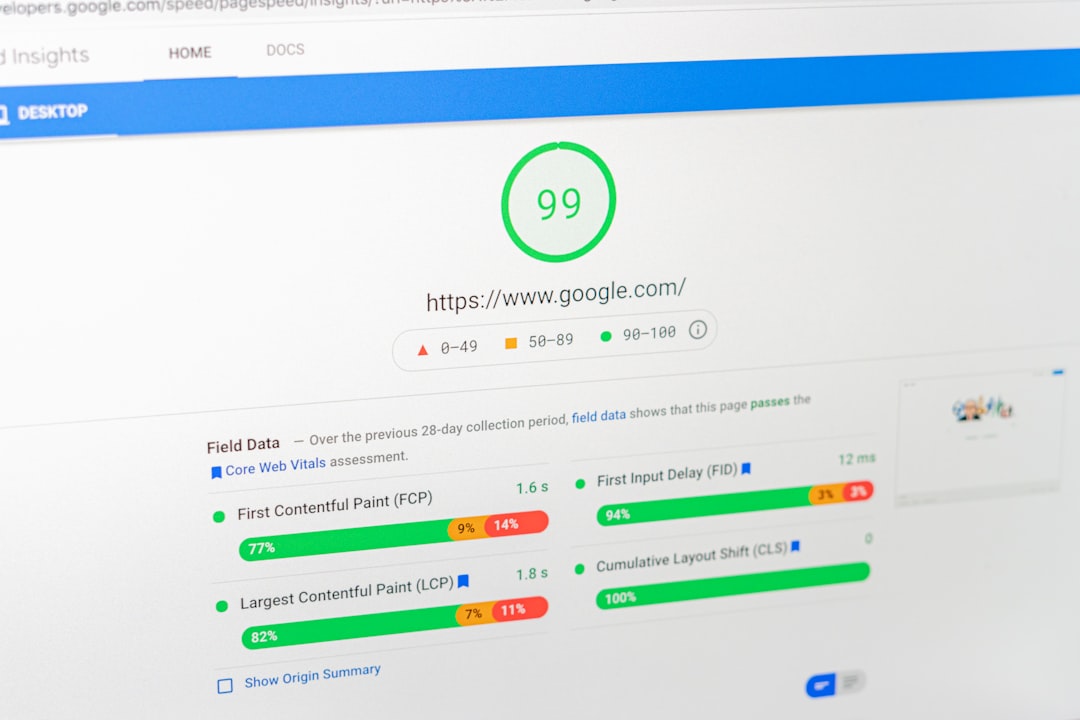
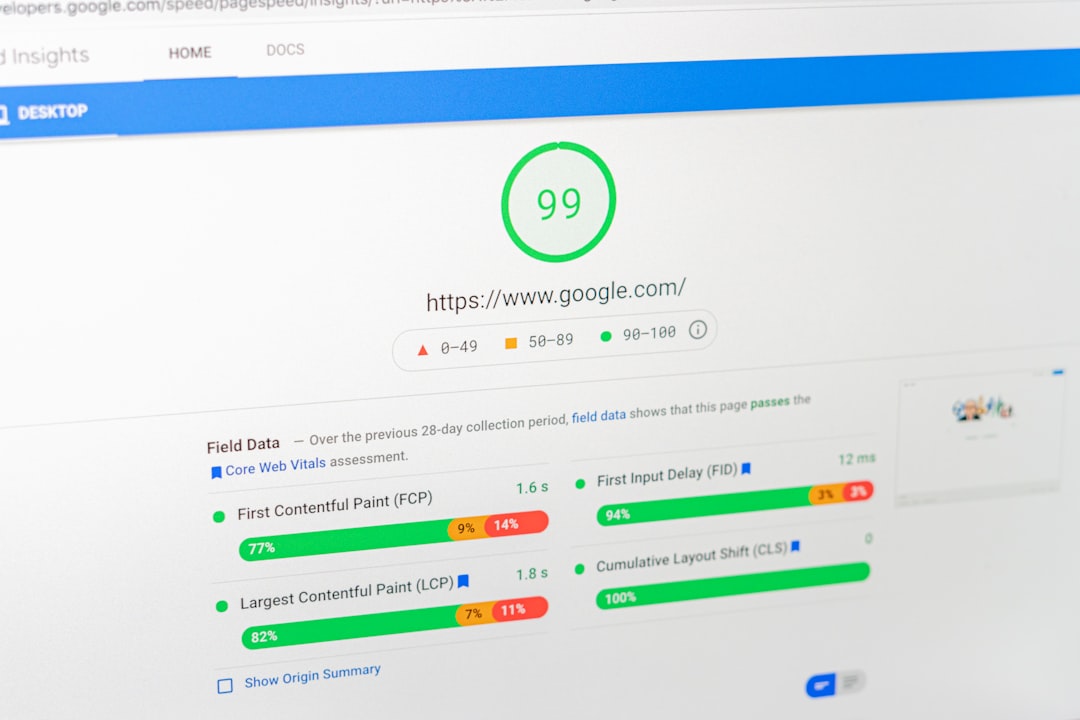
Plugin scores can be useful prompts, but they are not ranking signals. A green light does not confirm strong search intent targeting, good internal linking, helpful content, or clean site architecture. It only means the plugin detected certain inputs.
This is where many DIY site owners lose momentum. They keep polishing fields inside the plugin while larger issues stay unresolved. If you want a more practical way to prioritize changes, compare your setup with this practical WordPress SEO guide and this WordPress SEO checklist for Google so the work stays tied to visibility, not plugin color codes.
Mistake 5: Letting archives, tags, and filters create duplication
WordPress can generate a lot of low-value URLs if archives, tag pages, filtered results, and parameter variations are left unchecked. That is especially common on WooCommerce sites. Too many similar URLs can dilute internal authority and waste crawl attention.
Not every archive is a problem, but every indexable archive should earn its place. If category, tag, author, or filtered pages do not target a distinct need, they often add noise instead of search value. Fix the issues that block clarity before the issues that polish presentation.
Mistake 6: Weak internal linking
Internal links help search engines understand which pages matter most and how topics connect. When important pages are isolated, buried, or linked with vague anchor text, they are harder to evaluate and less likely to build momentum.
Google recommends descriptive, natural anchor text for links. That matters on WordPress sites because blog posts, service pages, and category pages often exist without enough contextual links pointing to them. A better internal linking structure can make your strongest pages easier to discover and easier to interpret.
Mistake 7: Adding schema that does not match the page
Schema can support SEO, but it does not rescue weak pages or replace clear content. When schema is inaccurate, irrelevant, or added to content users cannot actually see, it creates risk instead of value. Structured data should reflect the main visible content of the page.
Google’s structured data guidance says markup should not be misleading and should match what readers can see on the page. That is why schema belongs near the end of the optimization process, not the beginning. First make the page crawlable, unique, and useful. Then add support layers.
If you are seeing flat rankings, traffic loss after a redesign, or WooCommerce crawl clutter, WordPress SEO Expert can help. We look at what is actually blocking visibility so you can stop guessing which issue matters first.
What to fix first
Priority matters more than perfection. Start with indexing and crawl controls, then remove duplicate signals, then improve titles, internal linking, and page targeting. Most site owners do not have one catastrophic problem. They have a stack of smaller issues that compound over time.
You do not need a perfect score. The goal is a site that loads cleanly, is easy to use, and sends consistent signals about which pages matter most. Once those basics are in place, content improvements have a much better chance of helping rankings.
When to get professional help
If you are not sure whether the real problem is indexing, duplication, weak targeting, or plugin clutter, a structured audit usually saves time. The right next step is not more random fixes. It is a clearer diagnosis.
Book a free SEO consultation with WordPress SEO Expert. No pitch, no pressure. Just an honest look at what your site actually needs and whether your current setup is part of the solution or part of the problem. Contact WordPress SEO Expert today to schedule a consultation.