
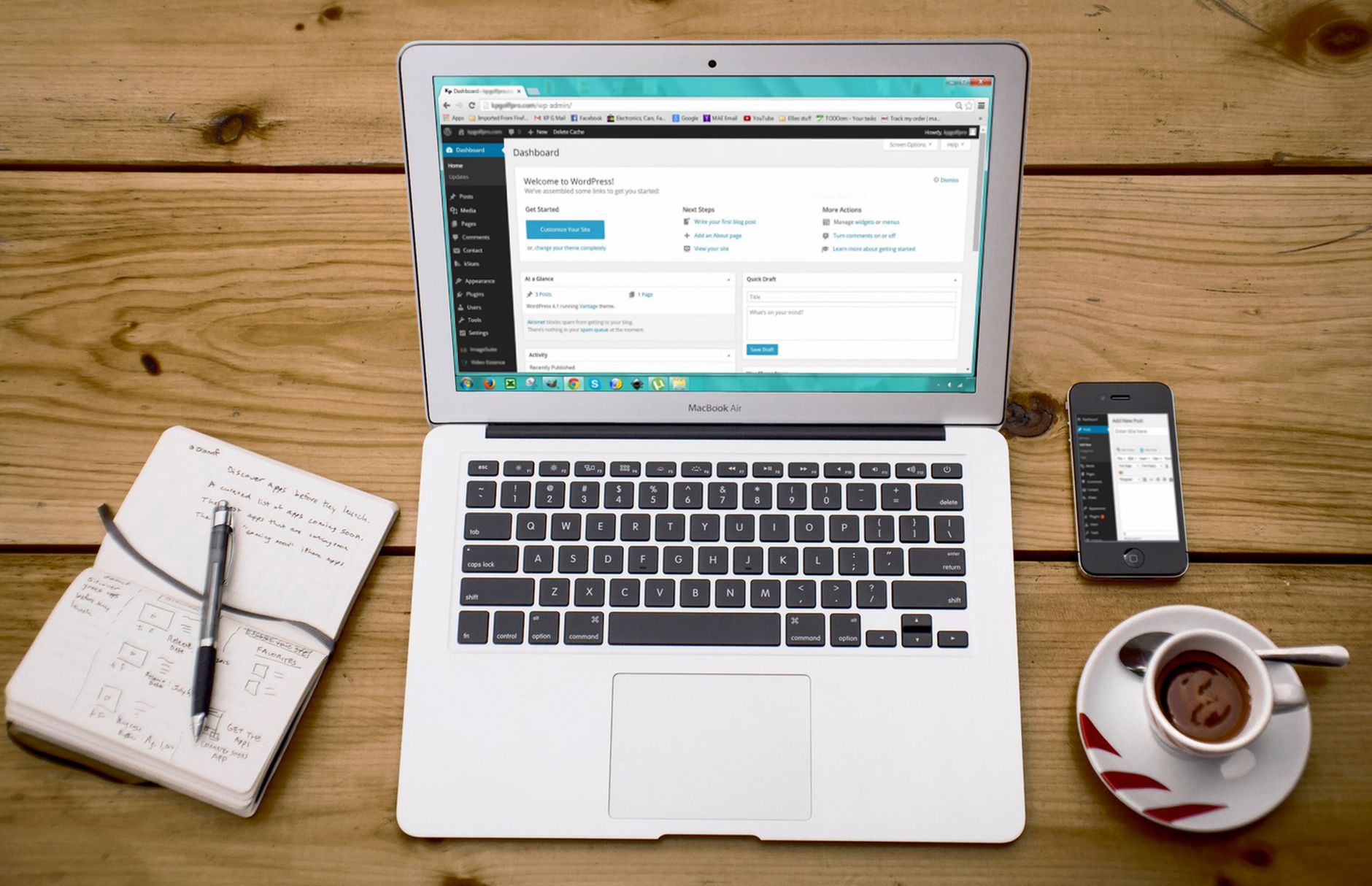
Flat rankings usually point to a diagnosis problem, not a motivation problem. If you have already installed a plugin, updated titles, and published content but traffic still is not moving, the next step is to troubleshoot your WordPress SEO setup in the right order instead of changing random settings.
WordPress SEO problems usually come from compounding issues: indexing mistakes, duplicate signals, weak page targeting, thin internal links, or plugin clutter. A green light in an SEO plugin does not mean the page deserves to rank. The goal is to find what is blocking visibility first, then fix the support layers after that.
This process works best when you move from foundation to detail. If you need a broader baseline before troubleshooting, review WordPress SEO: The Practical Guide for DIY Site Owners and How to Fix WordPress SEO Setup Problems alongside this checklist.
Start With the Pages That Matter Most
Troubleshooting works faster when you narrow the scope first. Start with your homepage, your main service or category pages, and the posts already getting impressions. These are the pages most likely to show whether your problem is technical, structural, or content-related.
Open Google Search Console and compare the pages that get impressions with the pages you actually want to rank. If Google is surfacing the wrong URLs, you may have an indexing or duplication problem. If the right URLs appear but stay stuck, the issue is more likely page targeting, internal links, or weak titles.
Check Indexing Before Anything Else
If search engines cannot crawl or index the right pages, everything else underperforms. Check whether important pages are indexable, included in your XML sitemap, and internally linked from crawlable pages before you spend time rewriting copy.
Look for accidental noindex settings, blocked URLs, orphan pages, and thin archives that should not be indexed. Google’s Search Essentials and technical SEO documentation both stress that pages and resources meant for Google should be crawlable and accessible, and that blocking crawl is not the same thing as preventing indexing.
On WordPress, this usually means reviewing your Reading settings, your SEO plugin indexation controls, and your sitemap output. If important pages are only listed in a sitemap but rarely linked from the site itself, they are often under-discovered rather than under-optimized.
Use One SEO Plugin Only
One well-configured SEO plugin is enough. If your site runs overlapping SEO, schema, sitemap, or social metadata plugins, troubleshooting becomes harder because you may be sending duplicate or conflicting signals across the site.
Common symptoms include duplicate title tags, conflicting canonicals, multiple XML sitemaps, or schema markup that does not match the visible page content. Remove overlap before you evaluate results. Clean signals are easier to diagnose than a plugin stack that keeps rewriting metadata in the background.
If your setup still feels cluttered, the next useful step is comparing plugin roles instead of adding features. Our post on fixing WordPress SEO setup problems is a good companion if your site has changed hands or gone through a redesign.
Review Titles and Headings for Clarity



Your title tag is one of the strongest on-page signals you control, so weak or repetitive titles can hold back a page even when the rest of the setup looks fine. Fix vague, stuffed, or duplicated titles before chasing smaller optimizations.
Google recommends descriptive, concise title text and warns against keyword stuffing and repeated boilerplate in title elements. That means a generic title often needs to become more specific, more readable, and more closely aligned with the page’s actual purpose.
| Weak title | Stronger title |
|---|---|
| SEO Services | SEO Company | SEO Expert | WordPress SEO Services for Small Businesses |
| Blog | WordPress SEO Tips for Service Businesses |
| Home | WordPress SEO Consultant for Growing Sites |
Make sure each important page also has one clear H1 and a logical heading structure underneath it. Google can use both title text and visible headings to understand pages, so mixed signals between the title tag and on-page heading often make weak targeting worse instead of better.
Fix Meta Descriptions, but Keep Them in Perspective
Meta descriptions help with click-through, not direct rankings. They matter when your pages are already appearing in search and the snippet needs to give searchers a clearer reason to click.
Google says it may use the meta description when it provides a more accurate summary of the page, and it recommends unique descriptions that describe the specific page. If your plugin uses the same template across dozens of URLs, clean that up, but do not expect meta descriptions to solve low visibility on their own.
Look for Duplicate URLs and Canonical Problems

Duplicate URL issues dilute signals and create confusion about which version of a page should rank. If your site has gone through a migration, redesign, or plugin change, check canonicals and redirects early.
Common WordPress trouble spots include attachment pages, tag archives, author archives, parameter URLs, category overlap, and inconsistent trailing slashes. Decide which version should be primary, link to it consistently, and redirect outdated alternatives where appropriate. Most site owners do not have one catastrophic problem. They have a stack of smaller issues that compound over time.
Strengthen Internal Links After Technical Cleanup
Once indexing and duplication are stable, internal links become one of the clearest next wins. They help search engines discover pages, understand hierarchy, and connect supporting content to the pages that actually drive leads or sales.
Google recommends anchor text that is descriptive, concise, and natural. On many WordPress sites, important pages rely too heavily on the main menu and do not receive enough contextual links from related posts or pages. That weakens both discoverability and topical context.
If your blog posts and service pages feel disconnected, use descriptive links between closely related pages. Our practical WordPress SEO guide explains how internal links fit into a broader site structure instead of acting like an afterthought.
Check Schema Without Turning It Into a Shortcut
Schema should support understanding, not replace substance. If your plugin is adding markup that does not match the visible content on the page, remove the extra layers before assuming more structured data will help.
Google’s structured data guidelines say markup should represent the main content of the page and should not be misleading. In practice, that means using only the schema types that match what users can actually see, instead of enabling every option a plugin offers.
If you are experiencing these symptoms, our team at WordPress SEO Expert can help. A focused review can usually tell whether your schema setup is useful support or just another layer of noise.
A Practical Troubleshooting Order
Fix the issues that block visibility before the issues that polish visibility. This order keeps you from wasting time on minor edits while larger technical or structural problems are still suppressing performance.
| Priority | What to review | Why it comes first |
|---|---|---|
| 1 | Indexing and crawl access | Pages cannot rank if search engines cannot reach or index them properly |
| 2 | SEO plugin conflicts | Conflicting metadata and sitemaps create sitewide confusion |
| 3 | Canonicals and duplicate URLs | Prevents diluted signals across multiple versions |
| 4 | Title tags and headings | Improves topical clarity and click potential |
| 5 | Meta descriptions | Supports clearer snippets after core issues are fixed |
| 6 | Internal linking | Strengthens hierarchy, discovery, and context |
| 7 | Schema cleanup | Refines signals after the foundation is stable |
What to Stop Doing
Stop treating plugin scores as proof that a page is optimized. A green light is a checklist signal, not a ranking signal. If your rankings are flat, the problem is usually prioritization, duplication, weak targeting, or a setup conflict that the plugin score does not measure.
You do not need a perfect score. The goal is a site that loads cleanly, is easy to use, and sends consistent signals about which pages matter most. That usually means fewer plugins, clearer templates, cleaner archives, and better links between related pages.
When to Get Help
If you have checked indexing, titles, canonicals, internal links, and plugin conflicts but still are not sure what is holding the site back, an outside diagnosis can save a lot of wasted effort. The issue is often not effort. It is knowing what to fix first.
WordPress SEO Expert can help you sort out whether the real problem is indexing, duplication, weak targeting, or plugin clutter. Book a free SEO consultation. No pitch, no pressure. Just an honest look at what your site actually needs and whether your current setup is part of the solution or part of the problem.
Contact WordPress SEO Expert today to schedule a consultation if you want a practical troubleshooting plan instead of another generic SEO checklist.

















