
WordPress SEO optimization works better when you stop chasing plugin scores and start fixing the issues that actually affect visibility. Most sites do not need more features. They need cleaner signals, better page targeting, and a clearer order of operations so search engines can understand which pages matter.
A green light in an SEO plugin does not mean the page deserves to rank. Better results usually come from improving crawlability, tightening page focus, reducing duplication, and strengthening the pages that already have the best chance to perform. If you need a deeper baseline first, review this practical WordPress SEO guide for DIY site owners and this breakdown of how to fix WordPress SEO setup problems.
Start With What Blocks Visibility
The first step is simple: fix the issues that prevent search engines from properly crawling, indexing, and understanding your site. Do not start with schema tweaks or keyword density. Start with the pages and settings that decide whether your content can compete at all.
That means checking whether important pages are indexable, whether your internal links point clearly to core pages, whether category and tag archives are creating noise, and whether multiple plugins are generating conflicting metadata. Google recommends descriptive, concise titles, discourages keyword stuffing, and emphasizes crawlable links with useful anchor text. Those basics are still foundational because they help users and search engines understand the page more clearly.
What to review first
| Priority | What to check | Why it matters |
|---|---|---|
| 1 | Indexing and crawl settings | Blocked or noindexed pages cannot perform in search |
| 2 | One-plugin setup | Overlapping SEO plugins can create duplicate or conflicting signals |
| 3 | Page targeting | Pages that target too many topics rarely rank well for any of them |
| 4 | Internal links | Strong internal linking helps Google find and prioritize important pages |
| 5 | Title tags and headings | Clear titles and headings improve relevance and click potential |
Use One SEO Plugin, Not a Stack

One well-configured SEO plugin is enough for most WordPress sites. Running overlapping plugins often creates duplicate metadata, conflicting canonicals, and competing sitemap outputs. If rankings are flat, adding another plugin usually adds noise instead of clarity.
This is one of the most common WordPress SEO optimization problems we see. Site owners install Yoast, Rank Math, redirect tools, schema tools, and theme SEO settings all at once, then assume more settings means more optimization. In practice, the better move is simplification. Keep the plugin that fits your workflow, remove overlaps, and make sure titles, descriptions, canonicals, and sitemaps come from one source of truth.
If you are not sure whether plugin clutter is hurting your site, WordPress SEO Expert can help. We look at what is actually being generated on the front end, not just what the dashboard claims is active.
Tighten Page Targeting Instead of Publishing More
Better results often come from making existing pages more focused, not from publishing a larger volume of thin content. When one page tries to rank for several unrelated terms, it usually sends weak relevance signals. Clear targeting gives each important page a better job to do.
This means choosing a primary topic for each core page, aligning the title, heading, copy, and internal links around that topic, and avoiding near-duplicate posts that only change a few words. Google advises writing unique, concise title elements and avoiding repetitive boilerplate. That matches what works in WordPress SEO: stronger differentiation between pages and less internal competition.
Weak vs stronger title direction
| Weak title | Stronger title |
|---|---|
| SEO Services | SEO Company | SEO Expert | WordPress SEO Services for Small Businesses |
| Blog | WordPress SEO Tips for DIY Site Owners |
| Home | WordPress SEO Consultant for Technical Fixes |
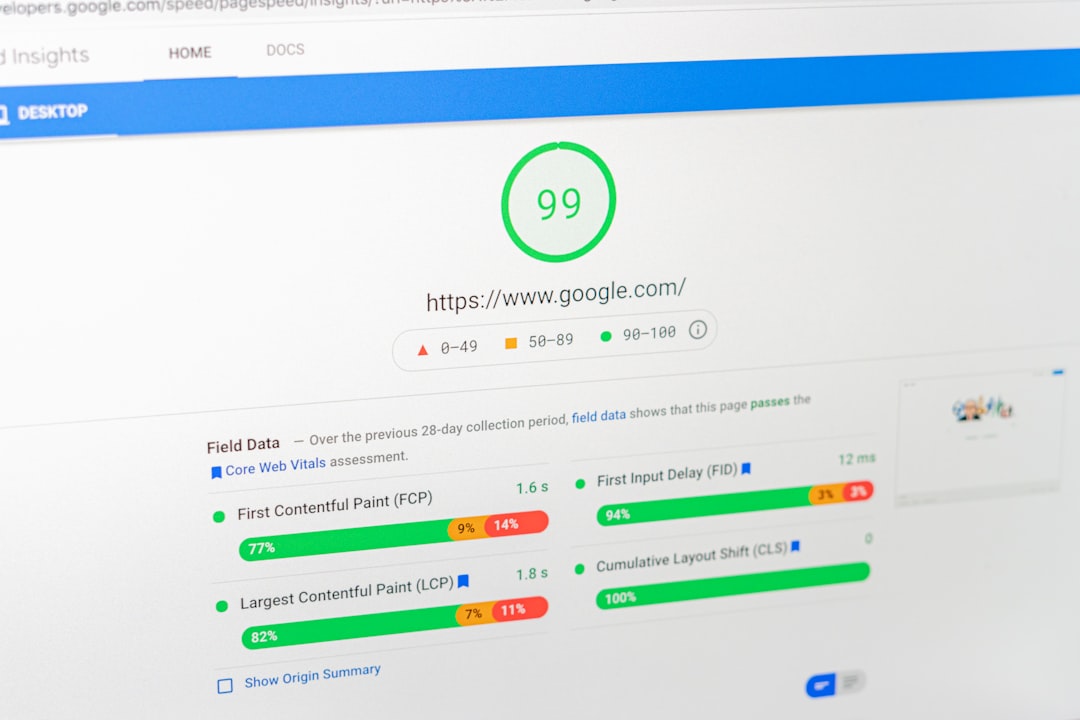
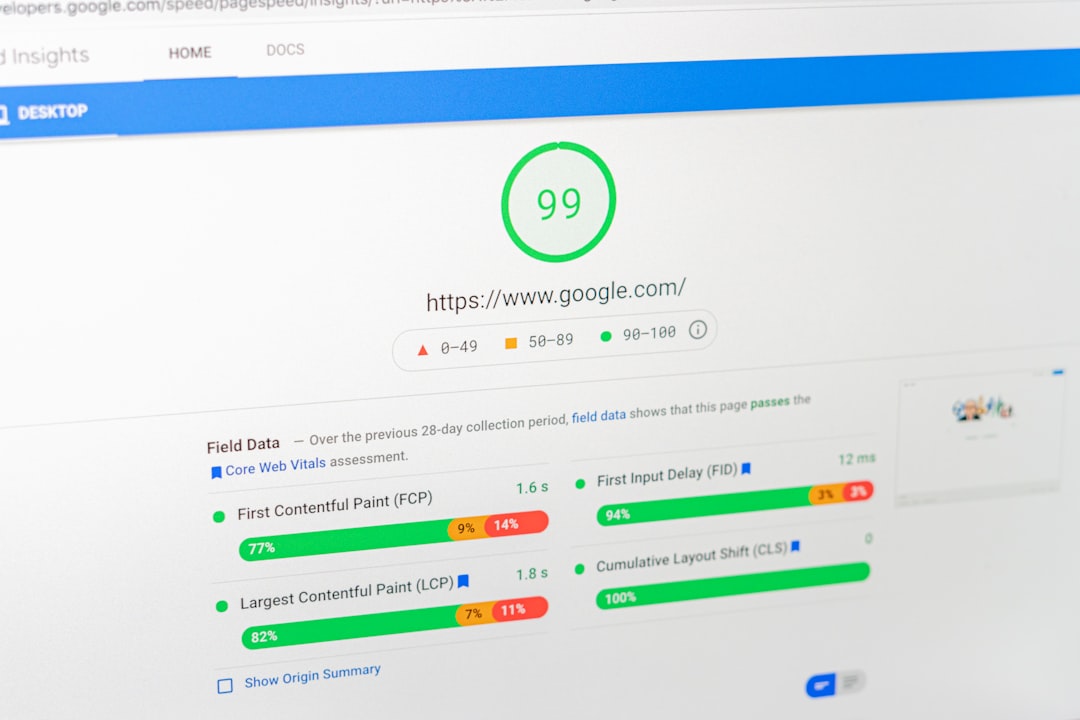
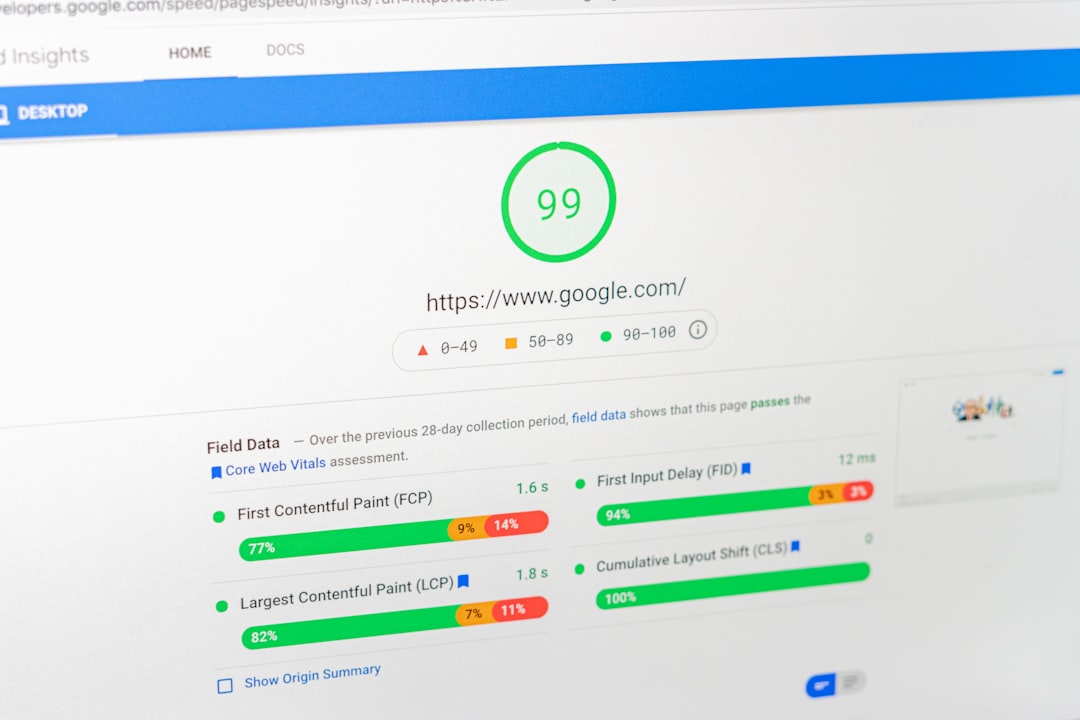
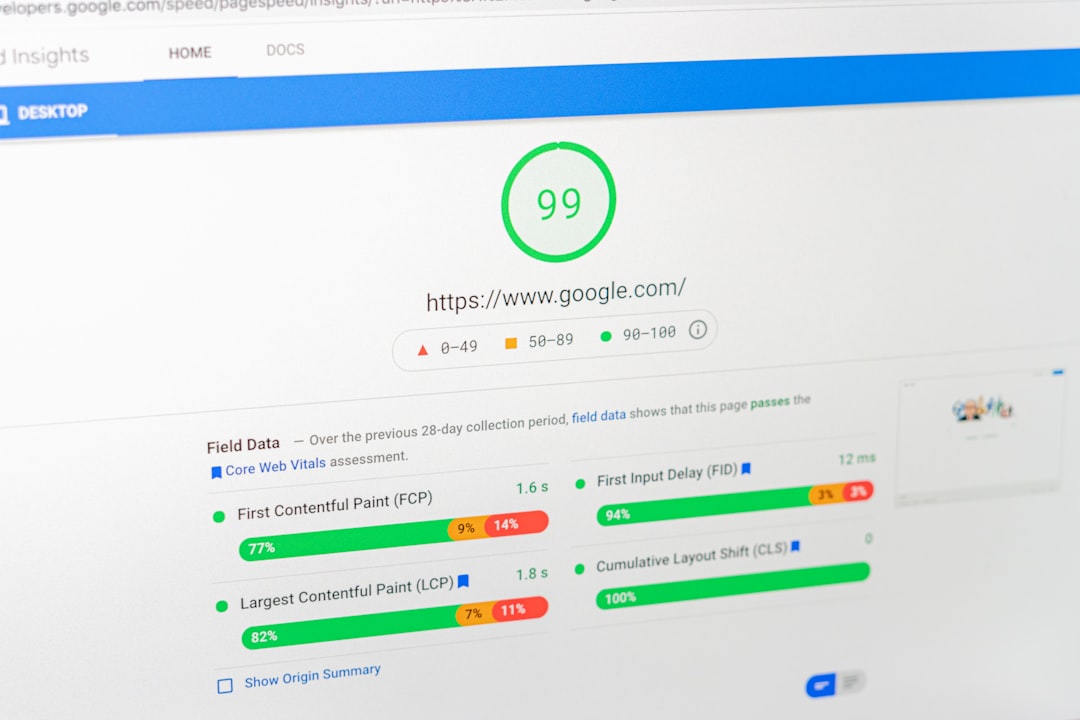
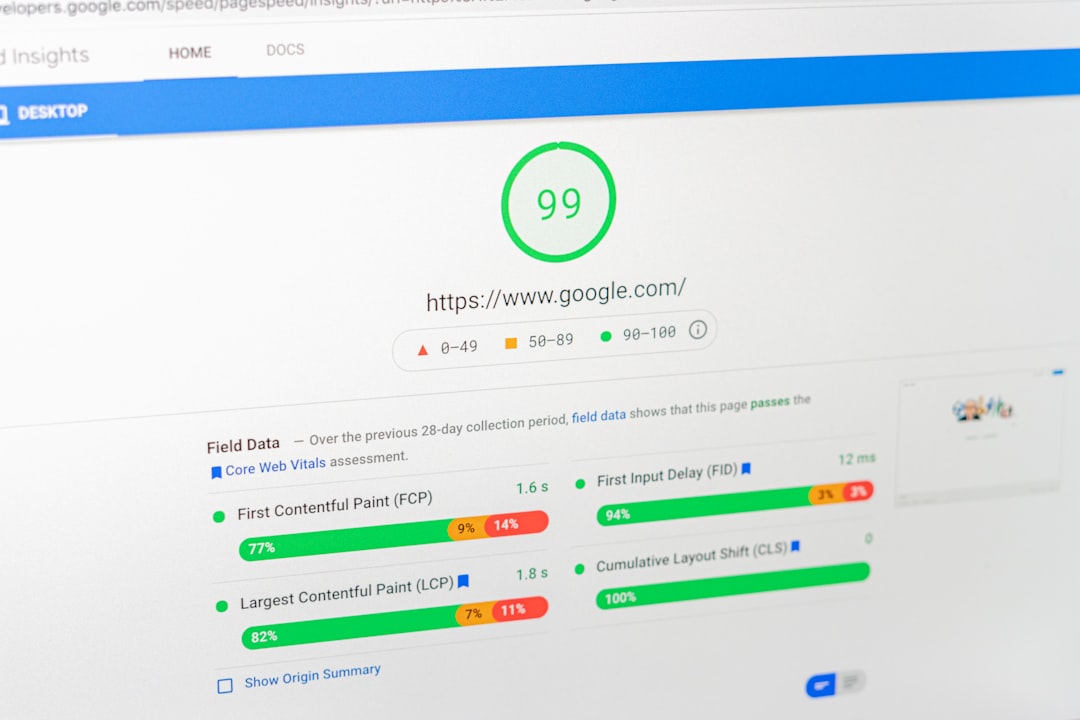
You do not need a perfect score. The goal is a site that loads cleanly, is easy to use, and sends consistent signals about which pages matter most.
Improve Internal Links With Clear Intent
Internal links help search engines discover pages and understand site structure, but only when the links are crawlable and the anchor text is descriptive. Generic anchors like read more do very little. Specific anchors make the destination clearer to both users and Google.
Look for chances to connect related articles, service pages, and category-level resources using plain language. For example, if a post explains setup problems, link it from pages discussing ranking stagnation or crawl confusion. If you need a process, start with this guide on fixing WordPress SEO setup problems and compare it with this resource on practical WordPress SEO improvements.
Measure Progress With the Right Signals

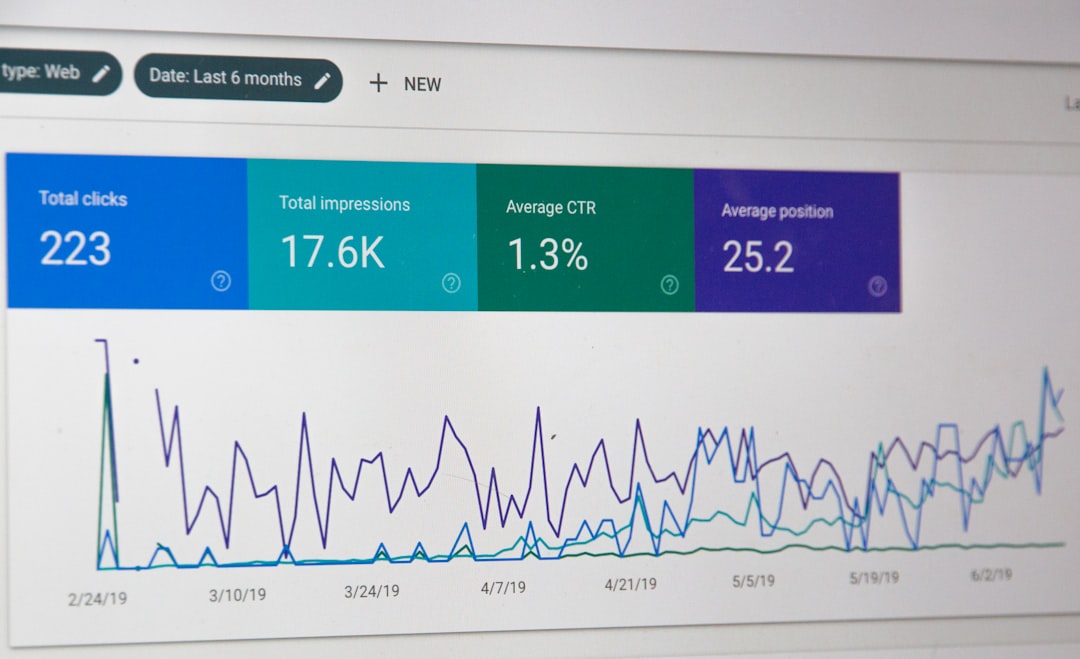
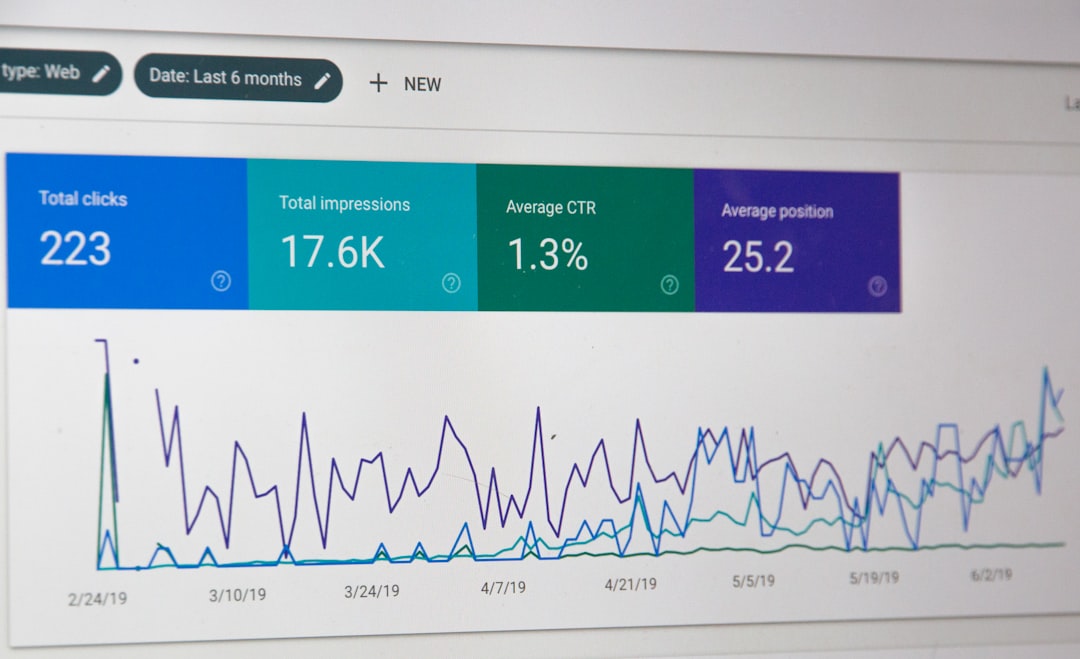
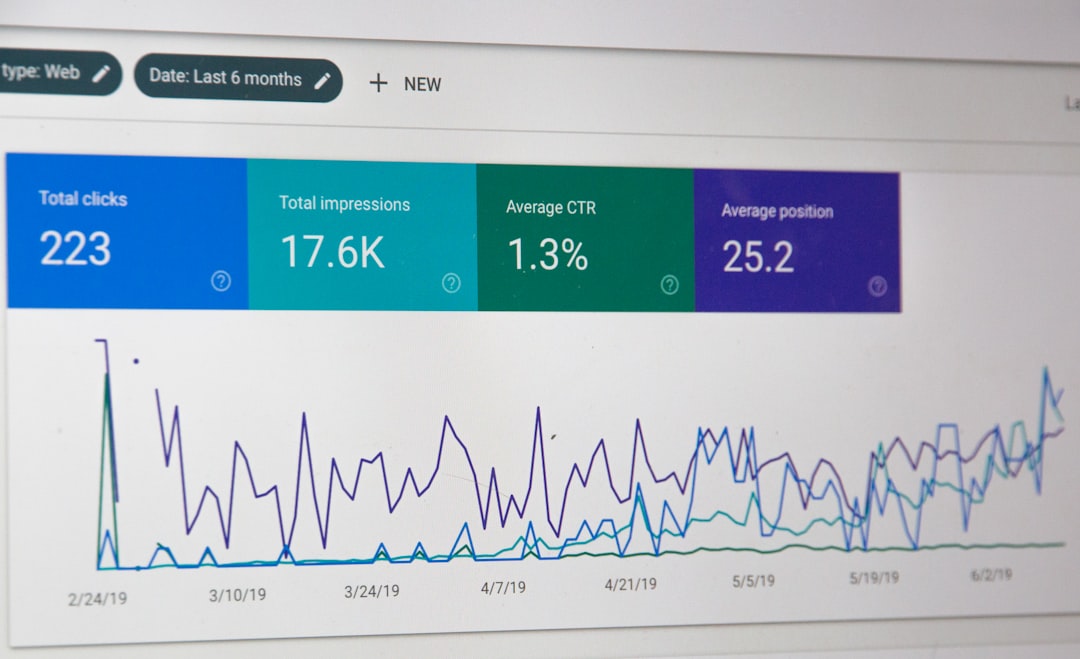
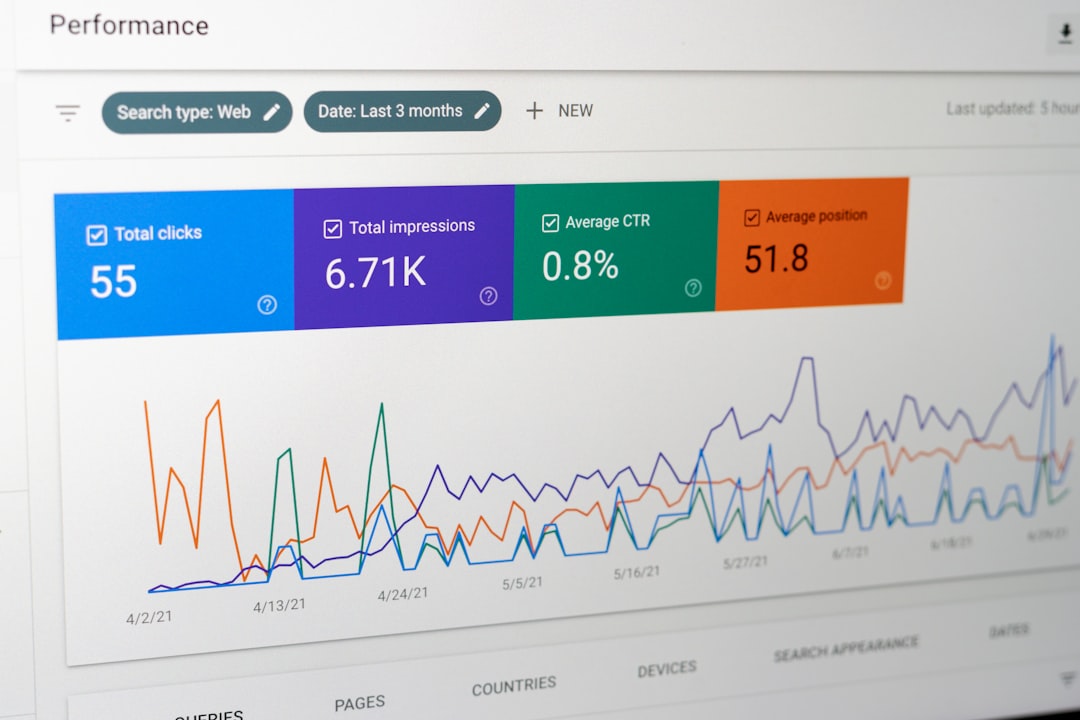
Better WordPress SEO results are easier to see when you track the right indicators. Rankings alone can be misleading. Watch whether key pages are indexed, whether impressions are rising, whether clicks improve after title updates, and whether the right pages are earning traffic for the right queries.
This is where many site owners get stuck. They spend time polishing minor settings while bigger structural issues stay unresolved. Fix the issues that block visibility before the issues that polish visibility. That order matters more than any single plugin feature.
If your rankings are flat and you are not sure whether the real problem is indexing, duplication, weak targeting, or plugin clutter, WordPress SEO Expert can help. We can sort out what is urgent, what is optional, and what is simply distracting you from the pages that drive results.
What Better Results Usually Look Like
Better results usually start with clearer page roles, fewer technical conflicts, and stronger internal pathways to the pages you want to rank. It is rarely dramatic at first. More often, it looks like steadier indexing, better alignment between queries and pages, and gradual traffic gains from cleaner execution.
Book a free SEO consultation. No pitch, no pressure. Just an honest look at what your site actually needs and whether your current setup is part of the solution or part of the problem. Contact WordPress SEO Expert today to schedule a consultation.