

WordPress SEO in 2026 is less about chasing new tricks and more about cleaning up the signals your site already sends. If rankings are flat, the usual problem is not effort. It is that indexing, page targeting, internal links, and plugin settings are working against each other instead of reinforcing each other.
A green light in an SEO plugin does not mean the page deserves to rank. Google still relies on clear titles, crawlable links, helpful page content, and structured data that matches what users actually see. That is why the best results usually come from simplifying your setup, not adding more tools.
What still matters most in 2026
The fundamentals still do the heavy lifting. Start by making sure Google can crawl important pages, understand what each page is about, and follow internal links that show which URLs matter most. Google recommends descriptive and concise title elements, unique page descriptions, crawlable HTML links, and structured data that reflects visible page content.
If you need a broader foundation before adjusting templates and metadata, review this practical WordPress SEO guide for DIY site owners. It pairs well with this post if your setup already feels cluttered.
Use one SEO plugin and configure it well
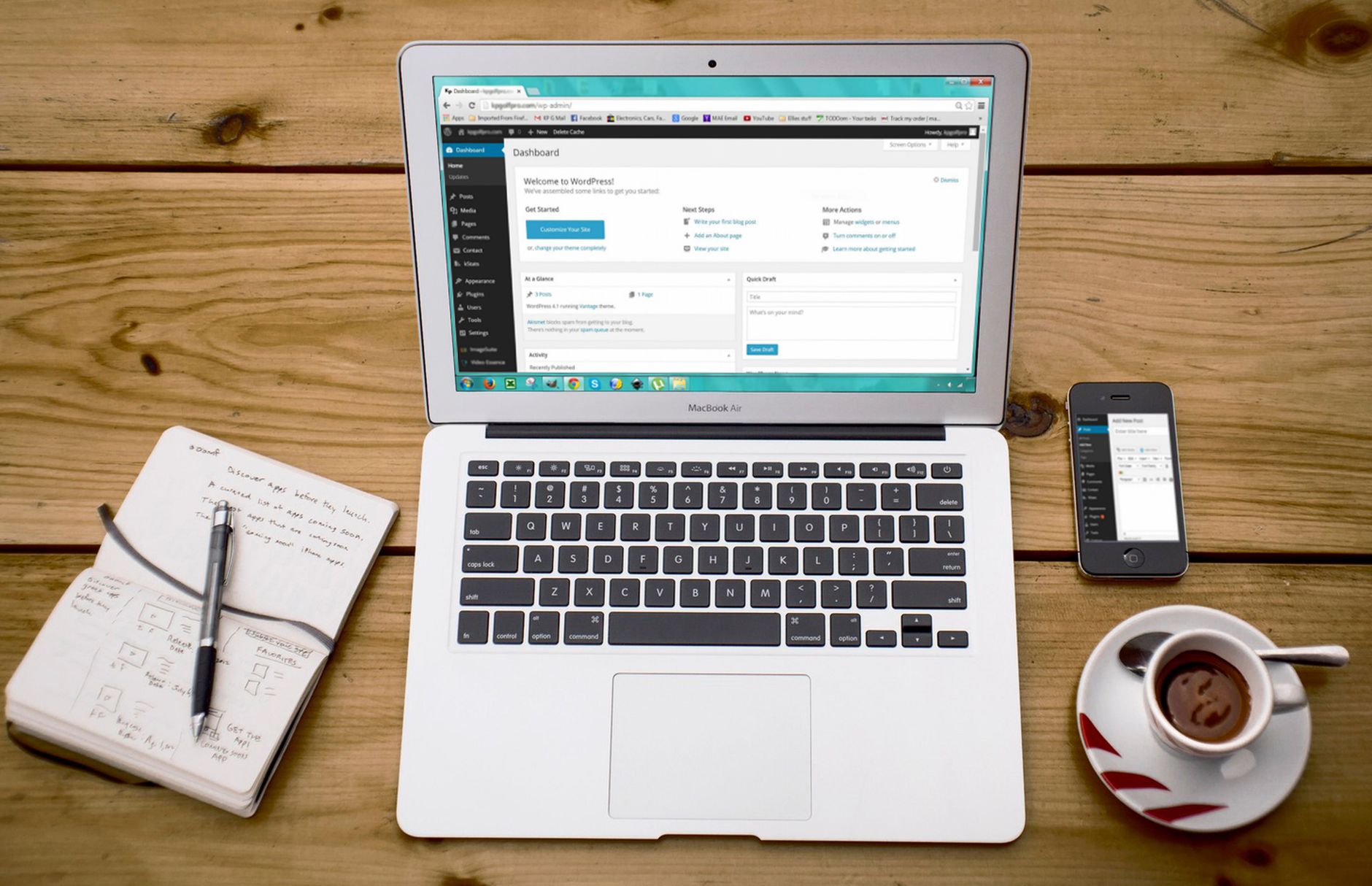
One well-configured SEO plugin is enough. Running overlapping plugins often creates duplicate metadata, conflicting canonicals, and competing sitemap outputs that make troubleshooting harder than it needs to be.
This is still one of the most common WordPress SEO problems after redesigns, developer handoffs, or years of small additions. Keep one primary SEO plugin, remove overlapping tools, and confirm that titles, descriptions, canonicals, schema, and sitemaps are all being handled in one place. If your current setup feels messy, this guide on fixing WordPress SEO setup problems will help you clean up the stack in the right order.
Fix indexing before on-page polish
If important pages are not indexed correctly, title rewrites and content edits will not move much. Fix the issues that block visibility before the issues that polish visibility.
Check that your XML sitemap is active, your key pages are not accidentally noindexed, and thin archives are not competing with core pages. On many WordPress sites, tag archives, author archives, attachment pages, and search result pages create unnecessary noise. The goal is simple: help search engines reach the pages that matter and reduce attention on the pages that do not.
Write better titles, not longer titles
Title tags remain one of the strongest on-page signals you control. Google advises site owners to write clear, concise, page-specific titles and to avoid keyword stuffing or repetitive boilerplate.
| Weak title | Stronger title |
|---|---|
| SEO Services | SEO Company | SEO Expert | WordPress SEO Services for Small Businesses |
| Home | WordPress SEO Consultant for Service Businesses |
| Blog | WordPress SEO Tips for Small Business Sites |
The stronger versions tell both users and search engines what the page is actually about. They also make it easier to earn clicks from the right searcher instead of looking like generic template output.
Keep meta descriptions specific and useful
Meta descriptions do not replace weak SEO, but they can improve how your page is summarized in search. Google may use the meta description when it provides a more accurate summary, so each important page should have its own short, relevant description.
Do not reuse one generic description sitewide. Focus on home, service, category, and high-impression blog pages first. A clear summary that matches the page usually does more than a stuffed line written only for a plugin score.
Make internal links easier to crawl and understand
Internal links are still one of the clearest opportunities on WordPress sites. Google recommends crawlable HTML links and descriptive anchor text because links help search engines discover pages and understand how topics connect.
Link broad informational posts to service pages, connect related blog posts, and make sure important pages are not only reachable through menus or sitemaps. Most site owners do not have one catastrophic problem. They have a stack of smaller issues that compound over time, and weak internal linking is almost always one of them.
If you are experiencing these symptoms, our team at WordPress SEO Expert can help.
Control duplicate and low-value URLs
WordPress makes it easy to publish, but it also makes it easy to generate extra URLs that add little value. Duplicate or thin URLs can dilute signals and make the site harder to manage over time.
Review archive behavior, canonical settings, redirect rules, and parameter-driven URLs. This matters even more on WooCommerce sites, where filters, product variations, and layered navigation can create crawl clutter quickly. You do not need a perfect score. The goal is a site that loads cleanly, is easy to use, and sends consistent signals about which pages matter most.
Use schema as a support layer
Schema helps search engines interpret content more clearly, but it is not a shortcut around weak pages. Keep the markup accurate, relevant, and aligned with what users can actually see on the page.
For many WordPress sites, the essentials are enough: organization details, article markup on posts, and breadcrumb markup where breadcrumbs are visible. Avoid turning on every schema type your plugin offers just because it is available.
Prioritize speed, but do not obsess over scores
Site speed matters when the experience is slow enough to frustrate users or interfere with crawling and rendering. The practical goal is not a perfect lab score. It is a site that feels fast on real templates and devices.
Start with image compression, page caching, fewer unnecessary plugins, and cleaner theme or builder output. Test your homepage, a core service page, and a blog post separately because performance issues rarely affect every template the same way.
A simple 2026 priority order
The best SEO plans are sequenced, not crowded. Work from blocking issues to supporting improvements so your effort compounds instead of scattering.
| Priority | Focus area | Why it comes first |
|---|---|---|
| 1 | Indexing and crawl access | Pages cannot rank if search engines cannot reach or index them properly. |
| 2 | Plugin cleanup | Conflicting SEO output creates sitewide confusion. |
| 3 | Titles and page targeting | Clarifies what each important page should rank for. |
| 4 | Internal linking | Strengthens discovery, hierarchy, and relevance. |
| 5 | Duplicate URL control | Prevents dilution across archives, filters, and alternate versions. |
| 6 | Schema and snippets | Supports visibility after the core signals are clean. |
When expert help makes sense
If rankings are flat after basic optimization, the issue is usually prioritization, not effort. An outside review can show whether the real bottleneck is indexing, duplication, weak page targeting, plugin clutter, or a migration problem that never got fully resolved.
Book a free SEO consultation with WordPress SEO Expert. No pitch, no pressure. Just an honest look at what your site actually needs and whether your current setup is part of the solution or part of the problem.
Contact WordPress SEO Expert today to schedule a consultation if you want a practical roadmap instead of another scattered checklist.

















