

WordPress SEO in 2026 is less about chasing every tactic and more about fixing the few issues that block visibility first. Most sites with flat traffic do not have one dramatic failure. They have overlapping plugin output, unclear page targeting, weak internal links, and technical clutter that sends mixed signals to search engines.
A green light in an SEO plugin does not mean the page deserves to rank. What matters is whether your key pages are crawlable, clearly targeted, internally supported, and useful enough to earn attention. If you need a broader foundation before you optimize page by page, start with our practical WordPress SEO guide for DIY site owners.
Start with the issues that suppress rankings
The fastest gains usually come from cleaning up the technical and structural problems that weaken your whole site. Before rewriting content, make sure search engines can crawl the right pages, index the right versions, and understand which pages matter most.
That means checking indexation settings, resolving duplicate URL patterns, and simplifying your plugin stack. One well-configured SEO plugin is enough. Running overlapping SEO tools often creates duplicate metadata, conflicting canonicals, and competing sitemap output that make diagnosis harder than it should be.
Use clear titles, not stuffed titles
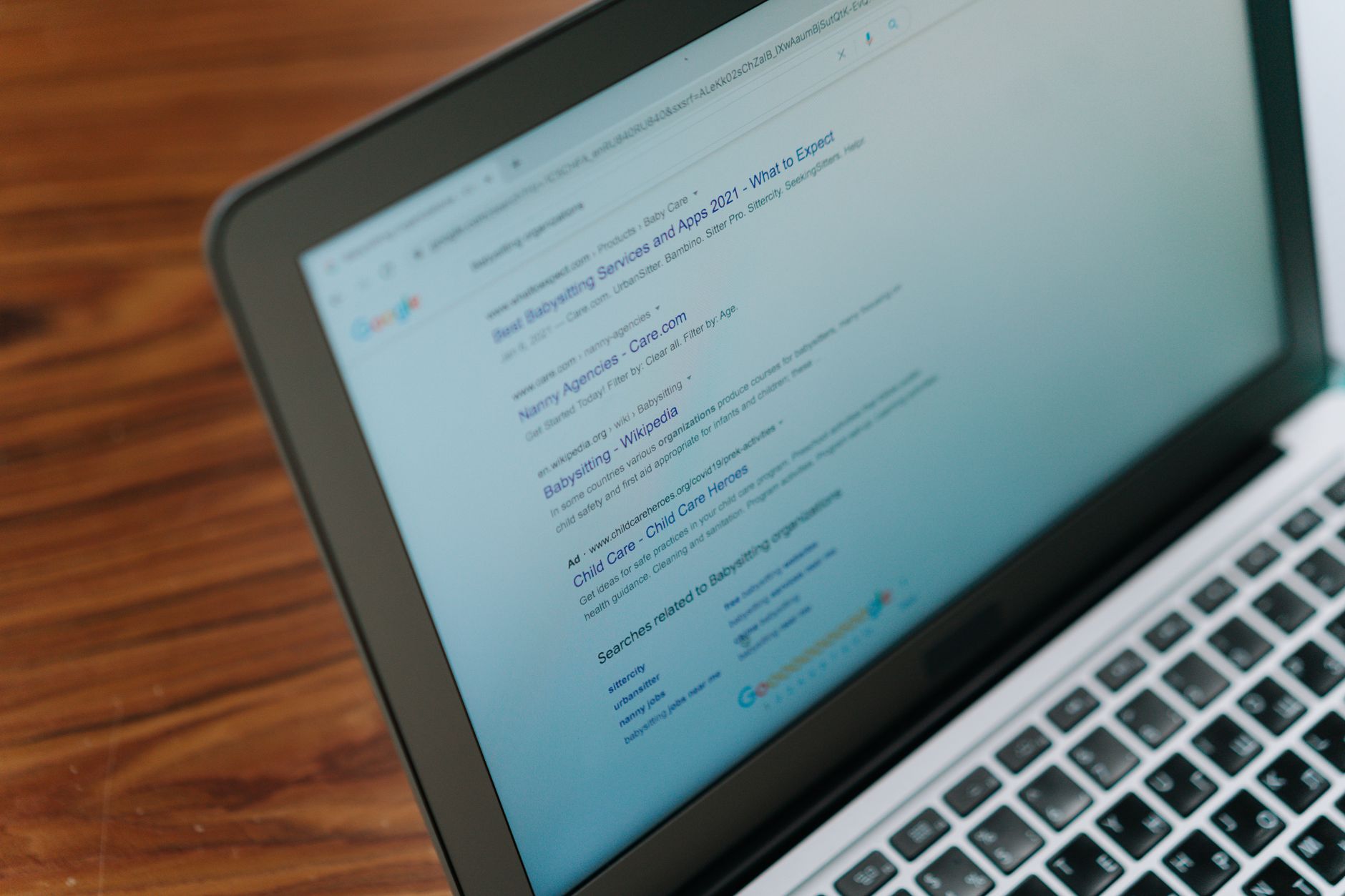
Your title tag is still one of the strongest on-page signals you control, and Google recommends descriptive, concise title text while warning against keyword stuffing and boilerplate repetition. In practice, that means every important page should have a distinct title that matches a single clear intent.
Weak titles usually sound generic or repetitive. Stronger titles tell both users and search engines what the page actually offers. If your important pages still use vague templates or stuffed variations, fix those before you spend time polishing minor pages.
| Weak title | Stronger title |
|---|---|
| SEO Services | SEO Company | SEO Expert | WordPress SEO Services for Small Businesses |
| Blog | WordPress SEO Tips for Service Businesses |
| Home | WordPress SEO Consultant for Growing Sites |
If your current setup makes title control confusing, our post on how to fix WordPress SEO setup problems can help you sort out templates, plugin conflicts, and indexing mistakes in the right order.
Write meta descriptions for clicks, not scores
Meta descriptions support click-through, even though they are not a shortcut to rankings. Google may use the meta description when it accurately summarizes the page, so your goal is a short, specific description that helps the searcher understand why that page is worth opening.
Do not reuse one generic description across dozens of pages. Write unique descriptions for your homepage, primary service pages, key categories, and top blog posts first. That level of coverage is usually enough to improve weak snippets without turning the task into busywork.
Keep one H1 and a clean heading structure
Heading structure helps clarify the page for both readers and search engines. A clean layout usually means one H1 for the page topic, H2s for main sections, and H3s only when a subsection genuinely needs another layer.
Do not use headings as decoration. If a block of text needs visual emphasis but is not a new section, style it with design settings instead of promoting it to a heading. Clear structure improves scanning, reduces confusion, and makes updates easier later.
Strengthen internal links before publishing more posts

Internal linking is one of the most underused levers on WordPress sites with flat rankings. Google recommends crawlable HTML links with descriptive anchor text, and every important page should be supported by links from other relevant pages on your site.
Link blog posts to the services or category pages they support. Link related articles to each other when the connection helps the reader. Most site owners do not need more content first. They need their existing content to work together more clearly.
If you are experiencing these symptoms, our team at WordPress SEO Expert can help. A focused review often shows whether your problem is thin internal support, duplicate URLs, indexing confusion, or page targeting that never became clear enough to rank.
Clean up duplicate URLs and thin archives
WordPress makes it easy to create extra URLs that do not help your SEO. Tag archives, author archives, attachment pages, filtered product URLs, and inconsistent canonical handling can all spread signals across pages that should not be competing.
Review which archive types actually serve a purpose on your site. If an archive is thin, repetitive, or unlikely to satisfy search intent on its own, it is often better to noindex it. This is especially important on small business sites and lean content sites where archive expansion creates more clutter than value.
Make technical SEO practical, not theoretical
Technical SEO matters most when it solves an actual visibility problem. In 2026, that still means crawlable links, descriptive URLs, accurate canonicals, valid sitemaps, and structured data that reflects what users can see on the page.
You do not need every available schema type. Add only the markup that matches the page. Keep your sitemap clean. Avoid JavaScript-only links that make discovery harder. The goal is not technical complexity. The goal is a site that is easy for search engines to crawl and easy for users to navigate.
Focus on content fit, not content volume
Publishing more pages will not fix weak page targeting. One strong page that matches a clear search intent usually outperforms several thin posts aimed at slight keyword variations.
Map one primary purpose to each important page. Let service pages target commercial or transactional intent. Let blog posts answer informational questions and support those money pages with internal links. Consolidation often produces better results than expansion, especially on sites with years of scattered publishing behind them.
A simple priority order for 2026
If your rankings are stuck, do not fix everything at once. Fix the issues that block visibility before the issues that polish visibility. That order keeps you from spending hours on copy tweaks while larger structural problems continue to hold the site back.
| Priority | What to review | Why it matters |
|---|---|---|
| 1 | Indexing and crawl access | Pages cannot rank if search engines cannot reliably reach them |
| 2 | Plugin overlap and metadata conflicts | Conflicting output creates mixed signals sitewide |
| 3 | Canonicals, redirects, and duplicate URLs | Prevents dilution across competing versions |
| 4 | Title tags and page targeting | Improves topical clarity and click potential |
| 5 | Internal linking | Strengthens hierarchy and supports key pages |
| 6 | Schema and snippet refinements | Polishes visibility after the foundation is stable |
What to stop doing in 2026
Stop adding plugins to solve problems you have not diagnosed. Stop publishing thin variations of the same topic. Stop treating SEO checklists as a ranking strategy. And stop assuming more activity means more progress.
You do not need a perfect score. The goal is a site that loads cleanly, is easy to use, and sends consistent signals about which pages matter most. That is what best practice looks like on a real WordPress site.
When expert help makes sense
If you have already done the basics and rankings are still flat, the issue is often prioritization rather than effort. A technical review can usually show whether the bottleneck is indexing, duplication, weak targeting, internal link gaps, or a messy setup left behind by an old redesign or migration.
WordPress SEO Expert can help you sort out what to fix first. Book a free SEO consultation. No pitch, no pressure. Just an honest look at what your site actually needs and whether your current setup is part of the solution or part of the problem.
Contact WordPress SEO Expert today to schedule a consultation if you want a practical plan instead of another long checklist.

















