

WordPress SEO problems usually come from a cluttered setup, not a single missing fix. If your traffic is flat even though you have installed plugins, written content, and followed checklists, the issue is often prioritization. A green light in an SEO plugin does not mean the page deserves to rank.
The fastest path forward is to fix the issues that block visibility before the issues that polish visibility. That means checking indexing, simplifying plugin overlap, tightening titles, cleaning up duplicate URLs, and strengthening internal links. If you need a broader baseline first, review our practical WordPress SEO guide for DIY site owners.
Start With Indexing and Crawl Access
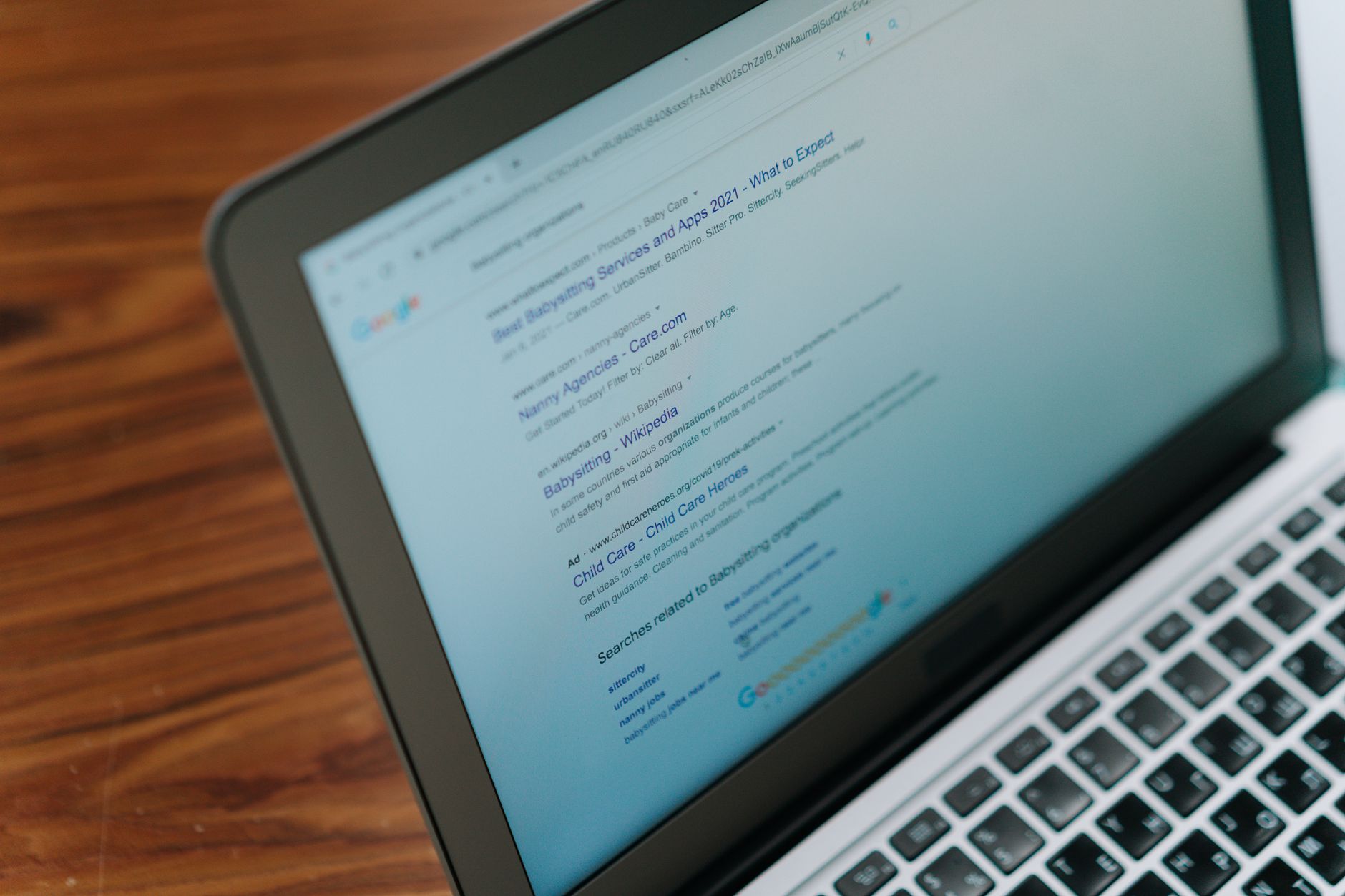
If Google cannot crawl the right pages or index them correctly, the rest of your SEO work will underperform. Start here before rewriting copy or changing plugin settings across the site.
Check whether your important pages are indexable, linked from crawlable pages, and included in your sitemap. Google’s documentation explains that blocking crawl access is not the same as preventing indexing, and that noindex is the proper way to keep a URL out of search. This is why buried service pages, thin archives, and accidental noindex settings can quietly hold a site back.
Look first at your homepage, main service pages, top blog posts, and category pages that matter to the business. If those are not being discovered and indexed cleanly, nothing else deserves your attention yet.
Use One SEO Plugin, Not Several
One well-configured SEO plugin is enough. Running overlapping plugins often creates duplicate metadata, conflicting canonicals, and competing sitemap outputs that make troubleshooting harder than it needs to be.
This is one of the most common WordPress SEO optimization problems on sites that have changed owners or gone through redesigns. Keep one primary SEO plugin, then configure titles, descriptions, archive settings, and schema inside that system. If your current setup feels bloated, our post on how to fix WordPress SEO setup problems walks through the cleanup order.
You do not need a perfect score. The goal is a site that loads cleanly, is easy to use, and sends consistent signals about which pages matter most.
Fix Title Tags Before You Rewrite Pages
Your title setup has an outsized effect on relevance and click potential, so it should be fixed early. Distinct, descriptive titles help both users and search engines understand what each page is actually about.
Google recommends writing descriptive, concise title text and avoiding keyword stuffing or repetitive boilerplate. That means weak titles like SEO Services | SEO Company | SEO Expert should become something clearer and more specific, based on the page’s real purpose.
| Weak title | Stronger title |
|---|---|
| SEO Services | SEO Company | SEO Expert | WordPress SEO Services for Small Businesses |
| Blog | WordPress SEO Tips for Service Businesses |
| Home | WordPress SEO Consultant for Growing Sites |
Focus on pages that already matter first: home, primary service pages, and pages already earning impressions. Fix the titles that shape visibility before you spend hours expanding supporting copy.
Write Better Meta Descriptions
Meta descriptions do not solve ranking problems on their own, but they can improve how your page is summarized in search results. Treat them as click support, not a ranking shortcut.
Google says it may use the meta description when it better summarizes the page and recommends unique descriptions that accurately describe the specific page. If your plugin is generating the same pattern across dozens of pages, clean that up before publishing more content.
Keep descriptions specific, useful, and tied to the page’s actual benefit. Generic summaries waste one of the few chances you have to improve click-through without changing rankings.
Clean Up Duplicate URLs and Canonicals
Duplicate URL issues dilute signals and confuse search engines about which version of a page should rank. This is especially common on WordPress sites with attachment pages, tag archives, filters, and leftover redirected URLs.
Decide which version of each page should be the primary one, link to it consistently, and redirect outdated alternatives. Most site owners do not have one catastrophic problem. They have a stack of smaller issues that compound over time.
If your site has gone through a redesign or migration, review canonicals and redirects before you assume the problem is content quality. The technical signal loss from URL changes often explains flat rankings better than another round of editing.
Use Schema Carefully
Schema should clarify visible content, not act as a shortcut around weak pages. Keep it accurate, relevant, and limited to what users can actually see on the page.
Google’s structured data guidance says markup should not be misleading and should match visible page content. In practice, that means avoiding the temptation to enable every schema type your plugin offers just because it is available.
For most WordPress sites, simpler is better. Clean markup on the right pages is more useful than a long list of mismatched schema types.
Strengthen Internal Links After the Basics
Once indexing, titles, and duplicate handling are under control, internal links become one of the clearest next wins. They help search engines discover pages, understand hierarchy, and connect informational posts to revenue-driving pages.
Google recommends descriptive, concise anchor text on crawlable links. That means linking related posts and service pages with plain-language phrases that tell both users and search engines what to expect.
Look for orphan pages, weak blog-to-service connections, and posts that end without guiding the reader anywhere useful. If you are experiencing these symptoms, our team at WordPress SEO Expert can help.
A Simple Order of Operations
Fixing WordPress SEO optimization problems gets easier when you stop treating every task as equally urgent. Work in sequence so foundational problems stop undermining everything above them.
| Priority | What to fix | Why it comes first |
|---|---|---|
| 1 | Indexing and crawl access | Pages cannot rank if search engines cannot reach them properly |
| 2 | SEO plugin conflicts | Conflicting metadata and sitemaps create sitewide confusion |
| 3 | Canonicals and redirects | Prevents duplicate URL dilution |
| 4 | Title tags | Improves clarity and click potential |
| 5 | Meta descriptions | Supports cleaner snippets in search |
| 6 | Internal links | Strengthens hierarchy and discovery |
| 7 | Schema cleanup | Refines signals after the foundation is stable |
When to Get Help
If your rankings are still flat after cleaning up the basics, the real issue is usually prioritization, not effort. A second set of eyes can quickly tell you whether the bottleneck is indexing, duplication, weak targeting, or plugin clutter.
WordPress SEO Expert can help you diagnose what to fix first instead of guessing through scattered settings and generic advice. Book a free SEO consultation. No pitch, no pressure. Just an honest look at what your site actually needs and whether your current setup is part of the solution or part of the problem.
Contact WordPress SEO Expert today to schedule a consultation if you want a practical plan for fixing WordPress SEO optimization problems without overcomplicating the site.

















