

Most beginner SEO problems in WordPress come from doing too many low-impact tasks and missing the few issues that actually affect visibility. A green light in an SEO plugin does not mean the page deserves to rank. The real goal is a site that is clear, crawlable, and focused on the pages that matter most.
WordPress SEO Expert sees this pattern constantly: site owners put in real effort, but the work is scattered across plugins, settings, and content tweaks that do not solve the main problem. If you are new to SEO, the fastest improvement usually comes from avoiding the common mistakes below and fixing the issues that block visibility before the issues that polish visibility.
1. Treating plugin scores like rankings
The first mistake is assuming your SEO plugin is the strategy. Plugin suggestions can be useful, but they are not the same thing as search performance. Google’s own documentation focuses on clear titles, helpful content, and crawlable links, not on chasing a perfect plugin score.
Beginners often spend hours adjusting readability meters, keyword counts, and tiny warnings while bigger issues stay untouched. If a page has weak search intent, poor internal links, or no clear role on the site, a better score will not fix that. One well-configured SEO plugin is enough. Running overlapping plugins often creates duplicate metadata, conflicting canonicals, and competing sitemap outputs.
If you want a better framework, start with this practical WordPress SEO guide for DIY site owners and compare your current setup against the pages that actually deserve your attention.
2. Writing vague or stuffed page titles
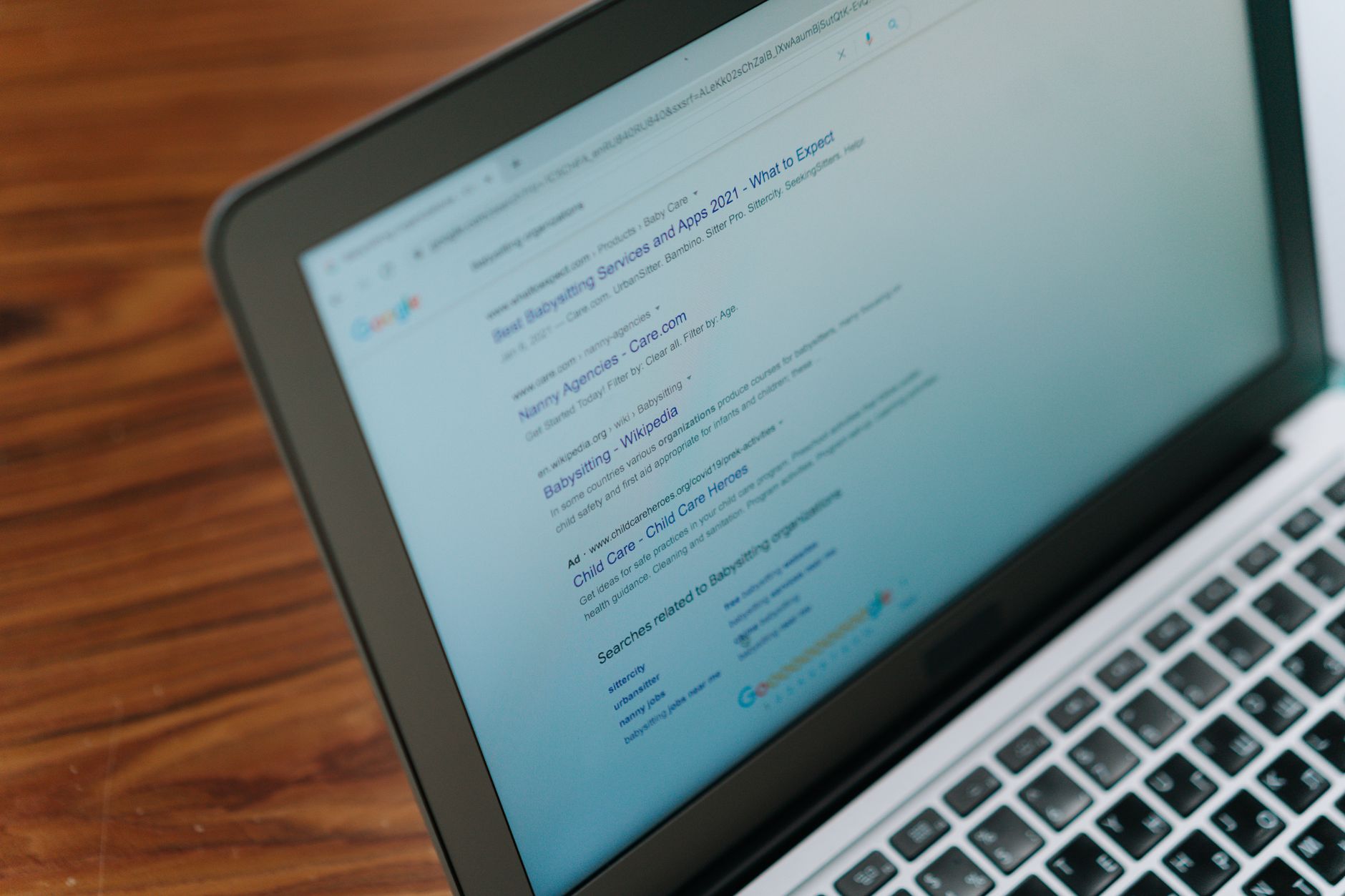
Weak titles confuse both users and search engines. A good title should be clear, concise, and specific to the page. Google recommends descriptive, concise title text and warns against keyword stuffing and repeated boilerplate across pages.
Many beginners write titles like Home, Services, Blog Post, or SEO Services | SEO Company | SEO Expert. These do not clearly tell Google what the page is about, and they do not give searchers a strong reason to click. Better titles match the page topic and reflect what a real person would expect to find.
| Weak title | Stronger title |
|---|---|
| Services | WordPress SEO Services for Small Businesses |
| Blog Post | Beginner WordPress SEO Mistakes to Avoid |
| SEO Services | SEO Company | SEO Expert | WordPress SEO Help for Flat Rankings |
Google may rewrite title links when titles are vague, repetitive, or overly long, which is another sign that clarity matters more than stuffing. Keep titles distinct, useful, and closely aligned with the page itself.
3. Publishing pages without clear keyword focus
Beginners often create pages that try to rank for everything at once. That usually leads to pages that feel generic, overlap with each other, and never send a strong signal about their main purpose.
This shows up when a service page targets web design, SEO, marketing, content, and maintenance all in the same copy, or when blog posts cover broad topics without a clear search angle. You do not need perfect keyword mapping, but every important page should answer one main intent well. If several posts cover nearly the same idea, consolidation is often better than publishing more thin variations.
A useful next step is reviewing your structure with a WordPress SEO checklist that actually works so each important page has a defined role.
4. Ignoring internal links

Internal links help search engines discover pages and understand which content matters most. They also help users move naturally from one topic to the next. Beginners often publish content and leave it isolated, which weakens both crawl paths and topical signals.
Every important page should link to related pages using descriptive anchor text. That means linking phrases like WordPress SEO checklist or technical SEO issues instead of generic text like click here. Good internal linking is not about forcing keywords everywhere. It is about creating a clear path through your site.
If you are not sure which pages should support each other, WordPress SEO Expert can help.
5. Letting thin or duplicate pages pile up
Most site owners do not have one catastrophic problem. They have a stack of smaller issues that compound over time. Thin category pages, duplicate tag archives, attachment pages, and near-identical service pages can dilute your site and waste attention.
Duplicate content is not automatically a penalty issue, but it can create a poor user experience and waste crawl resources on URLs you do not care about. Beginners often leave WordPress archives and low-value pages indexed by default without asking whether those URLs deserve to appear in search at all.
Audit what should stay indexed, what should be consolidated, and what should be excluded. This matters even more after redesigns, plugin changes, and content imports.
6. Skipping Search Console
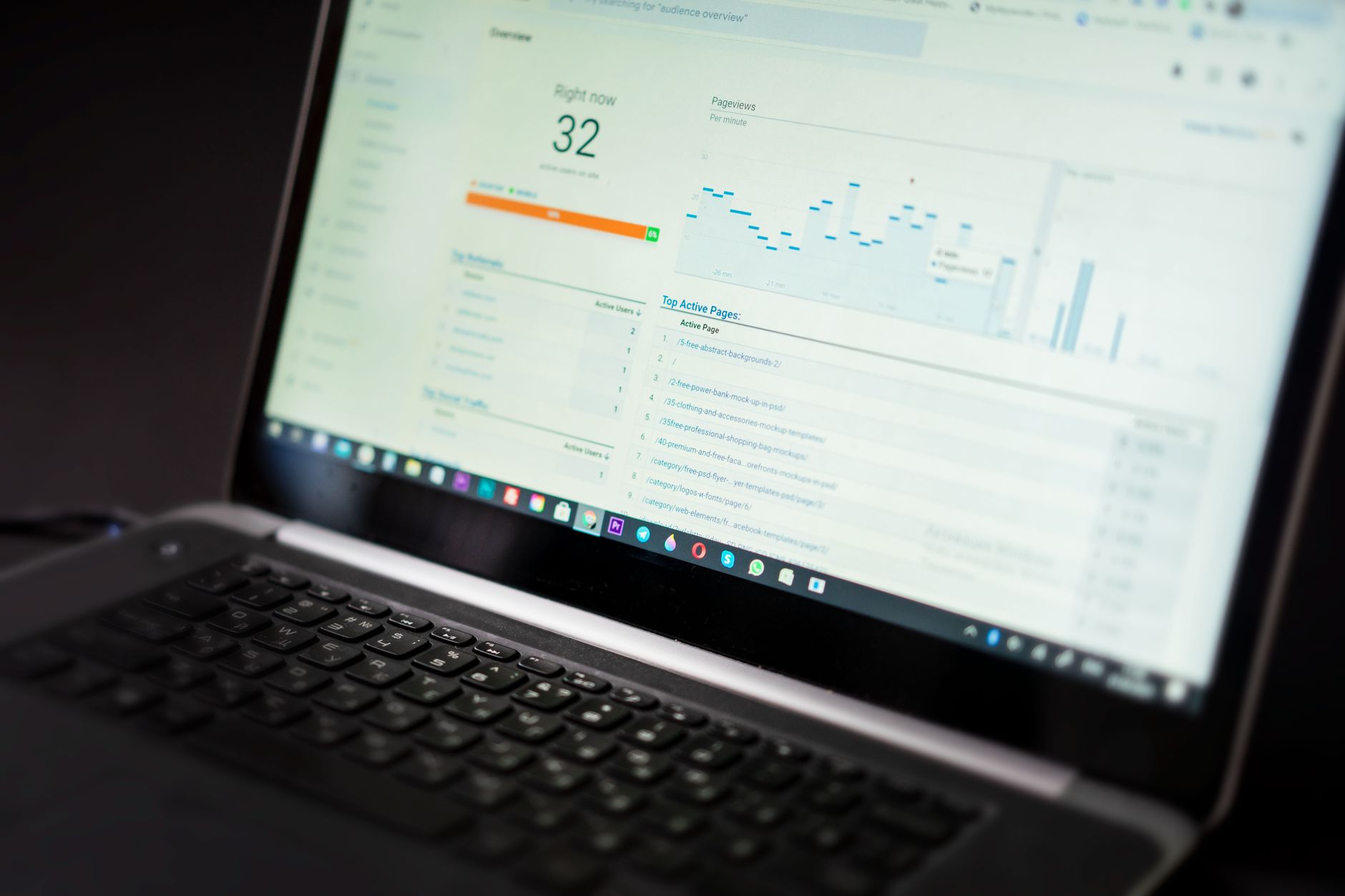
If you are doing WordPress SEO without Search Console, you are working with too little feedback. Google describes Search Console as a way to understand how your site performs in Search and how Google crawls, indexes, and serves your pages.
Beginners often rely only on plugin dashboards or analytics traffic totals. That hides the real questions: Which queries are showing your pages, which pages are indexed, where are impressions flat, and what changed after edits or migrations? Search Console will not do the SEO for you, but it gives you the signals you need to prioritize correctly.
7. Obsessing over minor settings before core issues
The order of operations matters more than most beginners realize. Fix the issues that block visibility before the issues that polish visibility. That means checking indexing, titles, page purpose, duplication, and internal links before spending hours on schema tweaks or tiny metadata edits.
Schema, meta descriptions, image alt text, and plugin options can all help support a solid site. They are not a substitute for weak content targeting, crawl confusion, or poor site structure. You do not need a perfect score. You need a site that loads cleanly, is easy to use, and sends consistent signals about which pages matter most.
What beginners should do first
If your rankings are flat, start with a short diagnostic process instead of another giant checklist. Pick your key pages, confirm they are indexable, improve their titles and headings, remove duplication where possible, and build internal links that support the pages you actually want to rank.
That work is usually more valuable than adding more plugins, publishing more thin articles, or chasing every warning in an SEO tool. Simpler systems tend to produce clearer signals.
Need help sorting out the real problems?
If your rankings are flat and you are not sure whether the real problem is indexing, duplication, weak targeting, or plugin clutter, WordPress SEO Expert can help. Book a free SEO consultation. No pitch, no pressure. Just an honest look at what your site actually needs and whether your current setup is part of the solution or part of the problem.
Contact WordPress SEO Expert today to schedule a consultation.

















