

Better rankings usually come from better sequencing, not more SEO activity. If you are new to WordPress SEO, the fastest way to improve results is to fix visibility blockers first, then clean up page targeting, internal links, and content quality in that order.
This beginner checklist is built for site owners who have already installed plugins, published pages, and still feel stuck. A green light in an SEO plugin does not mean the page deserves to rank. What matters is whether search engines can crawl the page, understand its purpose, and see why it matters within your site.
What should beginners fix first?
Start with anything that blocks visibility. Titles, meta descriptions, and schema can help support performance, but they do not overcome pages that are noindexed, duplicated, poorly linked, or buried inside a messy site structure.
| Priority | What to check | Why it matters |
|---|---|---|
| 1 | Indexing and crawl access | Pages cannot rank if search engines cannot reach them |
| 2 | One SEO plugin only | Prevents duplicate metadata, canonicals, and sitemap conflicts |
| 3 | Titles and page intent | Makes the topic clearer to users and search engines |
| 4 | Internal links | Helps search engines discover important pages |
| 5 | Archive and duplicate URL control | Reduces confusion from low-value or competing URLs |
| 6 | Speed on key pages | Improves usability where leads or sales happen |
| 7 | Content structure | Makes pages easier to scan and match to intent |
1. Check if your important pages are indexable

Your homepage, service pages, main category pages, and best blog posts should be crawlable and indexable if you want them to rank. Before editing copy, make sure WordPress settings, plugin rules, or leftover staging settings are not blocking them.
Look at your Reading settings, page-level index settings, and XML sitemap output. If a page matters to your business, it should usually be linked from other pages and easy for search engines to reach. If you want a broader diagnostic framework, review our WordPress SEO setup checklist after you finish this beginner version.
2. Use one SEO plugin, not several
One well-configured SEO plugin is enough for most WordPress sites. Running overlapping plugins often creates duplicate metadata, conflicting canonicals, and competing sitemap outputs that make troubleshooting harder than it needs to be.
If you are using Yoast, Rank Math, or another major plugin, pick one tool as the main controller for titles, sitemaps, and indexing settings. Do not stack plugins just to collect more features. If plugin confusion is slowing you down, our WordPress SEO strategy guide can help you decide what deserves attention first.
3. Write clearer page titles
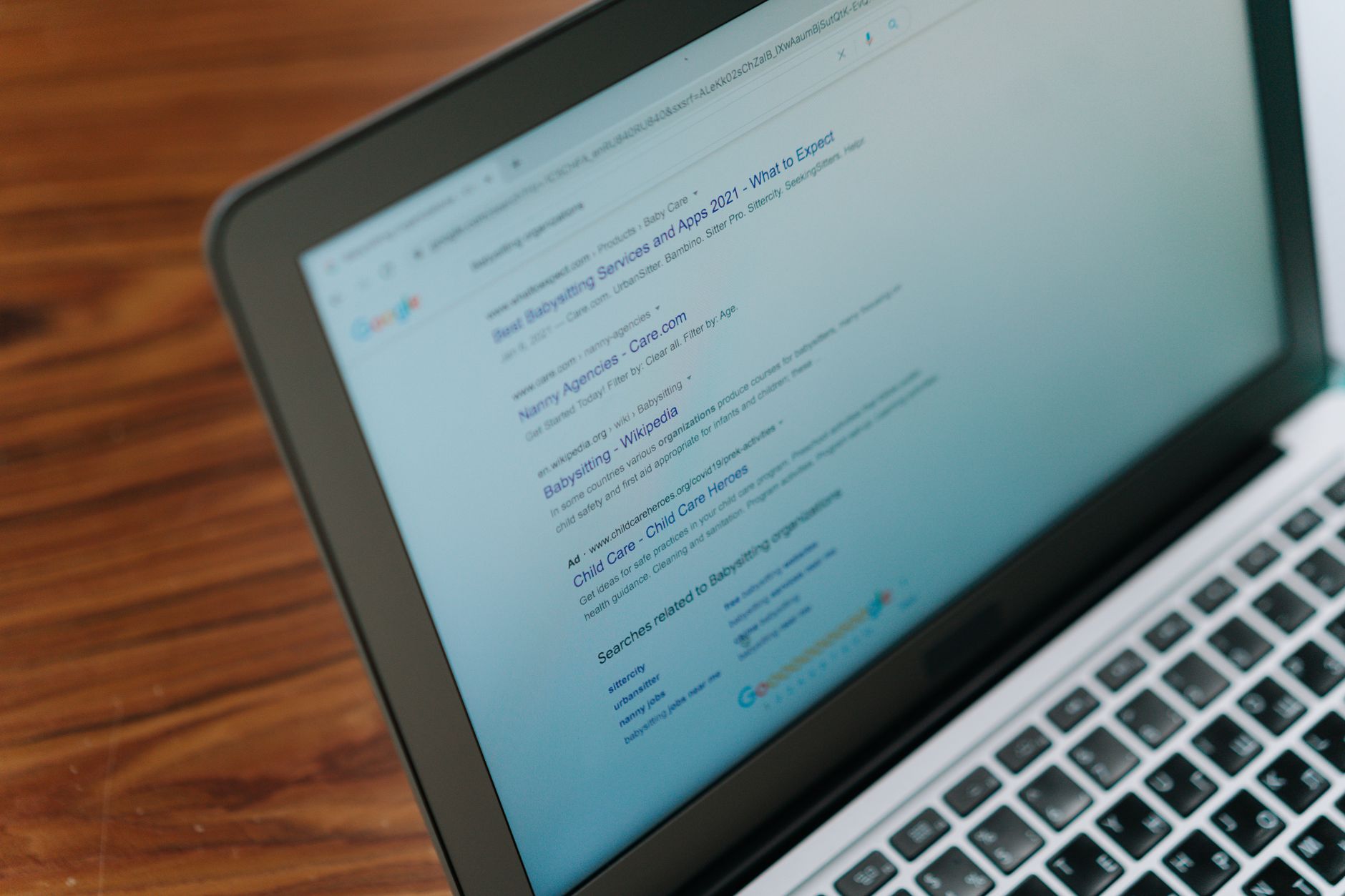
Titles should explain the page clearly in plain language. Google recommends descriptive, concise title text and warns against keyword stuffing or repetitive boilerplate, so the goal is clarity, not cramming every keyword variation into one line.
That means each important page should have a distinct title that matches its real purpose. Weak titles usually sound generic. Stronger titles tell both users and search engines what the page actually offers.
| Weak title | Stronger title |
|---|---|
| SEO Services | SEO Company | SEO Expert | WordPress SEO Services for Small Businesses |
| Blog | WordPress SEO Checklist for Beginners |
| Best SEO Plugin | Best SEO Plugin for a Small Business WordPress Site |
Google’s title guidance says to write descriptive and concise text, avoid repeated boilerplate, and avoid keyword stuffing. Its structured data guidance also says markup should reflect what users can actually see on the page, which is a good reminder that technical signals work best when they support clear content rather than trying to replace it. For current guidance, see Google’s documentation on title links and Google’s structured data policies.
4. Add internal links with a purpose
Internal links help search engines find pages, understand topic relationships, and see which pages matter most. Beginners often focus on publishing new content while leaving important pages isolated, which makes the whole site harder to interpret.
Link related posts to service pages, connect supporting articles to broader pages, and use descriptive anchor text instead of vague phrases. Good internal linking is less about volume and more about helping users move to the next logical page. If you are experiencing these symptoms, our team at WordPress SEO Expert can help.
5. Clean up duplicate and low-value URLs
Most beginners do not have one catastrophic SEO problem. They have a stack of smaller issues that compound over time. Duplicate archive pages, attachment URLs, old redirected pages, and thin tag pages can all dilute your site’s signals if they are left unmanaged.
Review categories, tags, author archives, date archives, and any extra URLs your theme or plugins create. Keep what serves a real purpose. Remove, redirect, or noindex what adds clutter. Fix the issues that block visibility before the issues that polish visibility.
6. Improve speed where it affects real users

Speed matters most on pages that drive leads, calls, and sales. You do not need a perfect score. The goal is a site that loads cleanly, feels easy to use, and does not create friction on your most important templates.
Start with obvious fixes like oversized images, unnecessary plugins, bloated page builder sections, and missing caching. Check your homepage, top service pages, product pages, and blog templates separately. A faster site supports SEO, but speed alone rarely solves flat rankings.
7. Make content easier to scan and understand
Better beginner SEO often comes from clearer structure, not longer copy. One clear H1, helpful subheadings, short paragraphs, and sections that answer the topic directly make pages easier for both users and search engines to understand.
Avoid publishing several thin posts that target slight keyword variations. Consolidating overlapping content into one stronger page usually works better than creating more near-duplicates. You do not need a perfect score. You need pages that are useful, focused, and easy to navigate.
A simple beginner checklist to use each month
A short recurring checklist is more useful than a giant document you never revisit. Review your highest-value pages first, then apply the same sequence each month so you can spot the issues that keep repeating.
| Checklist item | What to confirm |
|---|---|
| Indexing | Important pages are crawlable and not accidentally noindexed |
| Plugin setup | One SEO plugin controls the main SEO settings |
| Titles | Each important page has a specific, readable title |
| Internal links | Priority pages are linked from relevant content |
| Duplication | Low-value archives and extra URLs are under control |
| Speed | Key templates load cleanly without obvious friction |
| Content | Pages answer the topic clearly and match user intent |
The next step if rankings still feel stuck
If your rankings are flat, the problem is usually prioritization, not effort. Most WordPress sites do not fail because one setting is missing. They underperform because indexing, duplication, weak targeting, and plugin clutter pile up quietly over time.
WordPress SEO Expert can help you sort out what to fix first. Book a free SEO consultation. No pitch, no pressure. Just an honest look at what your site actually needs and whether your current setup is part of the solution or part of the problem. Contact WordPress SEO Expert today to schedule a consultation.

















