

Flat rankings do not usually mean you missed one secret setting. Most beginners have already done some SEO work. The real problem is usually a scattered setup, weak priorities, and a stack of smaller issues that compound over time.
A beginner-friendly WordPress SEO audit should answer one question first: can search engines reach, understand, and trust the pages that matter most? If the answer is unclear, start there. A green light in an SEO plugin does not mean the page deserves to rank.
If you want a broader baseline before you start, review our practical guide for DIY WordPress site owners and our WordPress SEO checklist that actually works. They pair well with this audit process.
Start With Crawlability and Indexing
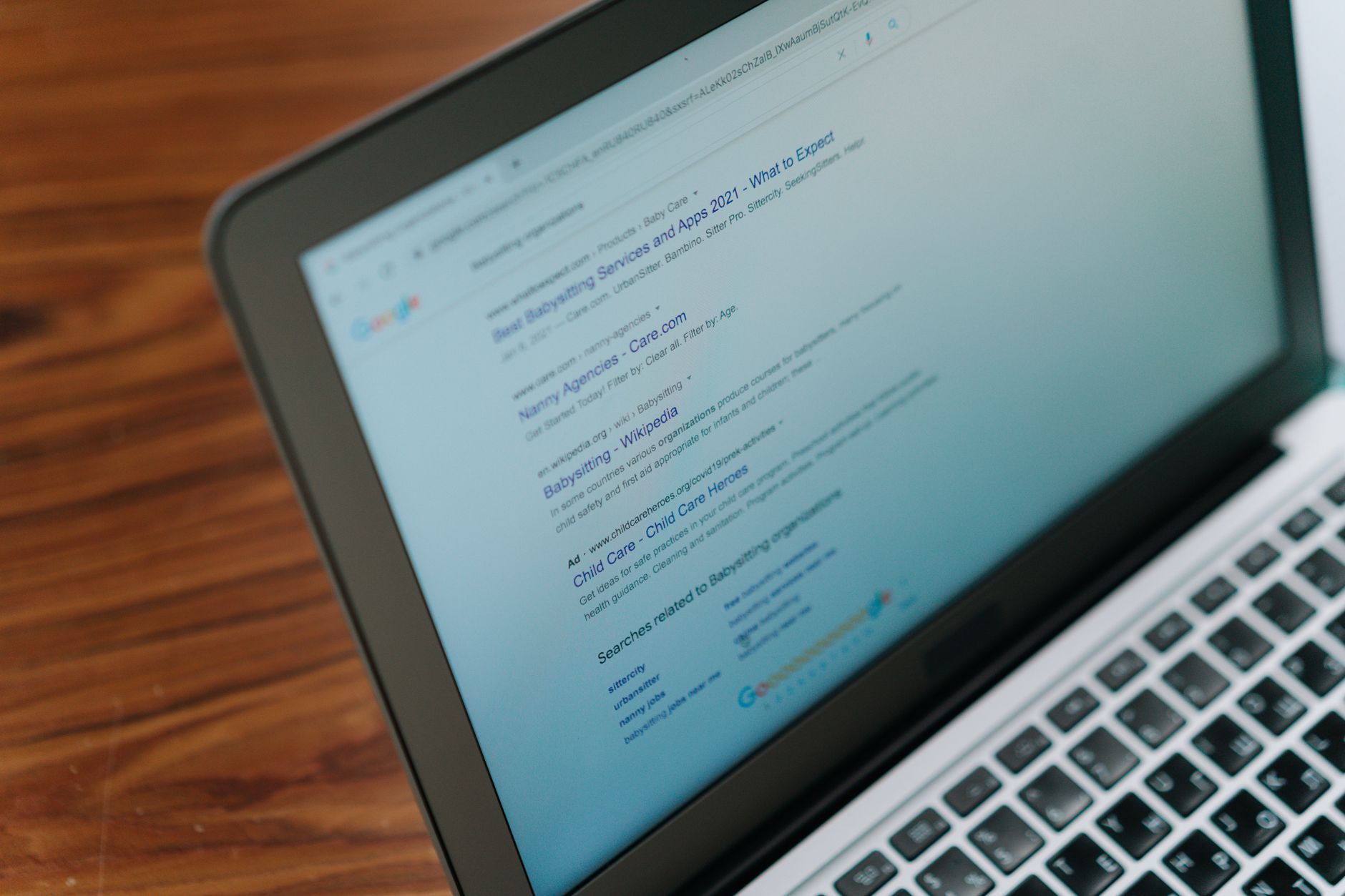
The first audit step is simple: make sure your important pages can be crawled and indexed. If search engines cannot access a page, titles, schema, and plugin settings will not save it. Fix the issues that block visibility before the issues that polish visibility.
Inside WordPress, check whether Search Engine Visibility is discouraging indexing, whether important pages are set to noindex inside your SEO plugin, and whether your pages are included in your XML sitemap when they should be. Google’s Search Essentials say crawlable links help Google find pages, and its link best practices recommend descriptive anchor text in normal HTML links.
For beginners, focus on your home page, main service pages, product categories, and your best blog posts first. If a page matters to leads or sales, it should be live, indexable, internally linked, and easy to reach from the rest of the site.
Use One SEO Plugin, Not Several
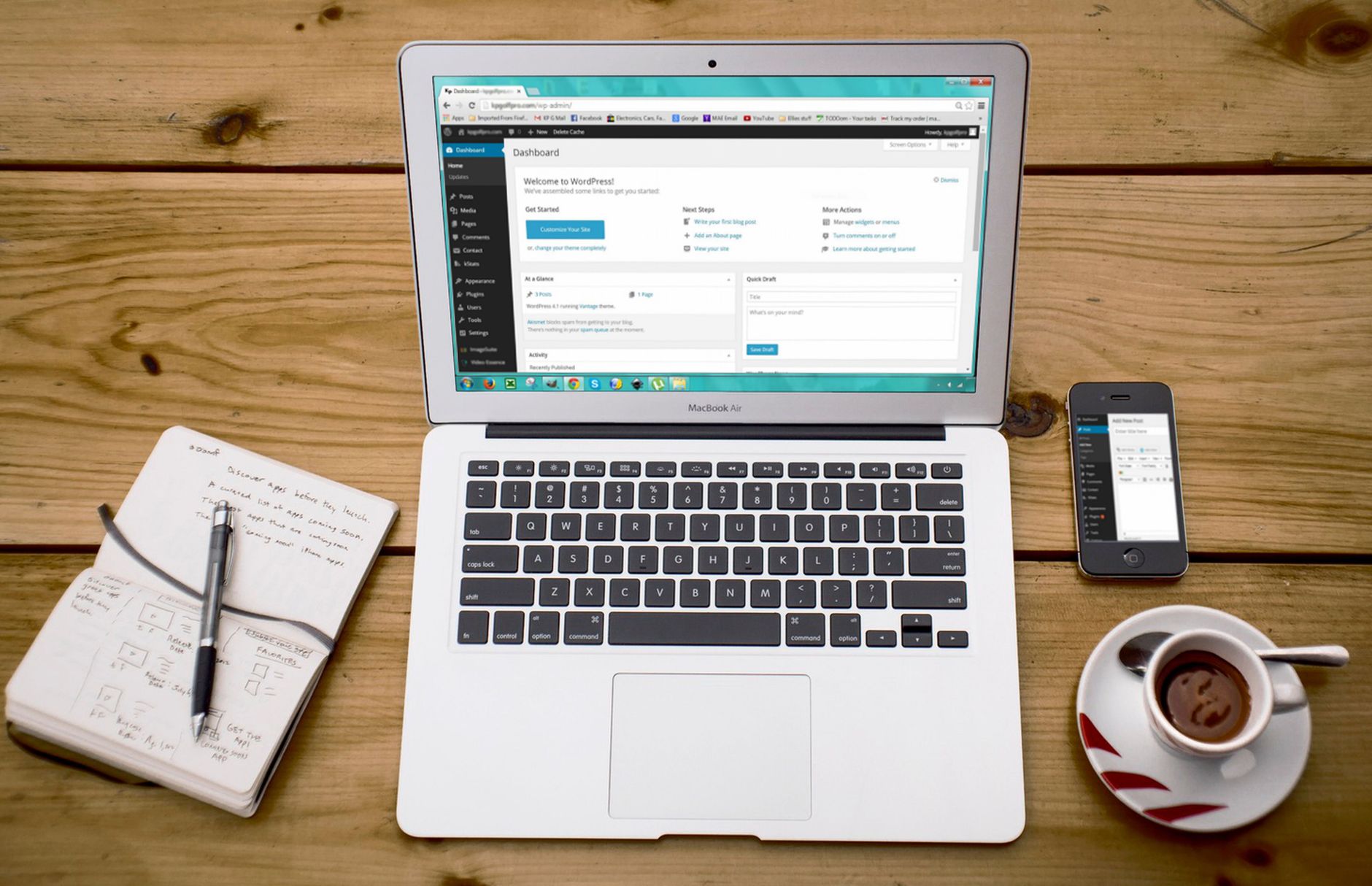
Many WordPress SEO problems come from overlap, not missing features. One well-configured SEO plugin is enough for most sites. Running overlapping plugins often creates duplicate metadata, conflicting canonicals, and competing sitemap outputs.
Audit your plugin stack and write down which tool controls title tags, meta descriptions, XML sitemaps, redirects, schema, and social metadata. If two tools control the same thing, simplify before you optimize. Beginners often assume more features mean better SEO. In practice, extra overlap usually makes troubleshooting harder.
If your setup feels cluttered, compare your current configuration against our WordPress SEO setup audit and guide to fixing WordPress SEO setup problems. Both explain where plugin conflicts usually show up first.
Check Titles and Meta Descriptions
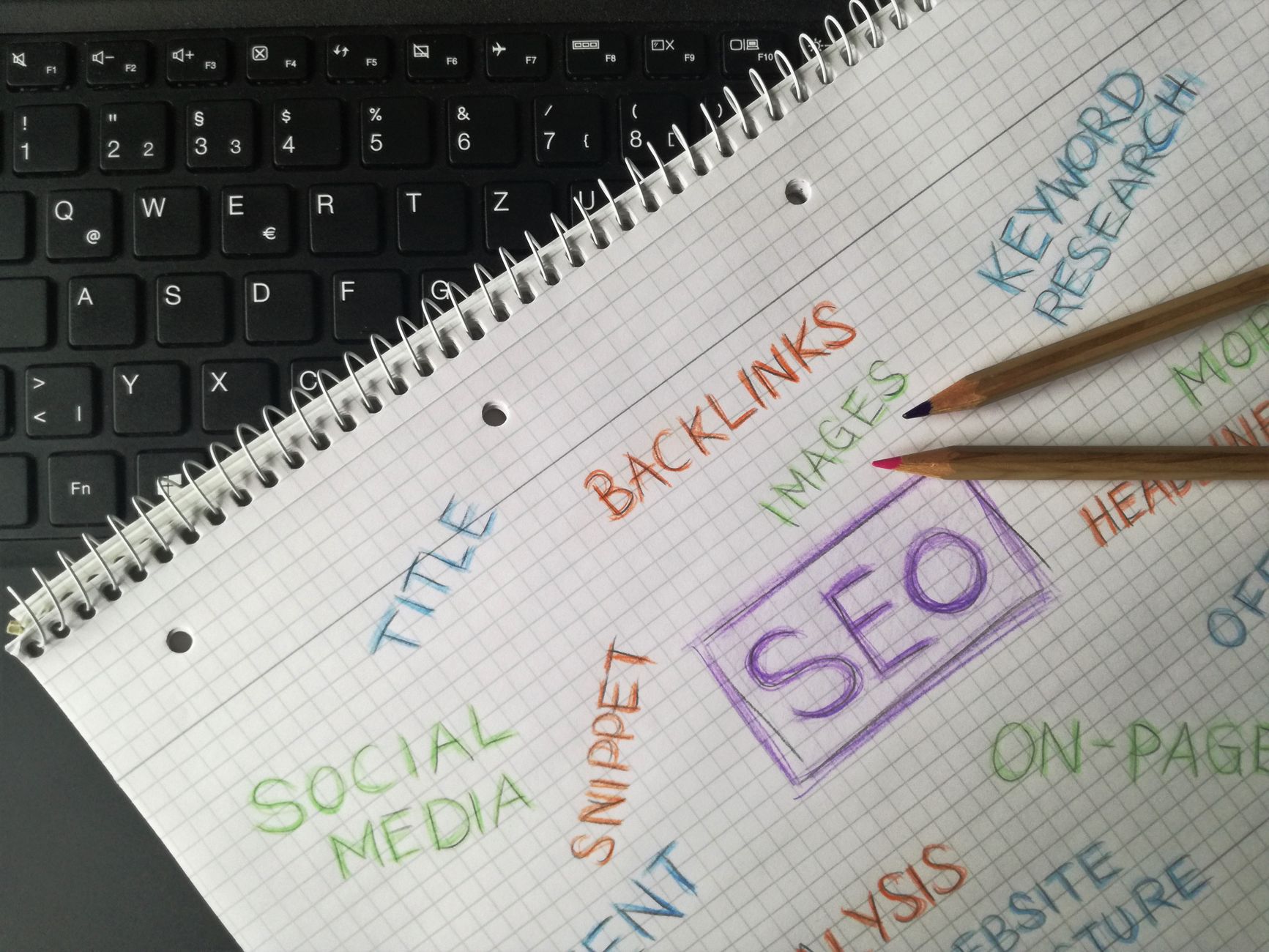
Your page titles should be clear, specific, and different from one another. Google recommends descriptive, concise title text and warns against keyword stuffing and repetitive boilerplate. That matters more than chasing plugin scores.
Audit the pages that matter most by asking whether the title clearly describes the page and whether several pages could swap titles without changing meaning. If they could, the setup is too vague. Google also says unique meta descriptions can help create better snippets when they accurately summarize the page.
| Weak title | Stronger title |
|---|---|
| SEO Services | SEO Company | SEO Expert | WordPress SEO Services for Small Businesses |
| Blog | WordPress SEO Tips for Local Service Businesses |
| Products | WooCommerce Category Pages for Home Office Furniture |
Do not try to perfect every snippet on the site in one pass. Start with your home page, top service pages, top category pages, and any pages already earning impressions. Beginners get better results when they improve high-impact pages first.
Look for Duplicate URL Problems
Duplicate URLs dilute signals and waste attention. A beginner audit should look for multiple URLs representing the same or nearly the same content, then decide which version is the main version. Canonicals, redirects, and internal links should all support that choice.
Common WordPress duplication problems include tag archives, attachment pages, trailing slash inconsistencies, filtered WooCommerce URLs, and pages created during redesigns or migrations. Most site owners do not have one catastrophic problem. They have a stack of smaller issues that compound over time.
If you run WooCommerce, category and filter issues deserve extra attention because they can quietly create crawl clutter. If you are not sure whether your problem is duplication, indexing, weak targeting, or plugin clutter, WordPress SEO Expert can help.
Audit Internal Linking Before Publishing More Content
Internal linking is one of the easiest beginner wins because it improves discovery and clarifies page importance. Google says links should be crawlable and use descriptive anchor text. If important pages are buried or rarely linked, they are often under-supported rather than under-optimized.
Review whether your blog posts link naturally to your service pages, whether related articles connect to each other, and whether your key pages are only reachable through menus or sitemaps. Contextual links inside body content usually send stronger signals than isolated navigation links alone.
If you are experiencing these symptoms, our team at WordPress SEO Expert can help. We can identify which pages deserve stronger internal support and which pages should be consolidated instead of expanded.
Use a Simple Audit Order
A good audit sequence keeps beginners from wasting time. Start with the settings that affect visibility, then move to the settings that improve relevance and click-through. This is the easiest way to avoid polishing pages that still have deeper crawl or indexation problems.
| Priority | What to audit | Why it comes first |
|---|---|---|
| 1 | Indexing rules and crawl access | Pages cannot rank if search engines cannot reach them. |
| 2 | SEO plugin conflicts | Overlapping tools can create confusing sitewide signals. |
| 3 | Canonicals and redirects | These reduce duplicate URL confusion. |
| 4 | Titles and page intent | These improve clarity and click potential. |
| 5 | Internal linking | This strengthens discovery and site structure. |
| 6 | Meta descriptions and minor polish | These support snippets after the core issues are stable. |
What Beginners Should Stop Doing
Stop treating plugin recommendations as the finish line. Google’s guidance focuses on helpful content, descriptive titles, and crawlable links, not perfect plugin badges. You do not need a perfect score. The goal is a site that loads cleanly, is easy to use, and sends consistent signals about which pages matter most.
Also stop publishing more content to compensate for structural confusion. If your site already has indexing mistakes, weak internal linking, duplicate pages, or vague titles, adding more posts often adds more complexity instead of more traffic.
The Best Next Step After the Audit
Your next step should be a short action plan tied to impact. Start with the pages closest to revenue, the pages already earning impressions, and the templates that affect the biggest part of the site. Beginners make faster progress when they fix a few high-impact issues instead of chasing every possible task.
WordPress SEO Expert can help you turn a confusing audit into a practical plan. Book a free SEO consultation. No pitch, no pressure. Just an honest look at what your site actually needs and whether your current setup is part of the solution or part of the problem.
Contact WordPress SEO Expert today to schedule a consultation if you want clarity on what to fix first and what can safely wait.

















