
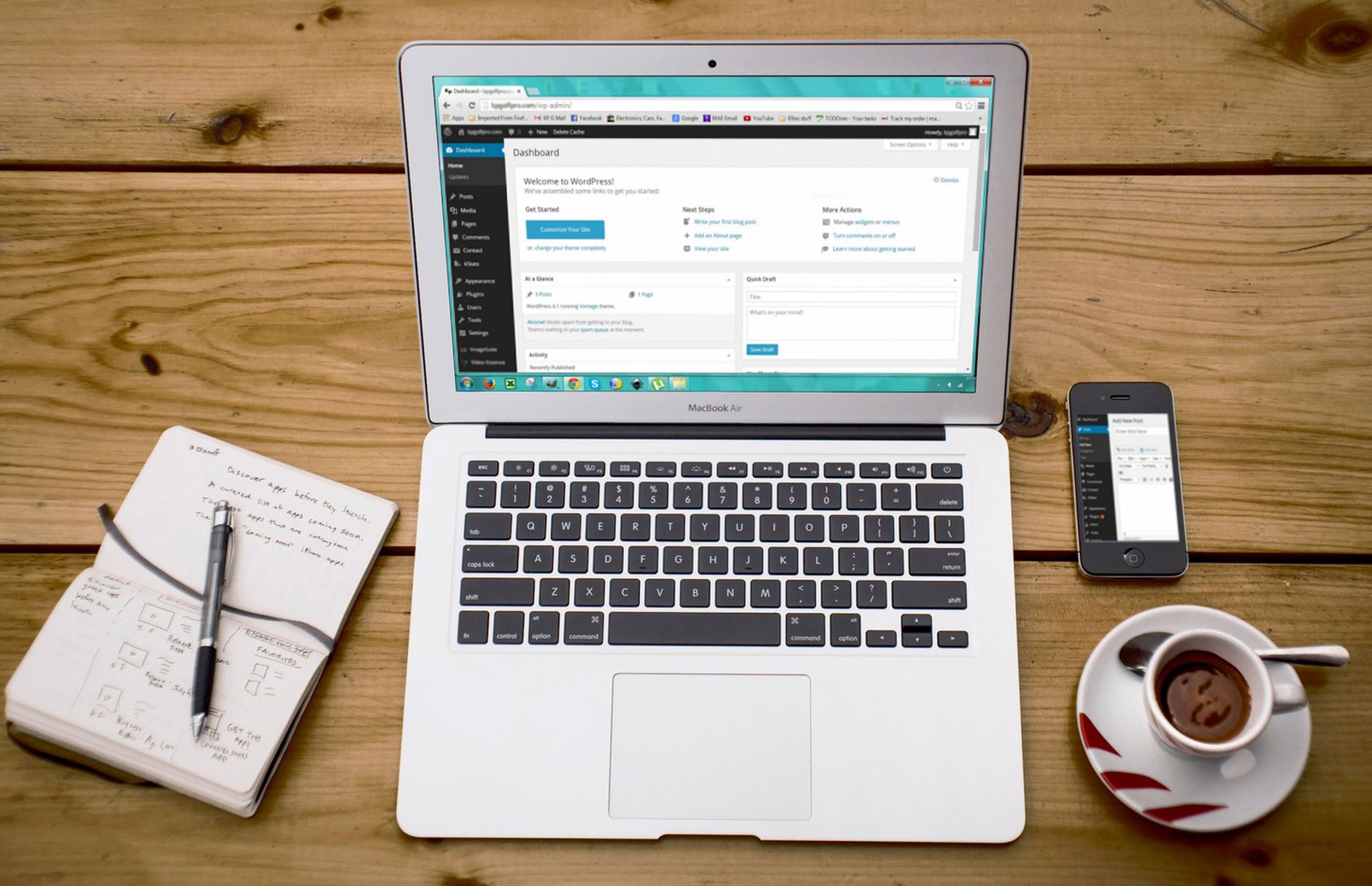
Beginner WordPress SEO usually improves fastest when you simplify the setup, fix visibility problems first, and stop treating plugin scores as proof that a page is optimized. A green light in an SEO plugin does not mean the page deserves to rank. What matters is whether search engines can crawl the right pages, understand what each page is about, and see clear signals about which pages matter most.
WordPress SEO Expert recommends starting with a short sequence instead of a long checklist. If your rankings are flat, the issue is usually prioritization, not effort. Most site owners do not have one catastrophic problem. They have a stack of smaller issues that compound over time.
Start with one SEO plugin

The best beginner move is choosing one SEO plugin and configuring it cleanly. Running overlapping plugins often creates duplicate metadata, conflicting canonicals, and competing sitemap outputs, which makes troubleshooting harder instead of easier.
If you already have multiple SEO-related plugins active, remove the extras before you change anything else. One well-configured setup is enough for most small business sites. If you want a stronger baseline, review a WordPress SEO setup for beginners and compare it with your current configuration.
Check whether Google can crawl the right pages
Improving WordPress SEO starts with visibility, not polish. If important pages are blocked, noindexed, orphaned, or missing from your internal link structure, title tweaks and schema settings will not do much. Fix the issues that block visibility before the issues that polish visibility.
Begin with your homepage, main service pages, and best blog posts. Make sure each one is indexable, linked from other crawlable pages, and included in your sitemap if it should appear in search. If your site has thin tag pages, duplicate archives, or leftover attachment pages, clean those up early. A more detailed review process is covered in a WordPress SEO audit walkthrough.
Write clearer page titles

Page titles are one of the strongest on-page signals you control, so beginners should make them specific and readable first. Google advises site owners to use descriptive, concise title text and to avoid keyword stuffing or repetitive boilerplate.
| Weak title | Stronger title |
|---|---|
| SEO Services | SEO Company | SEO Expert | WordPress SEO Services for Small Businesses |
| Blog | How to Improve WordPress SEO for Beginners |
| Best SEO Plugin, SEO Plugin, WordPress SEO Plugin | How to Choose a WordPress SEO Plugin |
The stronger examples tell both readers and search engines what the page actually covers. They also match Google’s guidance that title text should be clear, distinct, and concise rather than stuffed with repeated keywords.
Use meta descriptions to improve clicks
Meta descriptions support click-through rate more than rankings, but they are still worth writing for your most important pages. Google may use the meta description when it summarizes the page well, which means a clear description can help searchers choose your result.
Write custom descriptions for your homepage, key service pages, category pages, and strongest posts first. Keep them specific to the page and focused on the benefit or answer the visitor will get. Do not waste time filling out low-value archive pages before your revenue pages are handled.
Fix your headings and page structure
Beginners often improve SEO by making page structure easier to understand. Each important page should have one clear main heading, then a logical set of supporting headings that help readers scan the page and help search engines understand the sections.
Do not create headings just for styling, and do not force keywords into every heading. The better goal is a clean page that answers one main topic clearly. If two pages target the same idea, you may need consolidation more than more optimization.
Build internal links on purpose
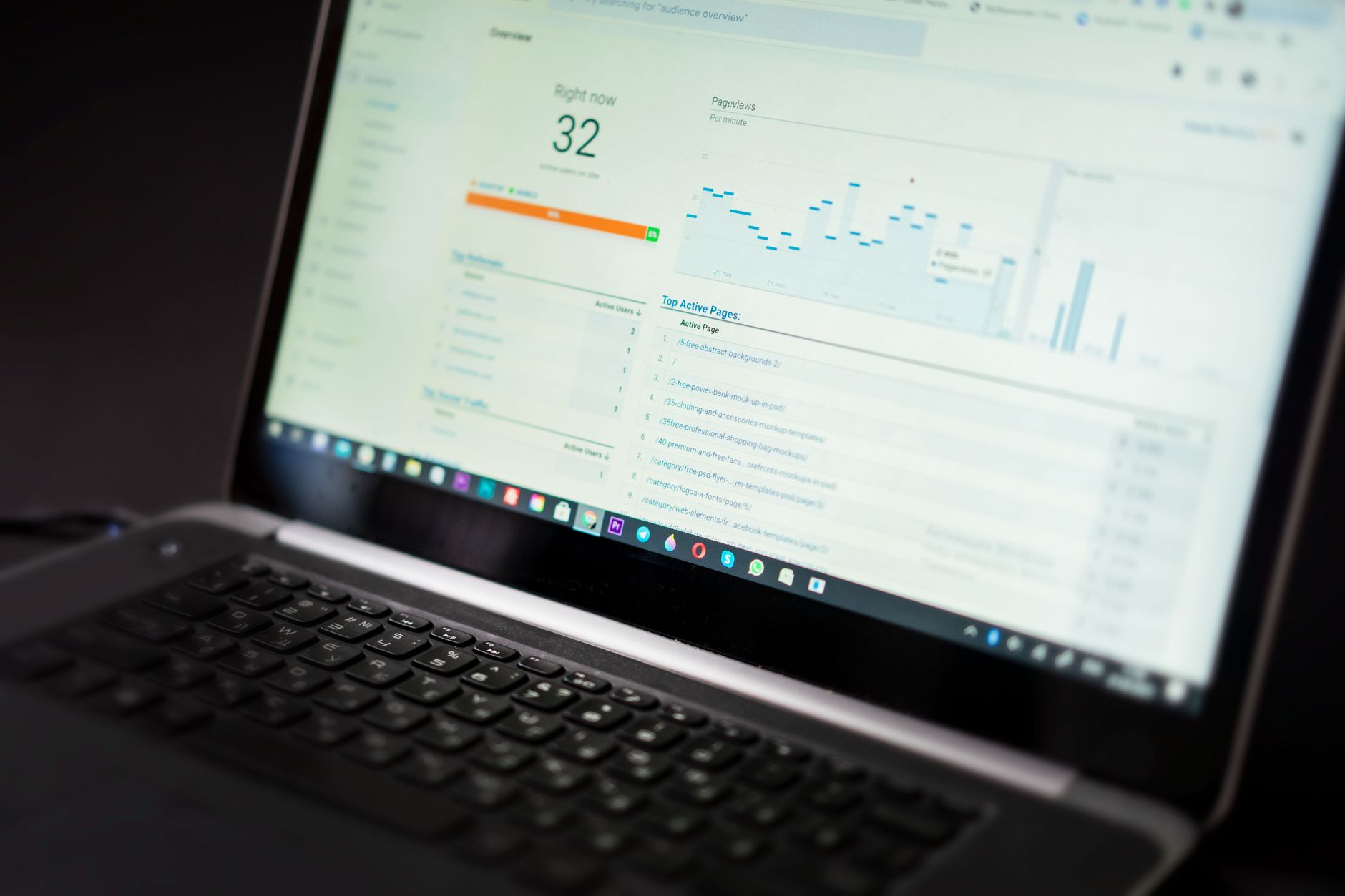
Internal linking is one of the easiest beginner wins because it improves discovery, structure, and topical relevance at the same time. Google recommends crawlable links with descriptive anchor text, which helps both users and search engines understand where the link leads.
Link related posts together, and connect informational articles to your service pages where it makes sense. Avoid vague anchor text like read more or click here. Descriptive anchors make your structure easier to interpret and make older content work harder for you.
If you are experiencing these symptoms, our team at WordPress SEO Expert can help. A focused review usually finds whether the real problem is indexing, duplication, weak targeting, or plugin clutter before you spend time changing the wrong things.
Keep technical cleanup simple
Technical SEO for beginners does not need to be complicated. The goal is a site that loads cleanly, uses one consistent SEO setup, and avoids sending mixed signals through duplicate URLs, thin archives, or conflicting plugin output.
Start with the basics: compress oversized images, enable caching, remove plugins you do not use, and review archive settings in your SEO plugin. Google’s structured data guidance also makes it clear that markup should match visible page content, so only use schema that accurately reflects what is on the page.
Focus on your best pages first
The fastest SEO improvements usually come from improving existing high-value pages, not from publishing more thin content. Start with pages tied to leads, sales, or existing impressions. Those pages already have the best chance to respond when you improve titles, content targeting, and internal links.
This is where beginners often waste effort. They publish new posts, add more plugins, and chase scores while older important pages stay weak. A cleaner structure and stronger optimization on a few core pages usually does more than expanding a messy site.
What beginners should do this week
If you want a practical starting point, spend one week cleaning up your setup in order. First, confirm that your important pages can be crawled and indexed. Next, remove overlapping plugins. Then rewrite weak titles, add internal links between related pages, and clean up low-value archives.
You do not need a perfect score. You need a site that is easy to crawl, easy to understand, and clear about which pages deserve attention. Contact WordPress SEO Expert today to schedule a consultation. No pitch, no pressure. Just an honest look at what your site actually needs and whether your current setup is part of the solution or part of the problem.

















