

Flat traffic usually means your SEO work is spread too thin, not that you missed one magic setting. WordPress SEO gets easier when you stop chasing plugin scores and start fixing the few issues that actually shape visibility first: page targeting, internal links, titles, crawl access, and site speed.
A green light in an SEO plugin does not mean the page deserves to rank. Google recommends descriptive, concise titles, helpful people-first content, and internal links with relevant anchor text. That gives you a better growth model than tweaking every score inside your plugin dashboard.
If you need a strong baseline before making changes, review our practical guide for DIY WordPress site owners and our guide to fixing WordPress SEO setup problems. Both will help you sort real SEO issues from plugin noise.
What helps WordPress SEO grow faster?

Faster growth usually comes from better sequencing, not more tactics. Fix the issues that block visibility before the issues that polish visibility, then support your strongest pages with clearer titles, stronger internal links, and content that matches one main search intent.
Most site owners do not have one catastrophic SEO problem. They have a stack of smaller issues that compound over time. A title template may be weak, important pages may be under-linked, archive pages may be cluttering indexation, and the content itself may be too broad to rank for one clear query. Growth starts when you reduce that stack instead of adding another tool.
Start with one SEO plugin
One well-configured SEO plugin is enough. Running overlapping plugins often creates duplicate metadata, competing sitemaps, conflicting canonicals, and unnecessary troubleshooting. Keep one plugin, simplify the setup, and make sure it is handling titles, meta descriptions, XML sitemaps, and canonical output consistently.
Work on pages that already matter
Do not begin with your least visited posts. Start with your homepage, main service pages, top product or category pages, and any posts already earning impressions. Those pages already have some visibility or business value, so improvements there tend to produce the fastest meaningful lift.
How should you write titles for faster SEO growth?
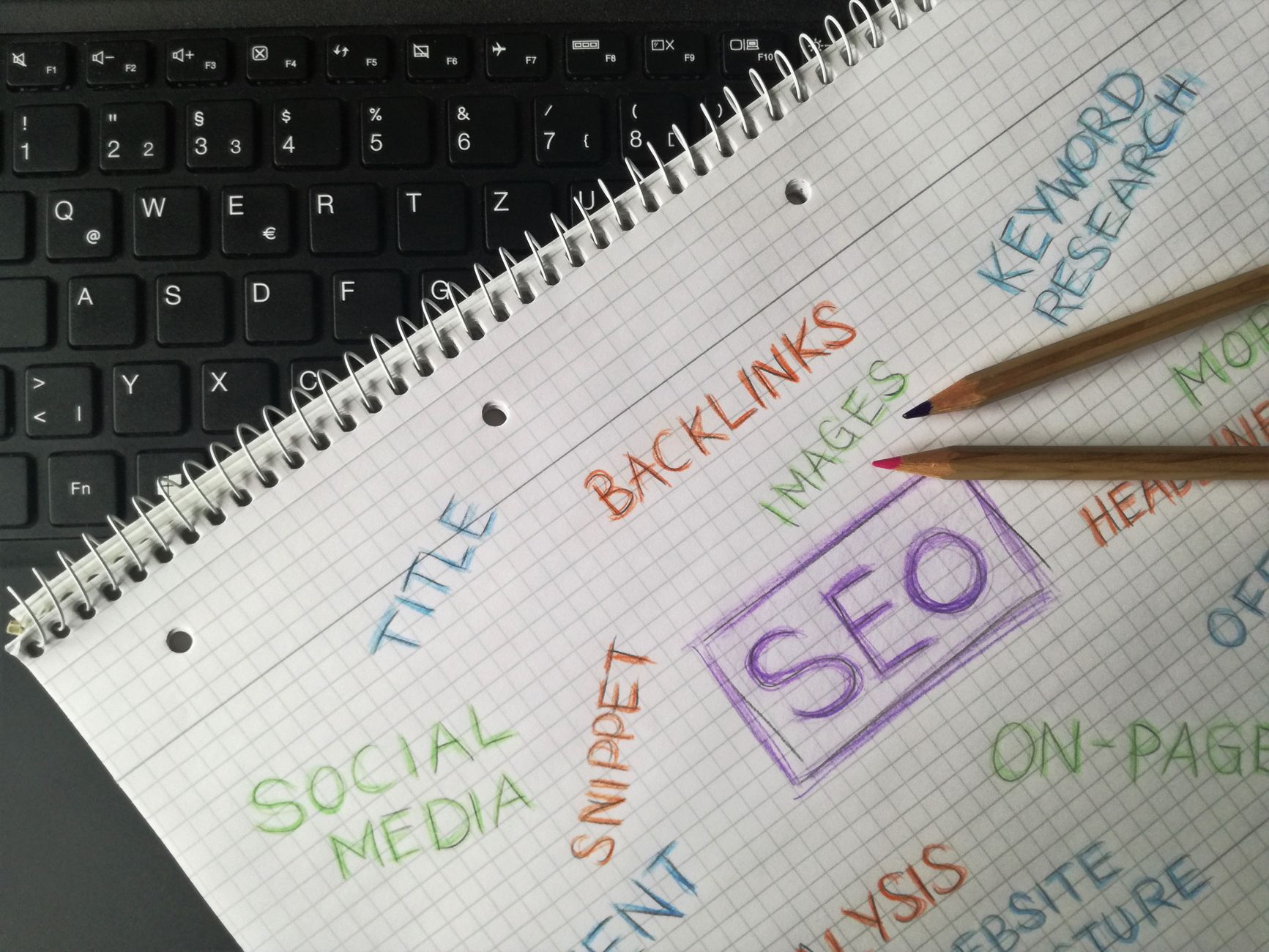
Your title tag is one of the clearest signals you control, and weak titles slow growth more than many site owners realize. Keep titles specific, concise, and aligned with the actual page topic instead of stuffing in every keyword variation you can think of.
Google advises site owners to write descriptive and concise title text and to avoid keyword stuffing. That means a page title should help both search engines and users understand exactly what the page offers. Generic or repetitive titles waste space and often reduce click appeal.
| Weak title | Stronger title |
|---|---|
| SEO Services | SEO Company | SEO Expert | WordPress SEO Services for Small Businesses |
| Blog | WordPress SEO Tips for Service Businesses |
| SEO Tutorial | WordPress SEO Tutorial for Faster Growth |
The stronger versions are narrower and clearer. They target one main idea, read naturally, and create a better expectation for the page. If your traffic is flat, title rewrites on your most important pages are often a better first move than publishing another post.
What should a beginner fix first in WordPress SEO?
Beginners should fix indexation and page clarity before advanced features. Make sure search engines can reach the pages that matter, then improve title tags, headings, internal links, and page focus before worrying about extras like advanced schema options.
That means checking whether your important pages are crawlable, whether they are linked from other pages, whether they target one clear topic, and whether your archive settings are creating thin or duplicate sections. You do not need a perfect score. You need a site that loads cleanly, is easy to use, and sends consistent signals about which pages matter most.
A simple priority order
| Priority | What to fix | Why it matters |
|---|---|---|
| 1 | Indexing and crawl access | Pages cannot grow if search engines cannot reach or index them properly. |
| 2 | SEO plugin clutter | Conflicting metadata can create sitewide confusion. |
| 3 | Title tags and H1s | These improve topical clarity and click appeal. |
| 4 | Internal links | They help connect authority and improve discovery. |
| 5 | Content focus | One focused page usually performs better than overlapping thin pages. |
| 6 | Speed basics | Cleaner performance improves usability and supports stronger engagement. |
If you are experiencing these problems, our team at WordPress SEO Expert can help. A focused review usually shows whether your real issue is weak targeting, duplication, plugin clutter, or under-supported pages.
Why do internal links matter so much?

Internal links are one of the fastest ways to strengthen existing content because they improve discovery, hierarchy, and context. Google recommends using crawlable links and concise, relevant anchor text, which makes internal linking one of the most practical SEO levers on a WordPress site.
Many WordPress sites publish articles that never meaningfully connect to the pages that drive leads or sales. That leaves important pages isolated. Every strong blog post should support a next step, whether that is a service page, a category page, or a related article that deepens the topic.
Use descriptive anchors that tell readers what they will get after the click. Link broad educational posts to specific commercial pages. Link related articles to each other where the connection is natural. Most importantly, make sure your best pages are not relying only on the main navigation for support.
How do you create content that grows faster?
Content grows faster when each page serves one clear intent and fits into a larger site structure. Google’s people-first content guidance reinforces the same idea: useful pages should be created to help readers, not just to fill a keyword variation on your content calendar.
Instead of publishing three short posts around nearly identical phrases, build one stronger page that answers the main question well. Then add supporting posts only when they cover genuinely different subtopics. This gives you a cleaner internal linking structure and reduces cannibalization risk.
A practical content workflow looks like this: choose one primary keyword, define the search intent, outline the exact questions the page should answer, write a useful page title and H1, and then connect that page to related content already on your site. Faster growth usually comes from improving page quality and page relationships, not from publishing at random.
What should you stop doing right now?
The quickest SEO improvement sometimes comes from stopping the wrong work. If your site feels busy but rankings are flat, remove the habits that create noise: stacking plugins, chasing green lights, publishing thin variations, and polishing low-value pages before your core pages are strong.
Stop treating every recommendation inside a plugin as equally important. Stop adding archive pages and tags without a purpose. Stop rewriting paragraphs just to satisfy a scoring tool. And stop assuming more content always means more growth. In many cases, the better move is to consolidate, simplify, and strengthen what already exists.
When is it time to get help?
If you have already installed the tools, updated content, and followed the checklists but growth is still slow, the issue is usually prioritization. An outside review can quickly show whether the bottleneck is technical SEO, weak page targeting, internal link gaps, or a setup problem that has been hiding in plain sight.
WordPress SEO Expert can help you sort that out without turning the process into another plugin project. Book a free SEO consultation. No pitch, no pressure. Just an honest look at what your site actually needs and whether your current setup is part of the solution or part of the problem.
Contact WordPress SEO Expert today to schedule a consultation if you want a practical roadmap for faster, cleaner WordPress SEO growth.

















