

WordPress SEO fundamentals are usually less confusing than they look. Flat rankings often come from a scattered setup, weak page targeting, and internal linking gaps rather than one missing feature. A green light in an SEO plugin does not mean the page deserves to rank, and most site owners need clearer priorities more than more tools.
This FAQ answers the questions that come up most often when a site owner is trying to understand what matters, what can wait, and what tends to go wrong on WordPress. If you want a broader walkthrough before or after this page, read our other WordPress SEO guides for a broader walkthrough.
What are WordPress SEO fundamentals?
WordPress SEO fundamentals are the core settings and practices that help search engines crawl, understand, and rank your site. The essentials are indexing, site structure, page titles, headings, internal links, useful content, and a clean technical setup.
That sounds simple, but the order matters. A strong title cannot rescue a page that is blocked from indexing. More content will not fix duplicate URL problems. Schema will not make weak pages competitive on its own. The foundation is making sure your important pages are crawlable, indexable, clearly targeted, and connected through internal links.
Is WordPress good for SEO?
Yes, WordPress can be very good for SEO when it is configured cleanly. The platform makes publishing, editing, and organizing content easier, but it also creates opportunities for plugin conflicts, thin archives, and duplicate URLs if nobody manages them carefully.
WordPress is not the problem on most underperforming sites. The real issue is usually how the site has been set up over time. Too many plugins, vague page targeting, weak templates, and inconsistent internal linking create noise that search engines have to sort through.
Do I need an SEO plugin?
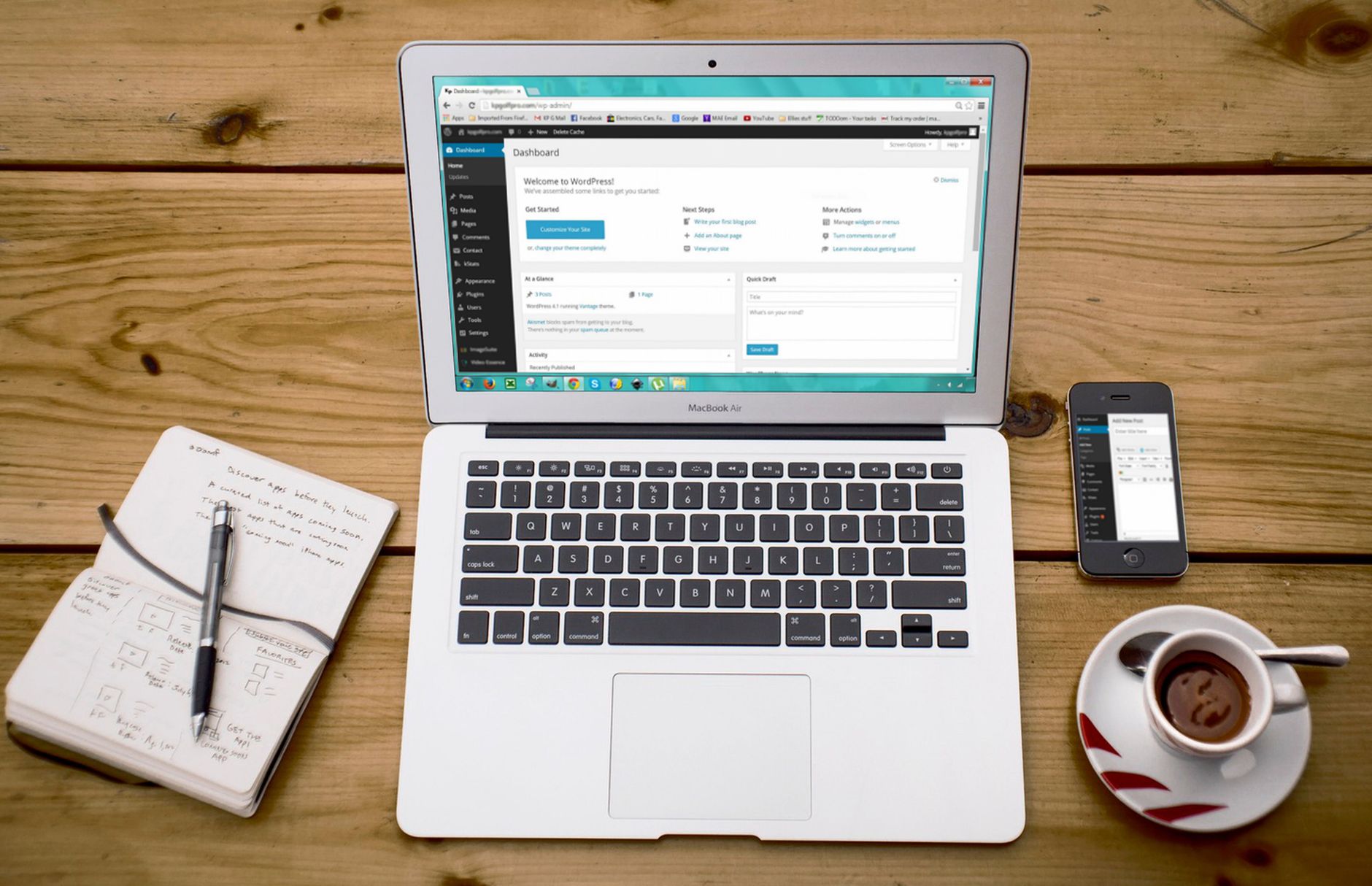
You usually need one SEO plugin, but you do not need several. One well-configured plugin is enough to manage titles, meta descriptions, canonicals, sitemaps, and basic schema output for most WordPress sites.
Running overlapping plugins often creates duplicate metadata, conflicting canonicals, and competing sitemap outputs. That makes troubleshooting harder and can quietly weaken your setup. If your rankings are flat, adding another SEO plugin is rarely the answer. Simplifying the stack is often more useful.
Do plugin scores and green lights matter?
They matter only as a light checklist, not as proof that a page is optimized. Plugin scores can help you catch missing basics, but they do not measure search intent, usefulness, topical depth, or whether the page actually deserves to rank.
This is where many DIY site owners get stuck. They spend hours chasing perfect plugin indicators while bigger issues remain untouched. You do not need a perfect score. The goal is a site that loads cleanly, is easy to use, and sends consistent signals about which pages matter most.
What should I fix first on a WordPress site?
Fix the issues that block visibility before the issues that polish visibility. Start with indexing, crawl access, duplicate URL handling, and title clarity before spending time on minor edits or cosmetic plugin settings.
A practical order is to check whether key pages can be indexed, remove plugin conflicts, clean up canonicals and redirects, improve titles and headings, then strengthen internal links. If you skip that order, it is easy to waste effort polishing pages that search engines cannot interpret properly in the first place.
| Priority | What to Review First | Why It Matters |
|---|---|---|
| 1 | Indexing and crawl access | Pages cannot rank if search engines cannot reach them |
| 2 | SEO plugin conflicts | Conflicting outputs create sitewide confusion |
| 3 | Canonicals and redirects | Prevents duplicate URL signals from splitting |
| 4 | Titles and headings | Improves topical clarity and click potential |
| 5 | Internal linking | Helps search engines discover and prioritize key pages |
How important are title tags in WordPress SEO?
Title tags are one of the most important on-page elements you control. They help search engines understand the page topic and strongly influence whether a searcher clicks your result.
Strong titles are specific, readable, and aligned with one clear intent. Weak titles are vague, repetitive, or stuffed with variations. Most sites improve faster when they rewrite titles on their homepage, main service pages, and posts already earning impressions instead of trying to optimize everything at once.
| Weak Title | Stronger Title |
|---|---|
| SEO Services | SEO Company | SEO Expert | WordPress SEO Services for Small Businesses |
| Blog | WordPress SEO Tips for Service Businesses |
| Home | WordPress SEO Consultant for Growing Businesses |
Do meta descriptions help rankings?
Meta descriptions are better understood as click support, not a ranking shortcut. They help shape how a page appears in search results, but they do not compensate for weak targeting or technical problems.
They still matter because they affect how clearly your result speaks to the searcher. Write unique descriptions for important pages, keep them specific, and focus on what the reader gets. If every page uses the same template or generic wording, the descriptions stop helping.
How should headings work on a WordPress page?
A page should have one clear H1, then a logical structure of H2s and H3s underneath it. Headings help both readers and search engines understand how the page is organized and what each section covers.
The most common mistake is using headings for appearance instead of structure. If a heading only exists to make text look bigger, it is probably the wrong tag. Good heading structure supports readability, keeps the page focused, and makes long content easier to scan.
Why are internal links so important?

Internal links are one of the most underused WordPress SEO fundamentals. They help search engines discover pages, understand topical relationships, and see which pages deserve more attention on your site.
They also help users move from general information to the page that solves their problem. A broad educational post should link naturally to a more specific service or supporting guide. If you want a stronger framework for this, our internal linking guides are a useful next step.
If you are seeing uneven rankings, orphan pages, or posts that get impressions but little traction, our team at WordPress SEO Expert can help.
What technical SEO basics matter most?

The technical basics that matter most are indexing rules, XML sitemaps, canonicals, redirects, site speed, and archive control. These are the settings that shape how clearly search engines can access and interpret your pages.
Most site owners do not have one catastrophic problem. They have a stack of smaller issues that compound over time. Thin tag archives, attachment pages, redirect gaps after redesigns, and overlapping plugin output are common examples. A clean technical setup removes friction so your content has a fair chance to perform.
How much does site speed matter?
Site speed matters when slow pages create a poor user experience or make the site harder to crawl and use. The goal is not a perfect testing score. The goal is a site that feels fast, stable, and easy to navigate on important templates.
For most WordPress sites, the biggest wins come from compressing images, enabling caching, removing unused plugins, and simplifying heavy page builder layouts. Chasing tiny lab-score improvements before fixing larger visibility problems is usually the wrong priority.
How often should I publish new content?
There is no magic publishing schedule that guarantees better rankings. One useful page with a clear purpose is more valuable than several thin posts created only to hit a calendar target.
Consistency helps, but only when each page targets a distinct need and fits your site structure. If your site already has overlapping posts, consolidation may help more than publishing something new. That is especially true when rankings are flat because the issue is confusion, not content volume.
What is the biggest mistake beginners make?
The biggest mistake is treating WordPress SEO like a plugin checklist instead of a prioritization problem. Beginners often tweak settings endlessly while ignoring page targeting, duplication, internal links, and overall structure.
SEO fundamentals work best when they reinforce each other. Clean indexing supports clear page targeting. Clear page targeting supports stronger titles and headings. Strong pages become easier to support with internal links. Once that foundation is in place, refinements start to matter more.
When should I get professional help?
You should get help when you have already put in the effort but still cannot tell whether the real problem is indexing, duplication, weak targeting, plugin clutter, or a redesign issue. The sooner that diagnosis happens, the less time you waste changing the wrong things.
WordPress SEO Expert can help you sort technical problems from content problems and build a plan that matches how your site actually works. Book a free SEO consultation. No pitch, no pressure. Just an honest look at what your site actually needs and whether your current setup is part of the solution or part of the problem.
Contact WordPress SEO Expert today to schedule a consultation if you want a practical review of your WordPress SEO fundamentals and a clearer order of operations for what to fix next.

















