

WordPress SEO fundamentals are less about chasing plugin scores and more about sending clear signals about which pages matter, what they are about, and how search engines should access them. If your rankings are flat, the problem is usually not effort. It is usually a scattered setup that hides your strongest pages behind weak priorities.
A green light in an SEO plugin does not mean the page deserves to rank. Google emphasizes helpful, people-first content, descriptive titles, crawlable links, and markup that matches the page itself. That is why the basics still matter more than feature-heavy setups or overlapping plugins.
Start With the Fundamentals That Affect Visibility
The best place to start is with the issues that affect crawling, indexing, duplication, and page targeting. Fix the problems that block visibility before the ones that polish visibility. That order keeps you from wasting time tweaking descriptions or schema while bigger technical issues are still holding the site back.
If your current setup feels messy, a guide to fixing WordPress SEO setup problems can be a useful companion because it shows how small configuration mistakes stack up across the site.
Fundamental 1: Use One SEO Plugin
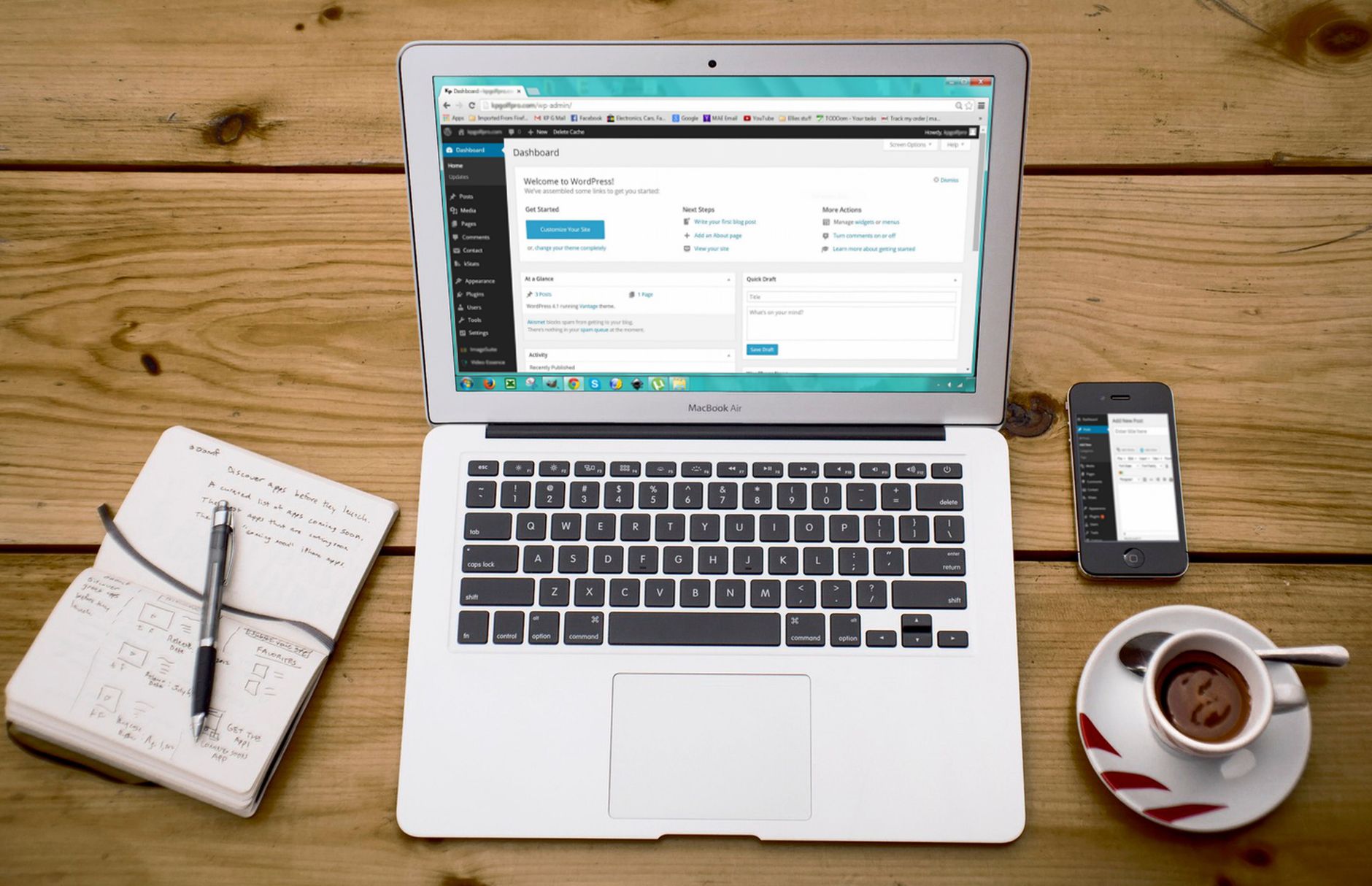
One well-configured SEO plugin is enough for most WordPress sites. Running overlapping SEO plugins often creates duplicate metadata, conflicting canonicals, and competing sitemap outputs that make troubleshooting harder, not easier.
This matters because plugin clutter can create sitewide confusion. A page may look fine in the editor while your actual output tells search engines two different things. Keep one primary SEO plugin, configure it carefully, and remove overlapping features from other tools.
Example
A common cleanup looks like this: Yoast or Rank Math handles titles, descriptions, XML sitemaps, and schema defaults, while other plugins are limited to caching, redirects, or performance tasks instead of duplicating SEO functions.
Fundamental 2: Make Important Pages Easy to Crawl
Your most important pages need crawlable HTML links and clear internal paths from navigation or contextual content. Google recommends crawlable elements with href attributes and descriptive anchor text so both users and search engines can understand the destination.
In practice, this means your service pages, category pages, and cornerstone posts should not depend on search, filters, or orphaned links to be discovered. If a key page is live but rarely linked internally, it is often under-supported rather than under-optimized.
Example
Weak internal link: Learn more on our website.
Stronger internal link: Review these WordPress SEO best practices before changing templates sitewide.
Fundamental 3: Write Better Title Tags
Title tags remain one of the clearest signals you control. Google advises unique, descriptive titles and has said repetitive boilerplate can lead to less useful titles in search. Good titles help both relevance and click potential, especially on your home page, service pages, and top blog posts.
The goal is not to cram every variation into one field. The goal is to describe the page clearly in plain language. Distinct titles also make it easier to see which pages are actually targeting different intents and which ones are overlapping.
| Weak title | Stronger title |
|---|---|
| SEO Services | SEO Company | SEO Expert | WordPress SEO Services for Small Businesses |
| Home | WordPress SEO Consultant for Technical Fixes |
| Blog Post | WordPress SEO Fundamentals and Best Practices |
Fundamental 4: Use Meta Descriptions as Support Copy
Meta descriptions do not replace weak targeting, but they still help by summarizing the page more clearly for searchers. Google may use the meta description as the snippet when it better matches the page, and it recommends accurate, page-specific descriptions instead of reused boilerplate.
Think of descriptions as support copy, not a ranking shortcut. Keep them specific to the page, aligned with search intent, and useful enough that someone scanning results can tell why your page is relevant.
Example
Weak description: We offer SEO services for businesses of all sizes. Contact us today.
Stronger description: WordPress SEO help for flat rankings, plugin conflicts, and crawl issues. See what to fix first and where plugin settings fall short.
Fundamental 5: Control Duplicate URLs
Duplicate URL handling is a core WordPress SEO task because themes, archives, tags, attachment pages, filters, and old redirect chains can all create multiple versions of similar content. Canonicals and redirects help consolidate signals so your strongest version gets the attention.
Most site owners do not have one catastrophic problem. They have a stack of smaller issues that compound over time. A category archive, a tag archive, and a filtered version of the same product list may all be technically valid URLs, but that does not mean they should all compete in search.
Example
If your main service page exists at more than one version, choose the preferred URL, link to it consistently, and redirect outdated alternatives. If archive pages add no search value, keep them from competing with your core pages.
If you are experiencing these symptoms, our team at WordPress SEO Expert can help. A focused review often shows whether the real issue is indexation, duplication, thin targeting, or a plugin conflict that is rewriting signals behind the scenes.
Fundamental 6: Keep Schema Accurate and Secondary
Schema helps search engines interpret a page, but it should reflect the visible main content instead of trying to compensate for weak pages. Google’s structured data guidelines warn against markup that is misleading or not representative of the main content.
That means a simple, accurate setup usually beats turning on every schema type your plugin offers. Add the markup that matches the page, confirm it is consistent with what users actually see, and treat schema as a support layer rather than the core strategy.
Fundamental 7: Build Internal Links Around Priority Pages

Internal links work best when they reinforce the pages you actually want to rank. Link related posts to service pages, connect overlapping articles, and use anchor text that describes the destination instead of generic prompts.
This is where fundamentals become compounding assets. A site with clear titles, clean indexation, and consistent internal linking gives search engines a much better map of what matters most.
A Simple Priority Order
If you want a practical sequence, start with the fixes that control access and clarity, then move into the refinements. This order is simple, but it prevents a lot of wasted effort on WordPress sites that already have enough content but weak foundations.
| Priority | What to fix | Why it matters |
|---|---|---|
| 1 | Indexing and crawl access | Pages cannot rank if search engines cannot reach them |
| 2 | SEO plugin cleanup | Removes conflicting metadata, canonicals, and sitemaps |
| 3 | Canonicals and redirects | Consolidates signals across duplicate URLs |
| 4 | Title tags | Improves relevance and click potential |
| 5 | Meta descriptions | Supports clearer snippets in search |
| 6 | Internal links | Strengthens site structure and page discovery |
| 7 | Schema review | Refines technical signals after the basics are stable |
What These Best Practices Are Really For
The point of WordPress SEO fundamentals is not perfection. The point is to create a site that is easy to crawl, easy to understand, and clear about which pages deserve attention. You do not need a perfect plugin score. You need a cleaner structure, better page targeting, and fewer mixed signals.
When rankings stall, the right move is usually not to add more tools. It is to simplify the setup, strengthen the pages that matter most, and stop letting low-value archives or duplicate templates compete with primary pages.
When to Get Help
If you have done the work and traffic is still flat, the issue is often prioritization rather than effort. WordPress SEO Expert can help you sort out what is actually blocking growth and what can wait.
Book a free SEO consultation. No pitch, no pressure. Just an honest look at what your site actually needs and whether your current setup is part of the solution or part of the problem.
Contact WordPress SEO Expert today to schedule a consultation if you want a practical roadmap instead of another generic checklist.

















