

Most WordPress sites do not struggle because one setting is missing. Rankings usually flatten when the setup is scattered across too many plugins, weak templates, thin archives, and pages that send mixed signals about what matters most. A green light in an SEO plugin does not mean the page deserves to rank.
This checklist is built to help you fix the issues that block visibility before the issues that polish visibility. If you want a broader diagnostic walkthrough first, start with how to fix WordPress SEO setup problems and then use this page as your working checklist.
Start with one clean SEO plugin
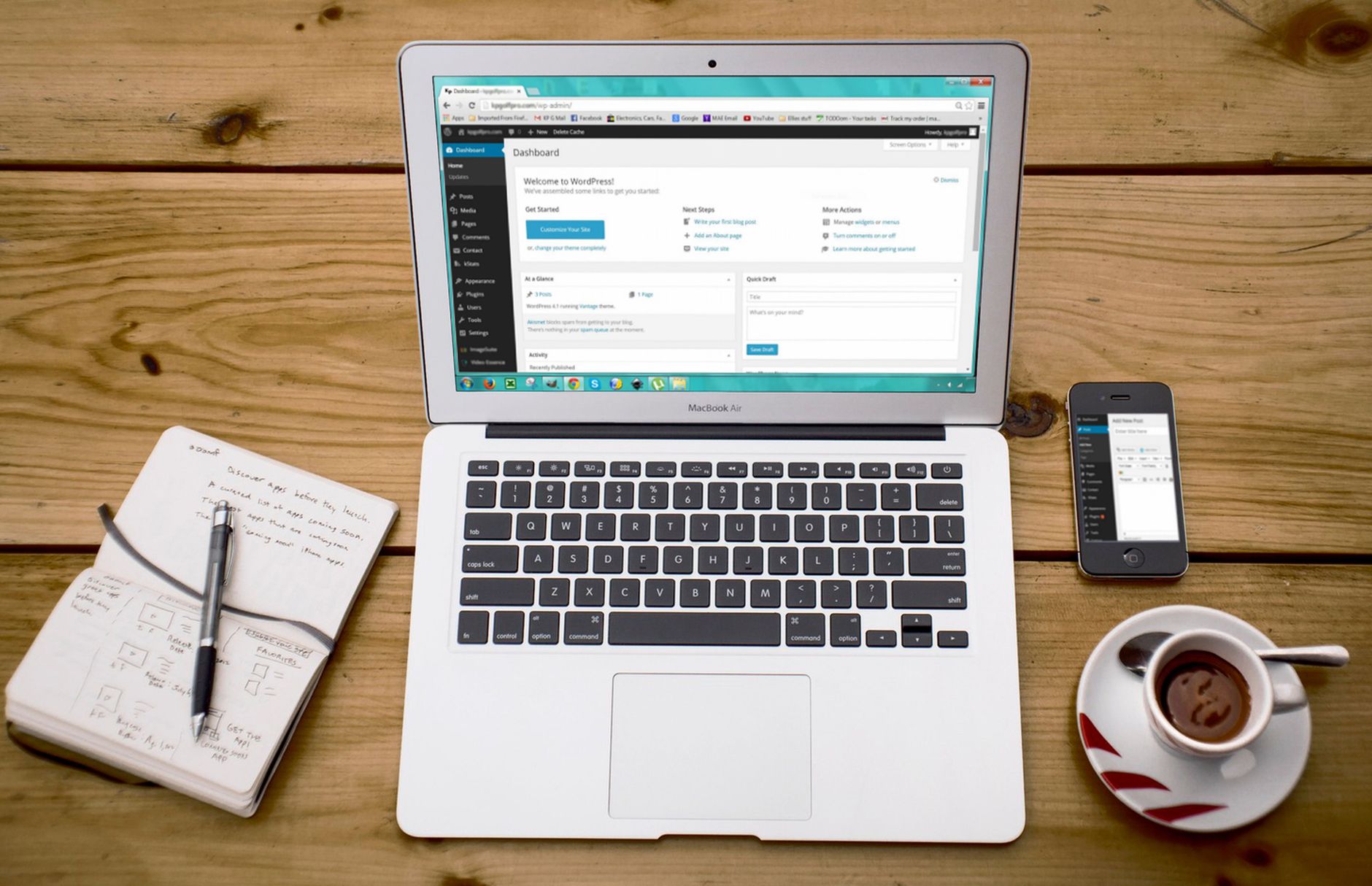
Your first setup decision should be simplification. One well-configured SEO plugin is enough, and running overlapping plugins often creates duplicate metadata, conflicting canonicals, and competing sitemap outputs.
Check whether your site is running more than one SEO-related plugin for titles, schema, redirects, or sitemaps. If it is, decide which tool will remain primary, migrate any needed settings, and remove the overlap. Google recommends clear, descriptive titles and relevant internal signals, which is harder to maintain when multiple plugins are trying to control the same fields.
Make sure search engines can crawl and index the right pages

Before you rewrite copy or chase scores, confirm that your important pages can actually be found and indexed. If indexing is broken, the rest of your optimization will underperform no matter how polished the page looks.
Check that search engine visibility is enabled in WordPress. Review whether key pages are indexable, linked from crawlable navigation or content, and included in your sitemap. Google’s SEO guidance for developers says every page should have a descriptive title and meta description, but that advice only helps after crawl access and indexing are stable.
| Checklist item | What to confirm |
|---|---|
| Search visibility | The site is not set to discourage search engines in WordPress settings |
| Important pages | Your home, service, category, product, and key blog pages are indexable |
| Sitemap | One sitemap source is active and includes the pages you want indexed |
| Internal discovery | Important pages are linked from menus or other crawlable pages |
Clean up title tags before you edit everything else
Titles are one of the strongest on-page signals you control, so fix them early. The goal is not to stuff variations into every title field. The goal is to make each important page distinct, descriptive, and aligned with one search intent.
Google’s guidance on title links recommends descriptive, concise title text and warns against keyword stuffing and repeated boilerplate. Start with the homepage, primary service pages, product categories, and posts already earning impressions. If you need a broader framework for this layer, review our practical WordPress SEO guide for DIY site owners.
| Weak title | Stronger title |
|---|---|
| SEO Services | SEO Company | SEO Expert | WordPress SEO Services for Small Businesses |
| Blog | WordPress SEO Tips for Service Businesses |
| Home | Family Law Attorney in Austin |
Write unique meta descriptions for key pages
Meta descriptions are support text, not a ranking shortcut. They help Google understand how to summarize the page and can improve click quality when they clearly describe what the searcher will get.
Google explains in its documentation on meta descriptions and snippets that it may use the meta description when it gives users a more accurate summary, and it recommends unique descriptions that describe the specific page. Focus first on the homepage, primary service pages, top categories, and your most visited posts.
Fix archive and duplicate URL problems
Most site owners do not have one catastrophic technical problem. They have a stack of smaller duplicate and archive issues that compound over time. Cleaning those up reduces crawl waste and makes it clearer which pages deserve visibility.
Review tag archives, author archives, date archives, attachment pages, filtered URLs, and alternate URL versions that may create duplication. Use canonicals consistently, noindex thin archives where appropriate, and redirect outdated URLs when a cleaner version should be the main one. This work often matters more than adding another feature or another plugin module.
Strengthen headings and internal links
Once indexing and duplication are under control, improve the page signals users and search engines read most directly. Clear headings and descriptive internal links help reinforce relevance, site structure, and page priority.
Use one clear H1 on each important page, then organize supporting sections under logical H2 and H3 headings. Google’s link best practices recommend descriptive, concise anchor text, so link related posts and service pages in plain language instead of generic phrases. If you’re experiencing these symptoms, our team at WordPress SEO Expert can help.
Internal linking checklist
Make sure your most important pages are not relying only on the sitemap for discovery. Add contextual links from blog posts to service pages, connect related articles to each other, and check that no high-value page is effectively orphaned.
Review speed, but keep the goal practical

Speed matters when a site feels heavy, unstable, or frustrating to use. You do not need a perfect score. The goal is a site that loads cleanly, is easy to use, and does not bury important content behind technical clutter.
Check image compression, caching, unused plugins, heavy page builder templates, and mobile usability on your most important page types. Treat performance work as a support layer after crawlability, indexation, titles, and duplication are under control.
Use this practical WordPress SEO setup checklist
If you only need a working order of operations, this is it. Move through these steps in sequence so you do not waste time polishing pages while larger technical issues are still suppressing visibility.
| Priority | Task | Why it matters |
|---|---|---|
| 1 | Keep one SEO plugin | Reduces conflicts across metadata, canonicals, and sitemaps |
| 2 | Confirm indexing and crawl access | Pages cannot rank if search engines cannot reach them properly |
| 3 | Review sitemap output | Helps search engines find the URLs that matter most |
| 4 | Fix page titles | Improves relevance and click clarity |
| 5 | Write unique meta descriptions | Supports better search snippets on important pages |
| 6 | Clean up archives and duplicate URLs | Prevents signal dilution across overlapping pages |
| 7 | Strengthen headings and internal links | Reinforces topical structure and page hierarchy |
| 8 | Review speed and usability | Improves experience after the core SEO foundation is stable |
When to get professional help
If you have already installed the plugin, updated the content, and checked the boxes, but rankings are still flat, the issue is usually prioritization rather than effort. A second set of eyes can often tell you quickly whether the real bottleneck is indexing, duplication, weak targeting, or plugin clutter.
WordPress SEO Expert can help you sort technical problems from content problems before you make bigger changes. Book a free SEO consultation. No pitch, no pressure. Just an honest look at what your site actually needs and whether your current setup is part of the solution or part of the problem.
Contact WordPress SEO Expert today to schedule a consultation if you want a cleaner setup, clearer priorities, and a practical plan for improving search visibility without overcomplicating your site.

















