

Low rankings usually come from a scattered plan, not one missing plugin. The same is true when you try to measure SEO. If you only watch rankings, or only check plugin scores, you miss the real picture. A useful WordPress SEO checklist needs clear before-and-after tracking so you can see what changed, what improved, and what still needs work.
The short version is this: track results in layers. Start with indexing and crawl health, then measure impressions and clicks, then watch rankings, traffic, and conversions. If your checklist item does not connect to one of those outcomes, it is probably busywork rather than SEO progress.
If you need the baseline setup before you measure anything, review our WordPress SEO best practices. If plugin settings are part of the confusion, our Yoast SEO vs Rank Math comparison can help you clean that up first.
What should you track from a WordPress SEO checklist?

You should track five things: indexation, impressions, clicks, rankings, and conversions. That gives you a practical view of whether your fixes are making pages more visible, more clickable, and more useful to the business.
Most site owners make the mistake of jumping straight to keyword positions. Rankings matter, but they are not the first signal. A page can improve technically before it gains clicks. It can gain impressions before it moves into the top results. It can gain traffic before it starts producing leads. Your checklist should reflect that sequence.
The core metrics to track
| Metric | What it tells you | Best place to check |
|---|---|---|
| Indexing status | Whether important pages can appear in search | Google Search Console |
| Impressions | Whether visibility is growing | Google Search Console |
| Clicks | Whether searchers choose your result | Google Search Console |
| Average position | Whether target pages are moving up or down | Google Search Console |
| Organic sessions | How much search traffic reaches the site | Google Analytics |
| Leads or sales | Whether SEO work is affecting revenue actions | Google Analytics or CRM |
What to measure before you change anything
Before you touch titles, redirects, content, or plugin settings, record a baseline. Without a baseline, you cannot tell whether your checklist improved the site or just made it different.
Create a simple tracking sheet with your top pages, target keywords, current clicks, impressions, average positions, and conversions. Focus first on service pages, product categories, and blog posts that already get some visibility. Pages with zero demand can distract you from pages that are close to producing results.
A practical baseline often includes the current page title, meta description, indexability, canonical status, internal links pointing to the page, and the last 28 to 90 days of search performance. That gives you enough context to compare outcomes after changes go live.
How to track technical SEO checklist fixes

Technical fixes should be tracked by outcome, not by completion. Checking a box that says “updated sitemap” is not enough. You need to confirm that Google can crawl, index, and consolidate the right URLs afterward.
For technical checklist items, track whether important pages remain indexable, whether duplicate URLs are reduced, and whether crawl paths are cleaner. Watch page-level changes after redirects, canonical updates, archive adjustments, or plugin changes. This is where a lot of WordPress sites quietly lose momentum during redesigns, migrations, or theme changes.
Technical checks that need follow-up tracking
| Checklist task | What to verify after the fix |
|---|---|
| Updated noindex settings | Important pages are eligible for indexing |
| Changed canonicals | Preferred URLs are consistent across the site |
| Added redirects | Old URLs resolve correctly and traffic is consolidated |
| Removed thin archives | Low-value pages stop competing with stronger pages |
| Changed plugin setup | Titles, schema, canonicals, and sitemaps are not duplicated |
Fix the issues that block visibility before the issues that polish visibility. If a page is noindexed, canonicalized incorrectly, or buried under duplicate versions, a better title tag will not solve the deeper problem.
How to track on-page SEO changes
On-page changes should be measured by clicks, impressions, and page-level rankings, not plugin scores. A green light in an SEO plugin does not mean the page deserves to rank, and it definitely does not prove that users will click.
When you update titles, headings, internal links, or page copy, annotate the change date in your tracking sheet. Then compare the next few weeks against the baseline. Look for stronger impressions first, then improved click-through, then position movement. That order helps you avoid overreacting too early.
A title rewrite may improve clicks even if ranking stays similar. A content rewrite may improve impressions before it earns better positions. Internal linking changes may help a page get crawled and understood better before you see obvious traffic gains.
Good signs your on-page updates are working
You are looking for gradual improvement, not instant spikes. Better SEO tracking usually shows small gains stacking together over time.
| Signal | What it usually means |
|---|---|
| Impressions increase | Google is testing your page for more searches |
| CTR improves | Your title and snippet are more compelling |
| Average position improves | Relevance or authority signals are getting stronger |
| Organic sessions rise | More searchers are reaching the page |
| Conversions rise | The traffic is becoming more qualified |
How often should you review SEO checklist results?
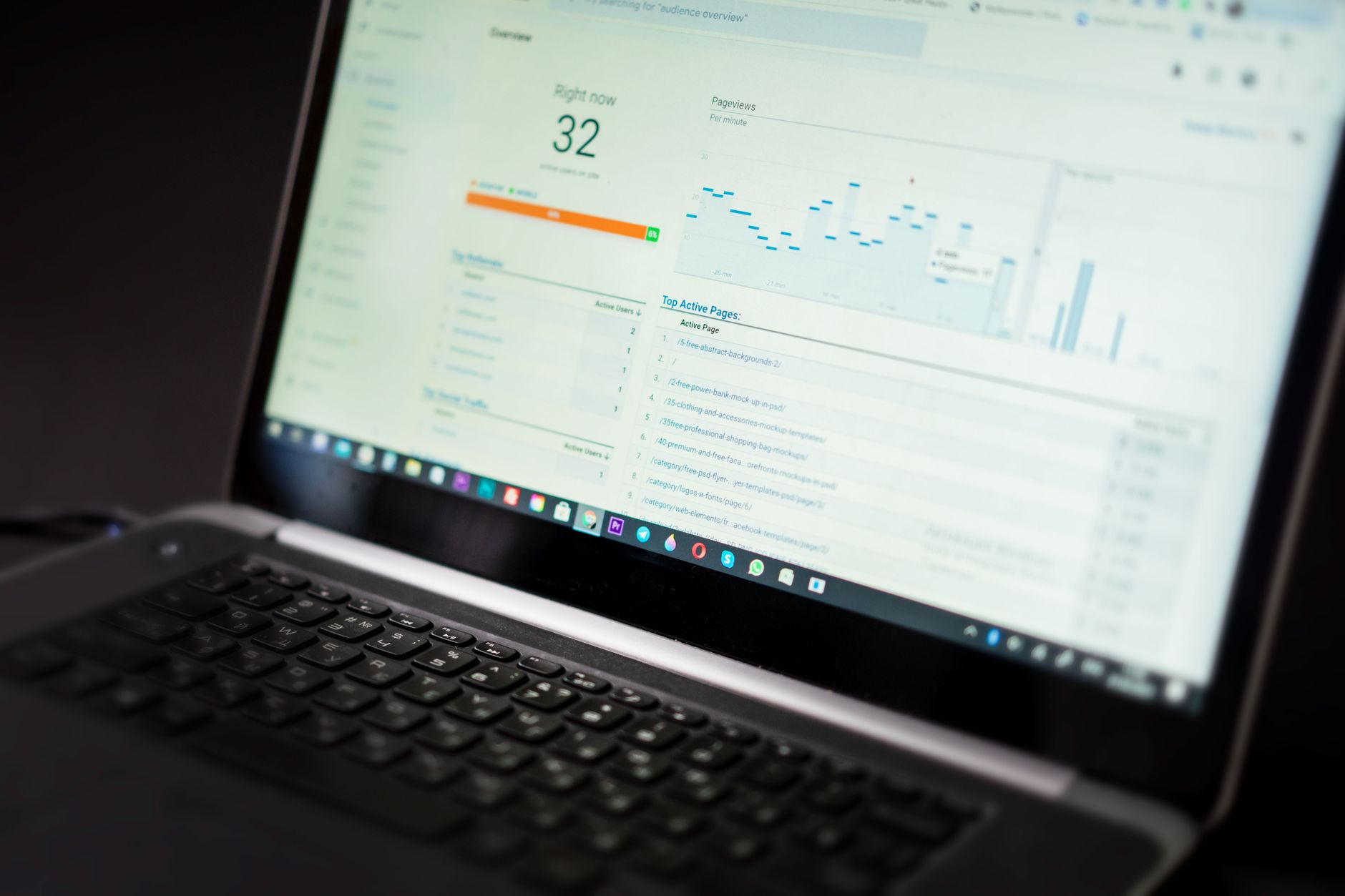
Review critical technical items weekly and broader SEO performance monthly. That cadence is frequent enough to catch problems early without pushing you into daily noise and false alarms.
Weekly reviews are useful for indexing issues, redirect errors, new noindex mistakes, and sudden drops after site changes. Monthly reviews are better for titles, content updates, internal links, and overall search growth because those changes usually take longer to show a pattern.
If you just completed a migration, redesign, or plugin switch, shorten the review cycle temporarily. Those are the moments when a stack of smaller technical issues can compound quickly.
Which pages should you prioritize first?
Start with pages that already have impressions, sit near page one, or directly affect leads and sales. Those pages usually give you the fastest read on whether your checklist changes are helping.
Do not spread your effort evenly across every page. A service page sitting in the middle of page two is often a better optimization target than a brand-new post with no visibility yet. The best workflow is to sort pages by business value and by how close they are to gaining traction.
If you are experiencing these issues, our team at WordPress SEO Expert can help. We can review whether your checklist is focused on the right pages or wasting time on low-impact tasks.
What mistakes make SEO tracking unreliable?
The biggest mistakes are changing too many things at once, relying on plugin scores, and measuring sitewide averages instead of page-level outcomes. Those habits make it hard to tell what actually moved the needle.
Another common problem is treating every fluctuation like a verdict. Search performance moves around. What matters is whether a page improves across a meaningful time window after a specific fix. Track changes in batches, note the dates, and review the right metrics for the type of update you made.
One well-configured SEO plugin is enough. Running overlapping plugins often creates duplicate metadata, conflicting canonicals, and competing sitemap outputs. If your measurement looks messy, your plugin stack may be part of the reason.
A simple way to report WordPress SEO progress
The easiest reporting format is a monthly page-by-page summary. Keep it short, focused, and tied to actions. You do not need a giant dashboard to understand whether SEO work is paying off.
For each priority page, note what changed, when it changed, and what happened to impressions, clicks, average position, and conversions after the update. Add one short conclusion: improving, flat, or needs further work. This keeps reporting honest and stops vague SEO storytelling from replacing actual evidence.
Simple reporting template
| Page | Change made | Date | Result after review period |
|---|---|---|---|
| Service page | Rewrote title and improved internal links | Enter date | Compare clicks, impressions, and conversions |
| Blog post | Expanded content and cleaned heading structure | Enter date | Compare visibility and engagement |
| Category page | Fixed duplicate URL signals | Enter date | Compare indexation and rankings |
The best next step
A useful WordPress SEO checklist does more than tell you what to fix. It shows whether the fixes actually improved visibility, traffic, and conversions. Start with a baseline, track changes by page, and prioritize the issues that block performance before the ones that simply make reports look cleaner.
You do not need a perfect score. The goal is a site that loads cleanly, is easy to use, and gives search engines clear signals about which pages matter most.
If you are not sure whether your current setup is helping or quietly hurting you, WordPress SEO Expert can help. Book a free SEO consultation. No pitch, no pressure. Just an honest look at what your site actually needs and whether your current setup is part of the solution or part of the problem.
Contact WordPress SEO Expert today to schedule a consultation.

















