

Low rankings usually come from a scattered plan, not one missing plugin. A useful WordPress SEO checklist should help you fix the issues that block visibility first, then clean up the details that improve clarity, clicks, and usability. That is how you avoid wasting hours chasing plugin scores that do not move rankings.
This checklist focuses on the tools and techniques that matter most for small business sites, blogs, and WooCommerce stores. If you need a broader foundation first, review our WordPress SEO best practices. If plugin choice is part of the problem, our Yoast SEO vs Rank Math comparison will help you choose one clean setup instead of stacking overlapping tools.
Start with the issues that block visibility
If Google cannot crawl the right pages or index the right versions, the rest of your optimization work underperforms. Begin with indexing, crawlability, redirects, and canonicals before you spend time rewriting headings or adjusting plugin recommendations.
Most site owners do not have one catastrophic problem. They have a stack of smaller issues that compound over time. A page can have a decent title tag and still struggle because it is orphaned, duplicated, noindexed, or buried under weak internal linking. Fix the foundation before the polish.
Your practical WordPress SEO checklist
Use this checklist in order. The sequence matters because some tasks protect visibility, some improve relevance, and some simply refine presentation after the important work is already done.
| Priority | What to check | Recommended tools | Why it matters |
|---|---|---|---|
| 1 | Search engine visibility settings, robots rules, and sitemap access | Google Search Console, your SEO plugin, browser inspection | Pages cannot rank if they are blocked, hidden, or excluded from indexing |
| 2 | Canonical tags, redirects, and duplicate URL paths | SEO plugin, redirect plugin, crawl tool | Prevents diluted signals and confusion about which URL should rank |
| 3 | Title tags, meta descriptions, and page intent | SEO plugin, SERP preview, content brief | Improves relevance and click quality |
| 4 | Internal linking and page hierarchy | Site crawl, manual review, post search | Helps search engines discover pages and understand topic relationships |
| 5 | Template speed and usability | PageSpeed Insights, caching plugin, image optimization plugin | Supports a cleaner user experience and reduces friction |
| 6 | Content depth, headings, and overlap | Content audit, search intent review, analytics | Helps each page answer one clear need without duplication |
| 7 | Schema and technical cleanup | SEO plugin, structured data testing tools | Adds clearer technical signals after the main problems are fixed |
Use one SEO plugin, not a stack
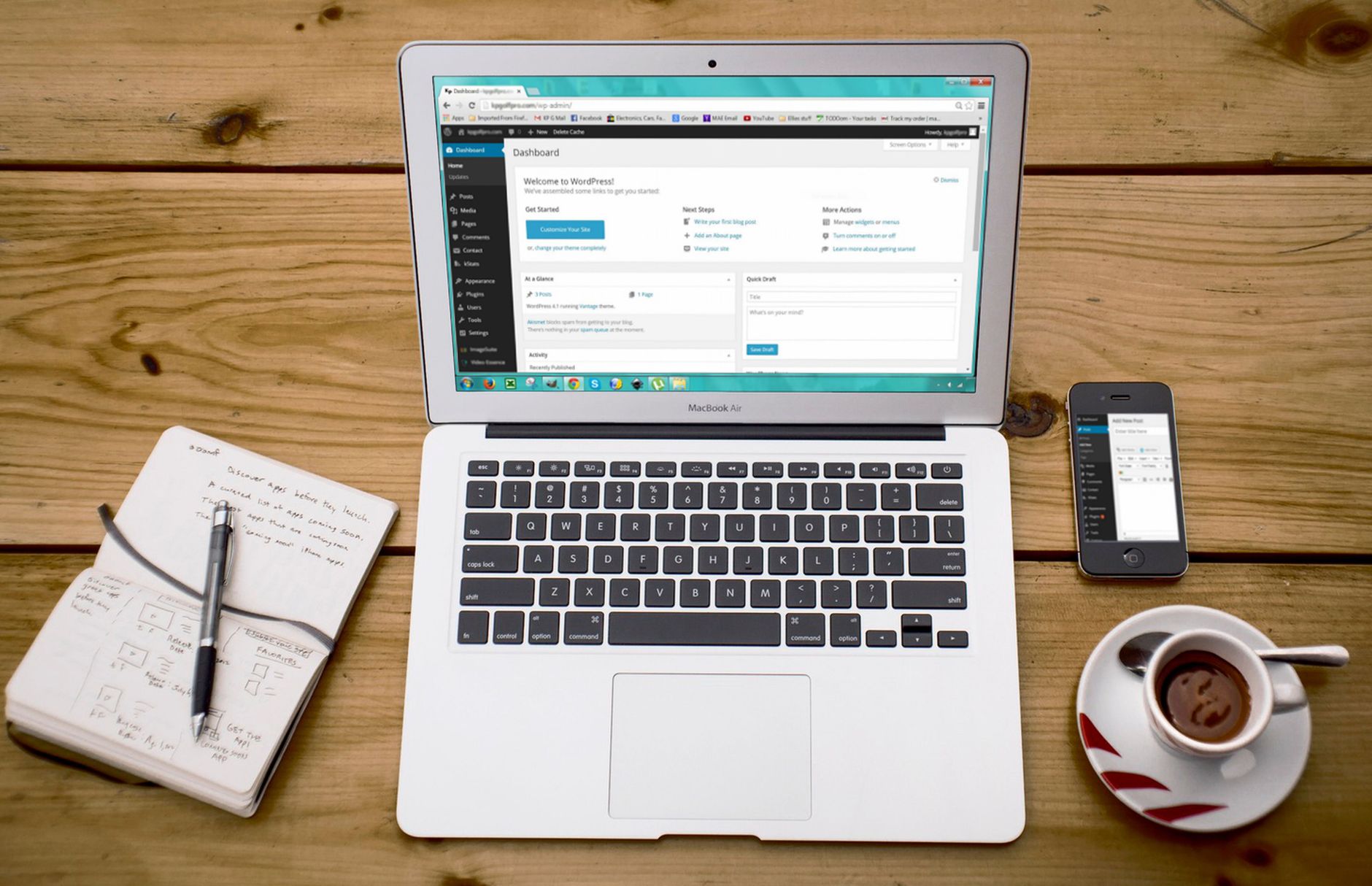
One well-configured SEO plugin is enough for most WordPress sites. Running overlapping plugins often creates duplicate metadata, conflicting canonicals, and competing sitemap outputs that are harder to troubleshoot than the original SEO problem.
Your main plugin should handle title tags, meta descriptions, XML sitemaps, schema basics, and indexing controls. That does not mean every feature should be turned on. The goal is a clean setup that matches your site type, not a dashboard full of modules you do not need.
Useful tool categories for most sites
The strongest setup usually includes one SEO plugin, one redirect tool if your SEO plugin does not manage redirects well, one caching solution, one image optimization workflow, and Google Search Console for visibility checks. That is usually enough to find and fix the highest-impact issues.
If you are not sure whether your current setup is helping or quietly creating conflicts, WordPress SEO Expert can help. A short diagnostic review is often more valuable than adding another plugin to a crowded site.
Titles and descriptions should help humans click
Title tags and meta descriptions matter, but not in the way plugin score systems suggest. Google recommends descriptive, concise titles and warns against keyword stuffing or repetitive boilerplate, and it may choose a different snippet when on-page content explains the page better than your meta description does.
Write titles that match the page, distinguish it from similar pages, and make the topic obvious at a glance. Write descriptions that summarize the benefit clearly enough to earn the click without sounding stuffed or generic.
| Weak title | Stronger title |
|---|---|
| SEO Services | SEO Company | SEO Expert | WordPress SEO Services for Small Businesses |
| Blog | WordPress SEO Checklist for Small Business Sites |
| Technical SEO | Technical WordPress SEO Fixes After a Redesign |
Internal linking is part of the checklist, not an extra

Internal links help search engines find pages, understand hierarchy, and connect related topics. Google recommends crawlable links with descriptive anchor text, which means your link structure should be clear in the HTML and understandable to users without sounding forced.
Link broader educational pages to relevant service or comparison pages, and make sure your most important URLs are reachable through normal navigation or contextual links. If your best page only exists in the sitemap and nowhere else, that is a visibility problem. For a stronger baseline, compare this checklist with our advice on structuring WordPress SEO best practices and review whether your plugin setup supports or weakens those links in our Yoast vs Rank Math breakdown.
Technical techniques that deserve attention first
The best technical SEO techniques are usually the least glamorous ones. They do not produce flashy plugin badges, but they reduce confusion and help search engines understand which pages matter, which URLs are canonical, and how your site is organized.
Check indexing and crawl paths
Confirm that key service pages, product categories, and top blog posts are indexable, included in your sitemap when appropriate, and linked from crawlable pages. If a page is important to your business, it should not be hidden behind weak architecture or accidental noindex settings.
Clean up duplicate URLs
WordPress can generate duplicates through archives, tags, parameters, attachment pages, pagination patterns, or WooCommerce filters. Decide which URL should be the main version, use that version consistently in internal links, and redirect outdated or low-value variants when needed.
Test templates, not just one page
Homepages, blog posts, service pages, categories, and product pages often behave differently. Review each template type for title logic, heading structure, schema output, page speed, and internal links so you do not assume one clean page means the whole site is clean.
Do not chase perfect plugin scores
A green light in an SEO plugin does not mean the page deserves to rank. Those tools can help catch missing basics, but they cannot judge whether the page answers intent, whether the topic overlaps other URLs, or whether the site architecture supports the page well enough to compete.
You do not need a perfect score. The goal is a site that loads cleanly, is easy to use, gives clear signals, and makes the next step obvious for both users and search engines.
If your rankings are flat and you are not sure what to fix first, WordPress SEO Expert can help. Book a free SEO consultation. No pitch, no pressure. Just an honest look at what your site actually needs and whether your current setup is part of the solution or part of the problem.
What to do next
The best next step is to run this checklist on your highest-value pages first. Start with the URLs tied to leads, sales, or existing impressions, because those usually produce the fastest learning and the clearest return on effort.
When the checklist uncovers a mix of technical issues, content overlap, and weak internal linking, we recommend building a short 90-day plan instead of trying to fix everything at once. Contact WordPress SEO Expert today to schedule a consultation and get a clearer plan for what to fix first on your WordPress site.

















