

Low rankings usually come from a scattered plan, not one missing plugin. Most WordPress sites do not have one catastrophic problem. They have a stack of smaller issues that compound over time, from weak titles to duplicate URLs to pages that are technically published but hard for Google to understand.
This is where WordPress SEO Expert sees site owners waste the most time: polishing plugin scores before fixing the basics that actually affect visibility. A green light in an SEO plugin does not mean the page deserves to rank. One well-configured setup, clear page targets, and a crawlable structure matter more.
If you want a broader baseline before changing settings, start with our WordPress SEO best practices guide. If speed is part of the issue, review our guidance on how to improve WordPress site speed for SEO before chasing smaller tweaks.
What are the most important WordPress SEO best practices?
The most important WordPress SEO best practices are simple: make key pages crawlable, use one SEO plugin, write clear titles, control duplicate URLs, and build internal links with intent. Fix the issues that block visibility before the issues that polish visibility.
That order matters. Many site owners jump straight to schema, keyword density, or readability scores while core pages still have indexing conflicts, weak titles, or no supporting internal links. Google recommends descriptive, concise title text, good anchor text, and structured data that matches visible content, which points you back to fundamentals instead of shortcuts.
| Priority | Best practice | Why it matters |
|---|---|---|
| 1 | Check indexing and crawlability | Pages cannot rank if search engines cannot reach or index them properly. |
| 2 | Use one SEO plugin | Reduces duplicate metadata, conflicting canonicals, and overlapping sitemap output. |
| 3 | Improve title tags | Helps search engines and users understand the page quickly. |
| 4 | Fix duplicate URLs | Prevents diluted signals and canonical confusion. |
| 5 | Strengthen internal links | Improves discovery, context, and page hierarchy. |
| 6 | Improve speed on key templates | Supports usability and keeps important pages easier to use. |
Example 1: Title tags that help instead of hurt
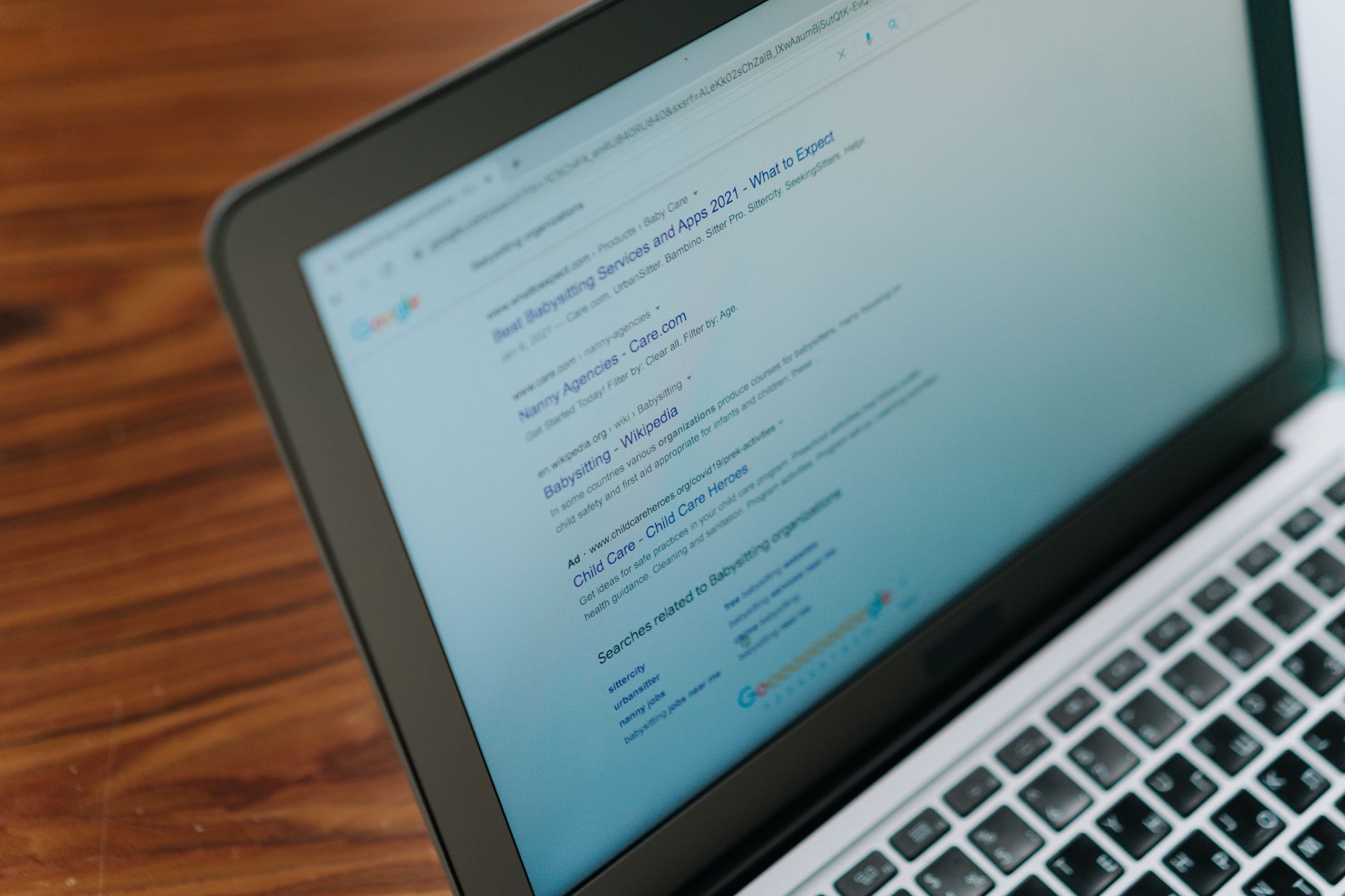
Your title tag is one of the clearest on-page signals you control. The best titles are specific, concise, and aligned with the actual page topic. Vague or repetitive titles make it harder for users to choose your page and easier for Google to rewrite the title in search results.
Google says to write descriptive, concise text for title elements and to avoid vague labels or unnecessarily long wording. That does not mean stuffing more keywords into the title. It means making the page purpose obvious at a glance.
| Weak title | Stronger title |
|---|---|
| SEO Services | SEO Company | SEO Expert | WordPress SEO Services for Small Businesses |
| Blog | WordPress SEO Tips for Service Businesses |
| WordPress SEO Best Practices and Tips and Guide | WordPress SEO Best Practices That Matter |
A practical rule is to make each important page title distinct. If several service pages use nearly the same title pattern, they start competing for attention and clarity. If you are comparing tools while updating metadata, our Yoast SEO vs Rank Math comparison can help you avoid changing plugins for the wrong reasons.
Example 2: One SEO plugin is enough
Most WordPress sites should run one primary SEO plugin, not a stack of overlapping tools. Running multiple plugins that each manage titles, schema, canonicals, redirects, or sitemaps often creates quiet conflicts that are harder to diagnose than obvious errors.
The gap between plugins is not that one works and one does not. The gap is in features, interface, and cost. What hurts rankings more often is overlap. Two plugins can output duplicate metadata, competing canonical tags, or separate sitemap files that send mixed signals.
Set up one plugin well, then stop tweaking. You do not need a perfect score. The goal is a site that loads cleanly, presents clear metadata, and is easy to use. If you are not sure whether your current plugin configuration is helping or quietly hurting you, WordPress SEO Expert can help.
Example 3: Internal links should guide both users and Google

Internal linking works best when it clarifies relationships between pages, not when it is added mechanically. Good links help visitors move to the next logical page and help search engines understand which pages support broader topics and which pages drive conversions.
Google recommends crawlable links and descriptive anchor text. That means standard HTML links, clear link phrases, and sensible placement within the copy. A page buried with no internal links often underperforms even when the page itself is decent.
For example, a post about SEO plugins should link naturally to a comparison page and to a broader technical SEO resource. A service page about audits should link to related guides that explain common causes of ranking loss. If your site has pages that only appear in a sitemap and nowhere else, fix that before publishing more content.
If you’re experiencing these symptoms, our team at WordPress SEO Expert can help.
Example 4: Fix duplicate URLs before publishing more pages
Duplicate URL issues can quietly weaken strong content. When multiple URLs show the same or nearly the same page, search engines have to guess which version matters most. That confusion can dilute signals and waste time that should be spent on higher-value pages.
Common WordPress examples include tag archives, attachment pages, URL parameters, filter combinations in WooCommerce, and old slugs that were never redirected properly. In these cases, the best practice is not to create more content. It is to choose the primary version, link to it consistently, and clean up the alternatives.
This is especially important after redesigns, plugin swaps, and store expansions. A good page can still stall if the site keeps generating alternate versions around it. Most site owners do not need more indexable pages. They need fewer competing versions of the same page.
Example 5: Meta descriptions support clicks, not rankings by themselves
Meta descriptions matter because they can improve how a page is summarized in search results, but they are not a direct shortcut to rankings. Use them to support the click with a clear summary, not to cram in every keyword variation.
Google explains that snippets are usually generated from page content, but the meta description may be used when it better summarizes the page. That makes unique, useful descriptions worth writing for key pages, especially service pages and posts that compete for attention in crowded results.
A weak meta description repeats the title without adding value. A stronger one tells the searcher what they will get on the page and why it is relevant now. Keep it readable, specific, and aligned with the real content.
Example 6: Use schema carefully and only where it fits
Schema can help search engines interpret a page more clearly, but it is not a substitute for content quality or clean technical SEO. The safest approach is to add only the markup that matches what users can actually see on the page.
That means avoiding the habit of turning on every schema option in a plugin just because it exists. Google’s structured data guidelines emphasize that markup should reflect visible page content. If the page does not clearly present the information, the schema will not rescue it.
For most small business WordPress sites, basic organization, breadcrumb, article, and relevant service-related markup are enough. A clean setup usually beats a bloated one.
What should you fix first on a WordPress site?

Start with the issues that block visibility: indexing settings, crawlability, duplicate URLs, redirects, and broken internal structure. Only after that should you spend time polishing titles, descriptions, schema, or plugin suggestions. Foundation problems distort everything else.
A practical workflow is to review your highest-value pages first. Check service pages, product categories, and posts that already earn impressions. Those pages usually return the fastest gains because they are already close enough to benefit from cleaner signals and stronger structure.
You do not need to rebuild the whole site at once. Most sites improve faster with a focused 90-day plan than with a massive rewrite no one finishes.
The best next step
WordPress SEO best practices work when they are applied in the right order. Clear titles, one clean plugin setup, useful internal links, and fewer duplicate URLs will usually do more for rankings than another round of plugin score chasing.
If your rankings are flat and you are not sure what to fix first, WordPress SEO Expert can help you sort the real issues from the noise. Book a free SEO consultation. No pitch, no pressure. Just an honest look at what your site actually needs and whether your current setup is part of the solution or part of the problem.
Contact WordPress SEO Expert today to schedule a consultation.

















