

Low rankings usually come from a scattered plan, not one missing plugin. Tracking WordPress SEO results works the same way. If you only watch rankings, you will miss the smaller technical and content signals that explain why traffic is stuck, why pages are slipping, or why a redesign did more damage than expected.
The practical goal is to track the numbers that show visibility, the page-level signals that show whether Google can understand your site, and the business outcomes that show whether the traffic is worth having. If you need the setup foundation first, review our WordPress SEO best practices and our comparison of Yoast SEO vs Rank Math before you start measuring results.
What should you track first?

Start with clicks, impressions, click-through rate, and average position in Google Search Console. Google’s Performance report shows all four, and they give you the clearest early picture of whether your pages are being seen, clicked, and moved upward over time.
Google explains that the Performance report tracks total clicks, total impressions, average CTR, and average position for your property. It also recommends using the report to see how search traffic changes over time and which queries and pages are driving visibility. That makes Search Console the first dashboard to open before you touch a third-party rank tracker or another plugin setting.
If you are new to this, keep the sequence simple. Check whether impressions are rising, then whether clicks are rising with them, then whether the pages earning those impressions match the services, categories, or products you actually care about. Fix the issues that block visibility before the issues that polish visibility.
Why rankings alone are not enough
Rankings are useful, but they are not the whole story. Google notes that average position is based on the topmost result from your site and recommends focusing more on trends in impressions and clicks than on position alone.
This matters because a page can move from position 18 to 11 and still bring little traffic, while another page can hold roughly the same average position but earn more clicks because the title became clearer or the query mix improved. A green light in an SEO plugin does not mean the page deserves to rank, and a ranking report by itself does not tell you why performance changed.
Most site owners do not have one catastrophic problem. They have a stack of smaller issues that compound over time. Good tracking helps you separate a metadata problem from an indexing problem, a weak title from weak search intent, and a traffic drop from a reporting misunderstanding.
The 5 metrics that actually matter
Track five core metrics consistently: impressions, clicks, CTR, average position, and conversions. The first four tell you how visible your pages are in search. Conversions tell you whether that visibility is turning into leads, sales, or qualified inquiries.
| Metric | What it tells you | What to do if it is weak |
|---|---|---|
| Impressions | How often your pages appear in Google Search | Check indexing, internal links, search intent, and topic coverage |
| Clicks | How much search traffic your pages actually earn | Improve titles, strengthen page relevance, and support the page with internal links |
| CTR | How often searchers choose your result after seeing it | Rewrite weak title tags and meta descriptions |
| Average position | General trend of where your result appears | Improve content depth, internal links, and page alignment to the query |
| Conversions | Whether organic traffic creates business value | Fix page intent, offer clarity, form friction, and CTA placement |
If one page has impressions but no clicks, your snippet may be weak. If it has clicks but no conversions, your SEO may be fine and the page itself may be the problem. If it has no impressions, start with crawlability and indexability before you rewrite the copy.
How to use Google Search Console the right way
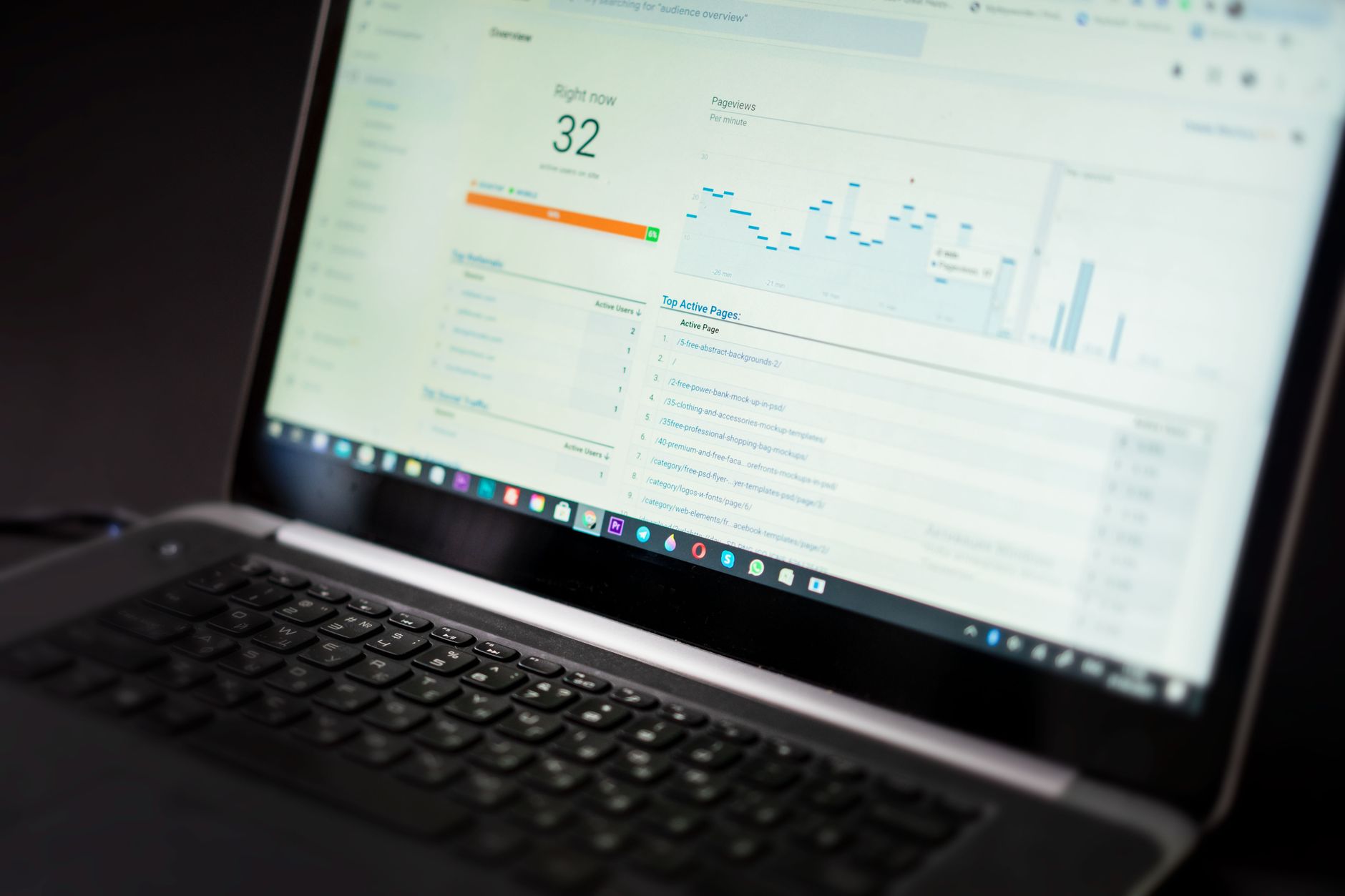
Google Search Console should be your main SEO tracking tool because it shows how your site appears in Google Search. Use the Performance report for trends, the URL Inspection tool for page-level checks, and the Sitemaps report to confirm Google can find the URLs you want indexed.
Google describes Search Console as a free service for monitoring, maintaining, and troubleshooting a site’s presence in Google Search. In practice, that means you can see whether search demand is growing, whether a specific page is indexed, and whether your sitemap submissions are being processed correctly.
Use the Performance report weekly. Use URL Inspection when one important page is missing or slipping. Use the Sitemaps report after migrations, major content uploads, or plugin changes that may affect your XML sitemap output. One well-configured SEO plugin is enough. Running overlapping plugins often creates duplicate metadata, conflicting canonicals, and competing sitemap outputs.
A simple weekly tracking routine
Once a week, compare the last 28 days against the previous 28 days in Search Console. Review sitewide clicks and impressions, then review your top pages, then review the queries for those pages. This gives you a clean rhythm without overreacting to every daily fluctuation.
Look for pages with rising impressions but flat clicks. Those often need stronger titles. Look for pages with falling impressions. Those may have lost relevance, internal link support, or indexation. Look for queries where you appear often but earn few clicks. Google’s documentation specifically points to high-impression, low-CTR queries as opportunities to improve titles and descriptions.
If you are not sure whether your current plugin configuration is helping or quietly hurting you, WordPress SEO Expert can help. We can review the signals that matter before you spend months chasing cosmetic fixes.
How to tell if a page has an SEO problem or a conversion problem
The fastest way to diagnose a page is to separate visibility from business performance. If search impressions and clicks are healthy but leads are weak, the issue is probably messaging, trust, offer clarity, or form friction. If impressions are weak, the problem is usually SEO or indexing first.
This distinction keeps you from rewriting a page that actually needs a better CTA, or redesigning a page that Google still cannot understand. Most site owners lose time because they treat every weak page as a content problem when the real issue is technical access or poor snippet performance.
A practical pattern looks like this: low impressions usually point to indexing, weak internal links, or poor topic targeting. Solid impressions with weak CTR usually point to titles and descriptions. Solid clicks with weak conversions usually point to page experience and offer quality. Track the right symptom before you prescribe the fix.
What to check after a redesign or migration

After a redesign or migration, track indexing, redirects, canonical tags, and sitemap coverage before you worry about content polish. Traffic drops after launch are often caused by technical breakpoints, not by a sudden change in how good your pages are.
Use Google’s URL Inspection tool to see what Google knows about a specific page and whether the live version appears eligible for Search. Use the Sitemaps report to confirm your sitemap is submitted and readable. Then review your most important old URLs to make sure they redirect cleanly to the right new destinations.
This is also the point where internal linking matters more than many site owners expect. If navigation changed, if category paths changed, or if service pages lost contextual links, rankings can soften even when redirects are technically correct. For more on the baseline setup, go back to our WordPress SEO best practices guide.
When to report monthly instead of daily
Monthly reporting is usually better for small business WordPress sites because it smooths out noise. Google’s reporting can fluctuate by day, and search demand naturally shifts by weekday, season, and query mix. A monthly view gives you a clearer signal.
Daily checks make sense when you just launched a migration, pushed a major template change, or published a high-value page that you need to monitor closely. Otherwise, weekly reviews and monthly reporting are enough for most service sites and many WooCommerce stores. You do not need a perfect score. The goal is a site that loads cleanly, is easy to use, and gains visibility steadily.
A simple SEO results dashboard for WordPress
Your dashboard does not need to be complicated. Track a small set of page-level and site-level indicators so you can spot problems early without drowning in reports.
| Dashboard item | Why it matters |
|---|---|
| Total organic clicks and impressions | Shows whether overall visibility is moving in the right direction |
| Top 10 landing pages from search | Shows which pages deserve the most attention first |
| Queries with high impressions and low CTR | Highlights title and meta description opportunities |
| Pages recently updated | Helps you connect changes to performance shifts |
| Lead or sale conversions from organic traffic | Connects SEO work to real business outcomes |
| Indexing status of key pages | Confirms your most valuable URLs can still compete |
Keep this focused on your highest-value pages. A shorter dashboard you review consistently is better than a larger dashboard nobody uses. If you need help choosing what belongs in that dashboard, WordPress SEO Expert can help.
The best next step
The best next step is to build a simple reporting habit around Search Console and your conversion data, then review your most important pages one by one. Tracking SEO results is not about collecting more charts. It is about finding which pages are gaining visibility, which pages are stalling, and which issues deserve attention first.
If your rankings are flat and you are tired of guessing what to fix, WordPress SEO Expert can help you separate technical issues from content issues and build a cleaner measurement plan. Book a free SEO consultation. No pitch, no pressure. Just an honest look at what your site actually needs and whether your current setup is part of the solution or part of the problem.
Contact WordPress SEO Expert today to schedule a consultation.

















