
Google SEO questions on WordPress usually come from one problem: too many moving parts and not enough prioritization. Most site owners do not have one catastrophic issue. They have a stack of smaller issues that compound over time. The fastest progress usually comes from fixing visibility blockers first, not chasing plugin scores or publishing more thin content.
This guide answers the WordPress Google SEO questions that come up most often, especially when rankings feel flat and it is not clear what to fix first. If you want broader context before changing settings, review our WordPress SEO best practices and our guide on how to improve WordPress SEO.
What matters most for Google SEO on WordPress?
The short answer is crawlability, page clarity, and site structure. Before you adjust plugins or rewrite paragraphs, make sure Google can reach the right pages, understand what each page is about, and follow clear internal links across the site.
Google recommends making important pages reachable through crawlable links, using descriptive anchor text, and giving pages clear, concise titles that accurately describe the content. It also advises against keyword stuffing and repetitive boilerplate in title tags. That means the foundation is usually more important than squeezing one more keyword into a heading.
A better sequence is simple. First, confirm your key pages can be indexed. Second, clean up duplicate or competing URLs. Third, improve title tags and internal links. Fourth, work on speed, content depth, and schema. Fix the issues that block visibility before the issues that polish visibility.
Does WordPress need a special Google SEO plugin?
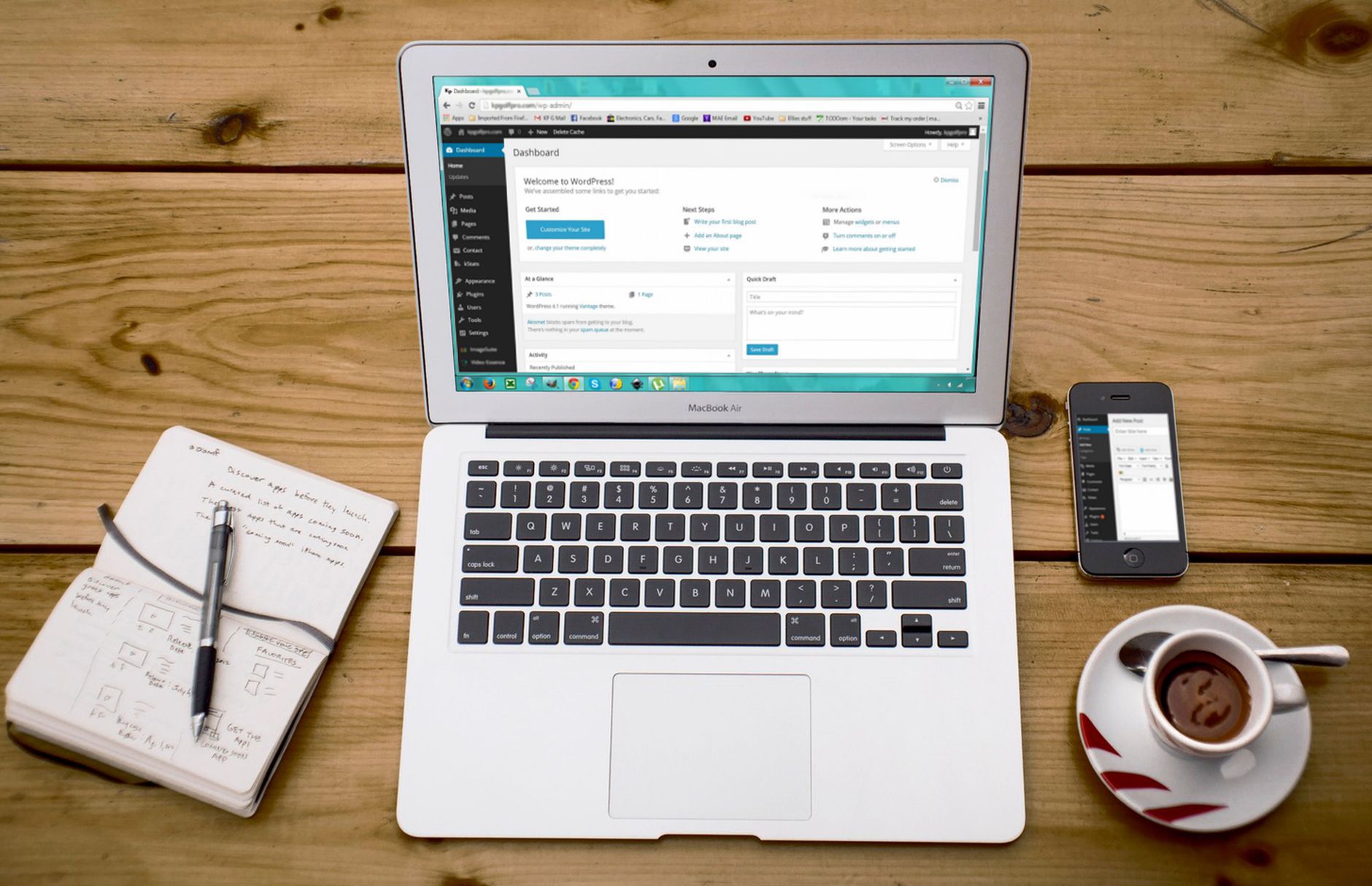
No, but WordPress does need one clean SEO setup. An SEO plugin helps you control titles, meta descriptions, sitemaps, canonicals, and indexing settings. It does not rank pages by itself, and using more than one SEO plugin usually creates more problems than it solves.
One well-configured SEO plugin is enough. Running overlapping plugins often creates duplicate metadata, conflicting canonicals, and competing sitemap outputs. A green light in an SEO plugin does not mean the page deserves to rank. The plugin is a control panel, not a strategy.
If you are comparing options, our Yoast SEO vs Rank Math comparison breaks down where each plugin helps and where site owners tend to overestimate what plugins can do.
How should you write titles for Google?
Your title tag should be specific, concise, and written for the page in front of you. Google uses title information to understand the page and may rewrite weak titles, especially when they are vague, stuffed, or repetitive.
Google recommends descriptive, concise titles and warns against keyword stuffing and repeated boilerplate across pages. In practice, that means each important URL should have a distinct title that matches the main topic and user intent. Weak title: SEO Services | SEO Company | SEO Expert. Stronger title: WordPress SEO Services for Small Businesses.
If several pages on your site use nearly identical title patterns, Google has less reason to treat them as distinct. Service pages, product categories, and major blog posts each need their own angle. You do not need a perfect score. You need a title that tells both Google and the searcher what the page actually delivers.
Do meta descriptions help rankings?
Not directly in the way many plugin dashboards imply, but they still matter. Meta descriptions can help your search snippet communicate the page clearly, and that can improve the quality of clicks you earn from search.
Google explains that snippets are often generated from on-page content, but it may use the meta description when that description summarizes the page well. So the goal is not to stuff keywords into the description. The goal is to write a short, relevant summary that supports the click.
Make each description unique for the page. If your service pages all repeat the same generic text, the description is not helping users distinguish one page from another. Treat meta descriptions as click support, not as a ranking shortcut.
Why are your WordPress pages not ranking on Google?
Flat rankings usually come from a stack of compounding issues, not one missing trick. The most common causes are indexing problems, weak title targeting, poor internal linking, duplicate URLs, slow templates, and pages that do not fully answer the query they target.
Start by checking whether the page is indexable, included in the sitemap if it should be indexed, and linked from other crawlable pages on the site. Then look for duplicate versions, thin intent matching, and awkward title or heading patterns. Most sites do not need a full rebuild. They need a cleaner order of operations.
If you are not sure whether your current setup is helping or quietly hurting you, WordPress SEO Expert can help. We look for the bottlenecks that actually suppress visibility instead of sending you another generic checklist.
What should you fix first on a WordPress site?
Fix the issues that block visibility before the issues that polish visibility. That usually means checking crawlability, indexing rules, canonical consistency, redirects, and internal links before you spend time rewriting every page or adjusting minor plugin settings.
| Priority | What to fix first | Why it matters |
|---|---|---|
| 1 | Indexing and crawl access | Pages cannot rank if Google cannot reliably reach or index them. |
| 2 | Canonicals and redirects | This reduces duplicate URL confusion and consolidates signals. |
| 3 | Title tags and page focus | This improves topic clarity and click potential. |
| 4 | Internal linking | This helps Google discover pages and understand importance. |
| 5 | Speed and template issues | This improves usability and reduces friction on key pages. |
| 6 | Content depth and formatting | This helps pages satisfy search intent more clearly. |
This order keeps you from polishing pages that Google still cannot interpret cleanly. Most wasted SEO time comes from starting too low on the list.
Does internal linking really help Google SEO?

Yes, because internal links help Google find pages, understand relationships between topics, and judge which pages matter most on your site. They also guide visitors to the next logical page instead of letting sessions end too early.
Google recommends using crawlable HTML links and descriptive anchor text that gives context about the destination page. That means a phrase like WordPress SEO best practices is stronger than a vague anchor like read more. Internal links work best when they connect closely related pages and support a clear site hierarchy.
Most small business sites underuse internal links on service pages, blog posts, and category pages. If your best pages are hard to reach unless someone uses the menu, your site structure may be weaker than it looks.
If you are experiencing these symptoms, our team at WordPress SEO Expert can help. We can identify where your site structure is helping Google and where it is quietly slowing discovery and rankings.
Should you add schema to every page?
No. Schema helps when it matches the page and reflects visible content clearly. Adding every schema option your plugin offers is not a smart shortcut. It usually creates clutter, confusion, or markup that does not really fit the page.
Google’s structured data guidelines say the markup should represent the main content of the page and should not be misleading. In practical terms, add the schema types that fit what users can actually see, then leave the rest alone. A clean implementation beats a noisy one.
This is especially important on WordPress because many plugins make schema look like a growth hack. It is not. Schema supports understanding. It does not replace relevance, clarity, or strong content.
How do you know if Google sees your pages correctly?
You know by checking what Google can crawl, what it indexes, and how the page is presented in search, not by trusting plugin indicators alone. Search Console and direct page checks usually tell you more than any SEO score badge.
Look at whether the page is indexable, whether the canonical points where you expect, whether Google can follow the internal links, and whether the title and snippet communicate the page clearly. If those signals are messy, rankings often stall even when the content itself is decent.
That is also why traffic drops after redesigns or migrations can be so frustrating. The page may still exist, but redirects, canonicals, templates, or navigation changes can alter how Google understands the site.
What should you stop doing?
Stop treating plugin scores as the goal. Stop stacking overlapping SEO tools. Stop publishing thin variations of the same topic. Those habits create clutter faster than they create rankings.
A cleaner setup usually wins. One plugin. Clear titles. Fewer duplicate pages. Better internal links. Simpler structure. Practical speed improvements. You do not need a perfect score. The goal is a site that loads cleanly and is easy to use.
The best next step
The best next step is usually a focused review of your highest-value pages, not a sitewide rewrite. Start with the pages closest to page one, the pages already earning impressions, and the pages tied directly to leads or sales.
If your WordPress Google SEO questions keep leading to conflicting advice, WordPress SEO Expert can help you sort the important fixes from the distractions. Book a free SEO consultation. No pitch, no pressure. Just an honest look at what your site actually needs and whether your current setup is part of the solution or part of the problem.
Contact WordPress SEO Expert today to schedule a consultation and get a clearer plan for what to fix first on your WordPress site.

















