
Low rankings usually come from a scattered plan, not one missing plugin. Most WordPress sites do not need more tools. They need the right tools, a cleaner setup, and a clear order of operations so Google can crawl, understand, and trust the pages that matter most.
WordPress Google SEO tools can help, but only when they solve a specific problem. One tool handles titles and sitemaps. Another checks indexing. Another helps you find internal link gaps. If you install overlapping plugins and chase green lights, you usually add noise instead of visibility. For a broader foundation, review our WordPress SEO best practices and our comparison of Yoast SEO vs Rank Math.
What tools matter most for WordPress SEO?
The tools that matter most are the ones that improve crawlability, indexability, titles, internal linking, and page quality. Start with Google’s own data first, then use one SEO plugin to control on-page settings inside WordPress.
A simple stack works better than a bloated one. Google recommends clear, descriptive titles, unique page descriptions, and structured data that matches visible page content. It also recommends descriptive anchor text for links rather than stuffed or vague phrases. That means your tool stack should help you control those basics cleanly instead of pushing you to optimize for plugin scores alone.
The core tool categories
Most sites only need a few categories of SEO tools. Keep the setup lean and make sure each tool has a clear job.
| Tool category | What it helps with | What to watch out for |
|---|---|---|
| SEO plugin | Titles, meta descriptions, sitemaps, canonicals, schema settings | Do not run more than one primary SEO plugin at the same time |
| Google Search Console | Indexing, queries, click-through rate, coverage issues | Do not treat impression gains as success if the wrong pages are showing |
| Analytics platform | Traffic quality, landing pages, conversions | Traffic without leads or sales can hide weak page intent |
| Speed and performance tools | Template issues, large assets, script bloat | Do not chase perfect scores if the site already feels fast and stable |
| Crawl and audit tools | Broken links, duplicate titles, redirect chains, orphan pages | Large audit lists can distract from the fixes that matter first |
Which Google tools should you use first?
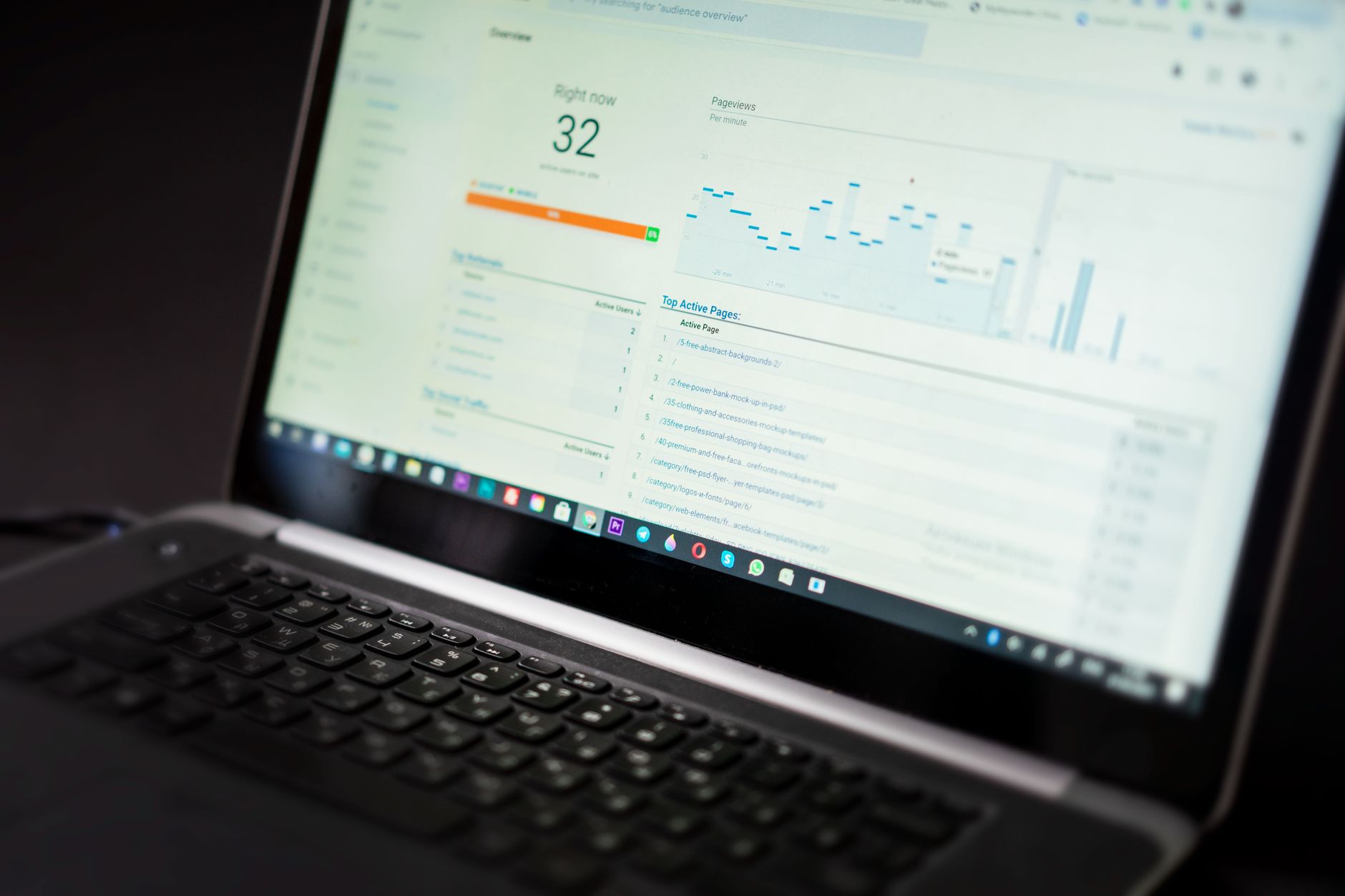
Start with Google Search Console. It tells you whether Google can index your pages, which queries already trigger impressions, and where click-through rate or page targeting may be weak. This is usually more useful than installing another plugin.
Search Console helps you answer practical questions fast. Are your service pages indexed? Are blog posts getting impressions for the wrong terms? Did a redesign break discoverability? If you are recovering from a migration or traffic drop, this should be your first stop before changing content or titles.
Google’s documentation also explains that title links in search may be influenced by your page title and visible headings, and that snippets are often generated from page content even when you provide a meta description. That is why tools alone do not control outcomes. Your pages still need clear structure and useful copy.
What should one SEO plugin handle?

One well-configured SEO plugin is enough. Its job is to give you control over titles, descriptions, indexing rules, XML sitemaps, canonicals, and basic schema without creating duplicate outputs or conflicting settings.
The two plugins most site owners compare are Yoast SEO and Rank Math. Both can handle the fundamentals. The gap between them is not that one works and one does not. The gap is in which features are free, how the interface feels, and whether the plugin fits your site type. If you want the detailed trade-offs, read our Yoast SEO vs Rank Math comparison.
The practical rule is simple: use one primary SEO plugin, configure it well, and stop there. Running overlapping plugins often creates duplicate metadata, conflicting canonicals, and competing sitemap outputs. Most ranking problems come from weak targeting, thin pages, and internal link gaps, not from lacking a third SEO extension.
What techniques actually move the needle?

The techniques that usually help most are basic and unglamorous. Fix the issues that block visibility before the issues that polish visibility. That means crawl access, indexing, canonical consistency, titles, internal links, and page intent come before advanced tweaks.
1. Write better titles, not longer ones
Your title tag is one of the clearest signals you control. Google recommends descriptive, concise titles and warns against keyword stuffing and repetitive boilerplate. A title should describe the page clearly, not try to force every variation into one line.
| Weak title | Stronger title |
|---|---|
| SEO Services | SEO Company | SEO Expert | WordPress SEO Services for Small Businesses |
| WordPress SEO Tools Techniques Tips | WordPress Google SEO Tools That Actually Help |
| Blog | WordPress SEO Tips for Service Businesses |
If a page has impressions but low clicks, test the title before rewriting the entire page. A clearer promise often does more than adding another paragraph or another plugin setting.
2. Use meta descriptions as click support
Meta descriptions do not guarantee the snippet Google will show, but they can still improve click quality when they summarize the page clearly. Think of them as click support, not a ranking shortcut.
Write unique descriptions for important pages. Keep them aligned with real page content and the searcher’s intent. If your service page is about audits, say that. If your category page compares plugins, make that obvious. Generic descriptions waste the space.
3. Fix duplicate URL problems early
Canonical confusion quietly weakens many WordPress sites. If multiple versions of a page exist through tags, parameters, archives, attachment URLs, or store filters, Google has to guess which version matters. That guess is not always the one you want.
This is especially important on WooCommerce sites and content-heavy blogs. Before publishing more pages, make sure the main version is internally linked, included in the sitemap when appropriate, and not competing with near-duplicates. Most site owners do not have one catastrophic problem. They have a stack of smaller issues that compound over time.
4. Build internal links with intent
Internal links help Google discover pages, understand relationships, and judge which pages are most important on your site. They also help visitors move from broad information to the page that actually solves their problem.
Use descriptive anchor text and link naturally from relevant posts to service pages, category pages, and related guides. If you publish helpful content but your most valuable pages have weak internal support, rankings often flatten. Our WordPress SEO best practices guide goes deeper on how to structure those links without overdoing them.
5. Keep schema honest and limited
Schema can help search engines understand the page more clearly, but it is not a shortcut around weak content. Google’s structured data guidance is clear that markup should reflect visible page content and should not be misleading.
That means you should only enable schema types that match the page. Service pages, articles, products, and organization details can all be useful when used correctly. Dumping every available schema option onto every URL is more likely to create confusion than benefit.
What should you fix first?
Fix the issues that block visibility before the issues that polish visibility. If you follow that order, you avoid wasting time tweaking pages that Google cannot properly crawl, index, or interpret in the first place.
| Priority | What to review | Why it comes first |
|---|---|---|
| 1 | Indexing and crawl access | Pages cannot rank if search engines cannot reach or index them |
| 2 | Canonical and redirect setup | Prevents duplicate signals and wrong-page indexing |
| 3 | Title tags and page targeting | Improves relevance and click potential |
| 4 | Internal linking | Strengthens discovery and site hierarchy |
| 5 | Speed and template issues | Improves usability and removes technical drag |
| 6 | Content depth and structure | Helps the page satisfy intent more clearly |
| 7 | Schema and sitemap cleanup | Supports cleaner technical signals |
You do not need a perfect score. The goal is a site that loads cleanly, is easy to use, and gives Google consistent signals about what each page is for. If you are not sure whether your current plugin configuration is helping or quietly hurting you, WordPress SEO Expert can help.
What should you stop doing?
Stop treating plugin feedback as proof a page is optimized. A green light in an SEO plugin does not mean the page deserves to rank, and a yellow light does not mean the page is failing.
Also stop publishing thin near-duplicate posts for small keyword variations, stacking multiple SEO plugins, and tweaking settings without checking Search Console first. Those habits create more cleanup work than growth. If you are experiencing these symptoms, our team at WordPress SEO Expert can help.
The best next step
The best next step is a focused review of your highest-value pages and your current tool stack. Look at the pages tied to leads, sales, and real business value before you spend time polishing lower-impact content.
WordPress SEO tools work best when they support a clear strategy instead of replacing one. Contact WordPress SEO Expert today to schedule a consultation. Book a free SEO consultation. No pitch, no pressure. Just an honest look at what your site actually needs and whether your current setup is part of the solution or part of the problem.

















