

Low rankings usually come from a scattered plan, not one missing plugin. Most WordPress sites do not fail because of one dramatic error. They slip because smaller mistakes stack up: overlapping plugins, weak title tags, duplicate URLs, thin archives, and pages Google can crawl but does not fully trust.
This is the part many site owners miss: a green light in an SEO plugin does not mean the page deserves to rank. If traffic is flat, fix the issues that block visibility before the issues that polish visibility. For a broader baseline, review our WordPress SEO best practices and our comparison of Yoast SEO vs Rank Math before changing tools or settings.
Using Too Many SEO Plugins
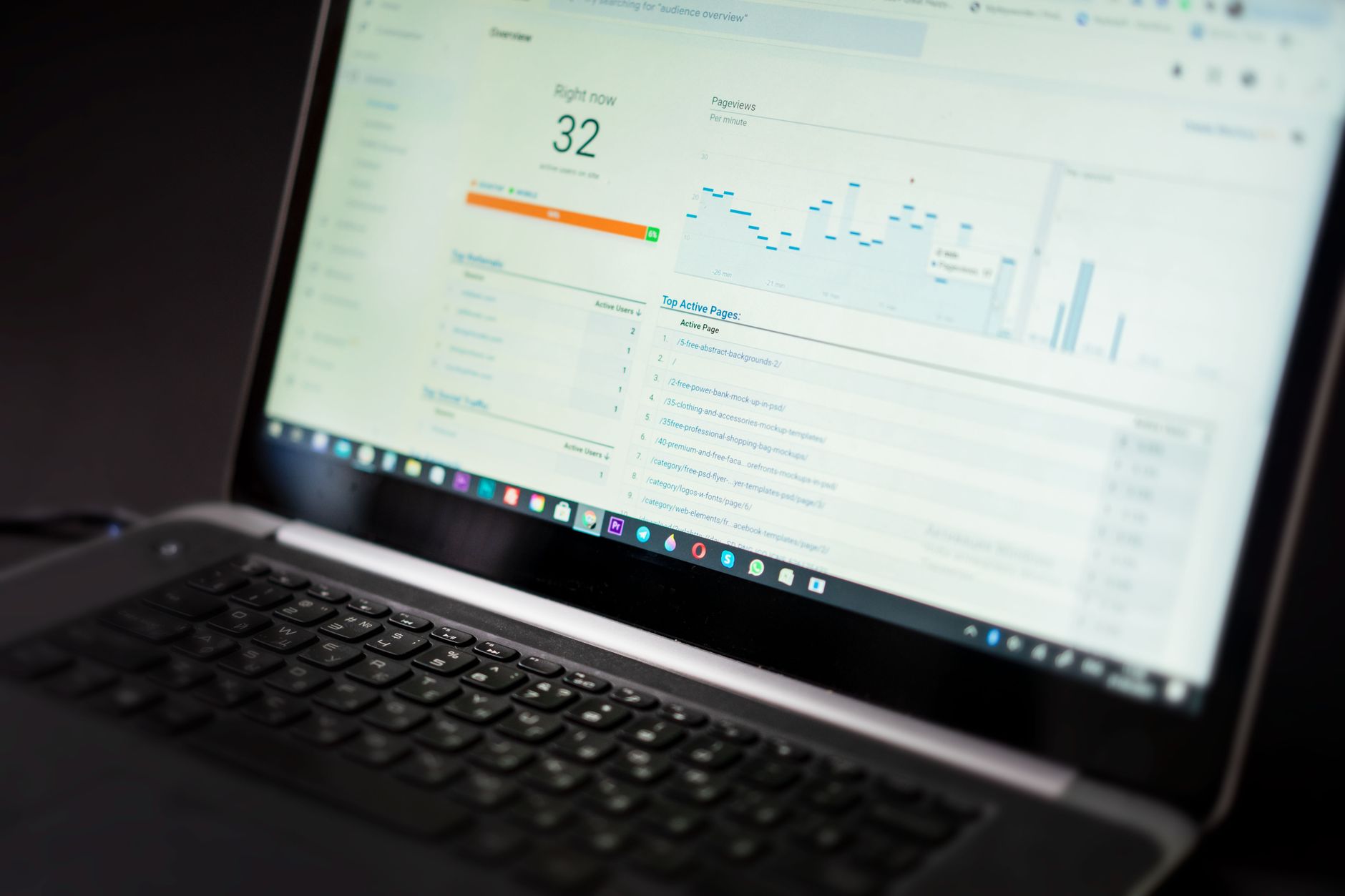
One well-configured SEO plugin is enough. Running overlapping plugins often creates duplicate metadata, conflicting canonicals, and competing sitemap outputs that make troubleshooting harder than it needs to be.
This is one of the fastest ways to create avoidable technical clutter. A site with two SEO plugins may output multiple title tags, multiple meta descriptions, or conflicting schema markup. It can also generate more than one XML sitemap, which makes it less clear which version you actually want search engines to use. If you are switching plugins, deactivate and remove the old one cleanly instead of stacking the new one on top.
The goal is not maximum features. The goal is a clean setup you can understand and maintain. If you are unsure whether your current plugin configuration is helping or quietly hurting you, WordPress SEO Expert can help.
Writing Title Tags for Plugin Scores Instead of People
Your title tag should help a real person understand the page quickly. Google recommends descriptive, concise titles and warns against keyword stuffing and repetitive boilerplate, so titles written only to satisfy plugin prompts often backfire.
Many WordPress users end up with titles like SEO Services | SEO Company | SEO Expert because the plugin keeps asking for the keyword again. That does not make the page clearer. It usually makes it look generic and interchangeable. Google explains that clear, concise, page-specific titles are better, and that repeated or stuffed titles can look spammy and unhelpful to users.
| Weak title | Stronger title |
|---|---|
| SEO Services | SEO Company | SEO Expert | WordPress SEO Services for Small Businesses |
| Blog | WordPress SEO Mistakes That Hurt Rankings |
| Blue Widgets, Best Blue Widgets, Buy Blue Widgets | Blue Widgets for Commercial Kitchens |
Keep every important title distinct. If several pages use nearly identical title structures, Google may rewrite them or choose alternative text from elsewhere on the page. A cleaner title strategy usually improves both clarity and click quality.
Ignoring Crawl and Indexing Basics
If Google cannot crawl the right pages or index them correctly, on-page improvements will not carry much weight. This should be checked before you spend time rewriting headings, tweaking schema, or publishing more content.
Common WordPress problems include accidental noindex settings, weak internal linking, orphaned pages, and archive pages that are technically accessible but not useful. A page cannot do much in search if it is blocked, buried, or disconnected from the rest of your site. Make sure your key service pages, category pages, and best articles are linked from crawlable pages and included in the sitemap only when they should be indexed.
Google also recommends crawlable links with descriptive anchor text, which helps search engines understand both your site structure and the destination page. That is why internal linking is not just a content task. It is part of technical visibility.
Letting Duplicate URLs Build Up
Duplicate URL problems often hurt rankings more than site owners expect. When several URLs show similar content, search engines get mixed signals about which version should rank and which signals should consolidate.
In WordPress, duplication often comes from tag archives, attachment pages, filtered WooCommerce URLs, trailing slash inconsistencies, and thin variations of the same topic. The fix is usually simpler than people think: decide which page is the main version, link to that version internally, and redirect or noindex the versions that add no unique value.
This is especially important on stores and larger content sites. Most site owners do not have one catastrophic problem. They have a stack of smaller issues that compound over time. Duplicate URLs are one of the most common pieces in that stack.
Publishing Thin Variations of the Same Topic
Publishing several weak posts around slight keyword variations usually spreads authority thinner instead of building one strong page. Consolidation is often better than multiplication.
A common example is creating separate posts for very similar phrases when one stronger article could satisfy the intent better. Instead of five short pages that repeat the same core advice, build one page with better structure, clearer examples, and stronger internal links. This also makes future updates easier because you are improving one asset instead of patching five weaker ones.
If your site already has overlap, audit the pages earning impressions first. Merge, redirect, or refocus pages based on intent instead of keeping near-duplicates alive just because they already exist.
Treating Meta Descriptions Like a Ranking Shortcut
Meta descriptions support clicks more than rankings. Google may use your description in search results when it better summarizes the page, but it can also generate snippets from page content instead.
That means stuffing keywords into the description is not a smart trade. Write a short, accurate summary that matches the page and gives the searcher a reason to click. Unique descriptions are usually more useful than repeating the same template everywhere. If your service pages all use nearly identical descriptions, that is worth cleaning up, but it is not the first place to look if rankings are stalled.
Using Schema That Does Not Match the Page
Schema should clarify what is already visible on the page, not decorate weak content with extra markup. Adding every schema type your plugin offers can create confusion instead of trust.
Google’s structured data guidance is clear that markup should represent the main content of the page and should not be misleading. If a page is a simple service page, use the markup that actually fits that content. Do not force review, product, or FAQ markup onto pages where users cannot see those elements clearly. Structured data can help search engines understand your page better, but it is not a shortcut around thin content or poor page structure.
Weak Internal Linking

Internal links help search engines discover pages, understand topic relationships, and judge which pages matter most. If your best pages are isolated, you make Google work harder and users leave sooner.
Link related posts to service pages, connect supporting articles to your main guides, and use natural anchor text that describes the destination. Google recommends anchor text that is descriptive and reasonably concise. If a page only exists in your sitemap and nowhere in the body of the site, it is not being supported well enough.
A quick fix is to look at your highest-value pages and ask a simple question: where is the next logical internal link pointing to them? If you cannot answer that quickly, your architecture probably needs work. For more practical guidance, our WordPress SEO best practices article walks through stronger site structure decisions.
Chasing Perfect Optimization Scores
You do not need a perfect score. The goal is a site that loads cleanly, answers the query clearly, and is easy to use.
Plugin recommendations can be helpful guardrails, but they are not a strategy. They cannot judge whether your page truly satisfies search intent, whether the offer is compelling, or whether the topic deserves a separate page in the first place. A page with a mediocre plugin score can rank well if it is useful, specific, and technically clean. A page with perfect plugin lights can still fail if it is generic or duplicative.
This is where many site owners lose time. They keep polishing low-impact settings while crawl issues, duplication, weak page targeting, and poor internal links stay untouched.
What to Fix First
Fix the issues that block visibility before the issues that polish visibility. In most cases, that means starting with crawlability, indexing, duplicate URLs, and plugin conflicts before you worry about fine-tuning wording in every field.
| Priority | What to check first | Why it matters |
|---|---|---|
| 1 | Indexing rules and crawl access | Pages cannot rank if search engines cannot reach or index them properly |
| 2 | Canonical and redirect setup | Prevents duplicate URL confusion and diluted signals |
| 3 | SEO plugin overlap | Reduces conflicting metadata, schema, and sitemaps |
| 4 | Title tags and page intent | Improves relevance and click quality |
| 5 | Internal linking | Strengthens discovery, hierarchy, and topical support |
| 6 | Schema and meta cleanup | Supports cleaner technical signals without distracting from bigger problems |
If you are experiencing these issues, our team at WordPress SEO Expert can help. A focused audit usually finds the bottlenecks faster than another month of guessing through plugin settings.
The Best Next Step
The best next move is rarely a full site rewrite. It is a practical review of the pages closest to producing leads, sales, or page-one movement, followed by a short list of changes in the right order.
Start with the pages already earning impressions, then look for technical friction, weak titles, duplication, and missing internal support. If you need a cleaner framework for plugin decisions, our Yoast SEO vs Rank Math comparison can help you simplify your setup before you touch anything else.
Contact WordPress SEO Expert today to schedule a consultation. Book a free SEO consultation. No pitch, no pressure. Just an honest look at what your site actually needs and whether your current setup is part of the solution or part of the problem.

















