

Low rankings usually come from a stack of smaller problems, not one missing plugin. If you want to improve WordPress SEO, start by making your pages easier to crawl, clearer to understand, and faster to use. That means better keyword targeting, cleaner site structure, stronger internal links, and performance fixes that actually affect users.
WordPress SEO Expert helps business owners and developers sort out what matters first so they do not waste time tweaking plugin scores while the real bottlenecks stay untouched. If your traffic is flat or slipping, this guide shows the highest-impact fixes in the order we would usually review them.
Start with the pages that should rank
The fastest SEO improvements usually come from tightening the pages that already matter most. Focus first on your homepage, core service pages, top category pages, and any posts already getting impressions in Google Search Console.
Many WordPress sites publish more content when the real issue is weak targeting on the pages that should already be producing leads. Each important page should have one clear primary topic, a descriptive title, a useful H1, strong supporting sections, and internal links from related pages. Google recommends using the words people would actually search for in prominent locations like titles, headings, alt text, and link text. Google Search Essentials and the SEO Starter Guide both reinforce this principle.
If your keyword targeting feels scattered, review this related guide on WordPress SEO strategy for small business before expanding your content plan.
Fix this first: the core WordPress SEO priorities
Most site owners do not need a 40-point audit to get moving. They need a short priority list. The table below shows the areas that usually produce the biggest gains first.
| Area | What to check | Why it matters |
|---|---|---|
| Indexing | Make sure important pages can be crawled and are not blocked by noindex settings or accidental sitewide restrictions | If pages cannot be indexed, other SEO work will not matter |
| Titles and H1s | Give each page a clear, descriptive title and heading tied to one main topic | Helps search engines and users understand page relevance |
| Internal links | Link related posts, services, and category pages using descriptive anchor text | Improves crawl paths and distributes authority across key pages |
| Content quality | Expand thin pages, remove fluff, and answer the search intent directly | People-first content performs better than filler written for plugins |
| Page speed | Compress large images, reduce excess plugins, and improve mobile usability | Slow pages weaken user experience and can hold back conversions |
| Duplicate URLs | Review tag archives, filter URLs, attachment pages, and parameter-heavy pages | Duplicate or low-value pages waste crawl attention |
Make sure search engines can crawl and index your site
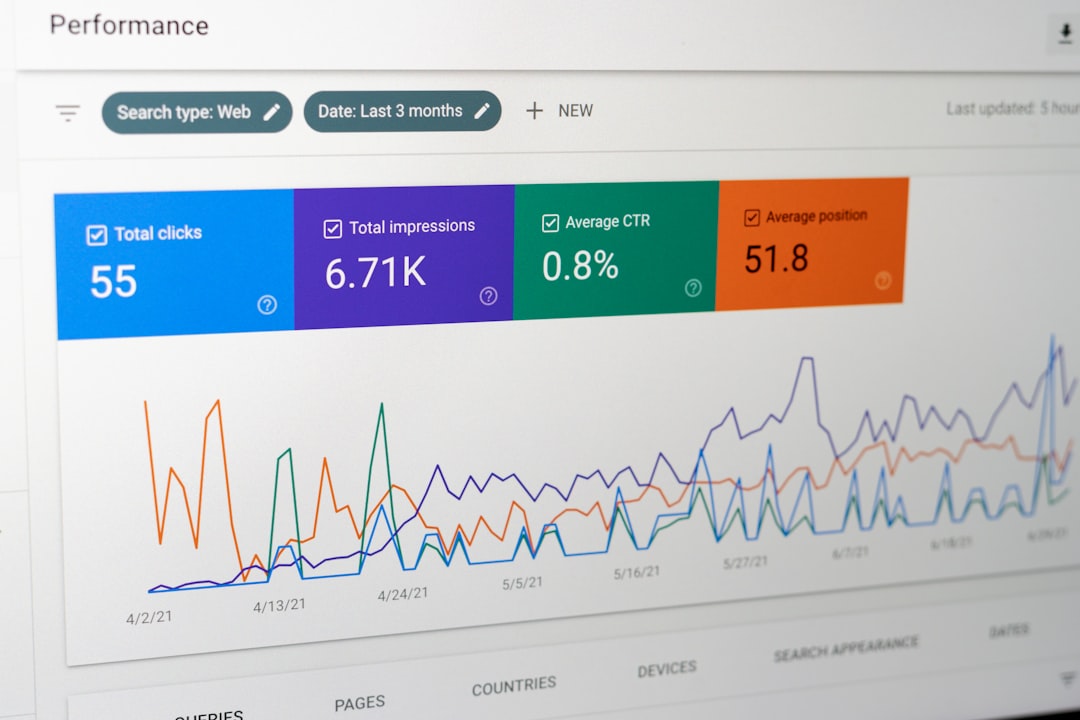
Technical access comes before optimization. Before changing titles or publishing new content, confirm that your important pages are indexable, linked internally, and returning normal status codes.
In WordPress, basic indexing problems are often self-inflicted. Common examples include the discourage search engines setting being left on after launch, important pages marked noindex inside an SEO plugin, poor internal linking, broken canonicals, or thin archive pages crowding the crawl path. Google’s developer documentation also emphasizes making links crawlable and keeping important content accessible in the DOM rather than hidden in ways search engines may ignore. See Google’s developer SEO guidance for the technical baseline.
If you are unsure what to test first, our page on WordPress SEO checklist for better rankings pairs well with this step.
Write better title tags and meta descriptions
Better titles improve relevance and clicks faster than most on-page changes. Every important page should have a unique title that clearly describes the page without stuffing repeated keywords.
Google specifically recommends descriptive, concise title text and warns against vague or unnecessarily long titles. It also explains that meta descriptions can influence the snippet shown in search, even though Google may rewrite them. Review Google’s title link guidance and meta description documentation when rewriting key pages.
Weak title: SEO Services | SEO Company | SEO Expert
Stronger title: WordPress SEO Services for Small Businesses
Weak titles usually try to rank for everything. Stronger titles tell both Google and the searcher what the page is actually about.
Improve content depth without adding fluff
SEO content works better when it answers the search intent quickly, then supports the answer with useful detail. Thin pages rarely need more words for their own sake. They need clearer structure, stronger evidence, and better coverage of the questions users actually have.
Google’s people-first content guidance is useful here: write for a real audience, show real expertise, and make sure the page offers meaningful value compared with what already exists. That is a better benchmark than chasing a plugin score. See Google’s people-first content guidance.
A practical upgrade often looks like this: tighten the introduction, add missing subtopics, include clearer examples, improve internal links, and remove repetitive filler that says the same thing three different ways.
Use internal links to strengthen important pages
Internal links are one of the simplest WordPress SEO improvements because you control them completely. Good internal linking helps Google discover pages, understand page relationships, and prioritize the sections of your site that matter most.
Instead of linking with generic anchors, connect related content using descriptive phrases. For example, a beginner article can link to a more detailed step-by-step WordPress SEO guide, while a planning post can point readers toward common WordPress SEO mistakes to avoid. This gives readers a clearer path and spreads authority more intelligently.
If you are experiencing flat rankings even after basic plugin setup, our team at WordPress SEO Expert can help identify whether internal linking, crawl waste, or weak page targeting is the real blocker.
Speed up WordPress where it actually matters
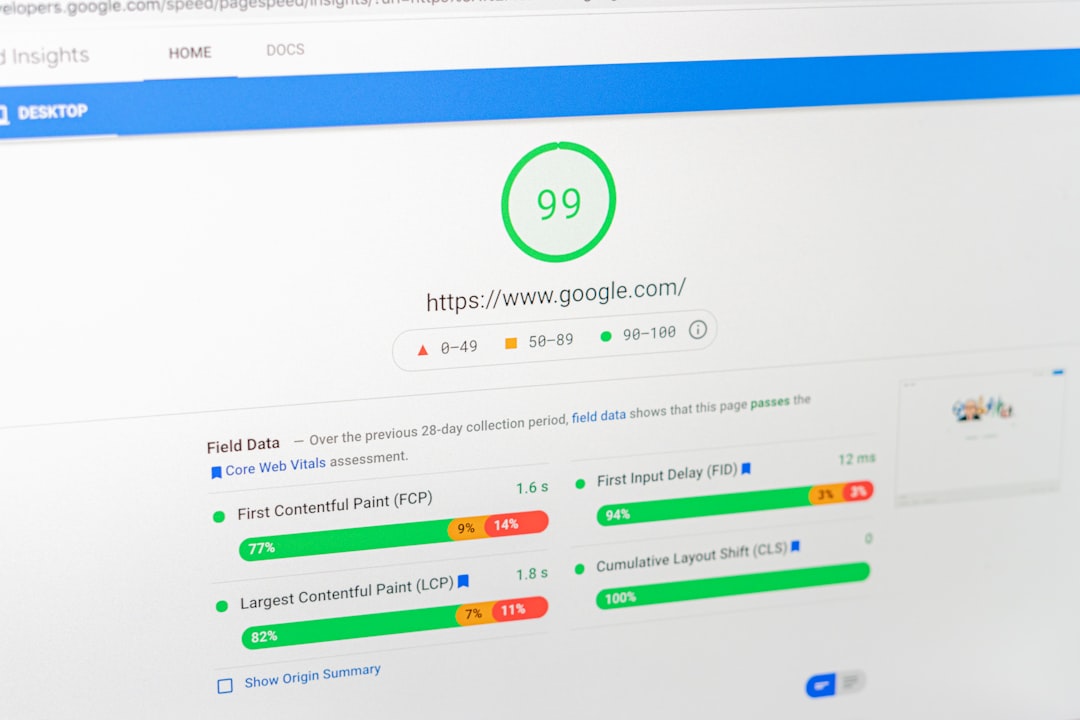
Performance matters, but not every speed tweak deserves your time. Focus on the changes that improve real user experience first: image weight, render-blocking assets, mobile layout stability, and bloated plugins.
Google says Core Web Vitals are part of understanding page experience, and it recommends aiming for a Largest Contentful Paint within 2.5 seconds for a good user experience. It also notes that a perfect score is not the goal by itself. Review Google’s Core Web Vitals overview and page experience guidance before chasing marginal improvements.
In practical terms, start with oversized images, excessive scripts from page builders or third-party widgets, and overlapping optimization plugins. A cleaner stack usually beats a more complicated one.
Keep your plugin setup clean
More SEO plugins do not create better SEO. In most cases, one primary SEO plugin plus one caching or performance plugin is enough for a solid setup.
Stacking multiple SEO plugins can create duplicate schema, conflicting title settings, and confusing index rules. That is why we usually recommend simplifying first, then checking whether the basics are implemented correctly. If you are comparing tools, this related post on the best SEO plugin for WordPress in 2026 explains how to choose based on your site type rather than feature hype.
Track results in Search Console, not just plugin scores
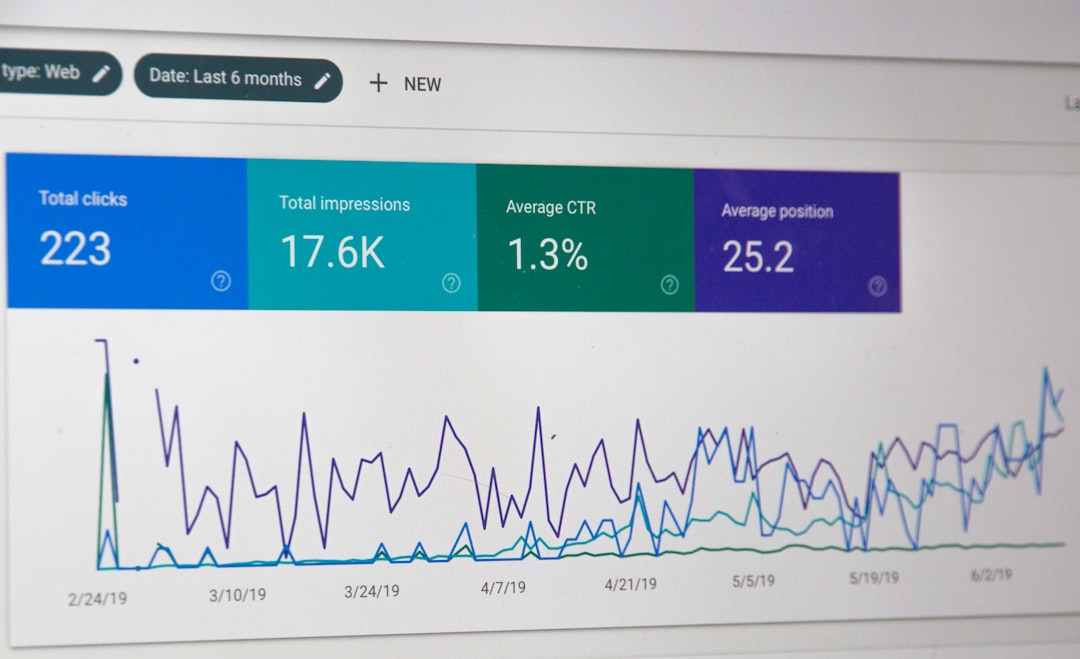
The real test of SEO progress is whether important pages gain impressions, clicks, and better average positions for the right queries. Plugin traffic lights can be useful reminders, but they are not the KPI.
Use Google Search Console to check indexing, query visibility, page-level performance, and signs of decline after edits or redesigns. If a page has impressions but low clicks, the title and snippet may need work. If it has no impressions, the problem is often indexing, weak targeting, or lack of internal authority.
A simple order of operations for better rankings
If your site feels messy, follow a strict sequence instead of trying to fix everything at once. Most ranking gains come from doing the right work in the right order.
| Step | Action | Outcome |
|---|---|---|
| 1 | Confirm indexing and crawl access for key pages | Prevents wasted work on pages search engines cannot properly process |
| 2 | Rewrite titles, H1s, and core page structure | Improves topical clarity and click potential |
| 3 | Strengthen internal links across related content | Helps important pages gain support from the rest of the site |
| 4 | Expand or rewrite thin pages around search intent | Creates more useful, competitive content |
| 5 | Improve speed and remove plugin overlap | Supports usability and reduces technical friction |
| 6 | Monitor Search Console and refine based on actual data | Keeps your SEO strategy tied to results, not guesswork |
When to get a professional audit
If you have already handled the basics and rankings are still stuck, the issue is often diagnostic rather than tactical. A redesign, crawl inefficiency, duplicate content, poor information architecture, or search intent mismatch can all suppress performance even when the site looks fine on the surface.
That is usually the point where a second set of eyes saves time. WordPress SEO Expert can review your setup, isolate what is actually holding the site back, and help you prioritize the fixes with the highest likely return.
Contact WordPress SEO Expert today to schedule a consultation if you want a practical audit before changing settings, rewriting pages, or investing in more content.

















