

Low rankings on a WordPress site usually come from a scattered setup, not one missing plugin. You do not need to “master” every SEO tactic at once. You need a clean technical foundation, sensible on-page settings, and a content plan that matches how people actually search.
That is why most site owners stay stuck. They publish posts, install plugins, and chase green scores, but the real blockers are usually duplicated pages, weak title tags, poor internal linking, or a site structure that makes important pages hard to crawl. If you want a broader diagnostic starting point, review our WordPress SEO checklist for new websites and compare it against your current setup.
What SEO for WordPress actually means
SEO for WordPress is not about finding a magic plugin. It means making sure search engines can crawl the right pages, understand what each page is about, and see enough quality signals to rank your content against competitors.
WordPress gives you a strong starting point, but it does not handle strategy for you. A plugin can generate title tags, XML sitemaps, and canonicals. It cannot decide which pages deserve to rank, which keywords fit your business, or whether your service pages are stronger than the sites already winning those searches.
Google recommends descriptive, concise titles and advises against keyword stuffing or repetitive boilerplate across pages. Google also recommends using self-referential canonical tags on canonical pages and continues to evaluate pages with mobile-first indexing and Core Web Vitals as part of page experience. Those are the rules your WordPress setup needs to support, not fight against.
Fix this first: your WordPress SEO priorities
Most sites do not have one catastrophic SEO problem. They have a stack of smaller issues that compound over time. Start with the items below in order. This sequence prevents you from polishing pages that Google cannot properly crawl or interpret yet.
| Priority | What to check | Why it matters |
|---|---|---|
| 1 | Indexing, robots, noindex, sitemap, canonicals | If search engines cannot crawl or trust the right URLs, everything else underperforms. |
| 2 | Title tags, headings, page intent, internal links | These help Google understand the topic and help users choose your result. |
| 3 | Site speed, mobile usability, cluttered plugins | Performance problems reduce usability and can weaken competitive pages. |
| 4 | Content depth, service page quality, supporting articles | Once the foundation is clean, better content can actually compound. |
1. Use one SEO plugin and configure it well
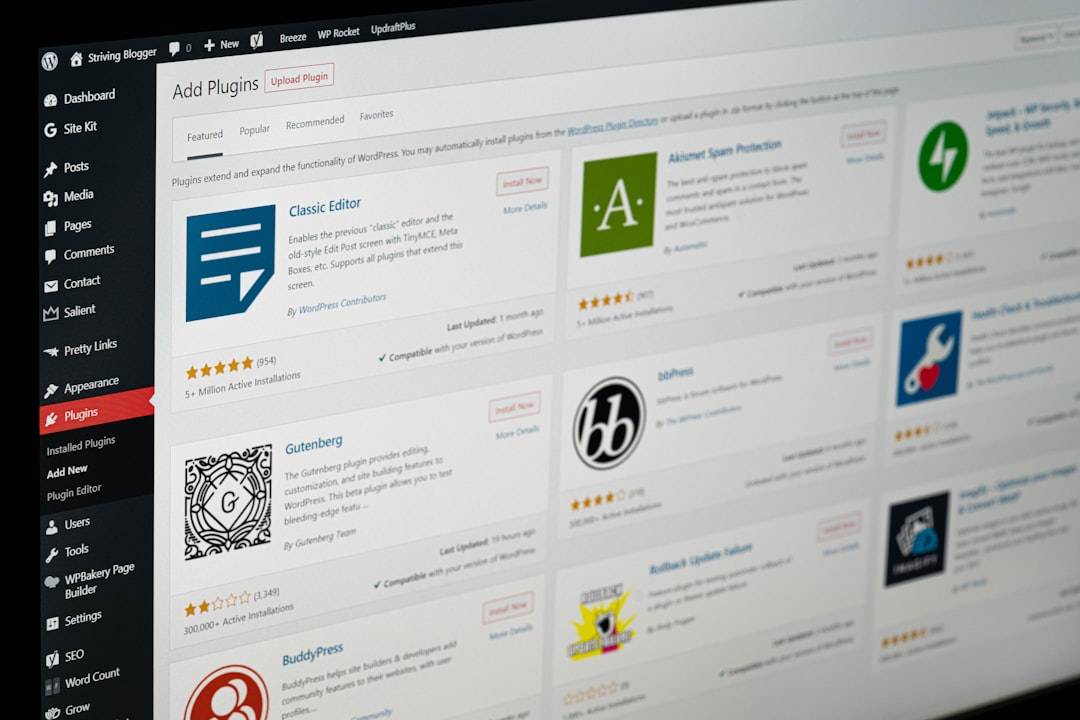
The fastest way to create SEO confusion in WordPress is to stack plugins that do the same job. Run one SEO plugin, configure it properly, and keep the rest of the setup simple. Two plugins competing to output titles, schema, canonicals, and sitemaps creates mess, not control.
For most sites, Yoast SEO, Rank Math, or SEOPress can all work. The important part is not the brand name. The important part is whether you have set your title templates, meta defaults, archive indexing rules, schema basics, and XML sitemap correctly. If those defaults are wrong, a plugin score will not save you.
Weak approach: installing multiple SEO plugins to test which gives greener scores. Stronger approach: keeping one plugin, auditing its outputs in the page source, and confirming that your titles, meta robots tags, canonical tags, and sitemap match your strategy.
Core settings to review
Check the homepage title and meta description manually. Review post and page title templates. Decide whether tag archives, date archives, and author archives should be indexed. Then confirm that your XML sitemap includes the pages you want indexed and excludes pages you intentionally set to noindex.
2. Make sure Google can crawl the right pages

This sounds basic, but it is where many WordPress sites quietly fail. A page can be well written and still underperform because the site is leaking authority across duplicate URLs, blocking important content, or telling Google mixed signals about which version matters.
Start by checking whether your preferred domain redirects cleanly, whether HTTP resolves to HTTPS, whether important pages are indexable, and whether canonical tags point to the correct version of each page. Google specifically recommends including a self-referential canonical on the canonical page itself, which helps clarify URL preference.
On WordPress sites, the common trouble spots are category and tag archives, attachment pages, filtered WooCommerce URLs, and old URLs left behind after redesigns or migrations. If you recently launched or rebuilt the site, compare your setup against our pre-launch WordPress SEO checklist before you touch anything else.
Quick crawl-control checklist
| Area | What to verify | Action if wrong |
|---|---|---|
| Search visibility | The site is not set to discourage search engines. | Turn it off and recheck page source. |
| Canonicals | Each important page points to itself or the correct preferred URL. | Fix plugin or theme conflicts. |
| Sitemap | The sitemap loads and includes key pages. | Regenerate and resubmit in Search Console. |
| Redirects | HTTP, non-preferred hostname, and retired URLs redirect cleanly. | Add server-level redirects. |
| Archives | Thin archives are not needlessly indexed. | Noindex low-value archives. |
3. Write titles and headings for people, not plugin scores
Title tags matter because they help searchers decide whether to click. The goal is not to cram variants into every title. The goal is to make the page purpose obvious in a concise, readable way that matches the query.
Google’s guidance is straightforward: write descriptive, concise titles, avoid repeated boilerplate, and avoid keyword stuffing. That means you should stop using templates like “SEO Services | SEO Company | SEO Expert” unless the page truly needs that wording. Most of the time, specific beats generic.
Weak title: SEO Services | SEO Company | SEO Expert. Stronger title: WordPress SEO Services for Small Businesses. Weak heading: Welcome to Our Website. Stronger heading: WordPress SEO Services That Fix Rankings, Speed, and Crawl Issues.
The same principle applies to headings inside the page. Your H1 should describe the page clearly. Your H2s should help readers scan the page and should reflect the questions they actually have. This improves usability first, and clearer structure tends to improve SEO second.
4. Build internal links on purpose
Internal links are one of the easiest WordPress SEO wins because they help search engines discover related pages and help users move deeper into your site. But random “read more” links do very little. The anchor text and page relationships matter.
Google recommends descriptive, natural anchor text. In practice, that means linking phrases that explain what the next page is about. If you mention crawl issues, link to a page about technical SEO. If you mention page speed, link to a page about improving WordPress performance.
For example, if site speed is holding pages back, read our guide to improving WordPress site speed for SEO. And if your problem looks broader than performance alone, our WordPress SEO checklist gives you a cleaner order of operations.
If you are experiencing these issues, our team at WordPress SEO Expert can help identify which pages need stronger internal linking and which pages should be consolidated, expanded, or removed.
5. Improve speed enough to remove friction
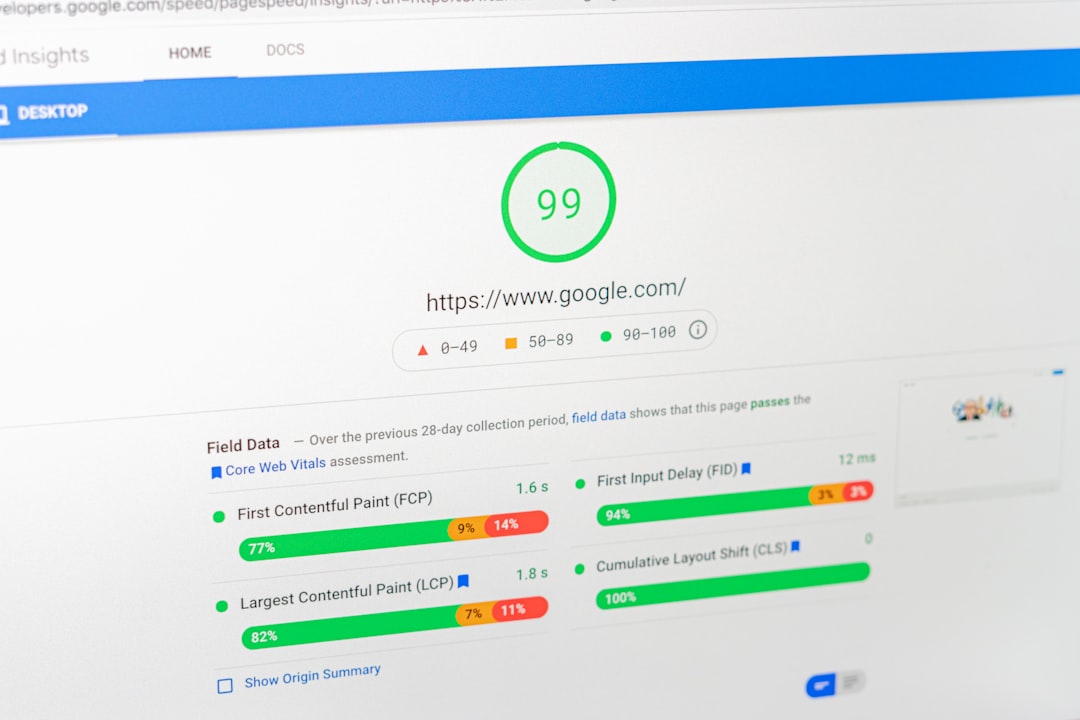
Site speed matters, but it is rarely the only reason a page does not rank. Treat performance as a usability and competitive issue, not a magic ranking lever. If your pages are slow and your competitors are equally relevant, better performance can help. If your content misses intent, speed alone will not save it.
Google says Core Web Vitals are used by its ranking systems, but also makes clear there is no single page experience signal and that good scores alone do not guarantee top rankings. That is the right mindset for WordPress SEO: fix obvious performance bottlenecks, then move on to content and structure.
In practical terms, start with compressed images, caching, lighter plugins, and script cleanup. Our detailed WordPress speed guide walks through exact fixes and realistic expectations. If your mobile performance is already solid, stop chasing perfect lab scores and put that effort into pages that can actually grow traffic.
6. Match content to search intent
Good WordPress SEO is not just technical cleanup. It also means publishing the right page type for the keyword. Many businesses try to rank a thin service page for an informational query, or a blog post for a high-intent service query. That mismatch keeps rankings flat even when the page is “optimized.”
Before writing or rewriting anything, search the keyword and study the current results. Are you seeing service pages, product pages, comparison articles, or how-to guides? The format tells you what Google already believes satisfies that search. Your WordPress page should compete in the same category before you worry about fine-tuning headings.
This is also where many plugin-led workflows go wrong. A page can hit a perfect optimization score and still fail because it answers the wrong question. Real SEO progress usually comes from improving topic fit, page usefulness, and internal support, not from adding the keyword one more time.
7. Keep WordPress clean as the site grows
SEO gets harder when the site becomes cluttered. Old plugin pages, duplicate drafts, low-value tag archives, expired landing pages, and thin content all add noise. WordPress makes publishing easy, which is helpful until the index fills with pages you never intended to rank.
Review your indexed pages regularly. Merge overlapping articles. Redirect outdated URLs when needed. Noindex thin archives that do not help users. Keep navigation simple enough that your important pages are never buried under layers of unnecessary taxonomy pages or filters.
Most site owners do not need more pages. They need fewer weak pages and stronger core pages. That is often the difference between a site that feels busy and a site that actually builds rankings.
A practical way to master WordPress SEO
If you want to master SEO for WordPress, think less about tricks and more about sequence. First, make sure the right pages can be crawled and indexed. Second, improve titles, headings, and internal links so the site is easy to understand. Third, remove performance friction. Fourth, publish pages that truly match search intent.
That approach is less exciting than plugin hype, but it is what actually moves rankings. And it is easier to maintain because every change has a reason behind it.
If you want a second set of eyes before changing settings or rewriting key pages, WordPress SEO Expert can help you diagnose what is really holding the site back. Request a free WordPress SEO audit or book a free SEO consultation with WordPress SEO Expert today.

















