

Local rankings usually stall because the site, the location signals, and the Google Business Profile are not working together. A practical WordPress SEO plan for local businesses starts with service pages that target real search terms, consistent business details across the web, and a clean site structure that makes location relevance obvious.
Most local businesses do not have one catastrophic SEO problem. They usually have a stack of smaller issues: weak page titles, thin location pages, missing internal links, incomplete profile details, and service information that is too vague to rank well. If you want a second set of eyes before changing anything, review our technical WordPress speed and performance fixes and our WordPress SEO strategy for small business for related foundations.
What should local businesses fix first?
Start with the pages that make money and the signals Google uses to understand local relevance. That means your homepage, primary service pages, location pages if you truly serve distinct areas, and a fully completed Google Business Profile. Publishing blog posts before these basics are in place usually spreads effort too thin.
Google says local results are mainly based on relevance, distance, and prominence. In practice, that means your WordPress site needs to clearly explain what you do, where you do it, and why your business is established enough to be trusted. Your website cannot control distance, but it can improve relevance and support prominence.
1. Match one local intent to each key page

Each important page should have one main job. Your homepage should usually target your primary service and core city. Service pages should target buyer-intent searches. Supporting pages can answer local questions, explain your process, or cover neighborhoods only if there is enough unique value to justify the page.
A common mistake is trying to make one page rank for every nearby city and every variation of the service. That usually leads to bloated copy and weak titles. A cleaner setup works better. For example, one page can target emergency plumber in Dallas, while another supports water heater repair in Dallas. The goal is clarity, not keyword stuffing.
Weak vs stronger page targeting
| Weak approach | Stronger approach |
|---|---|
| One generic Services page listing everything | Separate service pages for core offers with clear local intent |
| One page stuffed with multiple city names | One primary city per core page unless a true multi-location strategy exists |
| Blog posts used as substitute service pages | Service pages for conversions, blog posts for support and trust |
2. Write better local titles and headings
Your title tag and H1 should immediately tell Google and the searcher what the page offers. Clear, concise titles work better than repetitive keyword strings. This is one of the fastest local SEO wins because many WordPress sites still use vague titles like Home, Services, or Welcome.
Google recommends descriptive, concise title text and specifically advises against keyword stuffing and repeated boilerplate. For local businesses, a simple structure often works best: primary service plus city, then brand if space allows. Your H1 can be similar, but it should read naturally to a human visitor.
Weak title: Plumbing Services | Plumber | Best Plumber | Dallas Plumber
Stronger title: Emergency Plumbing Services in Dallas
Weak H1: Welcome to Our Website
Stronger H1: Fast Emergency Plumbing in Dallas
3. Build location signals into the page itself
Local relevance should be visible in the copy, not hidden in a plugin field. Your key pages should mention the service area naturally, explain how the service works locally, and include trust details such as office location, response areas, or service availability if accurate. Thin city-page templates rarely perform well for long.
Add the business name, address, phone number, service area details where appropriate, and a clear call to action on important pages. If you operate from one physical office, keep that information consistent across your site. If you are a service-area business, be careful not to create dozens of near-duplicate location pages unless each one has unique information, proof, and intent.
4. Fix your Google Business Profile before chasing more content

Your Google Business Profile is one of the strongest local SEO assets you control. If it is incomplete, inconsistent, or unverified, your WordPress site has to work harder than it should. Local visibility often improves more from cleaning up the profile than from publishing three more blog posts.
Google advises businesses to verify their profile, keep information accurate, and provide complete business details. Google also says reviews and links can support prominence. That means your local SEO plan should include profile maintenance, review generation, and a website that reinforces the same business details shown in the profile.
Google Business Profile checklist
| Area | What to check first | Why it matters |
|---|---|---|
| Verification | Make sure the profile is claimed and verified | Unverified profiles have weaker control and visibility |
| Core details | Business name, phone, hours, category, website URL | Completeness helps relevance and user trust |
| Services | Add real service descriptions and categories | Helps Google understand what searches fit the business |
| Reviews | Request steady recent reviews from real customers | Supports prominence and improves conversion trust |
| Photos | Keep current, high-quality business photos | Improves profile quality and user engagement |
If you are experiencing these issues, our team at WordPress SEO Expert can help. A local SEO audit usually finds whether the main bottleneck is your site structure, your profile setup, or a mismatch between the page and the search intent.
5. Use internal links to support local service pages
Internal links help Google understand which pages matter most on your site. They also help visitors move from informational content to service pages. For local businesses, this often means linking blog posts, FAQs, and supporting resources back to your main city or service pages with clear anchor text.
Google recommends crawlable links and relevant anchor text. So instead of linking with generic phrases, use descriptive anchors such as local WordPress SEO strategy, emergency roofing services in Phoenix, or dental implants in Tampa. This creates stronger topical relationships than vague links like learn more.
If your site already has useful content, connect it. For example, a broader planning piece like WordPress SEO strategy for small business can support core local service pages, while a technical resource such as how to improve WordPress site speed for SEO supports local pages that struggle with mobile performance.
6. Add LocalBusiness schema the clean way
Schema is not a magic ranking lever, but it helps search engines understand the business details on the page. For local businesses on WordPress, the goal is simple: mark up the business clearly and keep that data aligned with what users see on the page and in your Google Business Profile.
Google recommends using the most specific LocalBusiness subtype that fits your business and prefers structured data in JSON-LD. If you already use an SEO plugin or schema plugin, check whether it is outputting one clean local business entity. Multiple plugins often create duplicate or conflicting schema, which adds confusion instead of clarity.
7. Keep the WordPress setup simple
Local SEO problems often get worse when too many plugins overlap. One plugin handles titles, another handles schema, another injects location snippets, and suddenly your site sends mixed signals. A cleaner stack is usually more reliable and easier to troubleshoot.
Use one primary SEO plugin, one caching solution, and only the local SEO add-ons you actually need. Check that your important pages are indexable, your XML sitemaps are working, your mobile version matches your desktop content, and your page speed is not hurting the user experience on local searches. If the technical side feels messy, WordPress SEO Expert can help you sort the essentials from the plugin noise.
8. Measure local SEO the right way
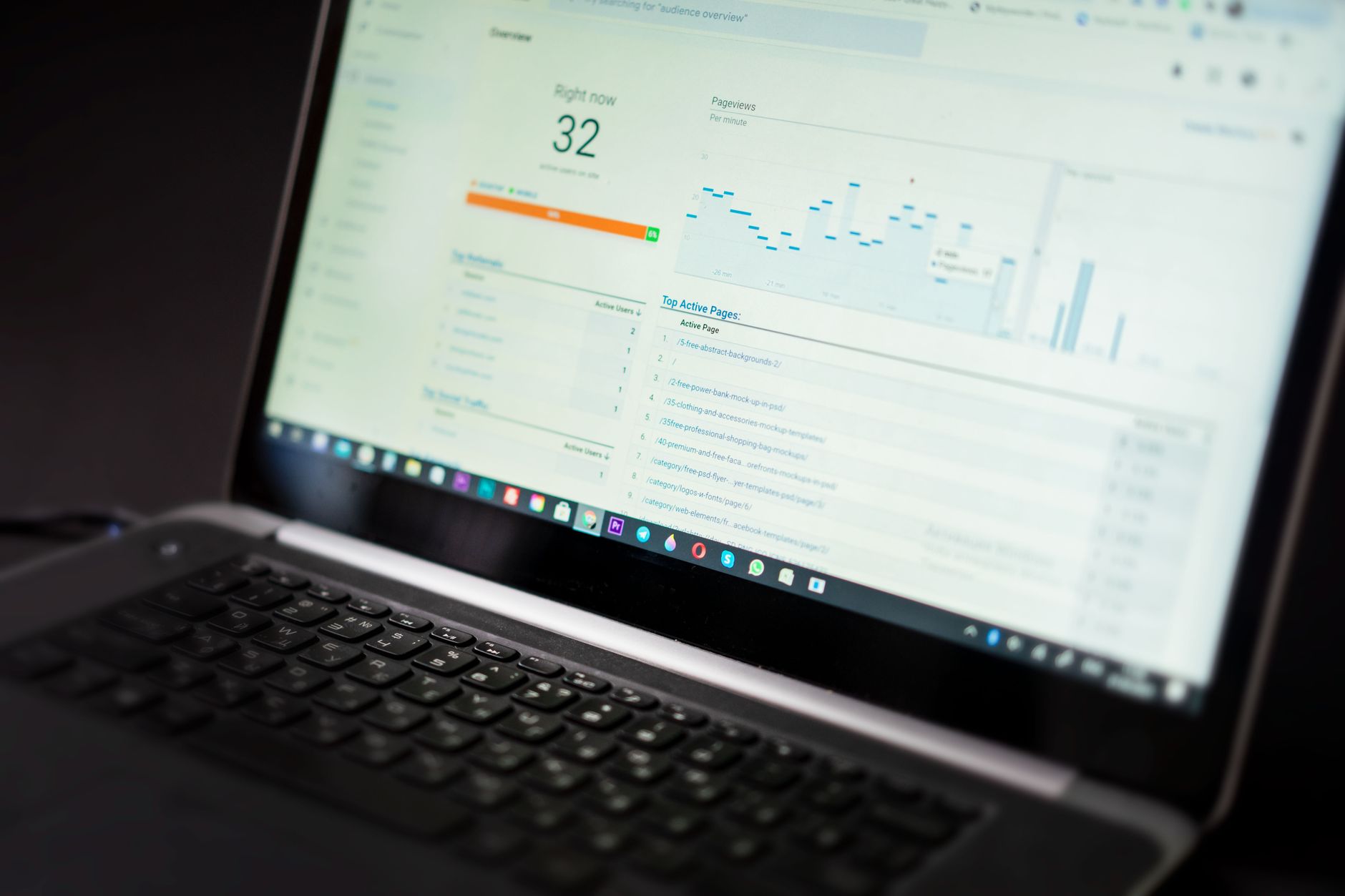
Do not judge local SEO only by a plugin score or one ranking screenshot. Track the pages that should drive calls and leads. That usually means watching impressions, clicks, and queries in Google Search Console, along with conversions from your core service and location pages.
Look for practical patterns. If impressions are rising but clicks are flat, your titles may need work. If users land on a location page and leave quickly, the page may be too thin or too generic. If a service page ranks for the wrong query, the page intent may be unclear. This is the kind of diagnosis that turns local SEO from guesswork into a repeatable process.
A simple local SEO action plan
Most local businesses need a short, prioritized plan, not a giant checklist. Fix the pages closest to revenue first, then strengthen the local trust signals around them. That sequence usually produces better results than trying to optimize every page at once.
| Priority | What to do |
|---|---|
| Week 1 | Audit homepage, top service pages, titles, H1s, and Google Business Profile details |
| Week 2 | Improve page copy, add internal links, tighten calls to action, and clean up location signals |
| Week 3 | Review schema output, index settings, mobile usability, and page speed issues |
| Week 4 | Check Search Console data and update the pages with the best upside first |
Final takeaway
WordPress SEO tips for local businesses work best when they are tied to a clear strategy. Focus on page purpose, local relevance, internal linking, profile accuracy, and a clean technical setup. That is what helps a local site become easier for Google to understand and easier for customers to trust.
If you want a practical plan instead of another generic checklist, contact WordPress SEO Expert today to schedule a consultation. We will help you identify what is actually holding your local rankings back and what to fix first.

















