

Most WordPress SEO problems do not come from one missing plugin tip. They come from a scattered setup: indexation issues, overlapping plugins, weak internal links, and pages that do not match search intent. A useful audit helps you find what is actually holding rankings back before you spend time changing random settings.
That is why SEO tips should be audited, not blindly applied. WordPress SEO Expert uses audits to separate high-impact fixes from low-value busywork, especially on sites that have published content for months but still are not moving. If you want a second set of eyes, review our WordPress SEO audit walkthrough and our guide to optimizing WordPress SEO for related context.
What does it mean to audit WordPress SEO tips?
Auditing WordPress SEO tips means checking whether common advice actually applies to your site, your pages, and your current setup. Good advice in the wrong situation can waste hours or even create conflicts.
For example, adding another SEO plugin, indexing every archive, or following every green light in a plugin checklist can make a site messier instead of stronger. The goal is to test each tip against real conditions: can search engines crawl the page, does the page target the right query, and will the change improve visibility or just create more noise?
Start with the tips that affect indexing
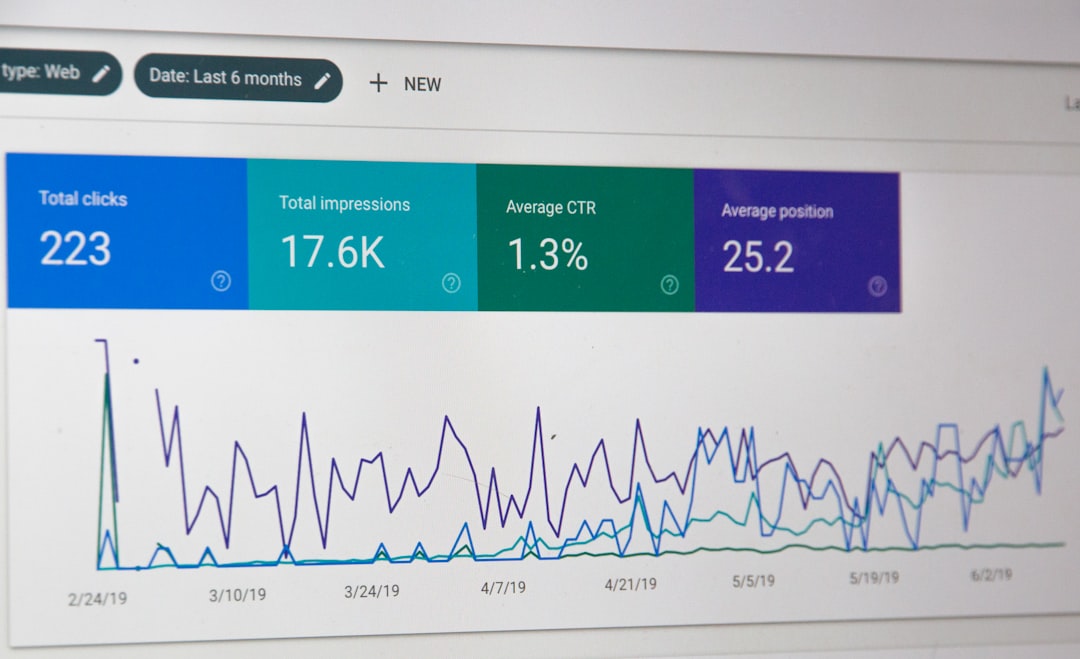
The first SEO tips worth auditing are the ones that control whether pages can rank at all. If important URLs are blocked, no amount of title rewriting or content tweaking will matter much.
Check the WordPress Reading settings, important page templates, XML sitemap behavior, canonical tags, and redirect rules. Also review whether your key pages are actually linked from navigation, service pages, or blog content. Many sites think they have a content problem when the real issue is that search engines are getting mixed signals about which URLs matter.
Audit plugin-based SEO advice carefully
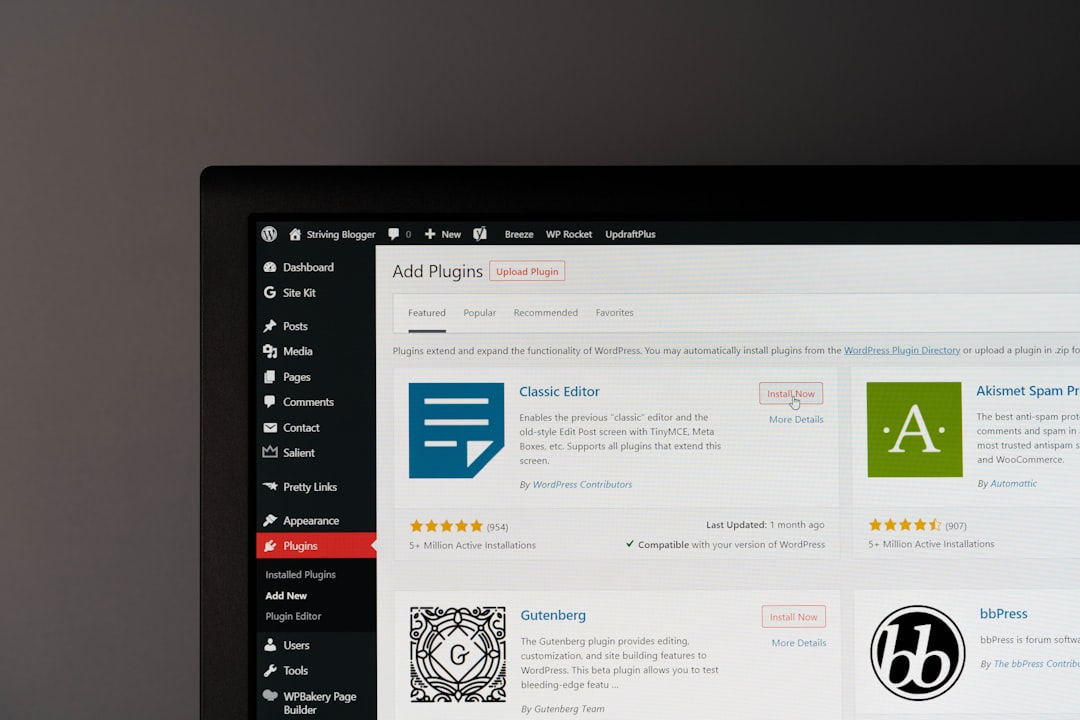
Plugin advice is where many WordPress sites go off track. A tip can sound helpful in a blog post but cause duplicate metadata, broken schema, or overlapping sitemap outputs when applied on a live site.
Review whether one plugin is controlling titles, meta descriptions, sitemaps, and index settings cleanly. Then compare the plugin dashboard to the actual front-end output. What matters is not what the settings page says. What matters is what search engines see in the rendered code. If your plugin score says a page is fine but rankings are stuck, the issue is often outside the plugin checklist.
Check whether on-page tips match search intent
Many SEO tips focus on titles, headings, and keywords, but those only help when the page is aiming at the right search intent. A page can be well optimized on paper and still be the wrong result for the query.
Audit each important page by asking a simple question: if someone searched the target phrase, would this page be the best answer? Review the title tag, H1, subheadings, intro copy, and supporting sections. Watch for vague titles, multiple pages competing for the same term, and articles that mention a topic without fully answering it. This is where many “SEO tips” fail because they improve formatting without improving relevance.
Review internal linking tips against your actual site structure

Internal linking advice is useful only when it points to the right pages in the right places. Generic suggestions to “add more links” are too weak to help unless you know which pages are buried, orphaned, or under-supported.
Check whether your revenue-driving pages receive contextual internal links from related posts and service pages. Look for weak anchor text, important pages sitting too many clicks deep, and blog posts that discuss a topic without linking to the page you want to rank. If you need a practical framework, our WordPress SEO audit guide covers the order we use when reviewing crawlability, on-page targeting, and link structure.
Do not treat speed tips as equal priority
Performance advice should be audited by impact, not by how often it appears in checklists. Some speed tips matter immediately. Others create work without changing rankings or conversions in a meaningful way.
Focus first on large images, bloated templates, unnecessary plugins, excessive scripts, and weak hosting. Those tend to cause broader problems than minor code-level tweaks. Most site owners do not need to chase a perfect test score. They need a site that loads cleanly, stays stable on mobile, and does not bury important content behind heavy page-builder output.
A practical table for auditing SEO tips
The fastest way to audit SEO advice is to organize it by business impact. Start with the fixes that affect crawlability and important pages, then move to content and cleanup work.
| Area | What to audit | Why it matters |
|---|---|---|
| Indexing | Noindex settings, canonicals, sitemaps, redirect behavior | These issues can stop pages from ranking at all |
| Plugin setup | Overlapping SEO features, duplicate schema, mixed metadata outputs | Conflicts can create inconsistent signals |
| On-page targeting | Titles, H1s, page focus, search intent match | Pages often underperform because they target the wrong query |
| Internal linking | Orphan pages, click depth, anchor text, links to priority pages | Strong links improve discovery and topical context |
| Performance | Images, scripts, template weight, plugin bloat | Slow templates weaken usability and make optimization harder |
| Content quality | Thin pages, overlap, outdated posts, weak structure | Better consolidation often beats publishing more low-value content |
Common mistakes when auditing SEO tips
The biggest mistake is treating every tip as equally urgent. Most sites do not need fifty fixes. They need a short list of corrections in the right order.
Other common mistakes include trusting plugin scores too much, copying advice meant for different site types, leaving archive pages unchecked, and adding tools before removing conflicts. If you are experiencing these issues, our team at WordPress SEO Expert can help identify which recommendations are worth acting on and which ones are just adding noise.
How to turn audit findings into an action plan
An audit only helps if it leads to a clear order of operations. Start with sitewide blockers, then move to the pages closest to leads, sales, or other conversion goals.
Fix indexing and crawl issues first. Then improve core commercial pages, clean up internal links, and update overlapping or thin content. Leave low-impact tweaks for later. If your site has already had redesigns, migrations, or plugin changes, this prioritization matters even more because several smaller problems may be compounding at once. For a broader cleanup approach, see our WordPress SEO optimization guide.
Final takeaway
The best WordPress SEO tips are the ones that survive an audit of your real site. Before you install more tools or rewrite more content, confirm that search engines can access your pages, that your targeting matches intent, and that your internal structure supports the pages that matter most.
If you want a practical review instead of another generic checklist, contact WordPress SEO Expert today to schedule a consultation. We can help you sort through the tips, identify the real bottlenecks, and build a cleaner SEO plan for your WordPress site.

















