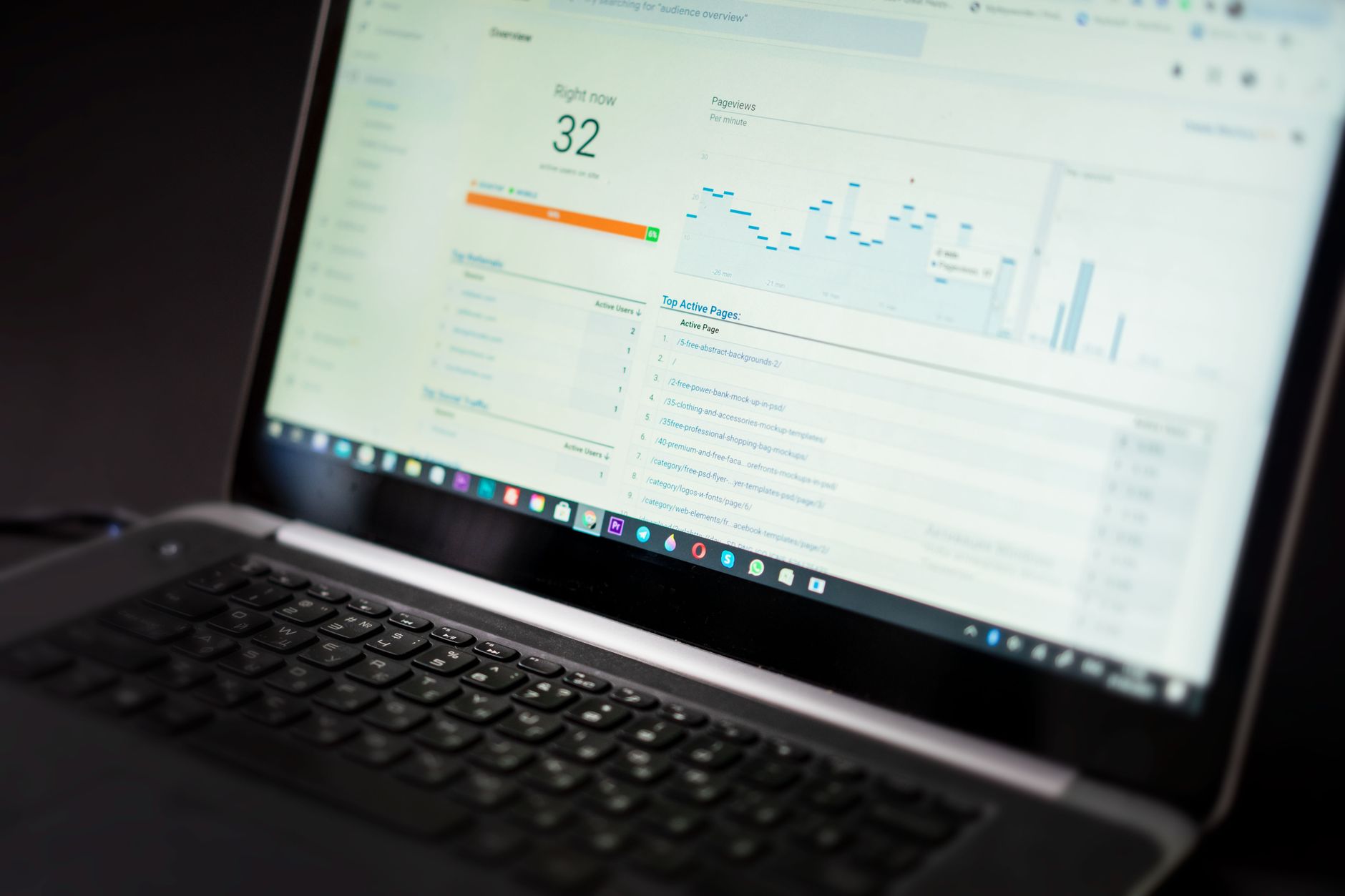
Better organic traffic usually comes from fixing page purpose, site structure, and technical cleanup before publishing more posts. A practical WordPress SEO guide should tell you what to check first, what matters less, and how to avoid plugin-driven busywork that never improves rankings.
Most WordPress sites that stall in search do not have one catastrophic problem. They have a stack of smaller issues: overlapping pages, weak internal links, titles that do not earn clicks, slow templates, and content that does not match search intent. This guide walks through the fixes in the order we would review them at WordPress SEO Expert.
Start with the pages that should bring business
The first job is deciding which pages deserve to rank for your most valuable searches. If your homepage, services, categories, and supporting posts all target the same phrase, Google gets mixed signals and none of them performs as well as it should.
Map one primary topic to each important page. Your homepage should target your broad offer. Service or category pages should target buyer-intent searches. Blog posts should answer questions that support those money pages instead of competing with them. If your site serves a local market, location pages may also belong in that core set.
This is where many sites lose momentum. They keep publishing without defining which page should rank for what. If you need a cleaner framework for that process, review our WordPress SEO strategy for small business to see how page roles, search intent, and measurement fit together.
Fix site structure before adding more content

Organic traffic improves faster when strong pages are easier to crawl, easier to understand, and better supported internally. Publishing more articles on top of a messy structure usually spreads authority thinner instead of building it.
Check whether your key pages are reachable in a few clicks from the homepage. Review navigation labels, category structure, and internal links between related pages. Remove or merge thin pages that say nearly the same thing. If three posts cover the same question with slight wording changes, consolidate them into one stronger resource and redirect the weaker URLs.
Internal links matter here because they help users and search engines understand which pages are most important. Use descriptive anchor text that explains the destination. A phrase like technical SEO checklist tells more than a vague link such as read more.
Write titles and descriptions for clicks, not plugin scores
Title tags and meta descriptions affect whether searchers choose your page. Google advises writing titles that are clear, concise, and descriptive, while avoiding repetitive boilerplate across many pages. Search Console also shows clicks, impressions, average CTR, and average position, which makes it easier to spot pages that appear often but fail to attract clicks.
A weak title often tries to stuff variations into one line. A stronger title states the page topic plainly and matches the intent behind the query. The same goes for descriptions. They should preview the benefit of the page, not repeat keywords mechanically.
Weak example: SEO Services | SEO Company | SEO Expert
Stronger example: WordPress SEO Services for Small Businesses
When you review Search Console, sort for pages with high impressions and weak CTR. Those are often your fastest on-page wins because the page already has visibility. The snippet simply is not convincing enough yet.
Use one clean SEO plugin setup
There is no single best SEO plugin for WordPress in every case, but there is a best setup for your site: one plugin, configured well, without overlap. Running multiple SEO plugins creates conflicting canonicals, duplicate schema, and competing sitemap output.
Keep the setup simple. Use one SEO plugin, one caching layer, and only the features you actually need. Review title templates, canonical output, indexing rules for archives, and XML sitemap behavior. If categories are useful landing pages, keep them indexable. If tag archives add no real value, keep them out of the index.
If the site is new or recently rebuilt, compare your setup against a launch checklist before chasing content production. Our WordPress SEO checklist for new websites covers the common configuration errors that block crawling or dilute signals from day one.
Check the technical issues that quietly suppress traffic

Technical SEO problems often do not look dramatic in WordPress admin, but they can keep strong pages from earning the traffic they should. The goal is not to make the site look perfect in a plugin dashboard. The goal is to make sure Google can crawl, index, and interpret your pages without friction.
Start with these checks in order:
| Area | What to check first | Why it matters |
|---|---|---|
| Indexing | Make sure important pages are indexable and not blocked by noindex or robots rules | If Google cannot index the page, content improvements will not matter yet |
| Canonicals | Confirm each important page points to itself or the intended canonical URL | Wrong canonicals can push signals to the wrong page |
| Sitemaps | Verify one main XML sitemap is active and includes the right URLs | Mixed or bloated sitemaps create confusion and crawl waste |
| Redirects | Check old URLs, deleted pages, and trailing-slash consistency | Poor redirects can waste authority and frustrate users |
| Mobile UX | Test templates on an actual phone | Many WordPress issues appear only on mobile layouts |
| Speed | Review large images, scripts, and unused plugins | Heavy templates can hurt user experience and conversions |
Most site owners do not need a complicated technical stack. They need a clean baseline, a working sitemap, sensible index controls, and templates that load without unnecessary bloat.
Improve page speed where it actually changes outcomes
Speed work matters when it removes obvious friction, not when it turns into endless score chasing. A slow homepage, oversized images, and heavy page builder sections can reduce engagement long before they trigger a formal SEO diagnosis.
Start with image compression, caching, and plugin cleanup. WordPress supports WebP, which helps reduce image weight compared with older formats. Convert oversized hero images, lazy load below-the-fold media, and remove plugins that duplicate features or inject scripts sitewide. Focus first on templates that drive leads or rank for valuable terms.
A practical stopping point is simple: once the site feels fast, key templates load cleanly on mobile, and obvious bottlenecks are resolved, move on. Over-optimizing for tiny score changes rarely beats improving content quality, internal links, or conversion paths.
Make content match search intent
Better traffic does not come from adding keywords to pages that miss the searcher’s real goal. If someone wants a service, give them a service page. If they want a step-by-step answer, give them a practical guide. Mismatched intent is one of the most common reasons a well-written page underperforms.
Review each core page and ask what the visitor needs next. On a service page, that may be process details, pricing approach, trust signals, and a clear call to action. On an informational post, it may be definitions, examples, common mistakes, and a next step toward a related service. Good SEO content reduces uncertainty. It does not just pad word count.
If you’re experiencing these symptoms, our team at WordPress SEO Expert can help. A focused review can tell you whether the real bottleneck is technical, structural, or content-related before you waste time rewriting the wrong pages.
Use Search Console to choose the next fix

The best SEO roadmap usually comes from real performance data, not guesswork. Google Search Console shows which queries and pages already generate impressions, clicks, CTR, and average position. That lets you prioritize pages that are close to improving instead of making random edits across the whole site.
Look for pages with high impressions and weak CTR, pages slipping in position, and pages ranking for queries that do not match their intended purpose. Those patterns often reveal whether you need a stronger title, a better internal linking path, a consolidated topic, or a more relevant page type.
A simple monthly review is enough for many small businesses. Check your top pages, review the queries driving visibility, and update the pages with the clearest upside first. This is how SEO becomes manageable: fewer guesses, more evidence.
A practical order of operations
If rankings are stuck, do not try to fix everything at once. Work in sequence so each change supports the next one. A short prioritized plan gets implemented. A giant checklist usually does not.
| Priority | What to do |
|---|---|
| First | Define page roles, remove overlap, and fix internal linking to core pages |
| Second | Rewrite title tags, headings, and key sections on the pages that matter most |
| Third | Clean up indexing rules, canonicals, sitemaps, redirects, and mobile issues |
| Fourth | Improve speed bottlenecks on important templates and media-heavy pages |
| Fifth | Use Search Console data to refine pages already getting impressions |
Final takeaway
A WordPress SEO guide for better organic traffic should make the work clearer, not more overwhelming. Focus on the pages that matter, simplify your plugin setup, clean up technical friction, and use real search data to decide what to improve next. That approach is usually more effective than publishing faster or chasing every new tactic.
If you want a second set of eyes before changing templates, consolidating content, or editing plugin settings, contact WordPress SEO Expert today to schedule a consultation. We will help you identify what is actually holding your organic traffic back and what to fix first.