

New websites usually do not struggle because they picked the wrong plugin. They struggle because the basics were never set up in the right order. A solid WordPress SEO guide for new websites starts with indexing, site structure, and page targeting so your early content has a real chance to rank.
There is no shortcut that replaces clean setup. If your site is hard to crawl, your titles are repetitive, or your pages do not clearly match what searchers want, publishing more content will not fix the bottleneck. This guide shows what to set up first, what to ignore for now, and where new WordPress sites usually go off track.
Start with technical setup before content

The first priority is making sure search engines can crawl and index the site correctly. Before keyword research, blog calendars, or schema extras, check that HTTPS is working, one domain version is preferred, and WordPress is not discouraging search engines from indexing the site.
In practical terms, that means checking Settings and making sure the search visibility box is unchecked, confirming your preferred domain version redirects properly, and using one XML sitemap setup instead of overlapping systems. WordPress added a built-in XML sitemap in version 5.5, so if you also run an SEO plugin, review which sitemap you want active and keep the setup clean. If you want a launch-focused walkthrough, review our WordPress SEO checklist for new websites.
Use one SEO plugin and finish the setup
One well-configured SEO plugin is enough for most new websites. The goal is not to collect green lights from multiple tools. The goal is to control titles, meta descriptions, canonicals, sitemaps, and basic schema from one place without conflicts.
Whether you choose Yoast, Rank Math, or another established plugin, finish the important settings instead of leaving the defaults half done. Set your homepage title manually, review global title templates, decide which archives should be indexable, and make sure the sitemap includes the content types you actually want discovered. Running overlapping SEO plugins is one of the fastest ways to create duplicate metadata and messy outputs.
Build a simple site structure early
New websites benefit more from a clean structure than from a large number of pages. Keep your navigation simple, group related topics logically, and avoid creating thin categories or tags just because WordPress makes them easy to add.
Use readable permalinks, keep slugs short, and think about how a visitor moves from the homepage to service pages, category pages, and supporting articles. Most sites do not have one catastrophic issue. They have a stack of smaller structural issues that make crawling and relevance weaker over time. If you want the broader planning side of this process, our WordPress SEO strategy for small business breaks down how to connect structure, page targets, and ongoing content.
Choose one primary keyword for each important page
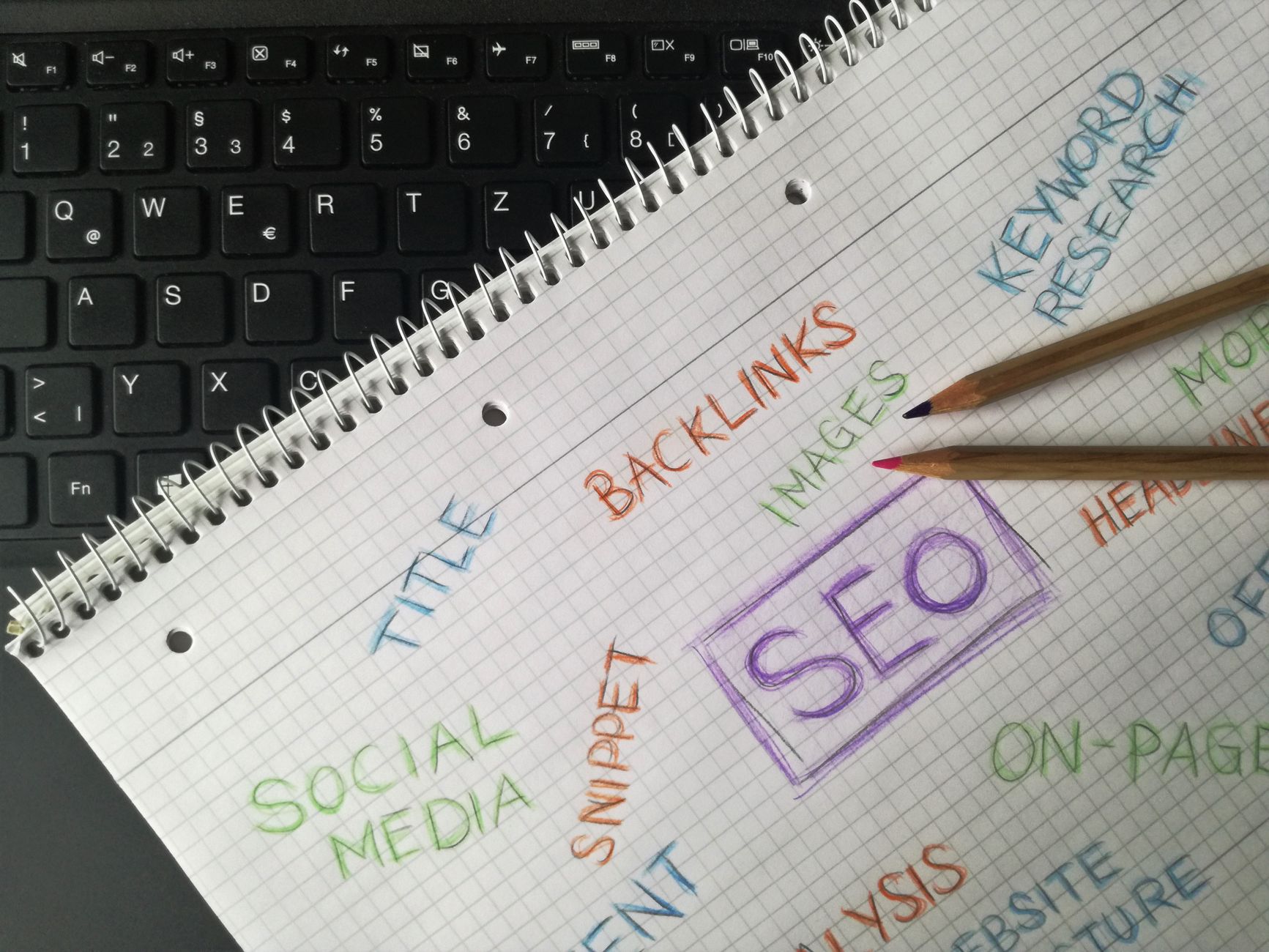
Every core page should have one clear search intent behind it. A homepage, service page, local landing page, and blog post should not all chase the same broad phrase. New websites rank faster when each page has a specific job.
This does not mean forcing exact-match keywords into every sentence. It means choosing a main topic, matching the page format to that topic, and supporting it with related language in headings and body copy. A service page should sound commercial. A blog post should answer a real question. When pages blur together, rankings often stall because search engines cannot tell which URL is the best result for the query.
Write titles and descriptions for clicks, not plugin scores
Strong title tags are clear, specific, and distinct from one page to the next. Google recommends descriptive, concise title text and advises against keyword stuffing or repetitive boilerplate across pages. That matters especially on new sites, where weak titles can make every page look interchangeable.
A weak title usually sounds generic. A stronger title makes the page purpose obvious in plain language. Your meta description should do the same job for the snippet: explain the benefit, set expectation, and give a reason to click. Keep the wording natural. If a title reads like it was written for a plugin checklist instead of a person, rewrite it.
Make on-page SEO obvious and useful
On-page SEO is mostly about clarity. Use one H1, break the page into helpful sections, and answer the main question early. A new website does not need clever optimization. It needs pages that make their topic unmistakable to both users and search engines.
That means a direct introduction, logical H2s and H3s, supporting examples, and enough depth to satisfy the query without filler. If your service pages are only a few vague paragraphs long, they will usually underperform no matter how many times the keyword appears. Structure is often the difference between a page that feels trustworthy and a page that feels unfinished.
Add internal links from the start
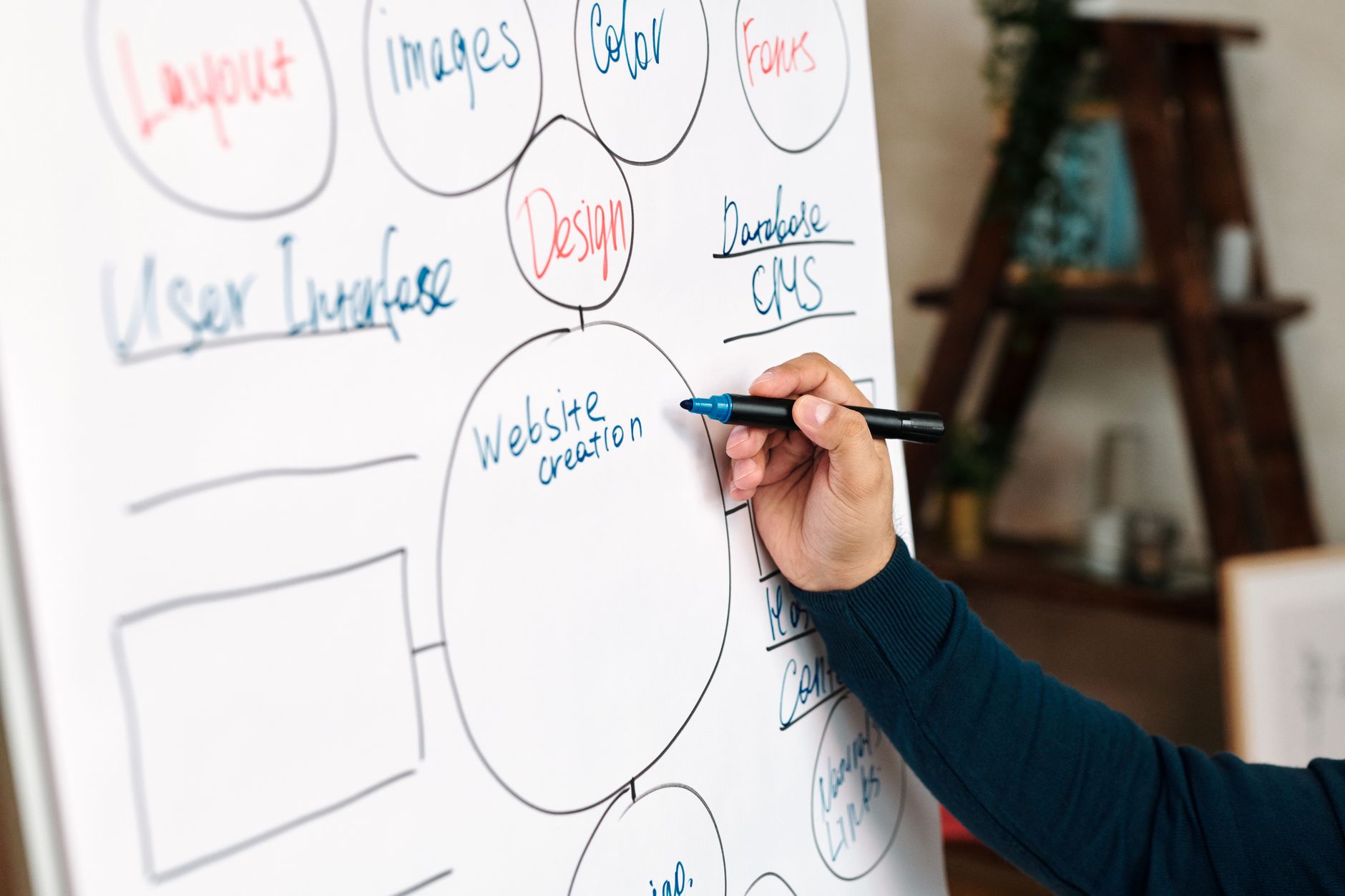
Internal links help new websites faster than most owners expect. They tell search engines which pages matter, show how topics relate, and guide visitors toward the next useful page. Every important page should be linked from somewhere relevant on the site.
Use descriptive anchor text that explains what the reader will get next. Link supporting blog posts to service pages, connect related guides, and revisit older pages as new content goes live. Google specifically recommends crawlable links with descriptive anchor text, and that applies to internal links just as much as external ones. If your site already has content but rankings are flat, our guide on how to audit WordPress SEO can help you spot weak internal linking and other structural gaps.
Do basic image and mobile optimization early
Image SEO and mobile usability are not advanced tasks, but they should happen early because they affect both user experience and crawlable page quality. New sites often upload oversized images, ignore alt text, and assume desktop layouts tell the full story.
Google recommends descriptive filenames and alt text for images, and Google now indexes the mobile version of pages as the primary version for search. So compress large images before upload, write alt text that describes the image in context, and review key pages on an actual phone. If performance is already slipping, our guide on improving WordPress site speed for SEO covers the highest-impact fixes first.
What to fix first on a new WordPress site
If you feel overwhelmed, prioritize the issues that block visibility before the ones that polish it. Most new websites do not need more tactics. They need the right order of operations.
| Area | What to check first | Why it matters |
|---|---|---|
| Indexing | Search visibility setting, noindex tags, sitemap setup | Pages cannot rank if search engines cannot index them |
| Domain setup | HTTPS and one preferred domain version | Prevents duplication and inconsistent signals |
| SEO plugin | One plugin, fully configured | Keeps metadata, canonicals, and sitemaps consistent |
| Site structure | Permalinks, navigation, categories, core pages | Makes crawling and topical relevance clearer |
| Page targeting | One primary keyword or intent per page | Prevents overlap and diluted relevance |
| Internal links | Links between related pages and posts | Helps search engines discover and prioritize content |
| Media and mobile | Compressed images, alt text, phone testing | Improves usability and supports mobile-first indexing |
When to get help
If you have published pages, installed the plugins, and still are not sure why rankings are stuck, the problem is usually diagnosis, not effort. A second set of eyes can often spot the handful of issues that are holding everything else back.
If you want help sorting out the priority order, WordPress SEO Expert can review your setup and show you what to fix first. Book a free SEO consultation if you want practical guidance before changing settings or restructuring pages.
Final takeaway
A good WordPress SEO guide for new websites is really a setup guide plus a prioritization guide. Get the technical basics right, keep the structure simple, assign a clear purpose to each page, and build internal links as you grow. That is usually enough to avoid the mistakes that keep new sites invisible.
If you want a diagnostic review before you invest more time into content, contact WordPress SEO Expert today to schedule a consultation. We can help you separate the real bottlenecks from the busywork.

















