

Faster growth with WordPress SEO usually comes from fixing the basics in the right order, not piling on more plugins or publishing random blog posts. Most sites that stall have a mix of weak page targeting, thin internal linking, slow templates, and titles that do not clearly tell Google what the page is about.
That is why the smartest approach is diagnostic first. If your rankings are flat, start by tightening the pages that already exist, improving crawl clarity, and making your site easier for both users and search engines to understand.
Start With the Pages Closest to Revenue
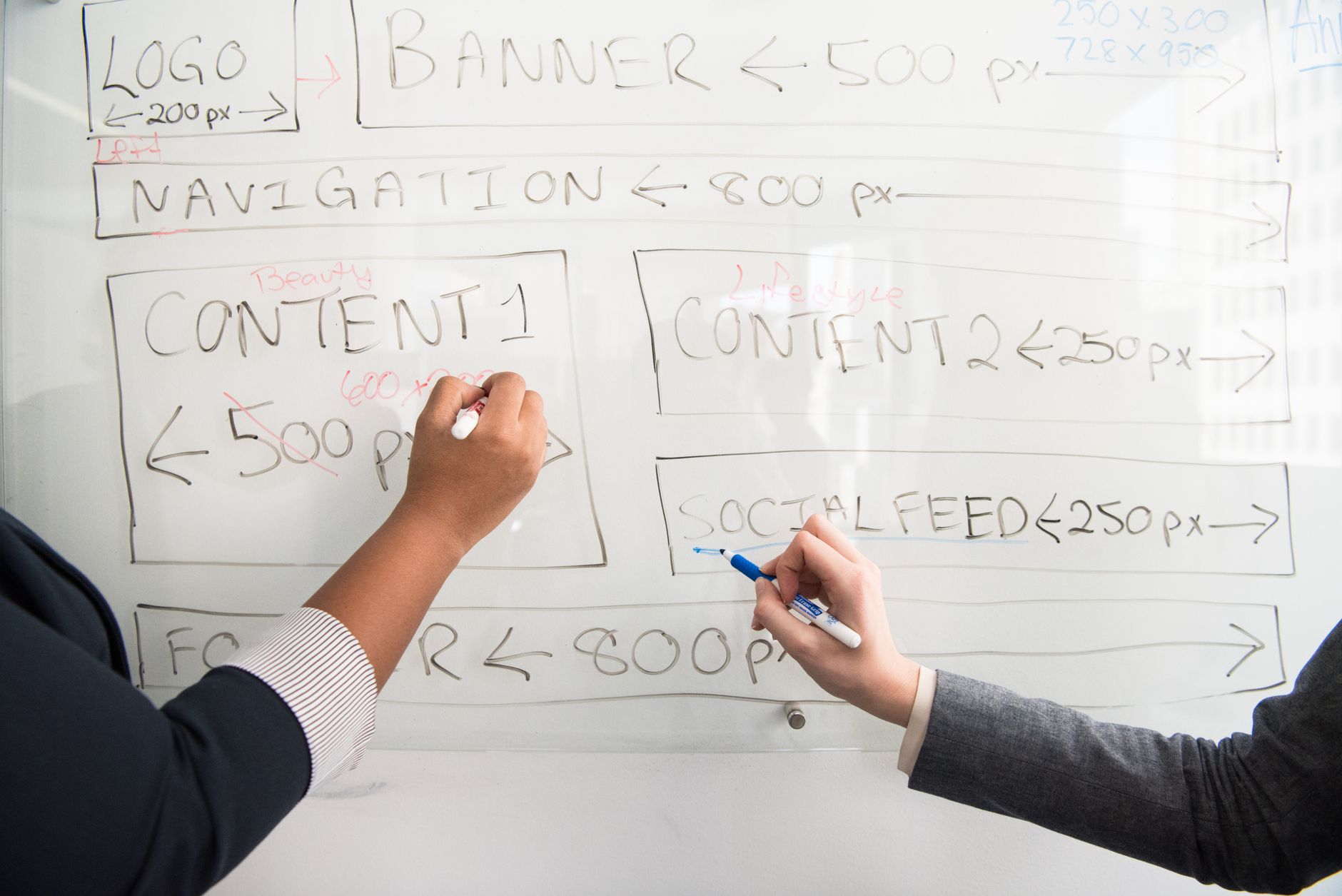
The fastest SEO wins usually come from service pages, category pages, and other bottom-funnel URLs. Before you write more content, make sure the pages that matter most have one clear target topic, a useful heading structure, and copy that matches what searchers actually want.
A common mistake is trying to rank one page for five loosely related keywords. A better setup is one main intent per page, then supporting phrases naturally in subheadings and body copy. If your current site structure feels scattered, review this WordPress SEO strategy for small business to prioritize pages in the right order.
Write Better Titles Before You Rewrite Whole Pages
Page titles can improve click-through and topical clarity faster than a full rewrite. Google recommends titles that are descriptive, concise, and distinct for each page, while avoiding keyword stuffing and repetitive boilerplate.
Weak title: SEO Services | SEO Company | SEO Expert
Stronger title: WordPress SEO Services for Small Businesses
If several pages on your site use near-identical title formats, Google may rewrite them. Use the primary topic first, keep the wording specific, and make sure the on-page heading supports the same topic. Google’s guidance on title links is worth following closely.
Fix Internal Links So Authority Flows to Important Pages

Internal linking is one of the fastest underused growth levers on WordPress. When important pages are buried, receive vague anchor text, or are isolated from related posts, they are harder for search engines to evaluate and easier for users to miss.
Start by linking from blog posts to service pages and from broader guides to narrower supporting pages. Use descriptive anchors that tell both readers and Google what the destination covers. Google specifically advises using descriptive, concise anchor text in crawlable links. If you need examples of what a cleaner setup looks like, see how to improve WordPress SEO and compare how related topics support each other.
Improve Site Speed Where It Actually Affects Rankings

Speed matters most when slow templates hurt user experience across important pages. Google’s Core Web Vitals guidance defines good targets as Largest Contentful Paint within 2.5 seconds, Interaction to Next Paint under 200 milliseconds, and Cumulative Layout Shift below 0.1.
Do not treat speed as a game of chasing perfect scores. The goal is a faster real experience on the pages people land on first. For most WordPress sites, the biggest issues are oversized images, heavy themes, too many scripts, and poor caching.
If your homepage, blog template, or service pages feel slow on mobile, work through a practical checklist like this guide on improving WordPress site speed for SEO. It is usually a better use of time than endlessly tweaking plugin scores.
Use One Clean SEO Plugin Setup
There is no single perfect plugin for every site, but there is a clear wrong move: stacking overlapping SEO plugins. Running multiple plugins that handle titles, schema, redirects, or XML sitemaps can create conflicts and muddy your setup.
Keep one primary SEO plugin, configure the basics well, and ignore cosmetic score chasing. Focus on titles, meta descriptions, indexing rules, schema where appropriate, and sitemap cleanliness. If you are still comparing tools, this breakdown of the best SEO plugin for WordPress can help you choose without overcomplicating the stack.
Publish Less, But Make Each Page More Useful
More posts do not automatically mean more growth. Google’s helpful content guidance emphasizes content created for people first, not pages published mainly to manipulate rankings.
That usually means fewer thin articles and more complete pages that answer a real question, support a business goal, and connect logically to the rest of the site. For small businesses, one strong service page and one genuinely helpful supporting article often outperform a dozen weak posts.
WordPress SEO Expert can help if you are unsure whether your problem is content quality, site structure, or technical setup. A second set of eyes often saves months of guessing.
What to Fix First
If you want faster SEO growth, do not try to improve everything at once. Fix the pages most tied to leads or sales, tighten your titles and headings, connect related pages with descriptive internal links, and address the site speed issues users actually feel.
| Priority | What to check | Why it matters |
|---|---|---|
| 1 | Primary service and category pages | These pages usually drive the highest-value conversions |
| 2 | Titles and H1s | They improve topical clarity and can lift click-through |
| 3 | Internal links from related posts and pages | They help search engines find and prioritize important URLs |
| 4 | Mobile speed on core templates | It improves real user experience and supports page quality |
| 5 | Plugin overlap and indexing settings | It prevents technical conflicts and crawl waste |
Most site owners do not have one catastrophic SEO problem. They have a stack of smaller issues that compound over time. Work through them in order, measure what changes, and avoid the temptation to rebuild everything before fixing the obvious gaps.
If you want a clearer action plan, WordPress SEO Expert can review your site and show you what is actually slowing growth. Request a free WordPress SEO audit and get practical next steps instead of another generic checklist.

















