
A business website needs more than a professional design to attract customers through search engines. Its pages also need to clearly communicate what the business offers, who it serves, and why visitors should choose it.
WordPress on-page SEO helps businesses improve these elements directly on their website. From service pages and titles to internal links and content structure, small improvements can make a website easier to understand and navigate.
Start With Your Business Goals
Before optimizing your website, decide what you want organic search to achieve.
Your goals might include:
- Increasing service inquiries
- Generating leads
- Selling products
- Attracting local customers
- Increasing brand visibility
- Building authority around specific topics
These goals help determine which pages deserve the most attention.
For example, a service business should usually prioritize its main service pages rather than spending all its time optimizing minor informational pages.
Optimize Your Homepage
The homepage is often one of the most important pages on a business website.
It should quickly communicate:
- What the business does
- Who it serves
- Where it operates, when relevant
- What makes its offering useful
- Where visitors should go next
Use a clear title and main heading that accurately represent the business. Avoid vague messaging that looks attractive but provides little context.
Create Strong Service Pages
Each important service should have a dedicated page when there is enough unique information to justify one.
A strong service page can explain:
- What the service includes
- Who needs it
- How the process works
- Common problems it solves
- Benefits
- Relevant examples
- How to get started
This gives visitors useful information while naturally incorporating relevant search topics.
Match Pages to Search Intent
Different pages can serve different search intents.
For example:
Informational:
“How does WordPress SEO work?”
Commercial:
“Best WordPress SEO services”
Transactional:
“Hire WordPress SEO consultant”
Your content should match the reason someone is searching.
A business should avoid turning every page into a sales page when users are clearly looking for educational information.
Improve Titles and Headings

Every important page should have a descriptive title.
Headings should then organize the content into logical sections.
For example:
H1: WordPress SEO Services for Business Websites
H2: Our WordPress SEO Services
H2: How the Process Works
H2: Why On-Page SEO Matters
H2: Get Started
This is easier to understand than a page with large blocks of unstructured text.
Build Internal Links
Internal links help connect related business and educational pages.
A blog article can link to a relevant service page, while a service page can link to supporting guides.
For example:
Blog: WordPress SEO Tips for Business Owners
↓
Service: WordPress SEO Services
↓
Contact: Request a Consultation
This creates a useful journey instead of leaving each page isolated.
Optimize Business Content
Avoid generic statements that could apply to almost any company.
Instead of writing:
“We provide high-quality services to help businesses grow.”
explain what the business actually does, who it helps, and how its process works.
Specific and useful information makes pages more valuable to visitors.
Optimize Images
Use relevant images that support the page.
For businesses, original images can be particularly useful because they can show:
- Products
- Team members
- Work samples
- Locations
- Facilities
- Projects
Keep image files appropriately sized and use descriptive alt text when an image needs an accessibility description.
Make Pages Mobile-Friendly
Business visitors may discover your website while using a phone.
Check that:
- Text is readable
- Buttons are easy to tap
- Forms work properly
- Images fit the screen
- Navigation is straightforward
- Important contact information is accessible
A mobile visitor should not have to zoom or struggle to complete a simple action.
Keep Content Updated
Business information changes.
Review pages periodically to ensure that services, prices where displayed, contact details, locations, team information, and other important details remain accurate.
Also update educational content when information becomes outdated.
Measure Organic Performance
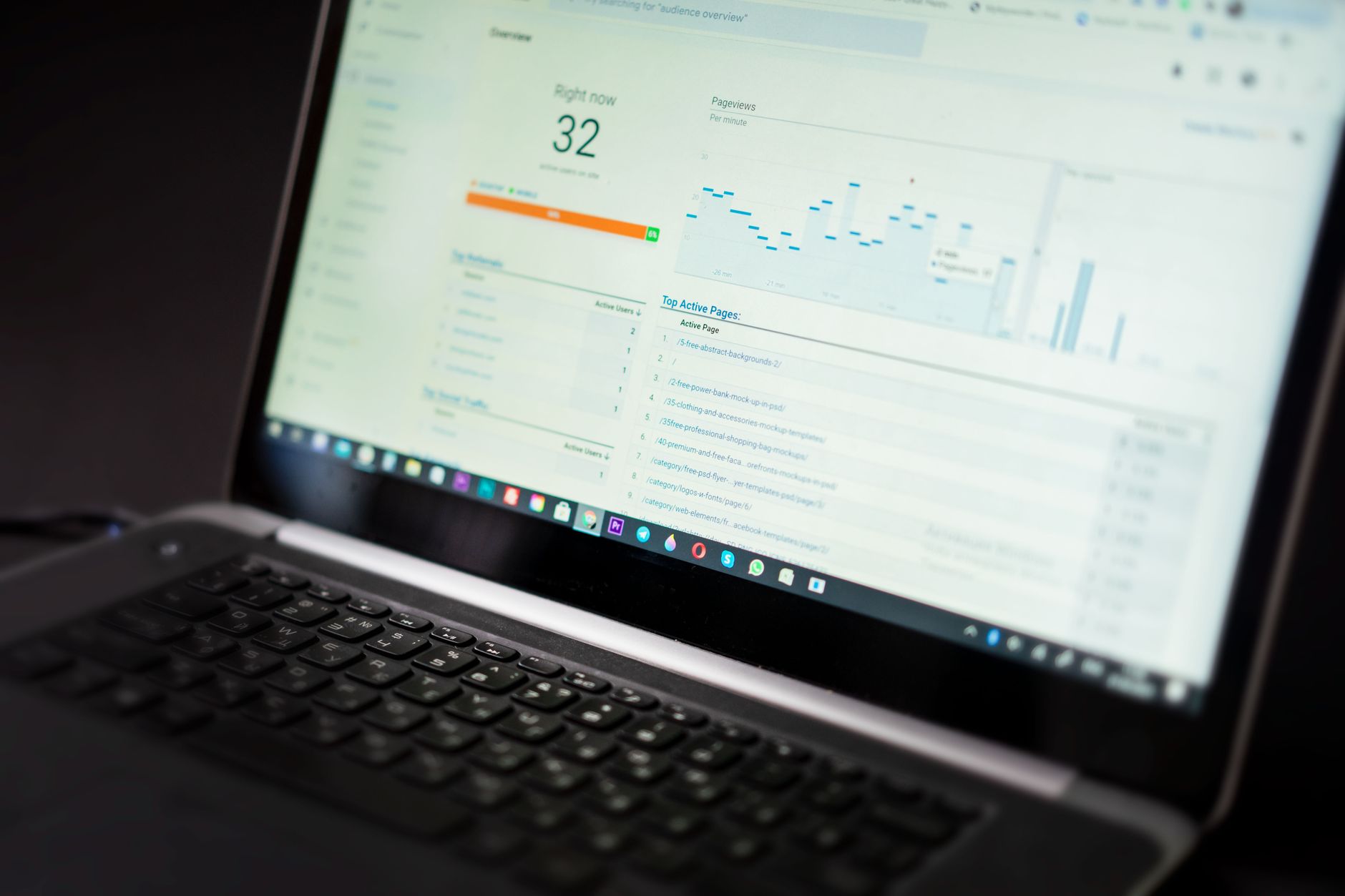
Use search and analytics data to understand what is happening after optimization.
Useful metrics include:
| Metric | Purpose |
|---|---|
| Impressions | Measures search visibility |
| Clicks | Shows visits from search |
| Search queries | Shows what users search for |
| Conversions | Measures business outcomes |
| Landing pages | Identifies pages attracting visitors |
Look beyond rankings and consider whether organic traffic is reaching the right pages and contributing to business goals.
Build a Long-Term Strategy
On-page SEO should not be treated as a one-time WordPress setup.
As your business grows, you may add new services, publish content, enter new markets, or target new customer groups.
Review your website regularly and improve pages based on actual performance.
For businesses with competitive markets or large websites, a WordPress SEO consultant can help coordinate keyword research, content planning, internal linking, page optimization, and performance tracking into one consistent strategy.

















