
Optimizing a WordPress website for Google is about helping search engines understand useful content while providing visitors with a strong experience. There is no single setting that guarantees better visibility. Instead, SEO involves several connected areas that need to work together.
A practical strategy should focus on helpful content, clear website structure, technical accessibility, and continuous measurement.
Understand What People Search For
Start with the audience rather than the search engine.
Research what potential customers want to know, compare, buy, or solve. Keyword research can help identify common searches, but search intent is equally important.
For example, someone searching for “how WordPress SEO works” has a different need from someone searching for “WordPress SEO services.”
The content should match that purpose.
Create Helpful, Relevant Content
Google’s search results are designed to help users find useful information.
Your WordPress pages should therefore answer real questions and provide meaningful information.
Good content should be:
- Relevant to the topic
- Clear and readable
- Accurate
- Well organized
- Useful to the intended audience
Avoid creating content simply to increase the number of pages on your website.
Optimize Page Titles

Page titles should clearly describe the page.
A useful title can help both search engines and visitors understand the subject before they open the page.
Keep titles natural and specific rather than filling them with repeated keywords.
For example, a service page could use a title that clearly identifies the WordPress SEO service instead of a vague phrase such as “Welcome to Our Website.”
Organize Content With Headings
Use headings to create a logical structure.
The main heading should establish the page’s primary subject, while subheadings can organize supporting topics.
This makes long pages easier to scan and helps visitors find the information they need.
Improve Internal Linking
Internal links help connect related content.
Suppose a website has a detailed guide about technical WordPress SEO and a separate service page about SEO audits. A natural link between these pages can help visitors move from educational information to a relevant service.
Build links around genuine relationships between topics rather than adding links randomly.
Keep URLs Clear
Use simple and descriptive URLs.
A URL should give users a reasonable idea of what they will find on the page.
Avoid unnecessary words, complicated structures, and frequent URL changes. If an established URL must change, use appropriate redirects to reduce disruption.
Make the Website Accessible to Search Engines
Search engines need to be able to discover and process important pages.
Review:
- XML sitemap
- Robots directives
- Indexing settings
- Canonical URLs
- Internal links
- Redirects
- HTTPS
Google Search Console can help identify certain indexing and crawling problems.
Improve Page Experience
SEO should not stop when someone clicks a search result.
Make sure visitors can use the website comfortably on mobile and desktop devices.
Pay attention to page speed, navigation, readability, images, forms, and intrusive elements.
A technically optimized page that is frustrating to use is not a strong overall website experience.
Build Relevant Authority
Content and technical SEO form the foundation, but relevant external references can also support a site’s authority.
Focus on legitimate methods such as useful resources, digital PR, industry relationships, expert contributions, and genuinely valuable content.
Avoid relying on low-quality or irrelevant links simply to increase backlink numbers.
Monitor Search Performance
Google Search Console can help you understand how pages perform in search.
Monitor:
| Metric | What It Shows |
|---|---|
| Impressions | How often pages appear |
| Clicks | Visits from search |
| CTR | Percentage of impressions receiving clicks |
| Average position | Approximate search visibility |
| Queries | Searches bringing visibility |
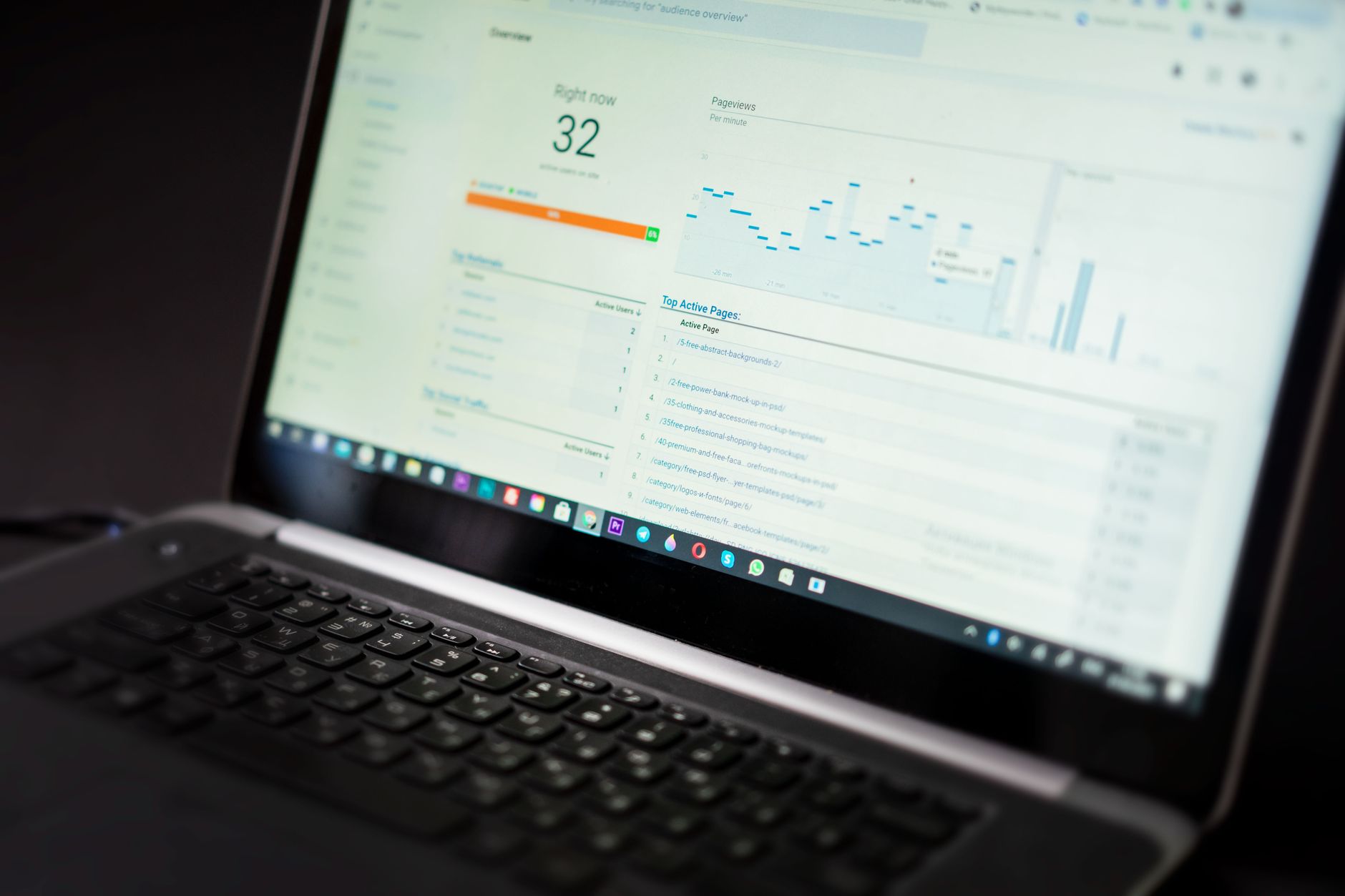
Use analytics data as well to understand what happens after visitors reach the website.
Keep Updating the Strategy
Google’s search environment changes continuously, and websites change too.
Review important pages, update outdated information, fix technical problems, and look for new content opportunities.
Do not chase every SEO trend. Focus on fundamentals that make the website genuinely useful and easy to access.
A WordPress SEO expert can help businesses organize these areas into a practical strategy, especially when the website has many pages or faces strong competition.
The most reliable approach is continuous:
Understand → Optimize → Measure → Improve.

















