
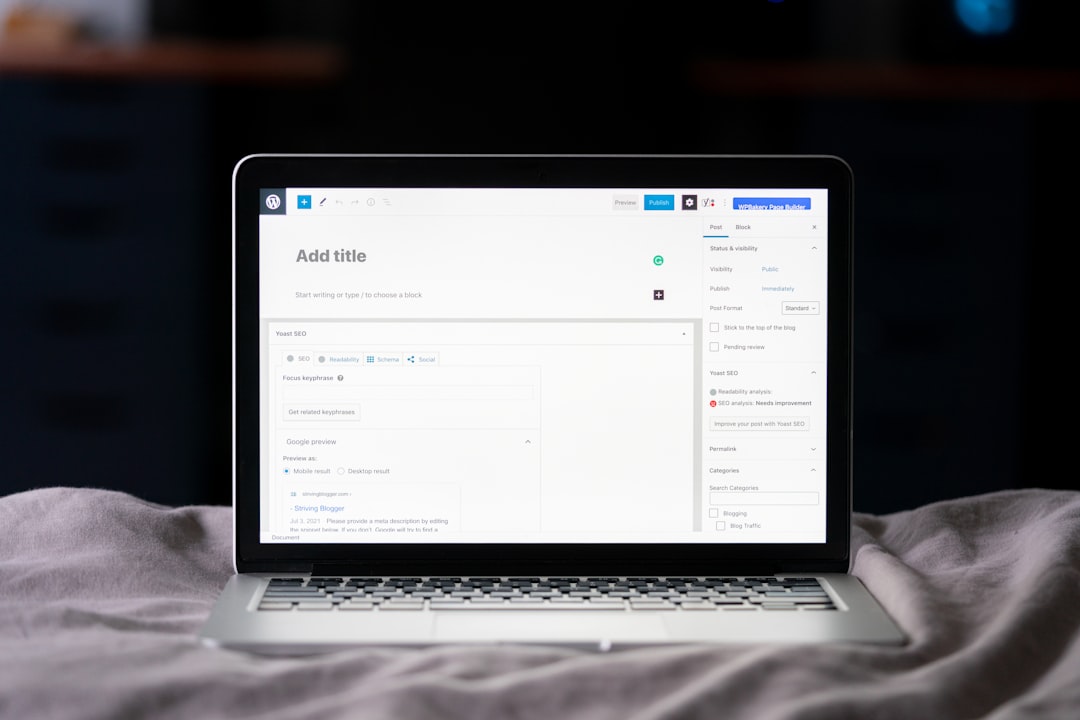
Getting a WordPress website indexed by Google is only the beginning. To attract organic visitors, your pages need to be understandable, useful, technically accessible, and aligned with what people are actually searching for.
A WordPress SEO company can help businesses optimize their websites around these areas while keeping the focus on useful content and a strong user experience.
Start With Search Intent
Before optimizing a page, understand why someone is searching for the topic.
Different searches have different purposes.
For example:
- “What is WordPress SEO?” is informational.
- “WordPress SEO services” has commercial intent.
- “Hire WordPress SEO company” has stronger service intent.
- “Best WordPress SEO plugin” may indicate research before making a decision.
If your page does not satisfy the intent behind the query, simply adding keywords will not make it a strong result.
Choose Relevant Keywords

Keyword research helps identify the language potential customers use when searching.
A WordPress SEO company may examine:
- Primary keywords
- Long-tail keywords
- Related search terms
- Search intent
- Competition
- Existing ranking pages
The goal should not be to insert the same keyword repeatedly. Instead, use relevant terms naturally while creating genuinely useful content.
Optimize Page Titles and Headings
Your page title helps both users and search engines understand what the page is about.
A good title should be:
- Relevant to the page
- Clear
- Specific
- Naturally written
- Attractive enough to encourage clicks
Headings should also create a logical structure.
For example:
H1: WordPress SEO Services for Small Businesses
Then:
H2: Why Small Businesses Need WordPress SEO
H2: What WordPress SEO Services Include
H3: Technical SEO
H3: On-Page Optimization
This structure makes long content easier to understand.
Create Helpful, Original Content
Google’s systems are designed to surface useful content that provides value to users.
A business website should therefore answer real customer questions rather than producing articles only to target keywords.
For example, a WordPress SEO service page can explain:
- What the service includes
- Which problems it solves
- What the process looks like
- What clients can expect
- Which types of websites may benefit
Specific explanations are generally more useful than vague marketing statements.
Improve Internal Linking
Internal links connect related pages within your website.
Suppose you have separate pages for:
- WordPress SEO services
- Technical SEO
- Local SEO
- SEO audits
- SEO consulting
- SEO blog guides
Relevant internal links can help visitors discover these resources while creating a clearer relationship between your pages.
Use descriptive anchor text rather than generic phrases such as “click here.”
Keep Technical SEO Clean
Technical problems can make it harder for search engines to crawl or understand a website.
A WordPress SEO company may check:
| Technical Area | What to Review |
|---|---|
| Indexing | Are important pages indexable? |
| Robots.txt | Are important resources blocked? |
| Sitemap | Is the XML sitemap working correctly? |
| Canonicals | Are duplicate URL signals controlled? |
| Redirects | Are old URLs handled properly? |
| HTTPS | Is the site secure? |
| Mobile | Does the website work well on phones? |
| Speed | Are pages loading efficiently? |
Technical SEO should support the content rather than replace it.
Improve Page Experience
A page may contain excellent information but still provide a poor experience if it loads slowly or is difficult to navigate.
Pay attention to:
- Page speed
- Mobile usability
- Layout stability
- Readability
- Navigation
- Intrusive elements
- Broken links
Users should be able to find the information they need without unnecessary friction.
Optimize Images and Media
Images can make content more engaging, but they can also slow down a WordPress website.
Use properly sized images, descriptive filenames where appropriate, and useful alt text.
For example, instead of an image filename like:
IMG12345.jpg
a descriptive filename can provide better context, such as:
wordpress-seo-audit-dashboard.jpg
The filename alone is not an SEO strategy, but good organization can support accessibility and content management.
Monitor Search Performance

Optimization should not stop after publishing a page.
Use tools such as Google Search Console to monitor:
- Search queries
- Clicks
- Impressions
- Average positions
- Indexed pages
- Coverage or indexing issues
If a page receives impressions but few clicks, its title or search appearance may need attention. If it receives little visibility at all, you may need to review its content, intent, internal links, technical accessibility, or competition.
When Professional WordPress SEO Help Makes Sense
Managing basic SEO yourself is possible, especially for a small website. However, larger sites can become difficult to manage when technical issues, content optimization, redirects, internal linking, and performance all need attention.
A WordPress SEO company can provide a structured process covering:
- Website audit
- Keyword and intent research
- On-page optimization
- Technical SEO
- Content improvements
- Internal linking
- Performance monitoring
- Ongoing SEO recommendations
The purpose is not simply to make a website contain more keywords. It is to make the site easier for search engines to understand and more useful for people who visit it.
Keep Google Optimization User-Focused
Google optimization works best when SEO and user experience support each other. Instead of chasing individual ranking tricks, build pages that answer real questions, maintain a clean technical foundation, and make important information easy to find.
That approach gives a WordPress website a stronger foundation for sustainable organic search growth.

















