
WordPress SEO services work best when they solve the right problems in the right order. If your rankings are flat, the issue is usually not effort or one missing plugin. It is a scattered setup, weak prioritization, or technical clutter that keeps your best pages from sending clear signals.
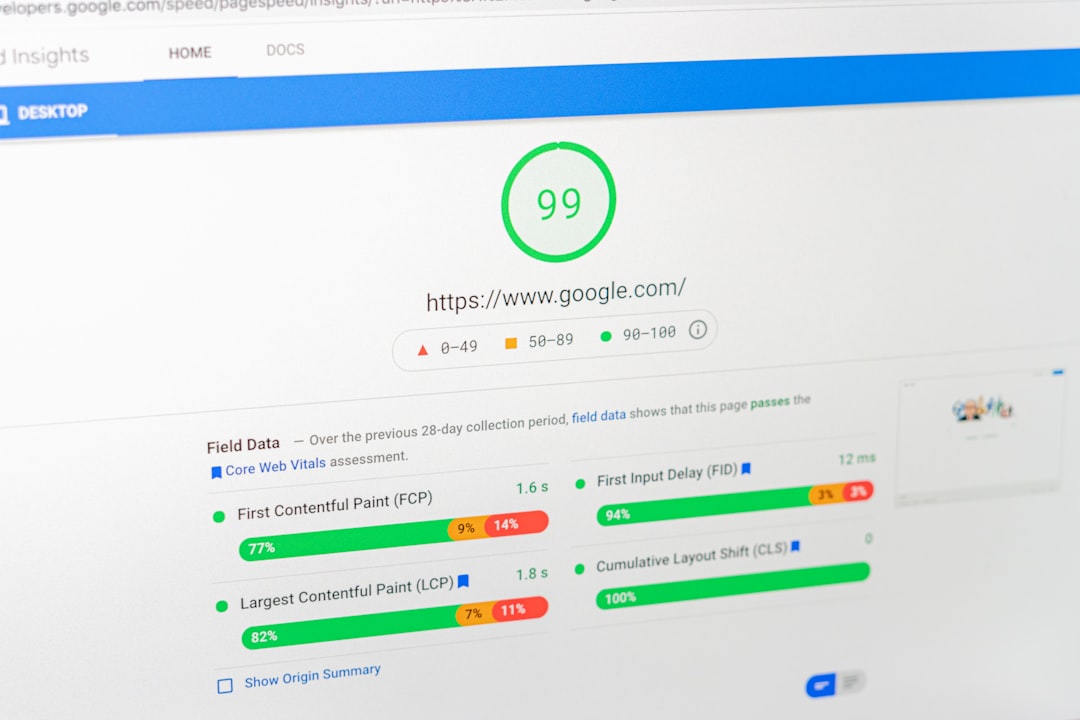
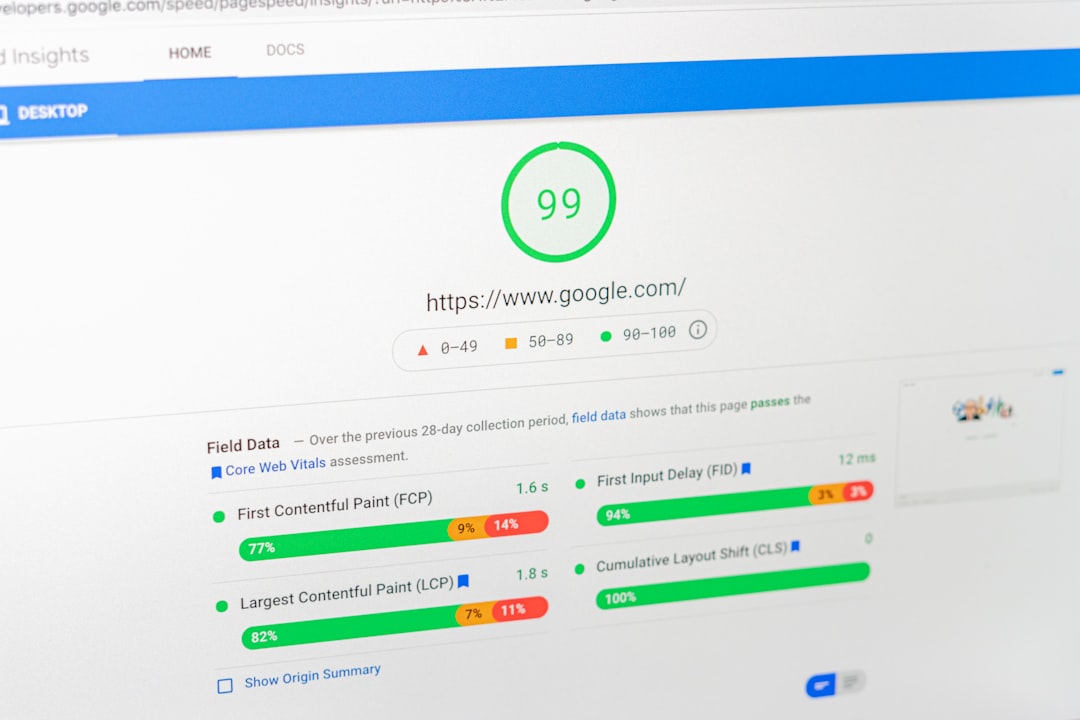
A green light in an SEO plugin does not mean the page deserves to rank. What matters more is whether your site is crawlable, whether your pages target the right intent, and whether your internal links help search engines understand what matters most. That is why WordPress SEO guidance for DIY site owners and fixing WordPress SEO setup problems often start with diagnosis before tactics.
What should WordPress SEO services optimize first?
Start with the issues that block visibility before the issues that polish visibility. The fastest wins usually come from indexing, crawl access, title clarity, and internal linking, not from adding more features or more plugins.
Most site owners do not have one catastrophic problem. They have a stack of smaller issues that compound over time. A service page can be well written and still underperform if it has a vague title, weak internal links, overlapping plugin output, or archive pages competing for attention. Good WordPress SEO services look at the whole system, then sequence fixes by impact.
Fix indexing and crawl access first

If search engines cannot reliably reach or index your key pages, everything else underperforms. Important pages should be linked from crawlable HTML links, and Google recommends descriptive anchor text that helps users and search engines understand the destination. Google also advises making sure pages are reachable from other findable pages. See Google’s link best practices.
On WordPress sites, common trouble spots include thin archives, orphaned service pages, attachment pages, and pages buried too deep in navigation. One well-configured SEO plugin is enough. Running overlapping plugins often creates duplicate metadata, conflicting canonicals, and competing sitemap outputs.
Then fix page titles and on-page targeting
Title tags are one of the clearest signals you control. Google recommends descriptive, concise title text and warns against keyword stuffing and repetitive boilerplate. If your titles are vague or stuffed, rewriting them can improve both clarity and click potential. Review Google’s title link guidance.
| Weak title | Stronger title |
|---|---|
| SEO Services | SEO Company | SEO Expert | WordPress SEO Services for Small Businesses |
| Home | WordPress SEO Consultant for Service Businesses |
| SEO Tips | WordPress SEO Tips That Fix Flat Rankings |
The stronger examples are more specific, easier to understand, and better aligned with likely search intent. That does not guarantee rankings, but it gives search engines and users a much clearer signal about the page.
Which optimization tips actually move results?

The tips that work are usually the least glamorous. Clean architecture, clearer targeting, fewer plugin conflicts, and better internal links beat most advanced tactics on small and mid-sized WordPress sites.
Use one SEO plugin, not several
One plugin can handle titles, meta descriptions, XML sitemaps, canonicals, and basic schema. Adding overlapping tools often creates technical contradictions that are hard to spot until rankings stall. If your setup feels messy, simplify before you optimize.
Match one primary intent to each page
Each important page should answer one main search need. Service pages should target commercial or transactional intent. Blog posts should support informational intent and naturally link back to relevant services. If two pages chase the same phrase and promise the same outcome, consolidation is usually stronger than publishing another variation.
Strengthen internal links with descriptive anchors
Internal links help search engines discover pages, understand hierarchy, and connect related topics. Google’s documentation says good anchor text should be descriptive, reasonably concise, and relevant. That applies to internal links just as much as external ones. Google covers this directly here.
A practical improvement is to link broad informational posts to core service pages, then connect related posts to each other where the relationship is clear. If you already have educational content, a post like this practical WordPress SEO guide can support service-focused pages while also helping users take the next logical step.
Keep schema accurate and visible
Schema helps clarify page meaning, but it should reflect what users can actually see. Google’s structured data guidelines say markup should represent the main content of the page and should not be misleading. That means it is usually better to use a smaller amount of accurate schema than to enable every schema type a plugin offers. Read Google’s structured data policies.
If you are experiencing these symptoms, our team at WordPress SEO Expert can help. A focused review can usually tell whether the real issue is indexing, duplication, weak targeting, or plugin clutter.
How do you prioritize WordPress SEO work?

Use a simple order of operations. Fix visibility blockers first, then improve relevance signals, then refine support elements like schema and snippets. This prevents wasted effort on pages that still have technical obstacles.
| Priority | What to review | Why it comes first |
|---|---|---|
| 1 | Indexing and crawl access | Pages cannot rank if they are hard to crawl or excluded from indexing. |
| 2 | Plugin conflicts and duplicate signals | Conflicting metadata, canonicals, and sitemaps create sitewide confusion. |
| 3 | Titles, H1s, and page targeting | These clarify the page topic and intended search intent. |
| 4 | Internal linking | Supports discovery, context, and hierarchy across the site. |
| 5 | Schema and snippet polish | Helpful support layers after the foundation is stable. |
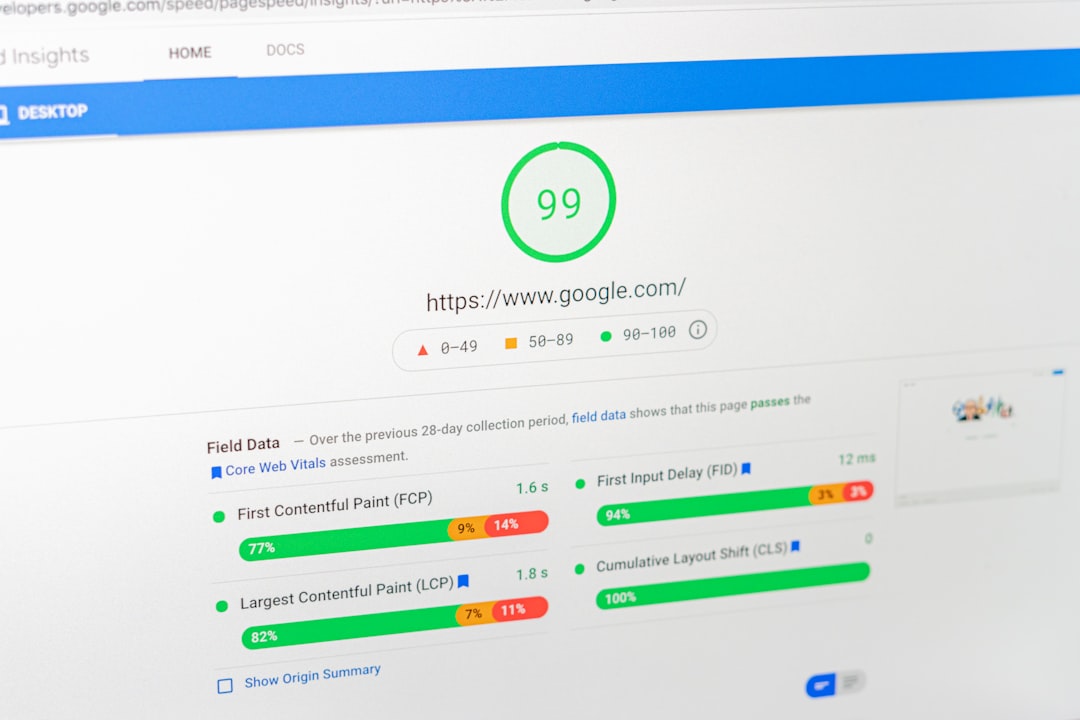
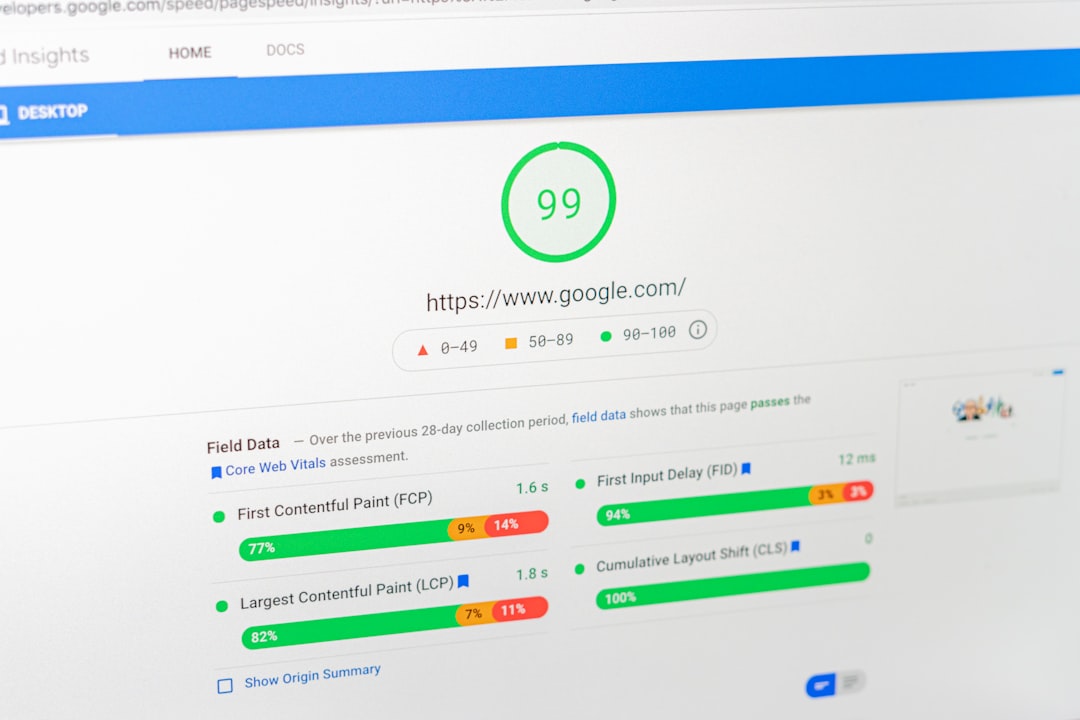
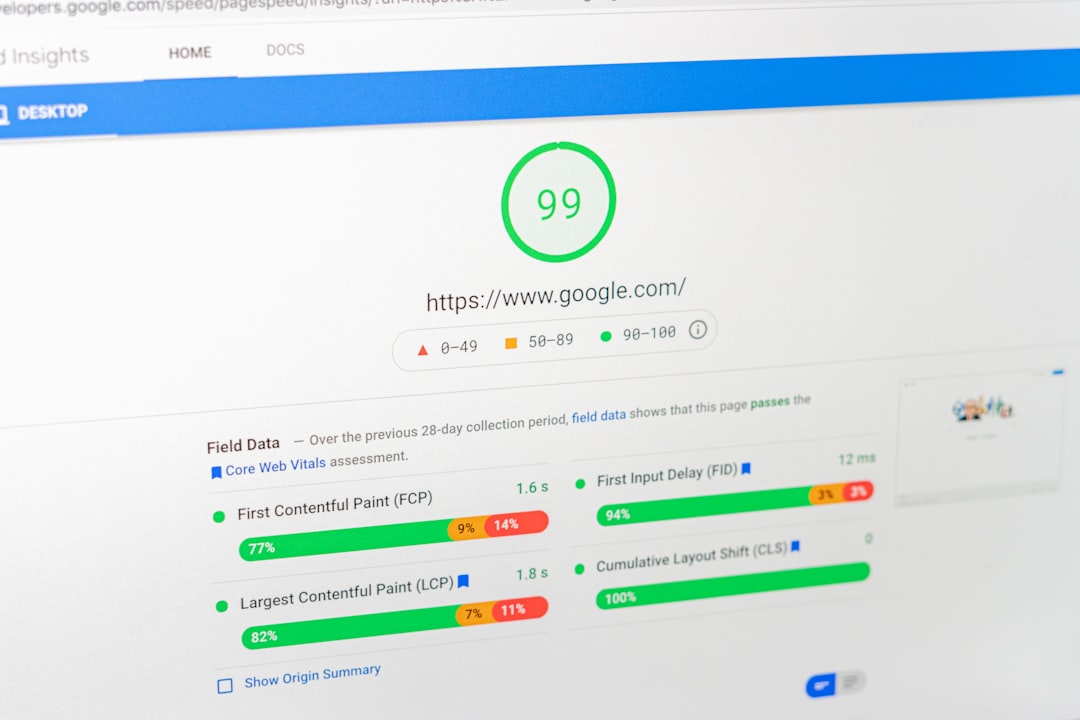
You do not need a perfect score. The goal is a site that loads cleanly, is easy to use, and sends consistent signals about which pages matter most. That usually means fewer tools, clearer templates, stronger links, and better page targeting.
When should you hire WordPress SEO services?
Bring in help when the problem is no longer obvious from inside the site. If rankings are flat after basic improvements, the real bottleneck is usually prioritization, not effort.
That is especially true after redesigns, migrations, WooCommerce changes, or years of plugin stacking. A diagnostic review can quickly separate technical blockers from content issues so you stop guessing and start fixing the right things in the right order.
Book a free SEO consultation with WordPress SEO Expert. No pitch, no pressure. Just an honest look at what your site actually needs and whether your current setup is part of the solution or part of the problem.
Contact WordPress SEO Expert today to schedule a consultation if you want a practical plan for improving rankings without overcomplicating your WordPress setup.