WordPress SEO services should make your site easier to crawl, easier to understand, and easier to improve. If rankings are flat, the issue is usually not effort. It is usually a scattered setup, weak page targeting, or technical clutter that keeps your best pages from sending clear signals.
That is where WordPress SEO Expert comes in. We focus on diagnosis before tactics, because a green light in an SEO plugin does not mean the page deserves to rank. The work that matters most is usually quieter: fixing indexation issues, simplifying plugin output, improving titles, tightening internal links, and making sure your content structure supports the pages that actually need to perform.
What WordPress SEO services should include
Good WordPress SEO services start with the problems that block visibility first. Before anyone talks about advanced tactics, they should check whether search engines can crawl the right pages, whether the site is creating duplicate signals, and whether important pages are clearly mapped to the right search intent.
A practical service usually includes technical review, on-page cleanup, internal linking, content targeting, and measurement through Search Console and analytics. If you need a broader baseline first, our WordPress SEO practical guide for DIY site owners explains how these layers work together.
Technical setup comes before content expansion
Technical cleanup is usually the fastest way to remove hidden drag from a WordPress site. If indexing rules are wrong, canonicals conflict, or thin archive pages are being crawled too aggressively, publishing more content often adds noise instead of momentum.
This is why we usually start with crawlability, indexing, sitemap review, archive settings, redirects, and plugin overlap. If your current setup feels messy or inconsistent, our guide on how to fix WordPress SEO setup problems walks through the order of operations.
Tools that support WordPress SEO work
The best tools support decisions. They do not replace judgment. One well-configured SEO plugin is enough for most sites, and the rest of the toolkit should help you verify crawlability, improve page quality, and spot problems before they spread.
Google recommends descriptive, concise title text and advises against keyword stuffing or repetitive boilerplate in title elements. Google also recommends crawlable HTML links with descriptive anchor text and unique page descriptions that accurately summarize the page. Those principles should shape how any SEO service configures your site structure and content templates.
| Tool type | What it helps with | Practical use |
|---|---|---|
| SEO plugin | Titles, meta descriptions, canonicals, sitemaps | Keep one primary plugin and configure it cleanly |
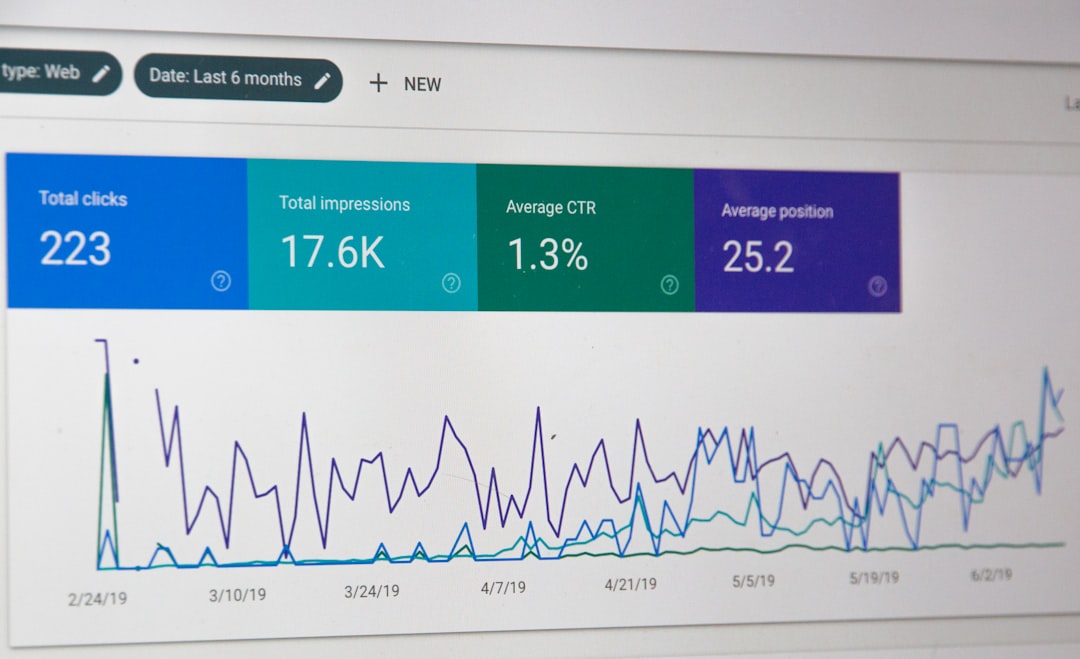
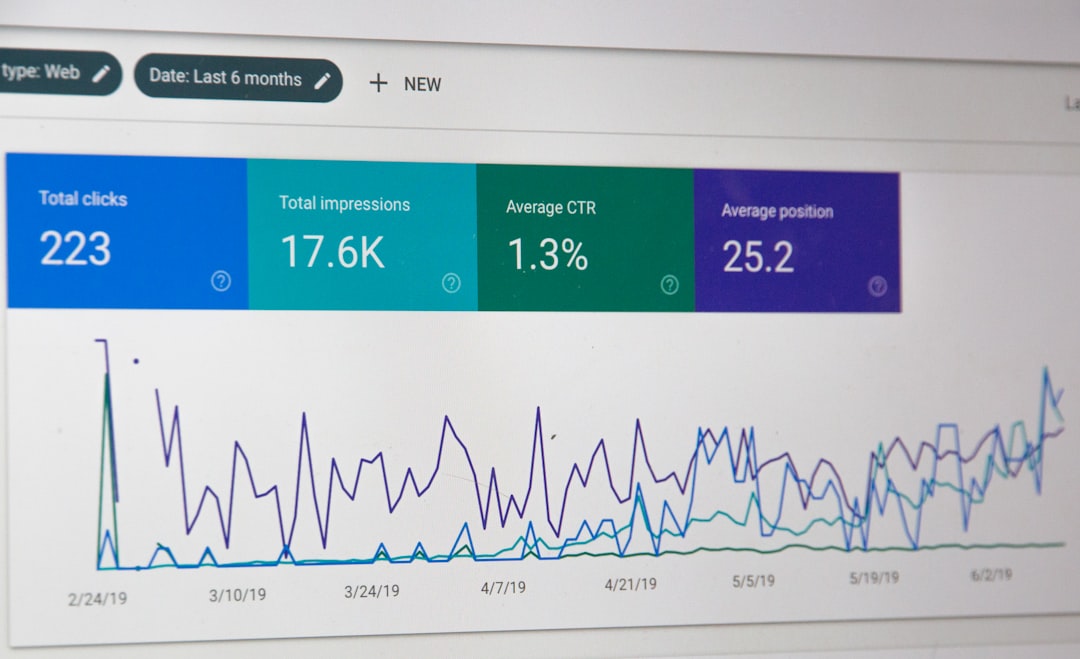
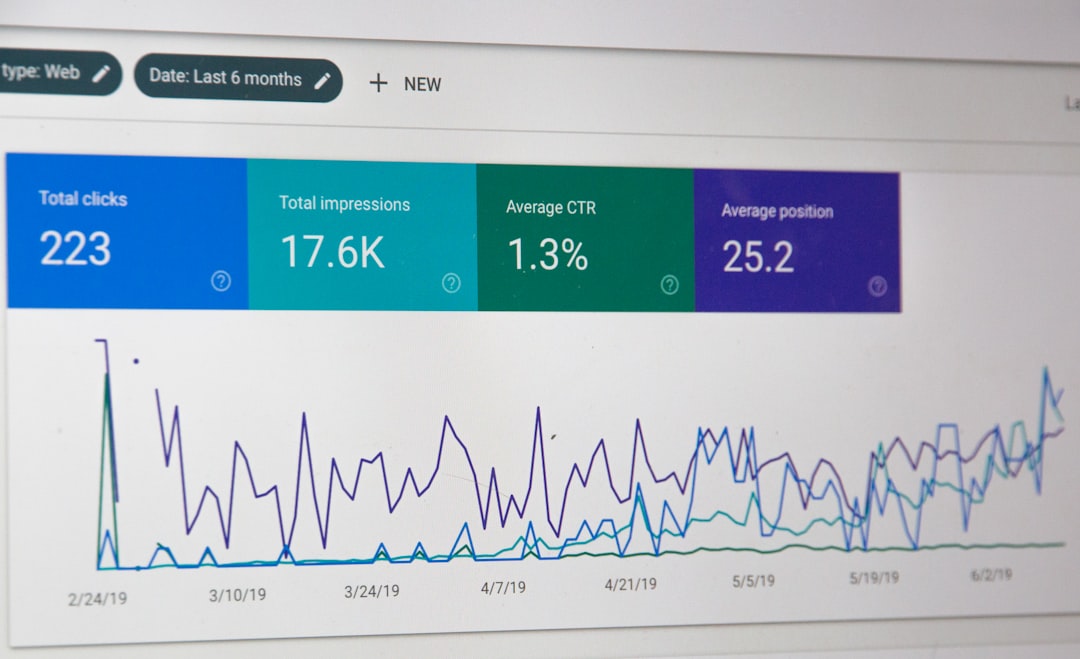
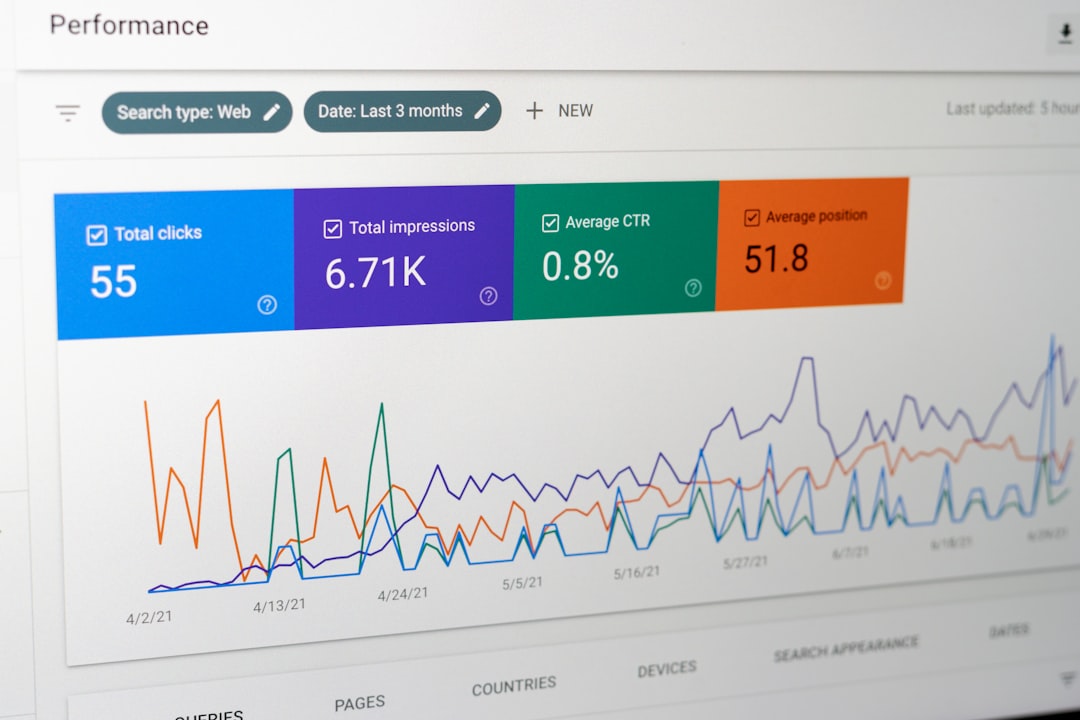
| Google Search Console | Indexing, impressions, page performance, coverage issues | Find pages already getting visibility and pages being excluded |
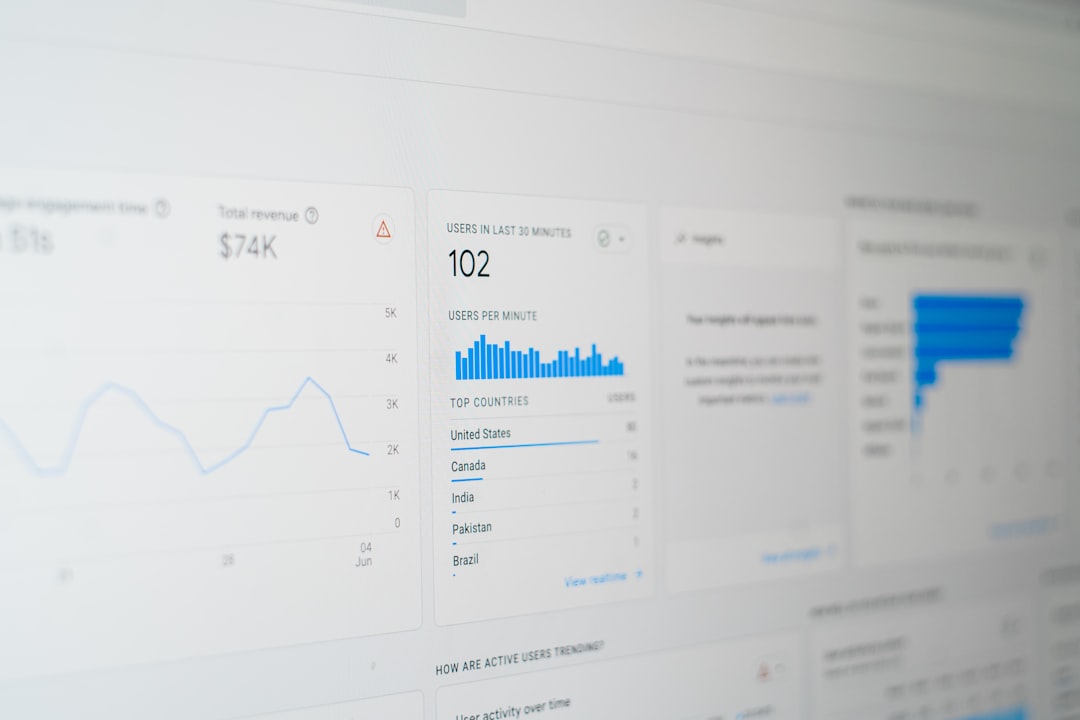
| Analytics platform | User behavior and conversions | Measure which SEO pages actually support leads or sales |
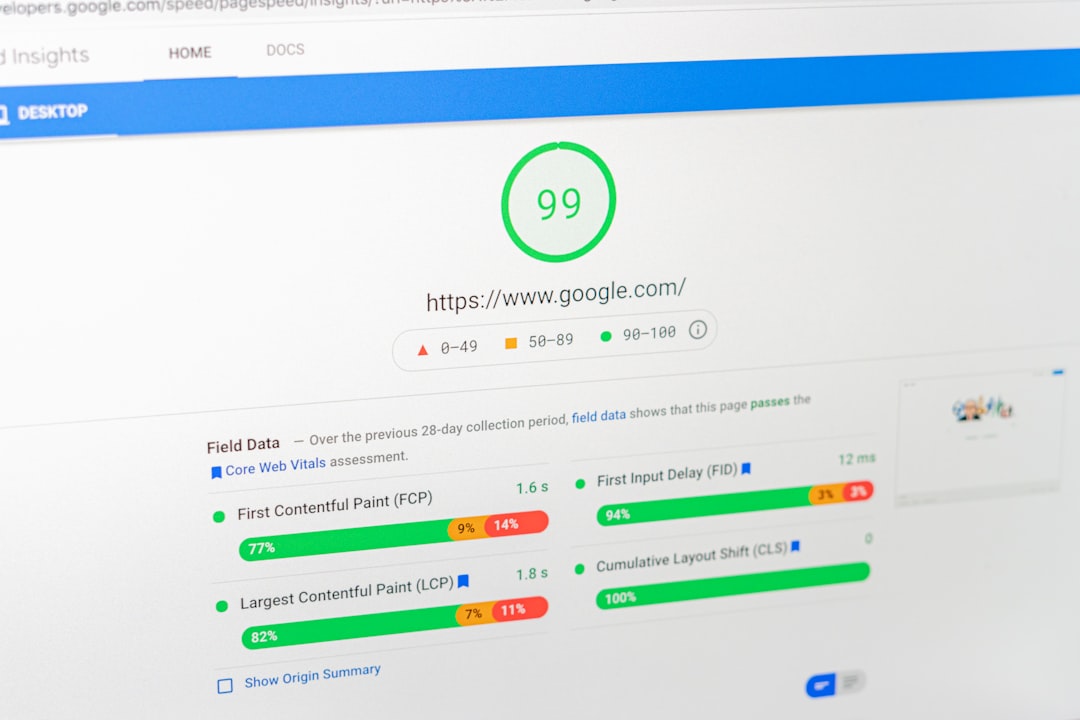
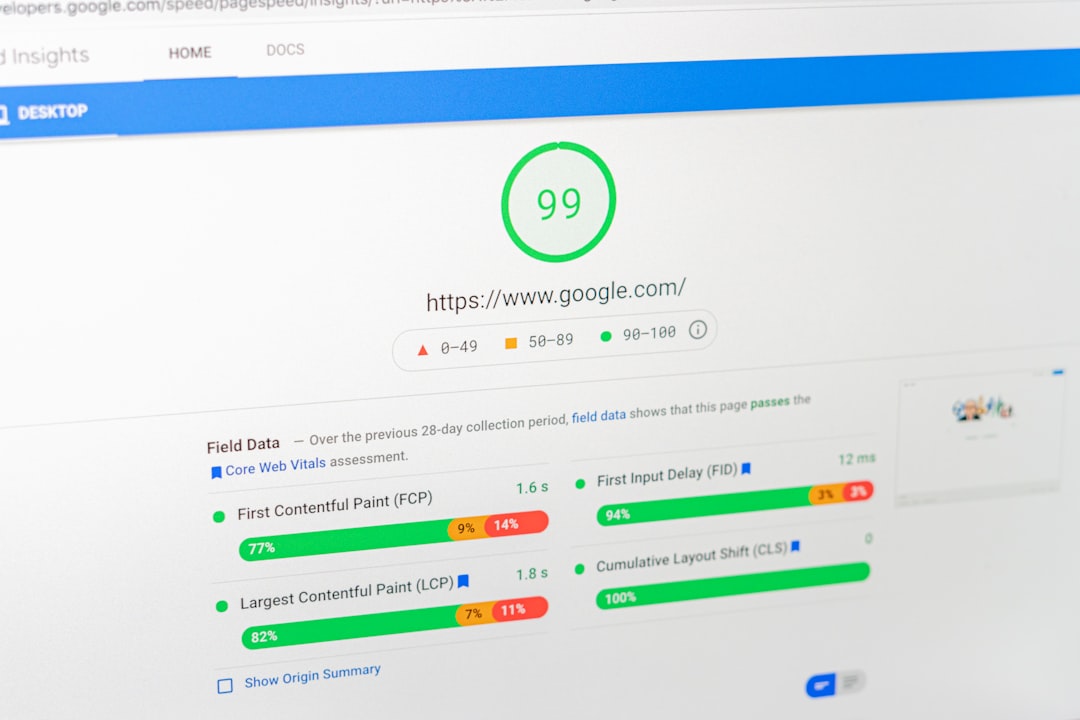
| Speed and performance tools | Template-level load issues and page experience friction | Review key pages instead of chasing perfect scores everywhere |
| Crawl tools | Broken links, duplicate patterns, orphan pages | Identify structural issues across larger WordPress sites |
Why fewer tools often work better
Too many overlapping tools create conflicting outputs and unclear priorities. Most site owners do not have one catastrophic problem. They have a stack of smaller issues that compound over time. Adding more plugins to an unclear setup usually makes diagnosis harder, not easier.
You do not need a perfect score. The goal is a site that loads cleanly, is easy to use, and sends consistent signals about which pages matter most. That usually means one SEO plugin, one caching layer, a clear internal structure, and content that matches what each page is supposed to do.
Techniques that matter more than plugin settings
The highest-value SEO techniques for WordPress are usually simple, but they have to be done in the right order. Fix the issues that block visibility before the issues that polish visibility. That principle matters more than any feature checklist.
Clarify page targeting
Each important page should target one clear intent. Service pages should answer commercial or transactional needs. Blog posts should answer informational questions and then support the next step with relevant internal links. When two pages chase the same topic, consolidation usually works better than publishing another variation.
Improve titles and descriptions
Titles and descriptions should help users understand what makes the page worth clicking. Generic patterns waste space and weaken relevance, especially when the same boilerplate appears across service pages, blog posts, and archives.
| Weak title | Stronger title |
|---|---|
| SEO Services | SEO Company | SEO Expert | WordPress SEO Services for Small Businesses |
| Blog | WordPress SEO Tips for Service Businesses |
| Home | WordPress SEO Consultant for Growing Sites |
Strengthen internal links
Internal links help search engines find pages, understand hierarchy, and connect supporting content to higher-value pages. They also help readers move naturally from education to action. Anchor text should describe the destination clearly instead of relying on vague prompts.
If your site has useful posts that sit in isolation, rankings often stall because your structure is not reinforcing what matters. This is especially common after redesigns, category changes, or years of publishing without a content map.
If you are experiencing these symptoms, our team at WordPress SEO Expert can help.
When professional WordPress SEO help makes sense
Professional help makes sense when your site has technical uncertainty, flat performance, or too many moving parts to troubleshoot confidently. That includes WooCommerce stores with crawl clutter, service businesses with weak page targeting, and post-migration sites that lost visibility after launch.
The right SEO service should not drown you in reports. It should tell you what is broken, what is merely imperfect, what to fix first, and what can wait. That is often the difference between spinning in plugin settings and actually improving search performance.
What to ask before hiring WordPress SEO services
Before hiring anyone, ask how they diagnose indexing issues, how they handle duplicate URLs, how they approach internal linking, and whether they simplify plugin stacks or add more tools. The answers will tell you quickly whether they understand WordPress SEO as a system or just as a checklist.
Look for a process that starts with technical clarity, moves into page targeting, and then supports growth with better content and stronger site structure. If the pitch depends on plugin scores, vague deliverables, or ranking promises, keep looking.
A practical next step
WordPress SEO services work best when they reduce confusion and create a clear order of operations. Most sites do not need a dramatic rebuild. They need someone to identify what is suppressing visibility, simplify the setup, and strengthen the pages that should be carrying more traffic.
Contact WordPress SEO Expert today to schedule a consultation. Book a free SEO consultation. No pitch, no pressure. Just an honest look at what your site actually needs and whether your current setup is part of the solution or part of the problem.