WordPress SEO usually stalls because the setup is scattered, not because one trick is missing. If you have installed plugins, edited pages, and still are not seeing progress, the real issue is often prioritization. A green light in an SEO plugin does not mean the page deserves to rank.
This guide answers the WordPress SEO questions site owners ask most often, in the order that actually helps. The goal is not to chase perfect scores. The goal is to make your site easier to crawl, easier to understand, and clearer about which pages matter most.
What should you fix first in WordPress SEO?
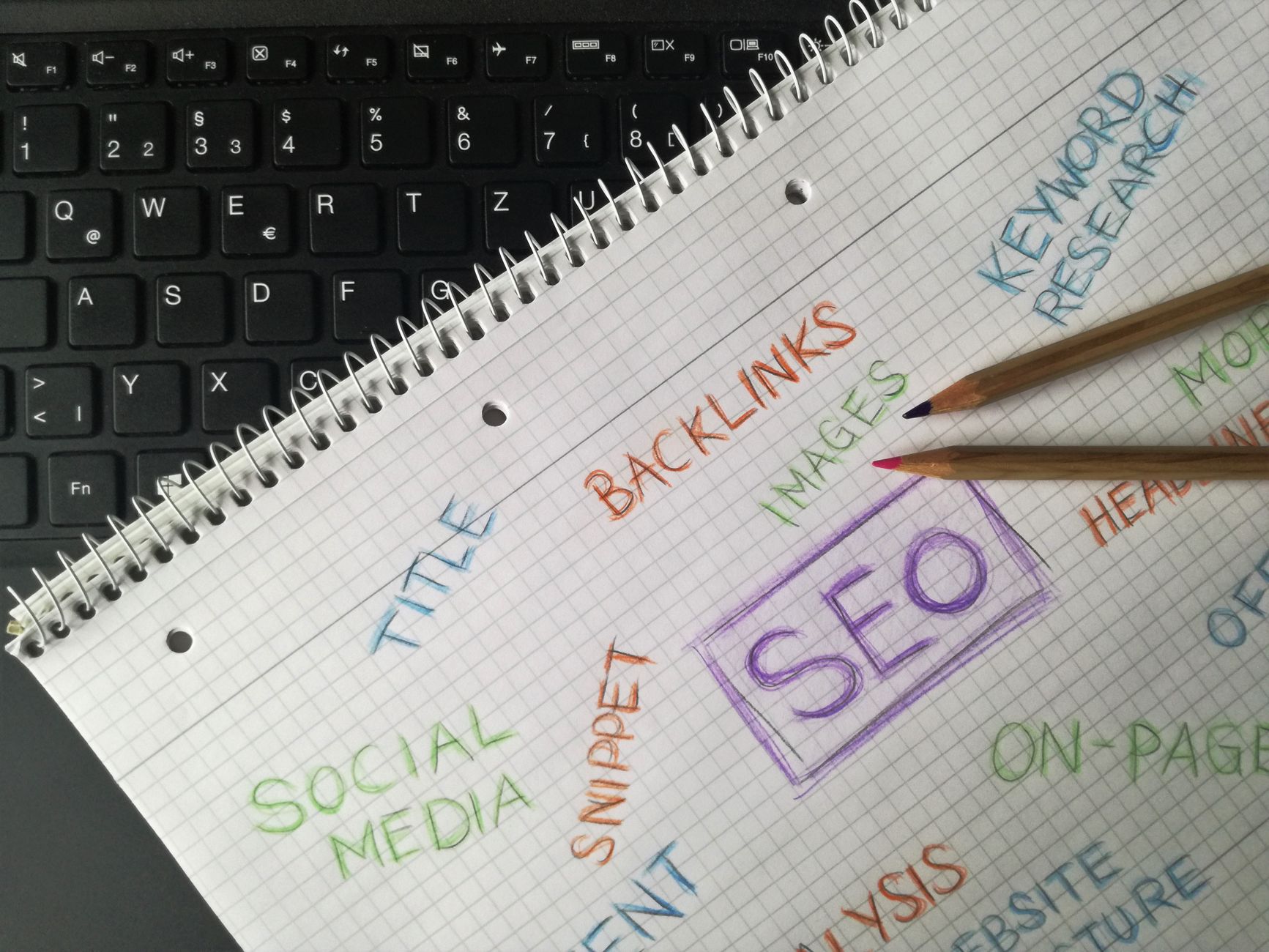
Fix indexing, crawl access, and page targeting before you spend time polishing small details. Most sites do not have one catastrophic problem. They have a stack of smaller issues that compound over time.
Start by checking whether your important pages can be crawled, indexed, and reached through internal links. Then review titles, headings, and content targeting on the pages that matter most. If your setup feels messy, this breakdown of WordPress SEO setup problems is a useful place to compare your current configuration against a cleaner baseline.
Fix the issues that block visibility before the issues that polish visibility. That usually means resolving noindex mistakes, thin archives, weak title patterns, and orphan pages before worrying about advanced schema or minor plugin features.
Do you need more than one SEO plugin?
No. One well-configured SEO plugin is enough, and adding more usually creates conflicts instead of improvements.
Running overlapping SEO plugins can produce duplicate metadata, conflicting canonicals, and competing sitemap outputs. That makes troubleshooting harder and can send mixed signals across the site. Keep one primary plugin, configure it carefully, and remove the rest.
If you are still deciding which plugin stack to keep, the broader WordPress SEO guide for DIY site owners explains how plugin choices fit into the larger SEO process.
Do plugin scores and green lights matter?
They matter a little as a checklist, but they are not a ranking strategy. Plugin scores can catch missing basics, yet they cannot tell you whether a page matches search intent or deserves attention.
A green light may confirm that you used a phrase in the title, added a meta description, or kept paragraphs short. It does not confirm that the content is useful, distinct, or aligned with the query. Write for the reader first, then use the plugin to verify the technical basics.
How should WordPress page titles be written?

Write page titles that are specific, concise, and clearly tied to the page content. Google recommends descriptive title text and warns against keyword stuffing and repetitive boilerplate in title elements.
That means weak titles like SEO Services | SEO Company | SEO Expert are usually less helpful than clearer titles that match one real topic. Each important page should have its own distinct title instead of sharing a generic pattern across the site.
| Weak title | Stronger title |
|---|---|
| SEO Services | SEO Company | SEO Expert | WordPress SEO Services for Small Businesses |
| Blog | WordPress SEO Tips for Service Businesses |
| Home | WordPress SEO Consultant for Growing Sites |
Titles should help both users and search engines understand what is on the page. Shorter, more descriptive wording usually does more for visibility than packing in every keyword variation.
Do meta descriptions help rankings?
Not directly, but they still matter because they can improve how your page is summarized in search results. Google says it may use the meta description when it provides a more accurate summary of the page.
Think of the meta description as click support, not a ranking lever. Write a unique description for your key pages that explains what the visitor will get. Avoid repeating the same boilerplate description across service pages, posts, and archives.
What heading structure works best?
Use one clear H1 for the main topic, then organize supporting sections with H2s and H3s. Good heading structure helps readers scan the page and helps search engines understand the page hierarchy.
On most WordPress themes, the page or post title is already the H1. From there, use H2s for the main sections and H3s only when you need a subsection inside a larger section. Do not use headings just to make text look bigger. Use styling for appearance and headings for structure.
How important are internal links?
Internal links are one of the simplest high-impact improvements on many WordPress sites. Google recommends crawlable links with descriptive anchor text, and those links help search engines understand which pages are most important.
Link broad blog posts to service pages, connect related articles to each other, and make sure key pages are not buried with no contextual links pointing to them. Descriptive anchor text is stronger than vague phrases because it adds context about the destination page.
If your rankings are flat and you are not sure whether the real problem is indexing, duplication, weak targeting, or plugin clutter, WordPress SEO Expert can help. A focused review often shows that the missing piece is not more content. It is cleaner internal structure and better page support.
Should archive pages be indexed?

Sometimes, but not automatically. Many WordPress archives are useful only when they add real navigation value and enough unique content to justify indexing.
Single-author blogs often do not need author archives indexed because they duplicate the main blog feed. Thin tag archives are another common problem. If an archive page adds little value and overlaps heavily with stronger pages, it is often better to noindex it and keep the focus on primary posts, pages, and useful category structures.
How much does site speed matter?
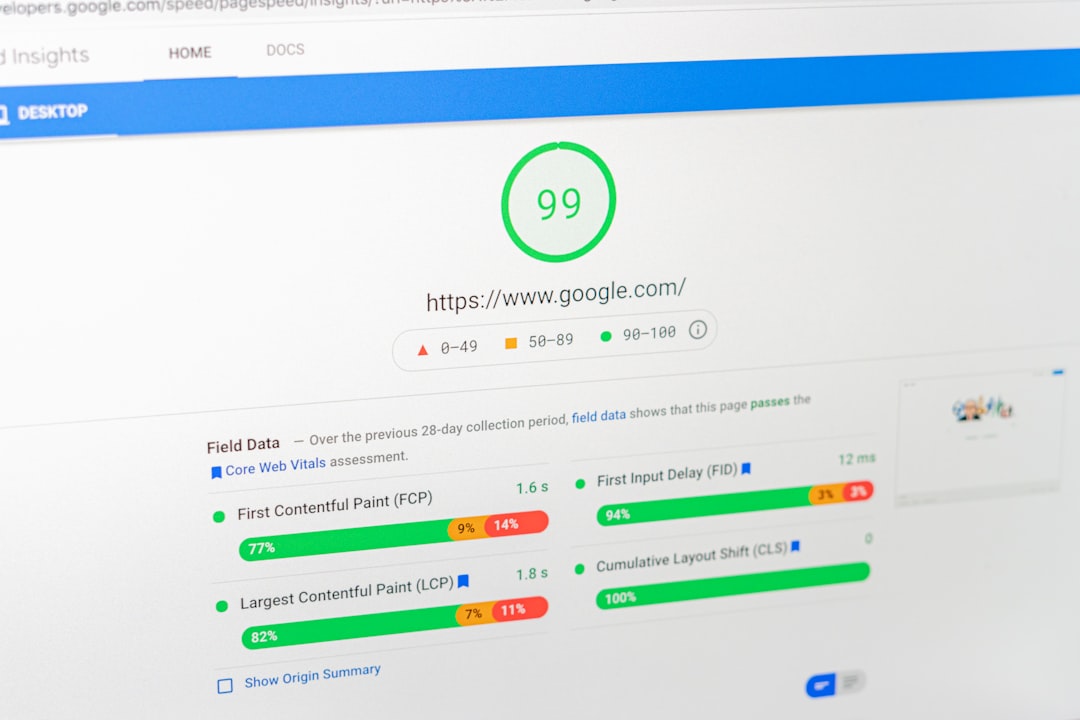
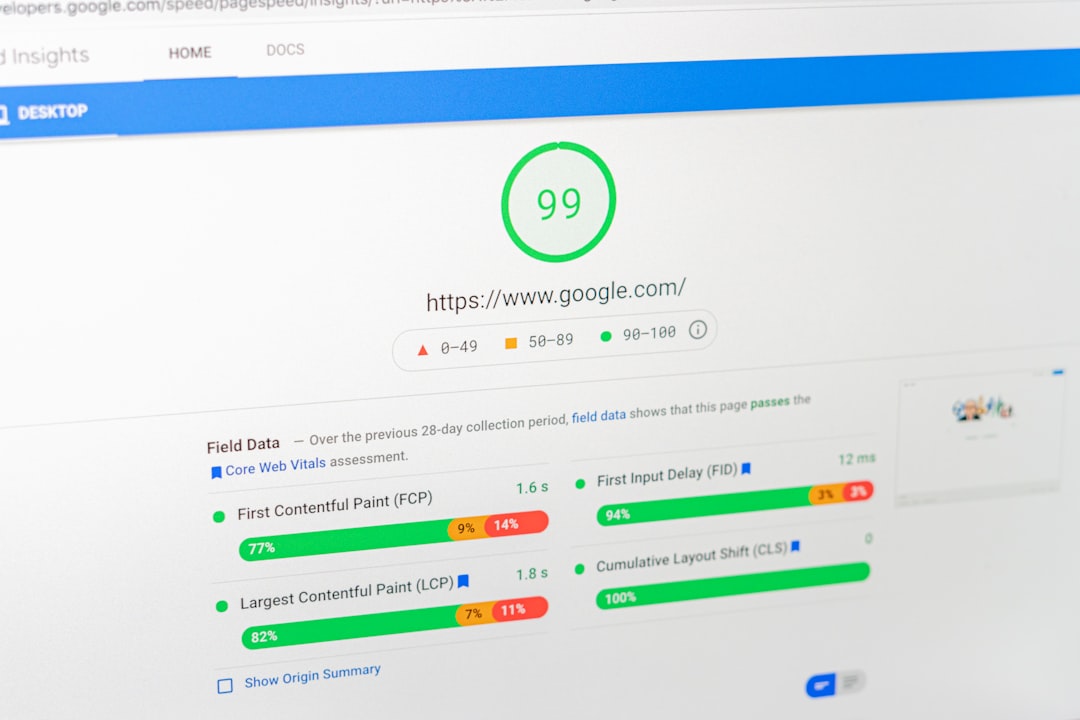
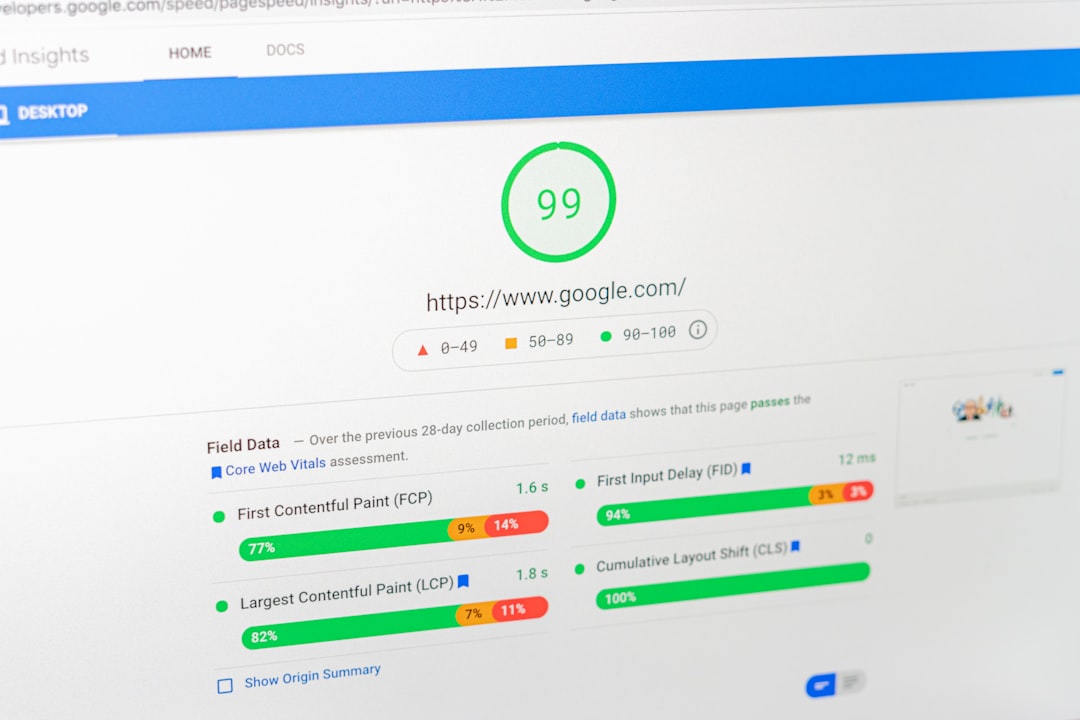
Site speed matters when it affects usability, stability, and crawl efficiency. You do not need a perfect performance score. You need a site that loads cleanly and does not frustrate visitors.
For most WordPress sites, the practical fixes are image compression, caching, reducing plugin bloat, and reviewing heavy themes or page builders. Speed work helps most when it supports a better user experience on your key templates, not when it becomes a side project disconnected from rankings and conversions.
Is schema markup a shortcut to rankings?
No. Schema helps search engines understand page content more clearly, but it does not replace weak targeting, weak content, or technical problems.
Use schema that matches visible page content and keep it accurate. Overloading pages with unnecessary schema types usually creates more confusion than value. For many business sites, a clean setup with organization details, article schema on posts, and breadcrumb markup is enough.
How often should you publish new content?
Publish when you have a clear purpose for the page, not because you feel pressure to hit a content quota. One useful page with a distinct target usually outperforms several thin posts chasing slight keyword variations.
Content should support your site structure, not clutter it. Before publishing, ask what query the page targets, what intent it serves, and which existing pages it should link to. If you cannot answer those clearly, the page probably needs a stronger plan before it goes live.
When should you get professional help?
You should get help when the basics are in place but the site is still flat, or when you cannot tell whether the main issue is technical, structural, or content-related. The right diagnosis saves more time than another round of random edits.
WordPress SEO Expert works with site owners who are tired of scattered advice and unclear priorities. We help identify what is actually blocking visibility, what can wait, and which fixes will make the biggest difference first.
Book a free SEO consultation. No pitch, no pressure. Just an honest look at what your site actually needs and whether your current setup is part of the solution or part of the problem.
Contact WordPress SEO Expert today to schedule a consultation if you want a practical plan instead of another generic checklist.