Existing WordPress sites usually do not need a fresh start. They need a cleaner plan. If rankings are flat, traffic is uneven, or important pages are stuck below stronger competitors, the problem is often a stack of smaller issues rather than one missing setting.
WordPress SEO Expert helps site owners sort those issues in the right order. A green light in an SEO plugin does not mean the page deserves to rank. What matters is whether search engines can crawl the right pages, understand which ones matter most, and see clear signals from your titles, content, and internal links.
If you need a broader baseline before making changes, start with our practical guide to WordPress SEO and our guide to fixing WordPress SEO setup problems. Both explain the foundation this article builds on.
Start With What Already Exists
The first step is not publishing more content. It is understanding what your current site is already telling search engines. Existing websites usually have old posts, duplicate archives, outdated templates, thin pages, and internal links that grew without a plan.
That is why optimization for an existing website is different from setup on a new one. You are not building from zero. You are deciding what to keep, what to improve, what to merge, and what to stop indexing. Fix the issues that block visibility before the issues that polish visibility.
Check Indexing Before On-Page Edits
If the wrong pages are indexed, on-page improvements will have limited effect. Before rewriting titles or adding more copy, confirm that your important pages are indexable and that low-value pages are not competing for attention.
Review your key service pages, product pages, categories, and core blog posts first. Then check whether author archives, tag archives, attachment pages, filtered URLs, or search results are being indexed when they should not be. Most site owners do not have one catastrophic problem. They have a stack of smaller issues that compound over time.
What to review first
Focus on homepage visibility, main revenue pages, XML sitemap output, robots directives, canonical tags, and orphan pages. If an important page is buried, duplicated, or accidentally excluded, that matters more than whether a plugin score says the introduction is long enough.
Keep One SEO Plugin and Simplify the Stack
One well-configured SEO plugin is enough. Running overlapping plugins often creates duplicate metadata, conflicting canonicals, and competing sitemap outputs. Existing websites pick up this clutter over time, especially after redesigns, handoffs, or partial audits.
If your site has Yoast, Rank Math, a schema plugin, and a separate redirection or social metadata tool all trying to control similar outputs, simplification usually helps before any advanced work begins. A cleaner setup is easier to audit and easier to trust.
Improve Titles on Pages That Already Matter
Your existing pages already have ranking history, impressions, and internal link context. That makes title improvements one of the fastest wins, especially on pages that appear in search but do not attract enough clicks.
Strong titles are specific, descriptive, and aligned with one intent. Weak titles are generic, repetitive, or stuffed with variations. Start with the homepage, primary services, top categories, and any pages already getting impressions in Google Search Console.
| Weak title | Stronger title |
|---|---|
| SEO Services | SEO Company | SEO Expert | WordPress SEO Services for Small Businesses |
| Blog | WordPress SEO Tips for Existing Websites |
| Homepage | Technical WordPress SEO Help for Growing Sites |
The goal is not to force every keyword into the title. The goal is to make the page easier to understand and more compelling to click when it appears in search.
Clean Up Internal Links Before Publishing More
Internal linking is one of the clearest ways to strengthen an existing site. It helps search engines understand hierarchy, discover pages more reliably, and connect supporting articles to the pages that drive leads or sales.
Look for blog posts that mention services, product categories, audits, migrations, or optimization problems but do not link to relevant core pages. Then add natural contextual links. A site with decent content but weak internal links often underperforms simply because its best pages are under-supported.
If you want a more structured review process, our WordPress SEO audit guide and WordPress SEO audit checklist can help you work through technical and structural issues in the right order.
Prune, Merge, or Noindex Low-Value Pages
Not every page on an older website deserves to stay indexed. Some pages should be improved, some should be merged into stronger pages, and some should simply be noindexed because they create duplication without adding value.
Common examples include thin tag archives, near-duplicate service pages, outdated blog posts with overlapping intent, and utility pages that searchers never need to land on directly. Existing websites often improve faster when they reduce noise than when they add more pages.
Fix Technical Friction That Keeps Good Pages Flat
Once indexing and page targeting are clearer, technical cleanup becomes easier to prioritize. Existing websites frequently carry slow templates, redirect chains, broken internal links, conflicting canonicals, and archive settings that were never reviewed after launch.
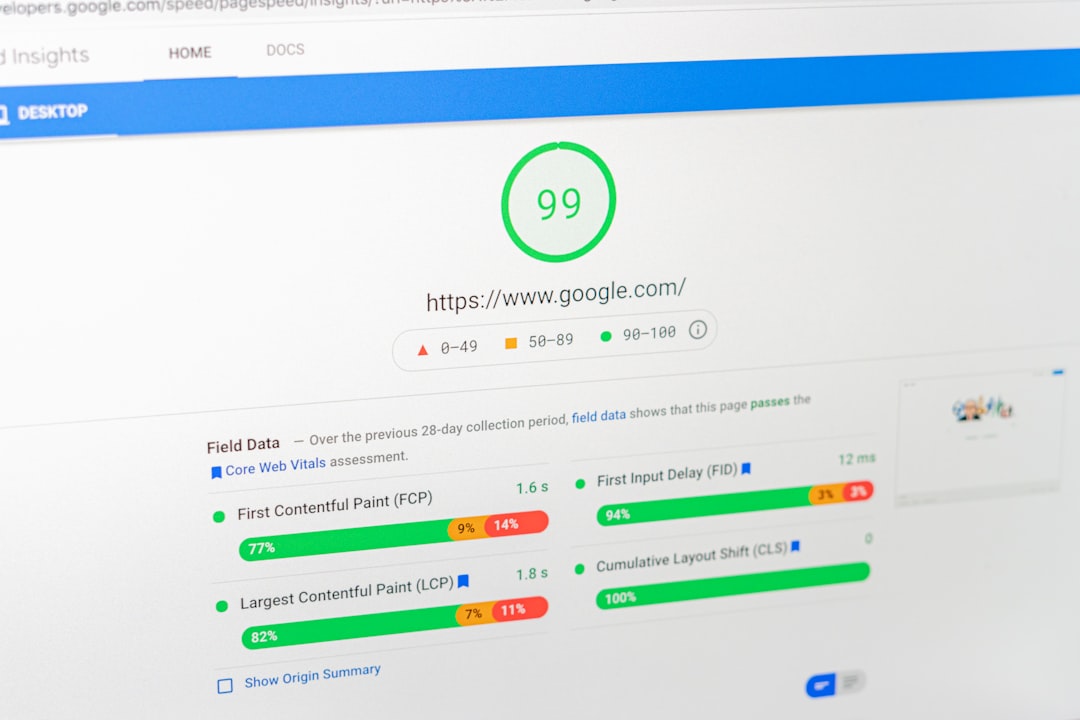
You do not need a perfect score. The goal is a site that loads cleanly, is easy to use, and sends consistent signals about which pages matter most. Technical SEO is valuable here because it removes friction from pages that already deserve better visibility.
Technical fixes that usually matter most
Prioritize crawl access, canonicals, sitemap accuracy, broken links, page speed on key templates, mobile usability, and duplicate archive handling. Save cosmetic settings and minor plugin features for later. Existing websites get better results when the basics are stable first.
Use Search Console as Your Priority Filter
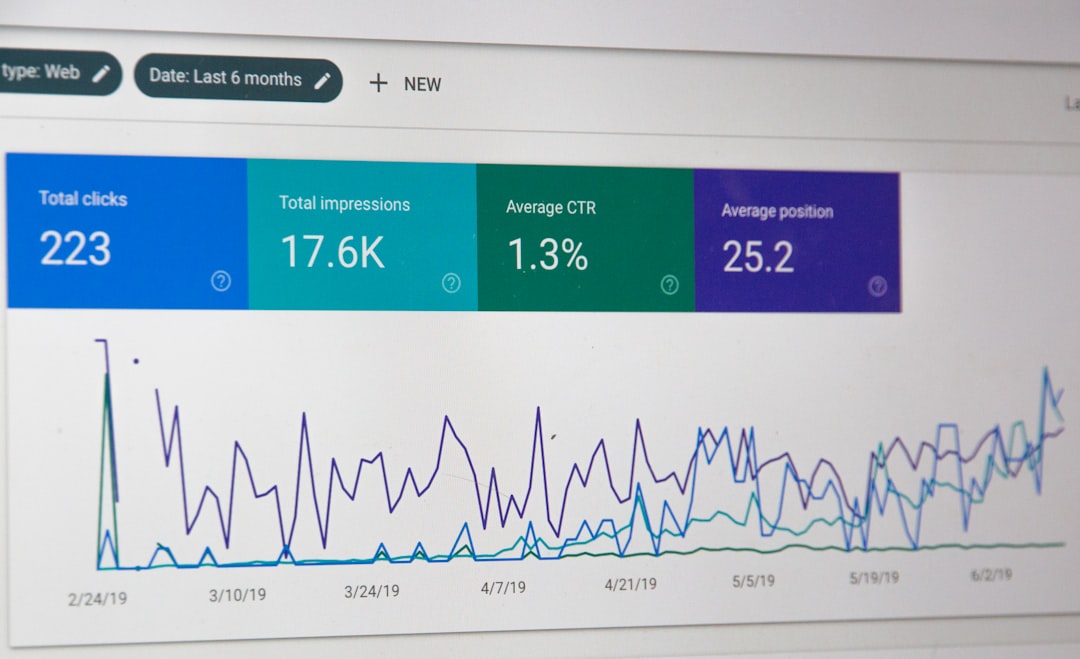
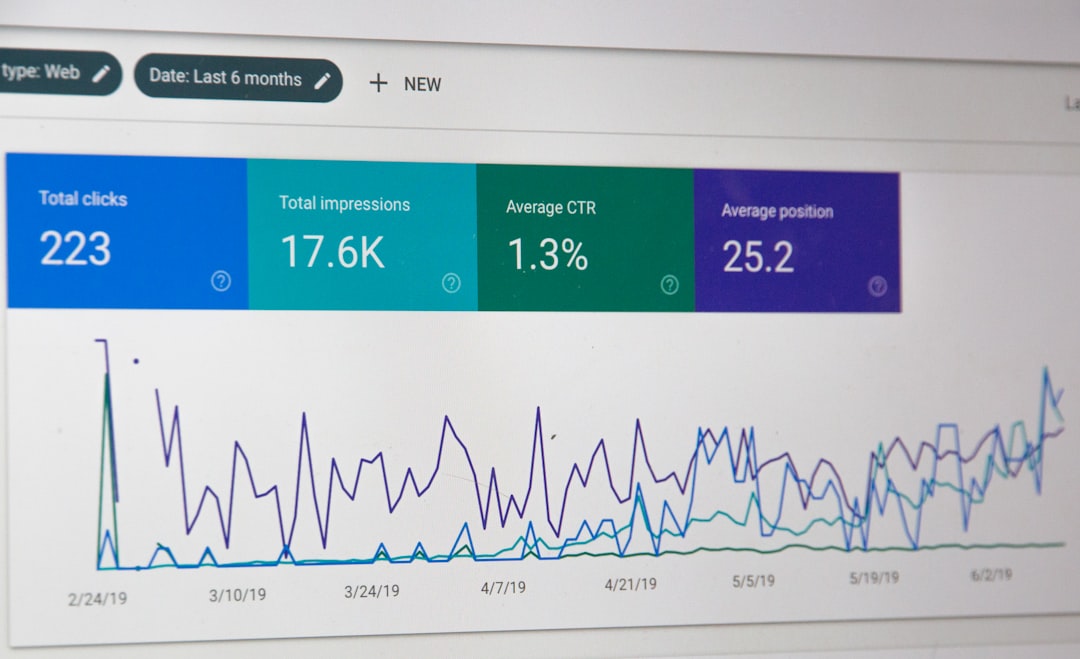
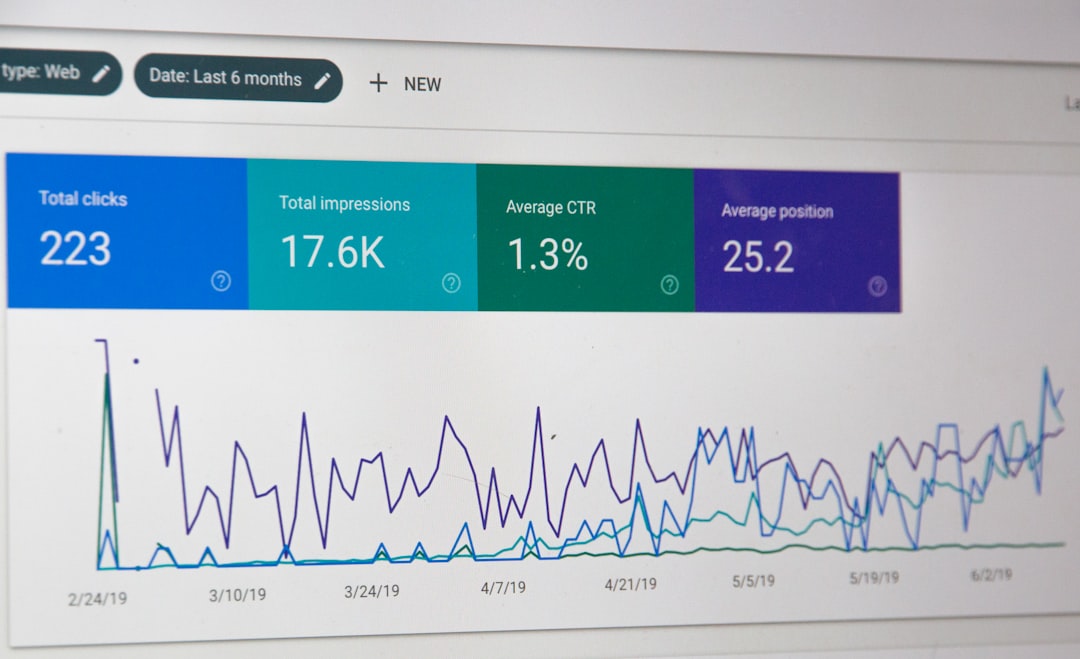
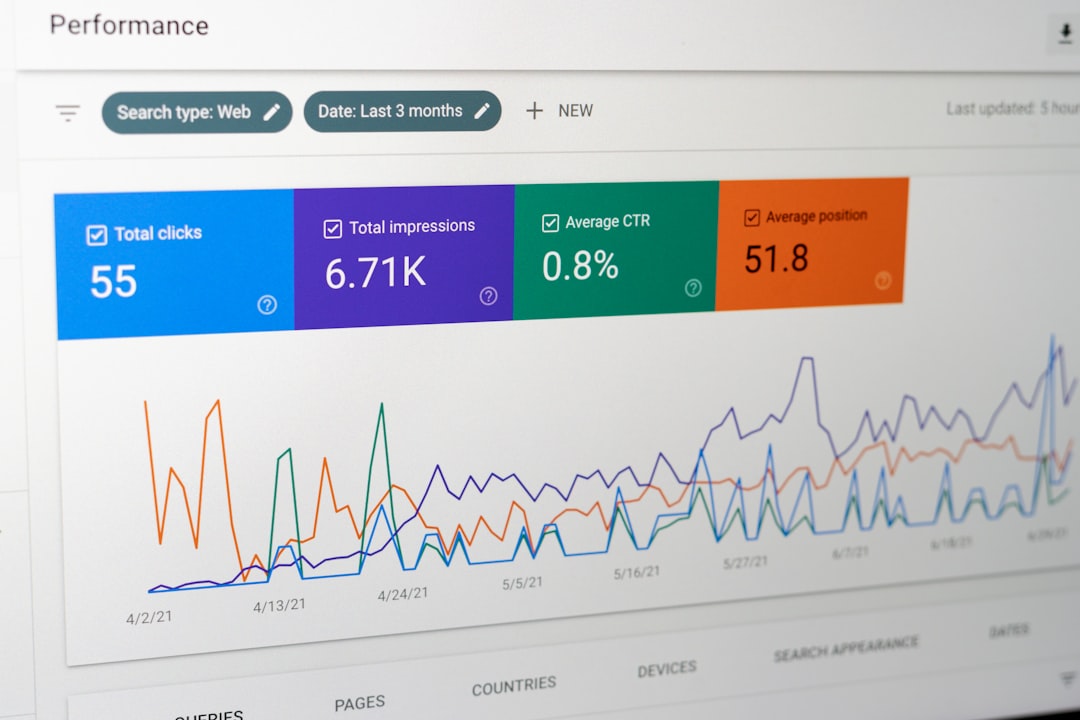
Google Search Console is often the fastest way to decide what to fix first on an established site. It shows which pages already get impressions, which queries a page is connected to, and where visibility exists without enough clicks.
Look for pages ranking close enough to improve with better titles, stronger internal links, cleaner targeting, or updated content. Existing sites usually have hidden opportunities sitting just outside strong visibility because no one has reviewed the pages as a group.
If you are experiencing these symptoms, our team at WordPress SEO Expert can help. A focused review can tell you whether your flat rankings come from indexing, duplication, weak targeting, plugin clutter, or a site structure that stopped scaling cleanly.
A Better Order of Operations
Optimization works better when tasks are sequenced. Existing websites usually struggle because owners bounce between plugins, blog writing, metadata edits, and speed tools without first deciding what blocks visibility most.
| Priority | What to fix | Why it comes first |
|---|---|---|
| 1 | Indexing and crawl access | Pages cannot perform if search engines cannot reach or trust them properly. |
| 2 | Plugin conflicts and duplicate signals | Sitewide conflicts distort titles, canonicals, schema, and sitemaps. |
| 3 | Page targeting and title clarity | Important pages need one clear purpose before deeper optimization. |
| 4 | Internal linking | Better links strengthen discovery, hierarchy, and page support. |
| 5 | Content consolidation | Merging overlap often outperforms adding more thin content. |
| 6 | Speed and template cleanup | Technical improvements work best after core page priorities are clear. |
When Existing Websites Need Professional Help
If you have already installed the usual plugins, updated content, and followed generic checklists but rankings are still flat, the issue is usually diagnosis and prioritization. That is where outside review helps most.
WordPress SEO Expert can help you sort out what to keep, what to remove, and what to fix first. Book a free SEO consultation. No pitch, no pressure. Just an honest look at what your site actually needs and whether your current setup is part of the solution or part of the problem.
Contact WordPress SEO Expert today to schedule a consultation if you want a practical plan for improving an existing website without turning it into a bigger technical mess.